
Creation of the first mutator
Simple step-by-step instructions for creating the simplest mutator.
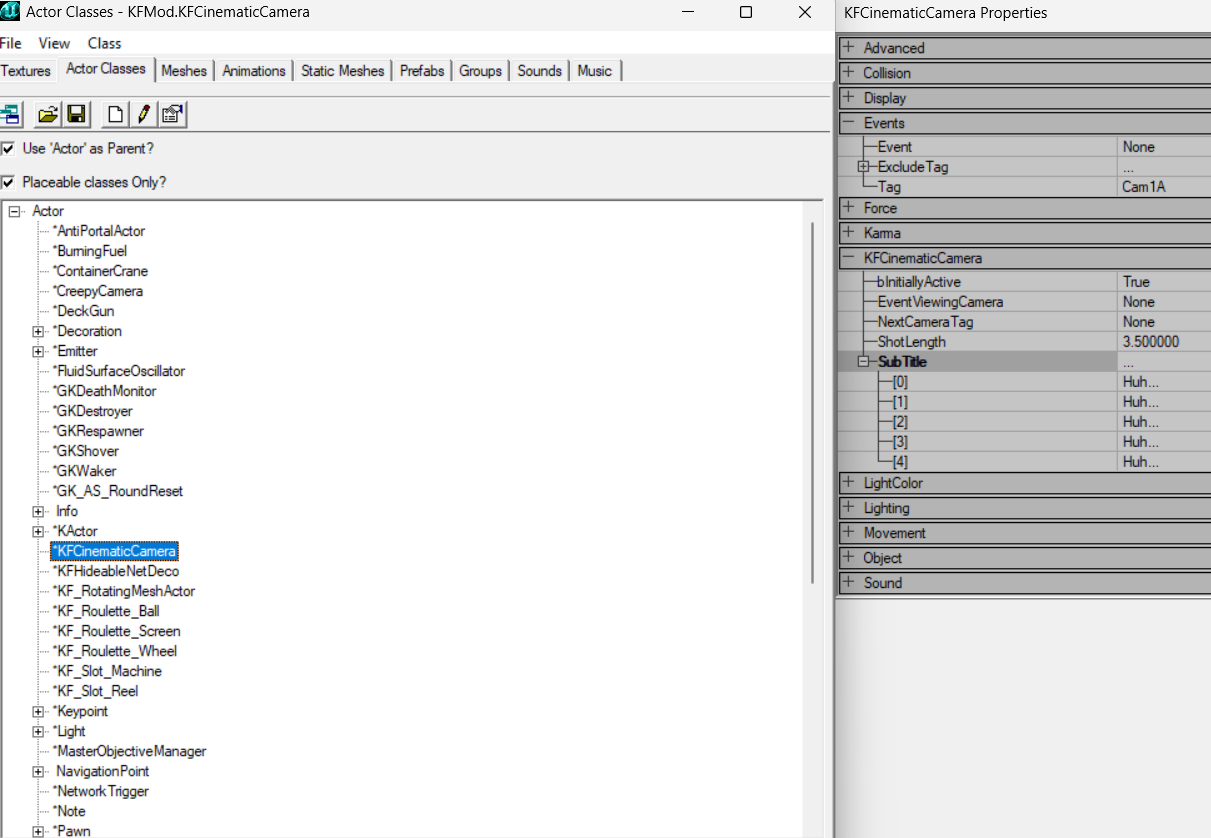 The Actor Classes browser in the KF Editor lists the UnrealScript classes loaded from packages.
1. First, create a subfolder in the game folder named after your future mutator, and a Classes folder inside it. For example, you might end up with this structure:
C:\Games\KF\NewMut\Classes2. Next, in the Classes folder, create a file with a .uc extension, for example Mut1.uc
3. Open killingfloor.ini in the game's System subfolder with Notepad. Find the line [Editor.EditorEngine] and add the following line after it:
EditPackages=YourMutatorFolderNamethat is, in our case:
EditPackages=NewMut4. Open the file created in step 2 in Notepad and paste this code into it:
class Mut1 extends Mutator;
defaultproperties
{
GroupName="KFNewMut"
FriendlyName="Новый мутатор"
Description="Простой мутатор"
}
Please note that the word class must be followed by the same name as the file created in step 2. Also, the name assigned to the GroupName property must always begin with the letters KF. Save the file.
5. Compile the mutator. To do this, create a file with a .bat extension in the game's System subfolder, for example make.bat, and paste this text into it with Notepad:
del NewMut.u
ucc make
del steam_appid.txt
Explanations of the code. The first line is to delete our compiled mutator, if it already exists, since if this is not done, then when changes are made to the mutator code after the first compilation, they will not take effect. With the second line we force the ucc utility (the ucc.exe file should be in the System subfolder of the installed game) to compile all killing floor mutators, including ours. The third line we delete the file created by ucc after compilation, which prevents the game from starting.
6. Save and run the file created in step 5. Two files should now appear in the game's System subfolder:
NewMut.u
NewMut.ucl
This is the mutator itself and its description file.
That's all. You can start the game, create a new one and see your new mutator in the mutators tab. Our mutator does not perform any functions, it is just a shell.
Having studied the unreal script, you can write a functional mutator. You can start studying from here
"Redefinition of function ... differs from original" error
In the discussion of the thread "How to create a mutator for Killing Floor" on the killingfloor.ru forum, this error came up while rebuilding ServerPerks:
Error, Redefinition of 'function AddKill' differs from original in KFSteamStatsAndAchievementsFreddy explained it this way: the AddKill function is overridden incorrectly. When you override a function, its interface must match the original: the type and number of parameters and the return type. Find the AddKill function in the KFSteamStatsAndAchievements class and compare your declaration with it.
More on building with ucc make: Compiling packages with ucc make.
