
Killing Floor Play with Friends Steam - How to Play Together
Playing Killing Floor with friends on Steam is easy once you know how. Here's a complete guide to playing together.
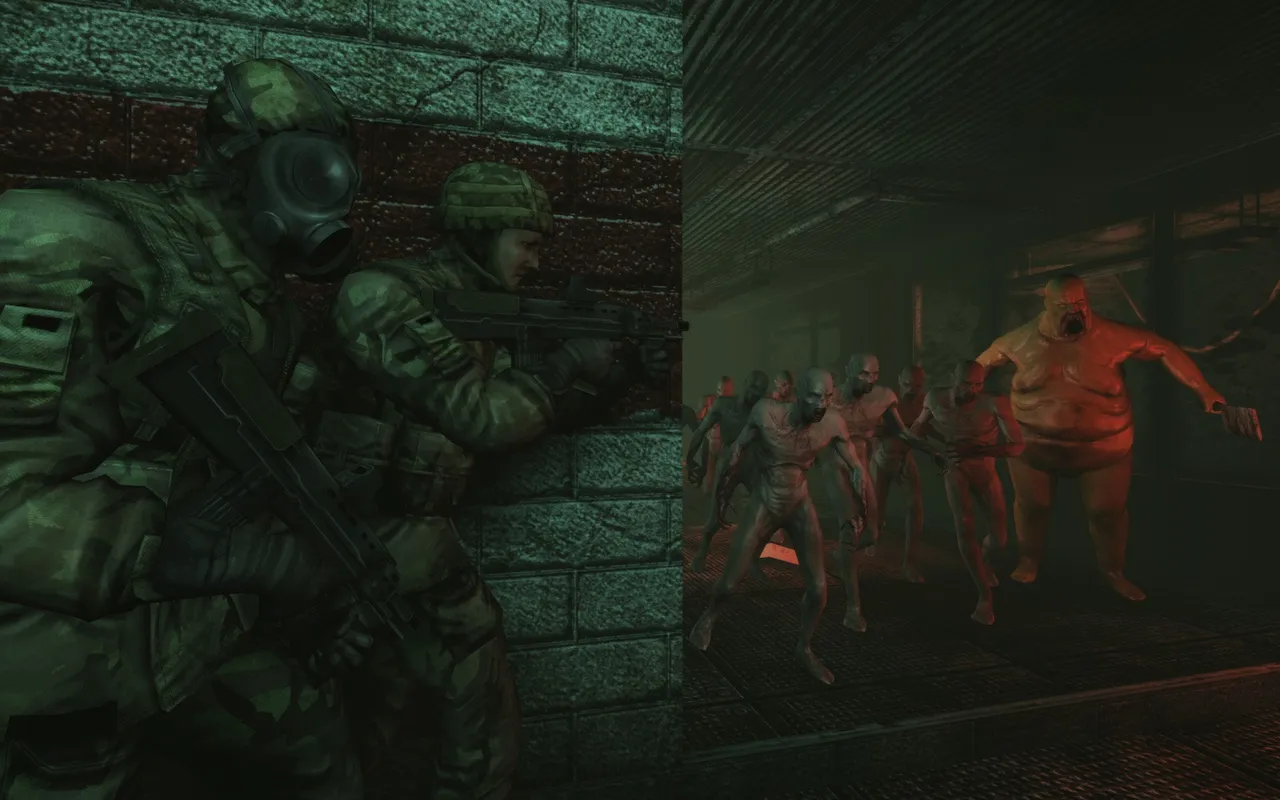 A squad holds a corner while a Bloat leads the horde toward them.
Quick Method: Server Browser
Step-by-Step Guide
- Launch Killing Floor - Open the game through Steam
- Open Server Browser - Click "Multiplayer" → "Server Browser"
- Find a Server - Browse or search for servers
- Join Together - Both players join the same server
- Add to Favorites - Save server for easy access later
Using Favorites
- Find a server - In server browser
- Right-click server - Select "Add to Favorites"
- Share IP address - Give friend the server IP
- Both join - Use Favorites tab to join quickly
Direct Connect Method
Using IP Address
- Get server IP - From server browser or friend
- Open console - Press ` (tilde key) in-game
- Type command:
open <IP>:<PORT> - Press Enter - Connect directly
Console Commands
open <IP>:<PORT>- Connect to serverreconnect- Reconnect to last serverdisconnect- Leave current server
Troubleshooting
Friend Can't See Server
Solutions:
- Use Favorites instead of search
- Make sure both have same game version
- Try direct connect with IP
- Check firewall settings
Connection Issues
Solutions:
- Check internet connection
- Verify firewall allows game
- Try different server
- Restart game and Steam
Download Problems
Solutions:
- Wait for downloads to complete
- Check Fast Download Guide
- Clear cache if needed
- Verify game files
Tips for Best Experience
- Use voice chat - Steam voice chat or Discord
- Coordinate roles - Choose different perks
- Stick together - Teamwork is essential
- Save favorite servers - For easy access
- Check server rules - Before joining
