
KF2 Perk Progress Reset to Zero - .NET Framework 3.5 Fix
If you start Killing Floor 2 and every perk and all your progress look wiped, do not panic yet. The author of this guide, a Russian-speaking player, ran into exactly this and found a cause that is easy to miss.
How it started
A friend called to say all of her progress in the game had disappeared. Logged into her account on another computer, everything was intact, including all perks. That pointed to the PC, not the account. The team tried the usual cures and none worked:
- reinstalling the game;
- a full Windows reinstall;
- verifying game files through Steam.
The real cause
Later another person from the same group hit an identical problem. On a different PC the game displayed a message asking to install Microsoft .NET Framework 3.5. Without that framework the game:
- does not start correctly;
- resets perks;
- may show empty progress.
The odd part, the author notes, is that after one of the game updates not everyone received the prompt about the missing framework.
How to fix it
- Search for "Microsoft .NET Framework 3.5 download".
- Open the official Microsoft site.
- Download and install .NET Framework 3.5. It must be 3.5, not a newer version.
- Restart the computer.
- Start Killing Floor 2.
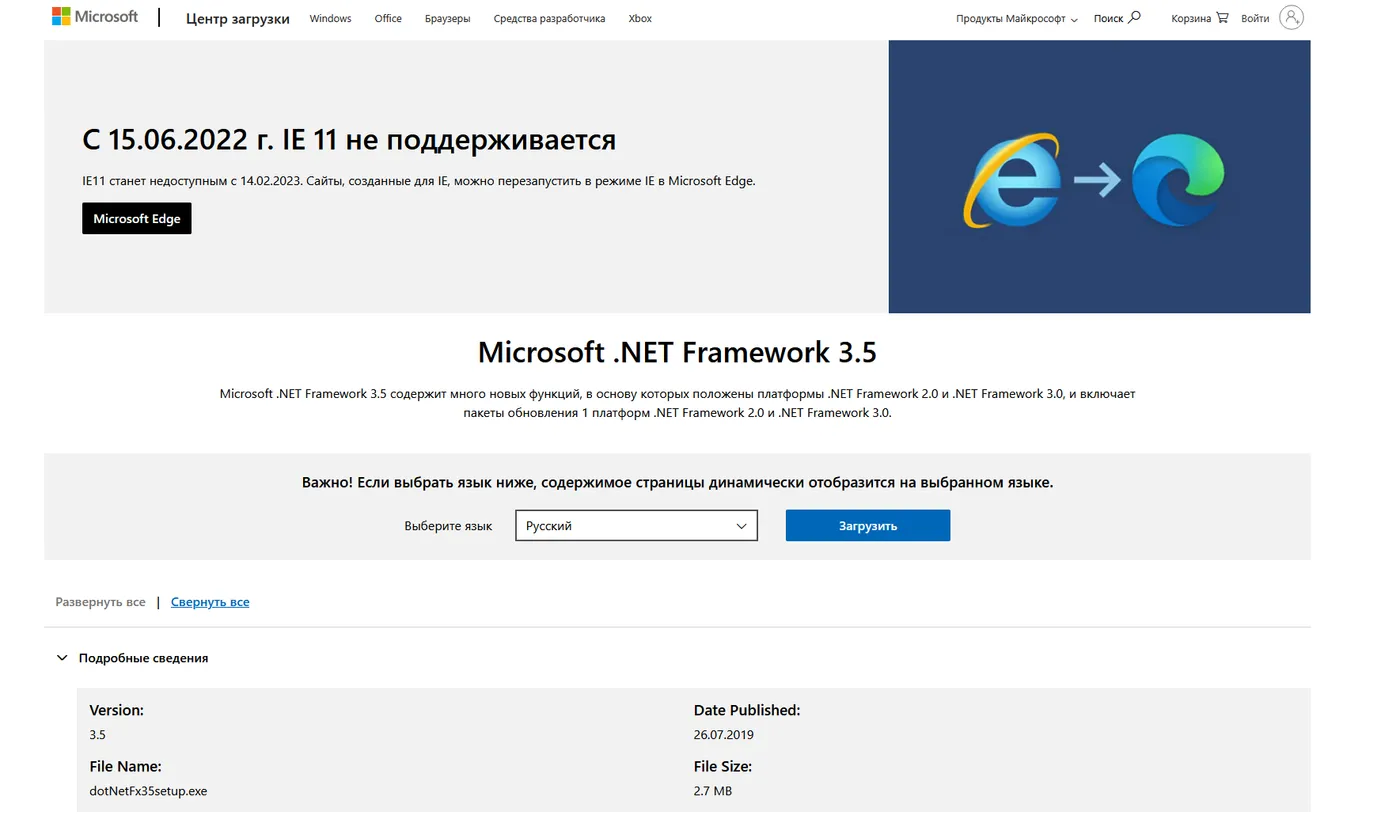 The official Microsoft download page for .NET Framework 3.5 (dotNetFx35setup.exe, about 2.7 MB).
After this the progress was fully restored and the problems did not return.
If it did not help
Commenters report mixed results. Some still entered lobbies as an observer and were missing from the player list after the fix. In that case, also try the other known causes. See the first-launch .NET error page for the Windows Features and DISM routes, and the checklist for a game that will not run.
FAQ
- My KF2 perks and levels show as zero. Is my account broken?
- Probably not. In the case described here, the same account showed full progress on a different computer, so the problem was the PC, not the account.
- What fixed it?
- Installing Microsoft .NET Framework 3.5 (specifically 3.5, not a newer version) and restarting the computer.
- Did reinstalling the game or Windows help?
- No. The author reinstalled the game, reinstalled Windows and verified the files in Steam, with no result.
