
Killing Floor 3 System Requirements - Can Your PC Run It?
Before purchasing Killing Floor 3, make sure your system can handle it. Here are the official system requirements and performance tips.
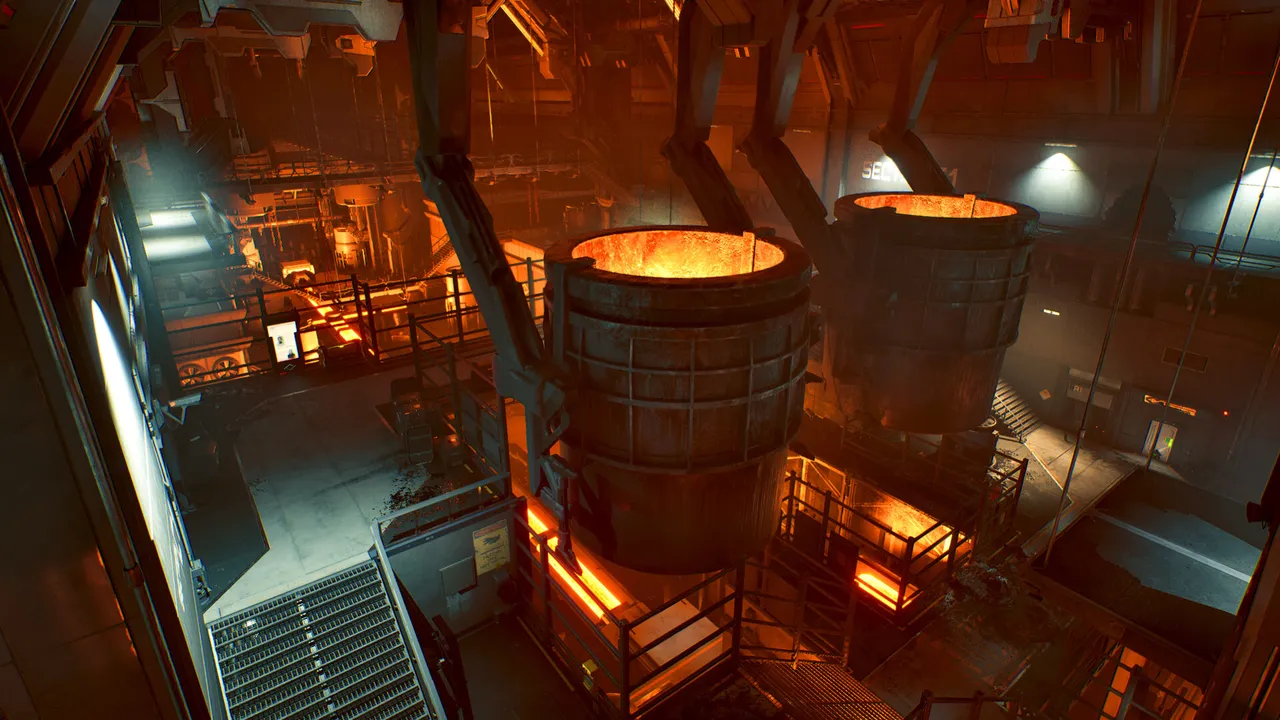 A foundry with molten-metal vats, one of the industrial areas in Killing Floor 3.
PC System Requirements
Minimum Requirements
- OS: Windows 10 (64-bit)
- Processor: Intel Core i7-4790 / AMD Ryzen 5 2600
- RAM: 16 GB
- Graphics: NVIDIA GeForce GTX 1060 / AMD Radeon RX 480 (6 GB VRAM)
- DirectX: Version 12
- Storage: 18 GB available space
- Network: Broadband Internet connection
Recommended Requirements
- OS: Windows 10 (64-bit) or newer
- Processor: Intel Core i7-8700K / AMD Ryzen 7 2700X
- RAM: 16 GB
- Graphics: NVIDIA GeForce GTX 1080 / AMD Radeon RX 5700
- DirectX: Version 12
- Storage: 50 GB available space (SSD recommended)
- Network: Broadband Internet connection
Console Requirements
PlayStation 5
- Storage: ~50 GB available space
- Internet: Required for multiplayer and updates
Xbox Series X/S
- Storage: ~50 GB available space
- Internet: Required for multiplayer and updates
Performance Tips
For Better FPS
- Use an SSD - Significantly faster load times
- Close background applications - Free up RAM
- Update graphics drivers - Latest drivers often improve performance
- Lower graphics settings - Start with recommended settings and adjust
- Disable unnecessary overlays - Discord, Steam overlays can impact performance
Graphics Settings Guide
- Resolution: Start with your monitor's native resolution
- Texture Quality: High (can lower if VRAM limited)
- Shadow Quality: Medium to High
- Anti-Aliasing: TAA or FXAA
- Post-Processing: Medium
- Effects Quality: High (important for gore system)
Can You Run It?
Check Your System
To see if your PC meets the requirements:
- Check your processor: Right-click "This PC" → Properties
- Check your RAM: Same location
- Check your graphics card: Device Manager → Display adapters
- Check available storage: File Explorer → This PC
Online Tools
You can use online tools like:
- Can You Run It (systemrequirementslab.com)
- PC Game Benchmark
Troubleshooting Performance Issues
Low FPS
- Lower graphics settings
- Update graphics drivers
- Close background applications
- Check for thermal throttling (overheating)
Stuttering
- Install on SSD
- Lower texture quality
- Disable V-Sync if not needed
- Check for Windows updates
Crashes
- Verify game files integrity
- Update graphics drivers
- Check Windows Event Viewer for errors
- Run as administrator
Network Requirements
For online multiplayer:
- Minimum: 1 Mbps download, 0.5 Mbps upload
- Recommended: 5 Mbps download, 1 Mbps upload
- Ping: Under 100ms for best experience
Storage Space
The game requires:
- Initial download: ~18-50 GB
- After installation: ~50 GB (with updates)
- Future updates: Additional space may be needed
Make sure you have at least 60 GB free for the game and future updates.
