
Killing Floor 1 Aim - Aiming Tips and Settings
Improving your aim in Killing Floor 1 is crucial for survival. Here are tips and settings to help you become more accurate.
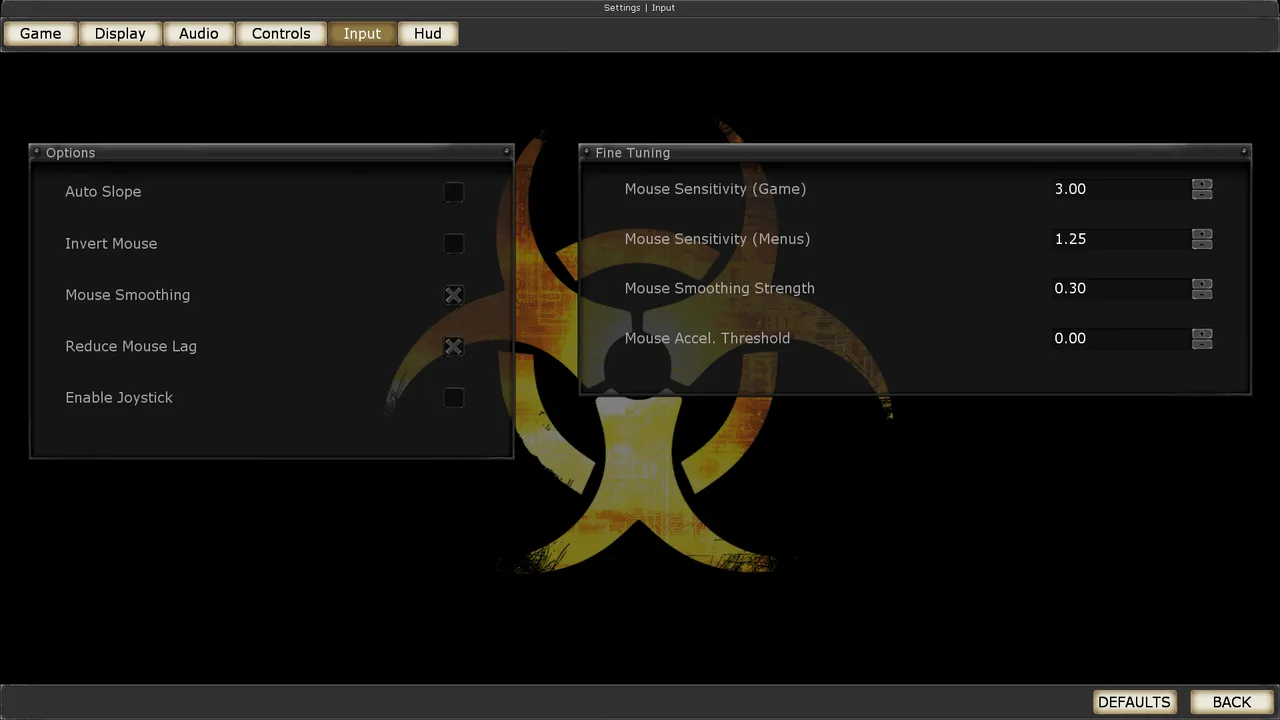 The Killing Floor Input menu: mouse sensitivity, mouse smoothing and joystick options. Screenshot: PCGamingWiki.
Mouse Settings
Sensitivity
- Find your sweet spot - Not too high, not too low
- Test different values - Experiment to find what works
- Consistent settings - Use same sensitivity across games
- Lower is usually better - More control for precision
Mouse Acceleration
- Disable acceleration - For consistent aim
- Raw input - Use raw mouse input if available
- Windows settings - Disable "Enhance pointer precision"
Aiming Tips
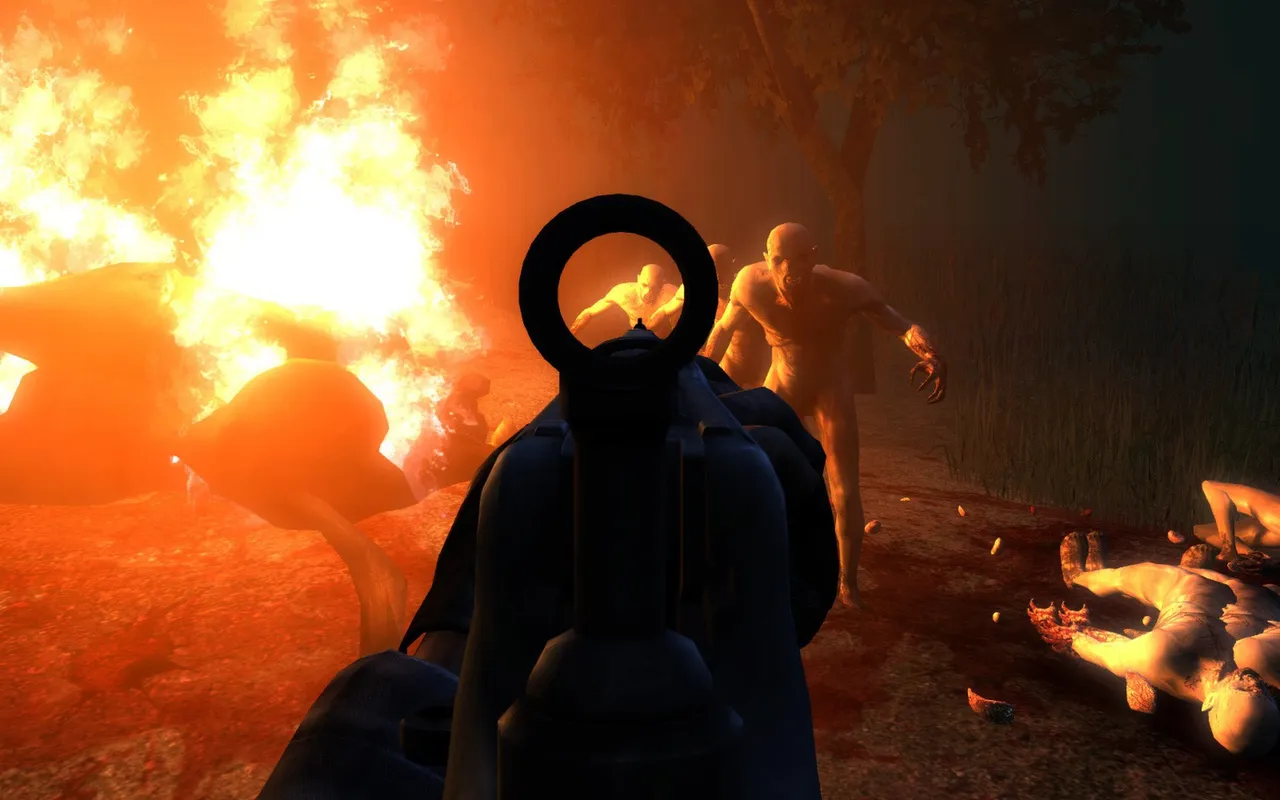 Aiming down the sights at burning specimens.
General Tips
- Practice regularly - Consistent practice improves aim
- Know your weapons - Each weapon has different feel
- Lead targets - Account for movement
- Aim for head - Headshots do more damage
- Stay calm - Panic makes aim worse
Perk-Specific Tips
- Sharpshooter: Precision is key, take your time
- Commando: Burst fire for accuracy
- Support: Close range, less precision needed
- Demolitions: Area damage, less precision required
Settings Configuration
In-Game Settings
- Mouse sensitivity - Adjust to comfortable level
- FOV - Field of view affects aim feel
- Crosshair - Use clear, visible crosshair
- Graphics - Lower settings can improve responsiveness
Crosshair
From the thread "Прицел" ("Crosshair", 2011), where players looked for a crosshair in KF1:
- Many spent a long time searching the settings for a crosshair, then got used to shooting without one, from the hip, and considered that an advantage.
- The "complex scope" and "simple scope" options in the settings, according to a reply in the thread, apply to the crossbow scope.
- For distant targets, bind ironsights to a convenient key. With the Deagle, a very short right-click tap is enough to correct your "own eye".
- The head hitbox is forgiving: you do not have to aim strictly inside the head outline; being in front of the zed and shooting straight is enough.
- Third-party programs draw a dot in the center of the screen (ARDDS and AIM were mentioned), but part of the forum considered a crosshair for KF a hack and did not trust the "crosshair" file packs.
Windows Settings
- Mouse Properties - Control Panel
- Pointer Options - Disable acceleration
- Pointer Speed - Set to middle (6/11)
- Enhance precision - Disable
Practice Methods
Training
- Play regularly - Consistent playtime
- Focus on accuracy - Quality over quantity
- Review gameplay - Learn from mistakes
- Try different perks - Each requires different aim style
