
KF2 Screenshot Guide: Clean Shots With Console Commands
This guide, translated from Portuguese, shows how to make good-looking Killing Floor 2 screenshots using just the console and a bit of creativity.
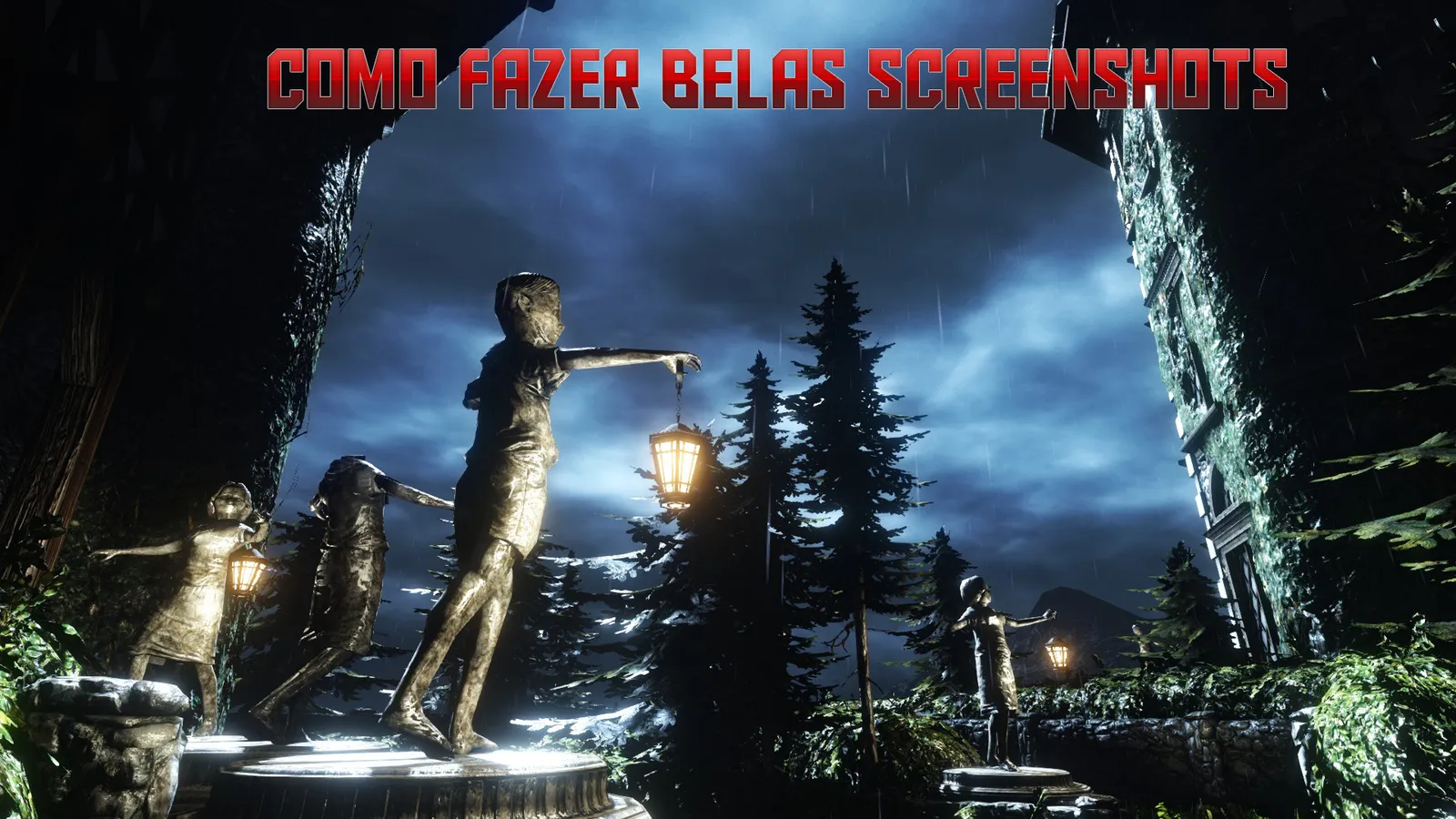
One of the screenshots taken with the method below.
Set up the match
Start a solo game on the map you want to photograph. Multiplayer will not work because the console commands need a local game. Normal difficulty is the safest choice; the number of waves does not matter unless you want Zeds in your shots.
Console commands
Press the apostrophe key (') in game to open the console, then enter the commands one by one.
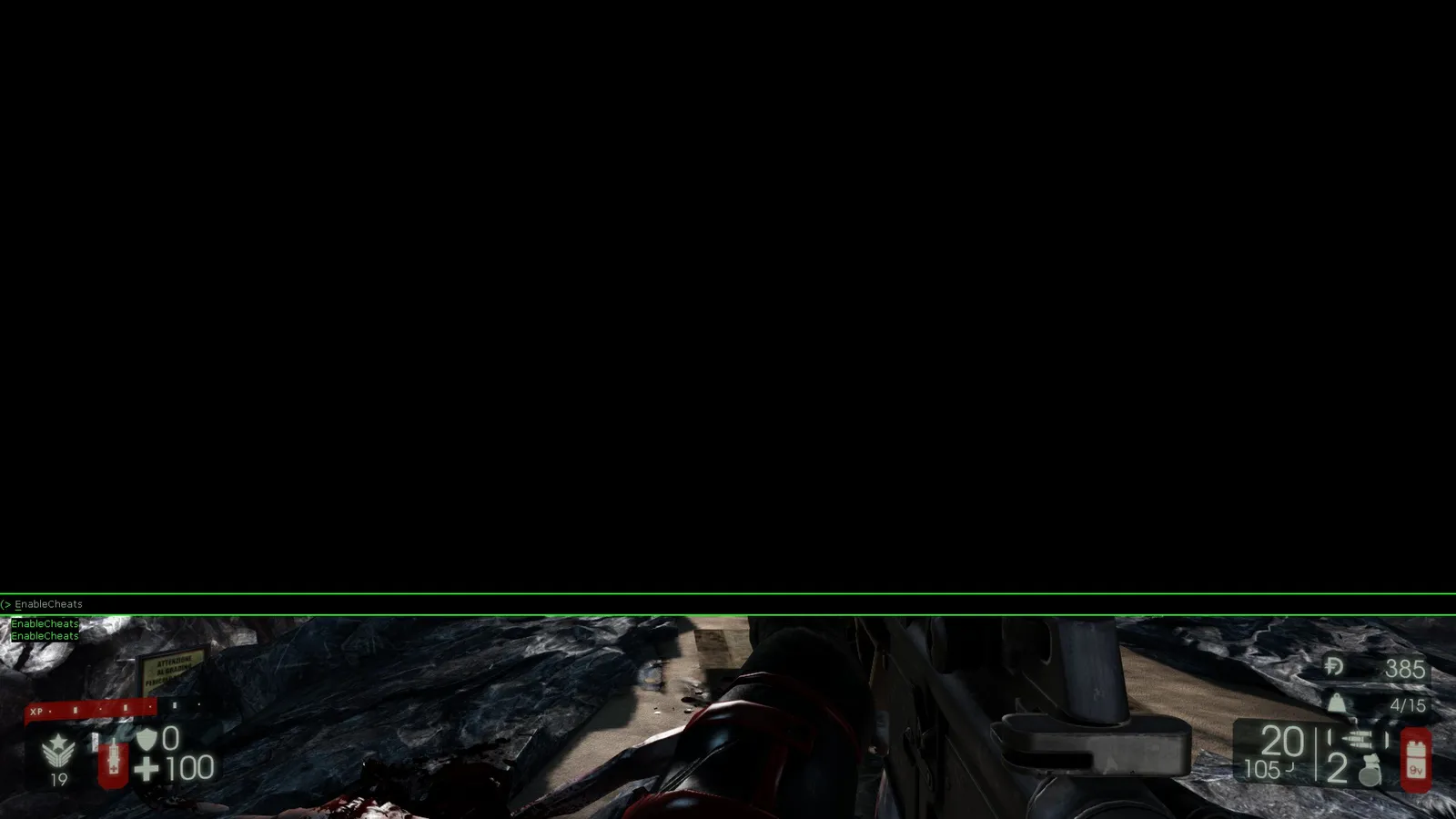
EnableCheats- unlocks the other commands; nothing works without it.KillZeds- kills the enemies. It may not kill all of them in one go, so repeat it or finish them yourself.God- makes you invincible, which makes the start much easier.PlayersOnly- once everyone is dead and the between-wave timer is running, enter it before the timer ends. It freezes time so the next wave never starts and you can explore undisturbed.ToggleScreenShotMode- removes the HUD and hides your weapon so the screen is clean.Fly- lets you fly to find angles that would otherwise be impossible.
Results
Official maps:
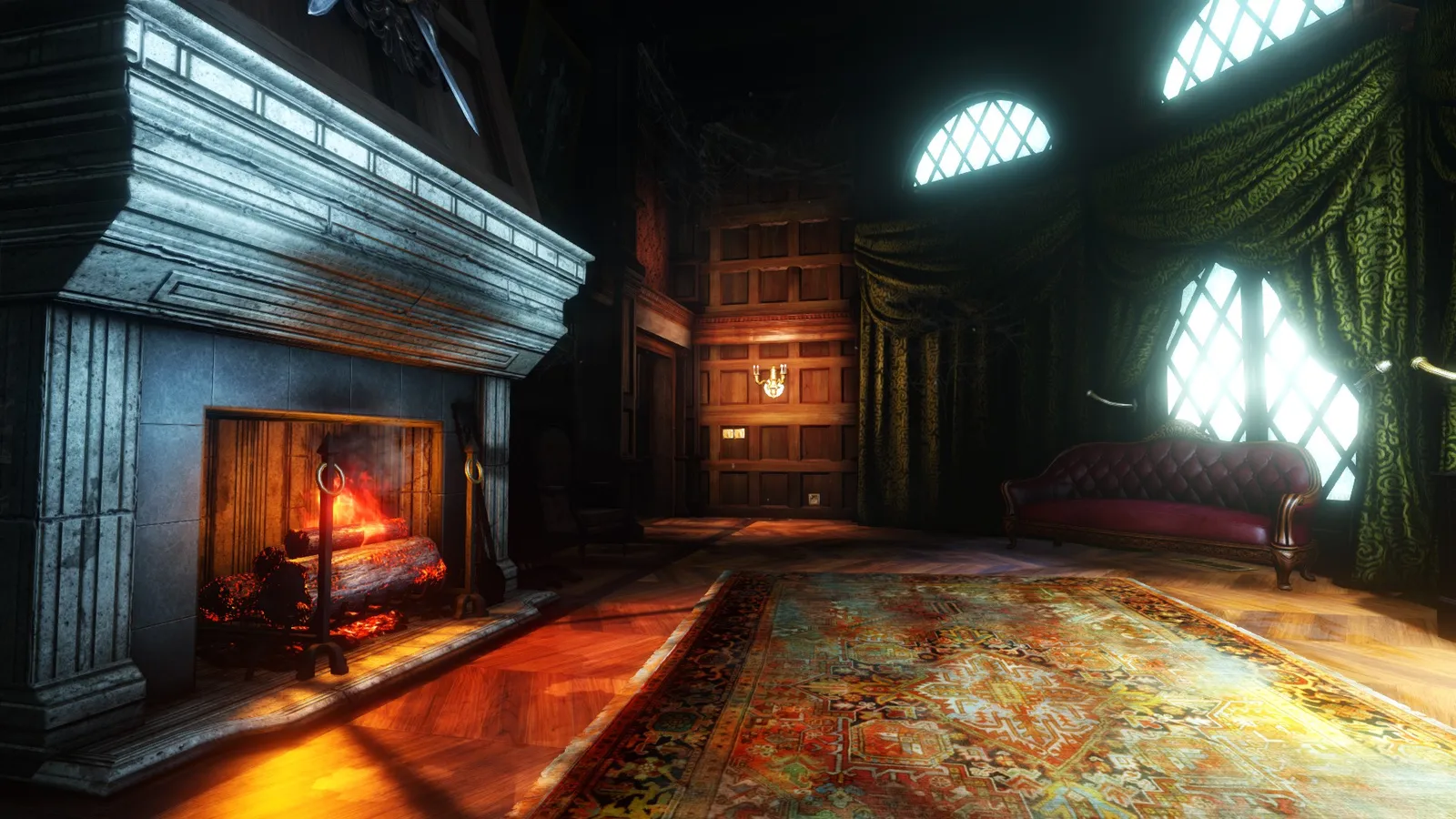
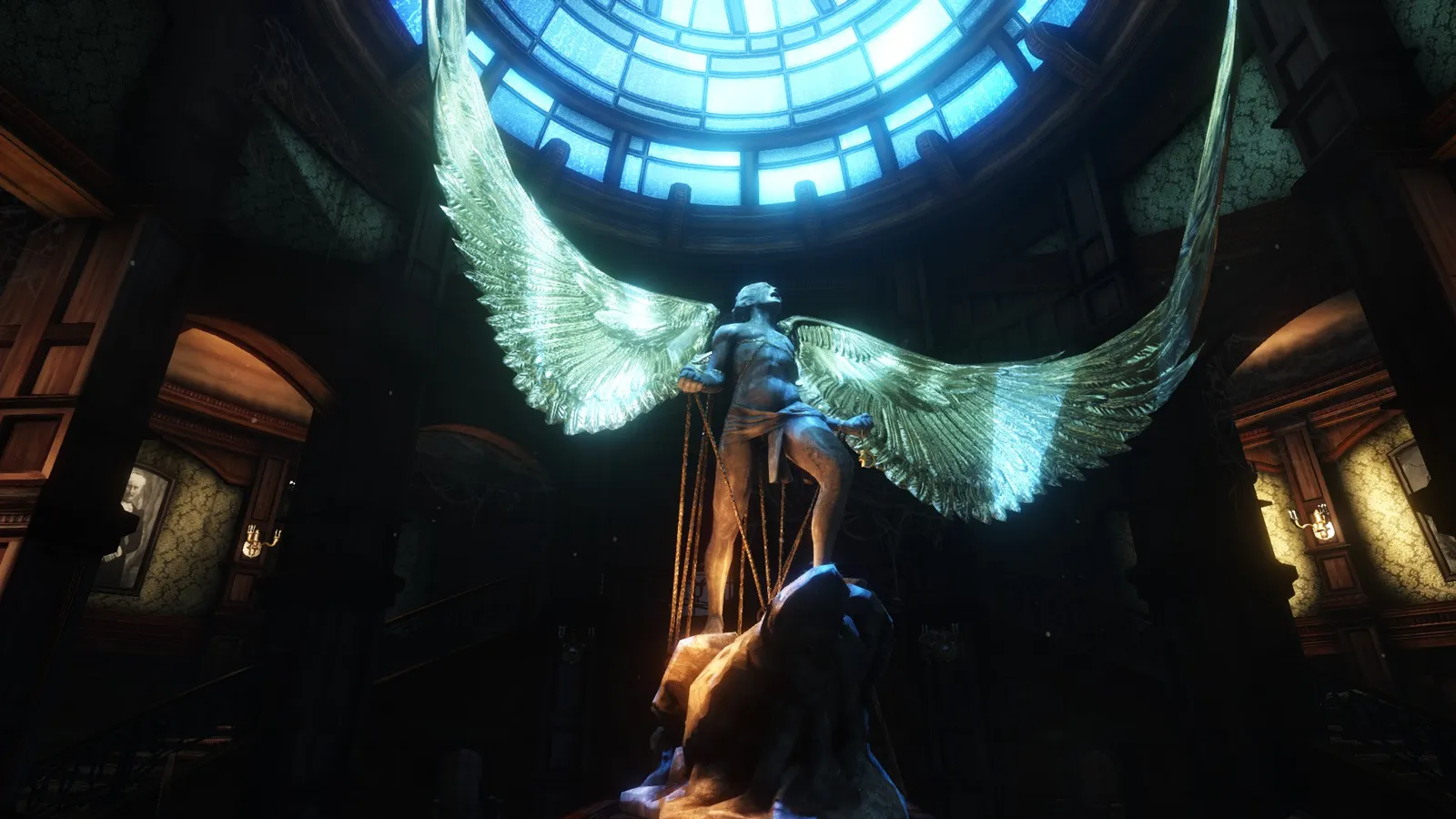
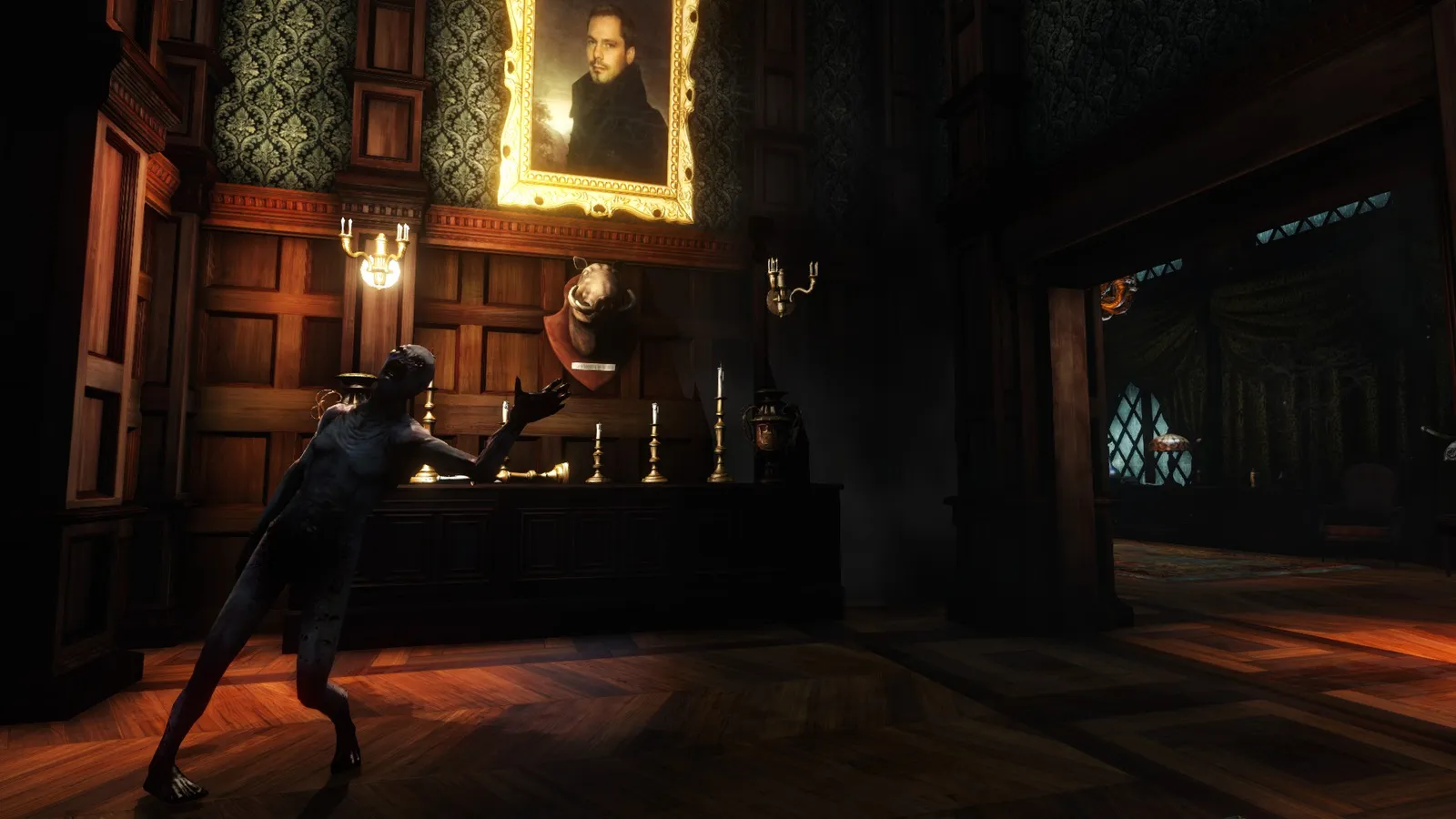
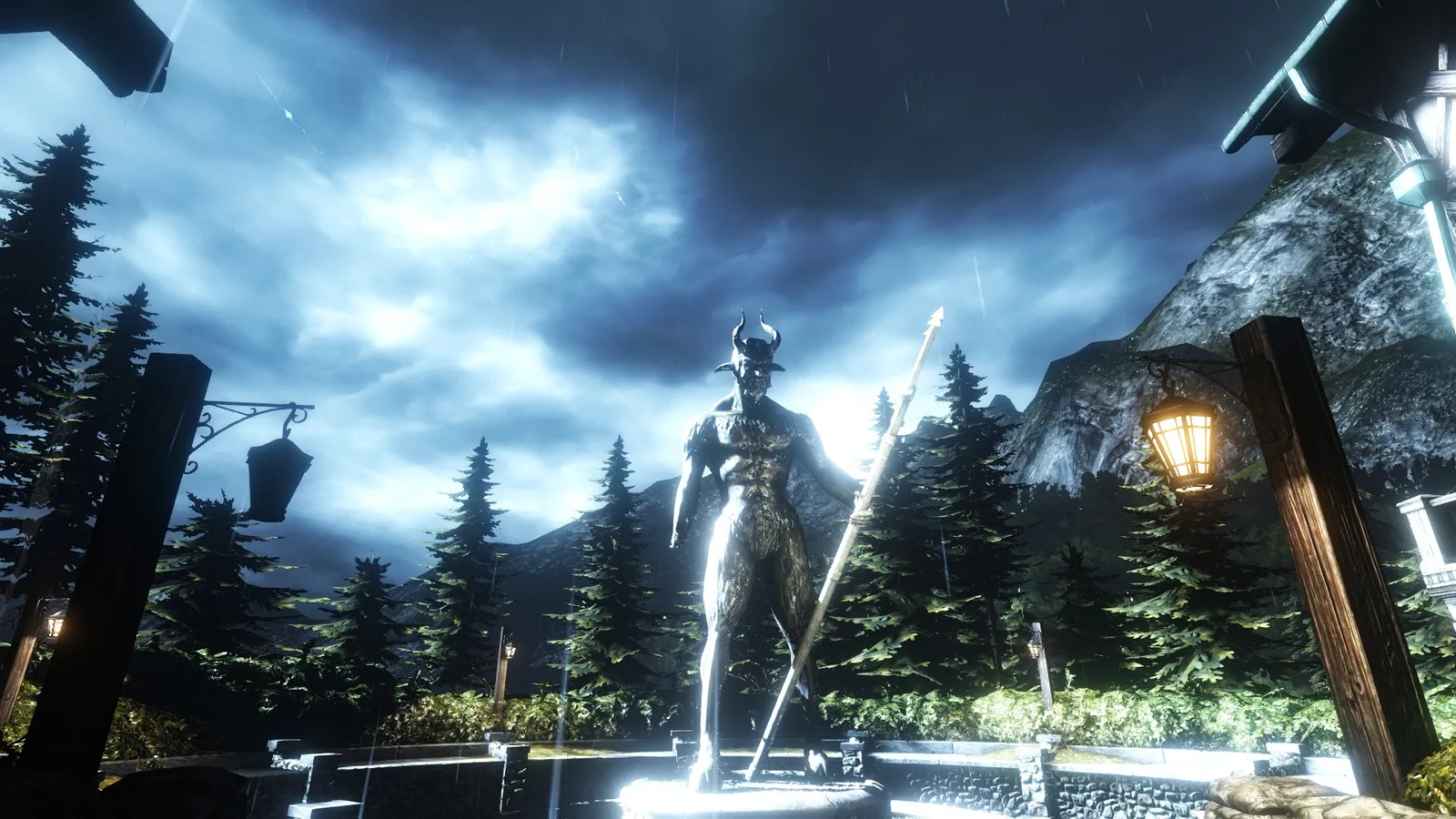
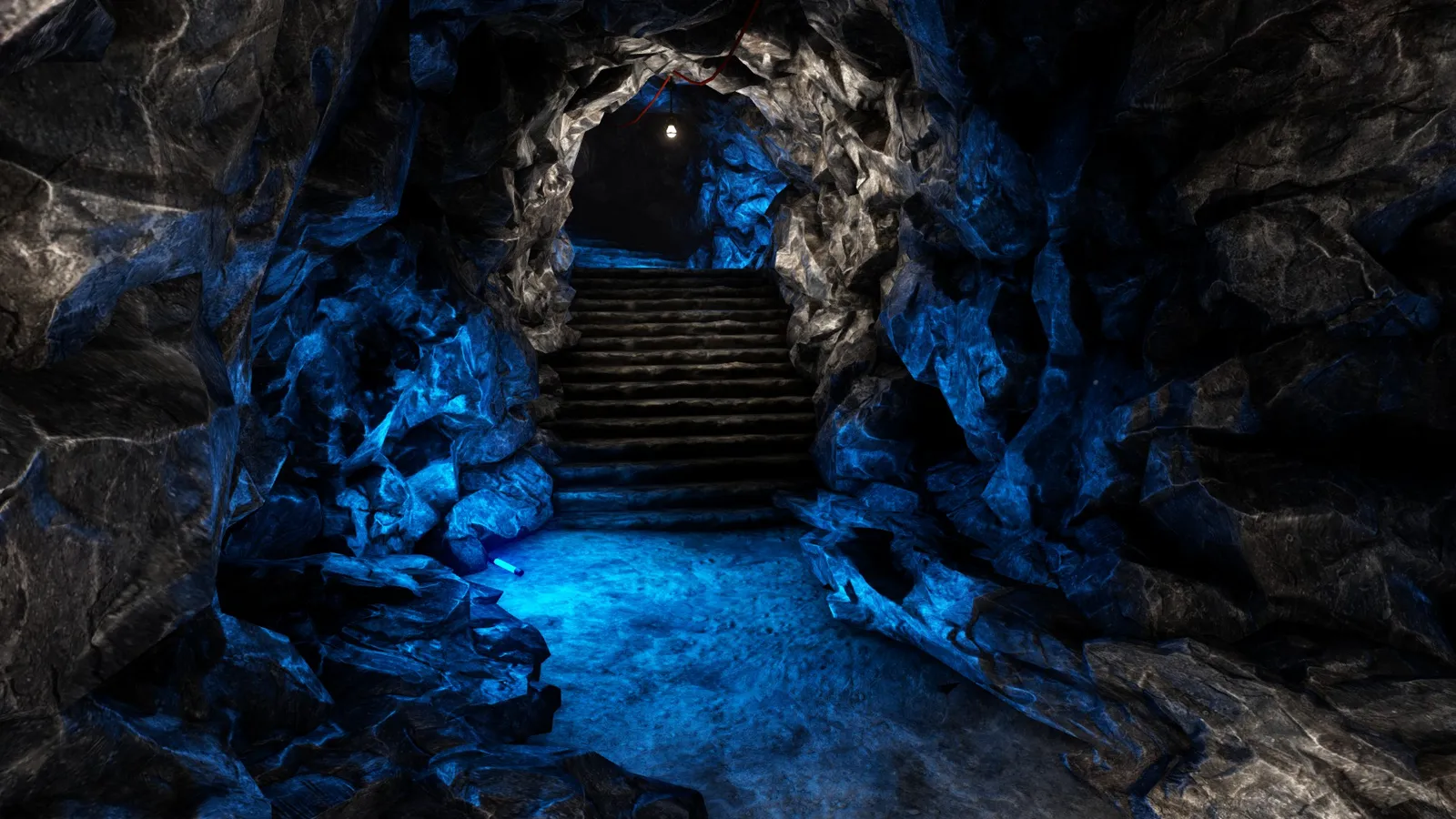
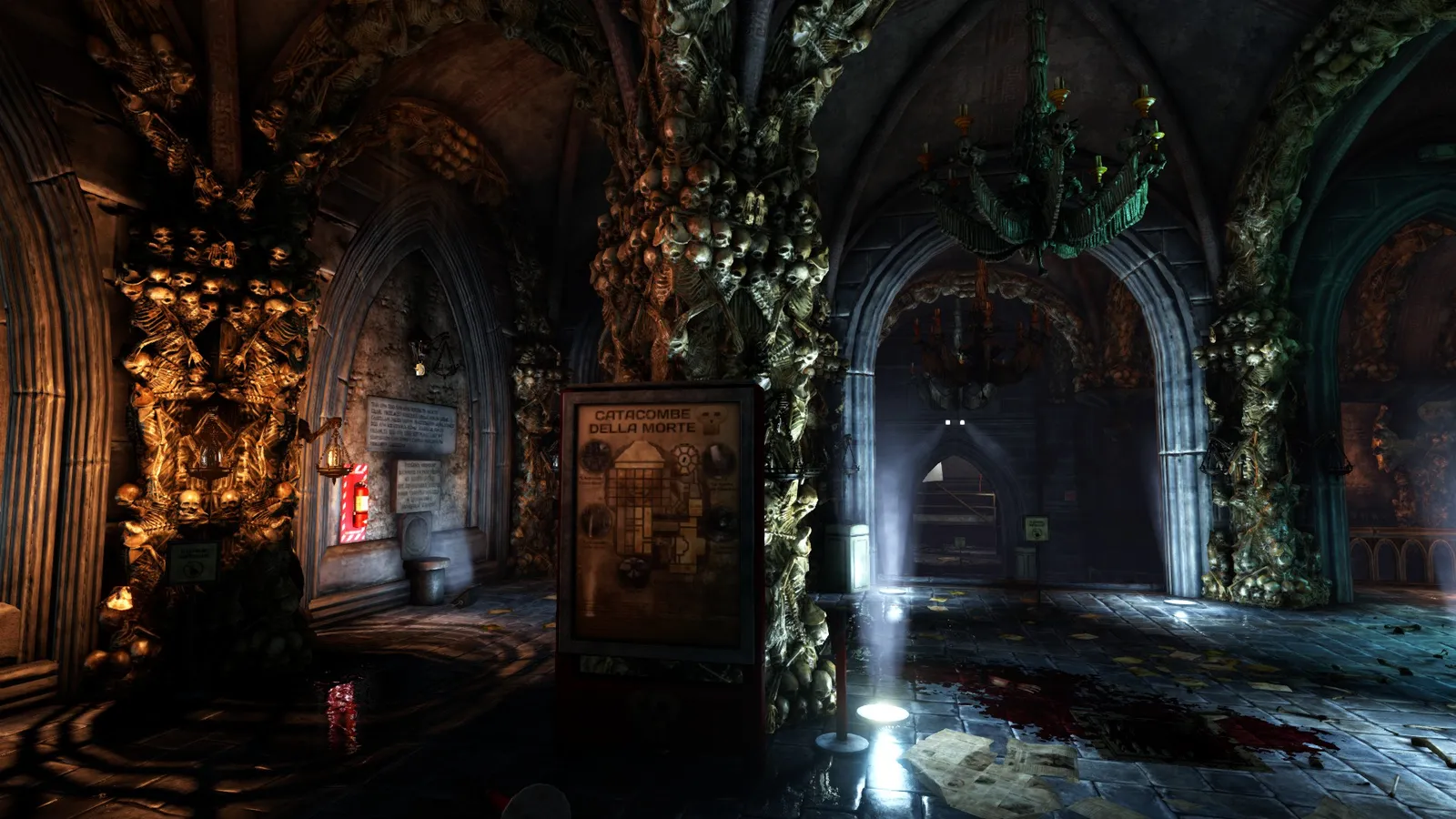
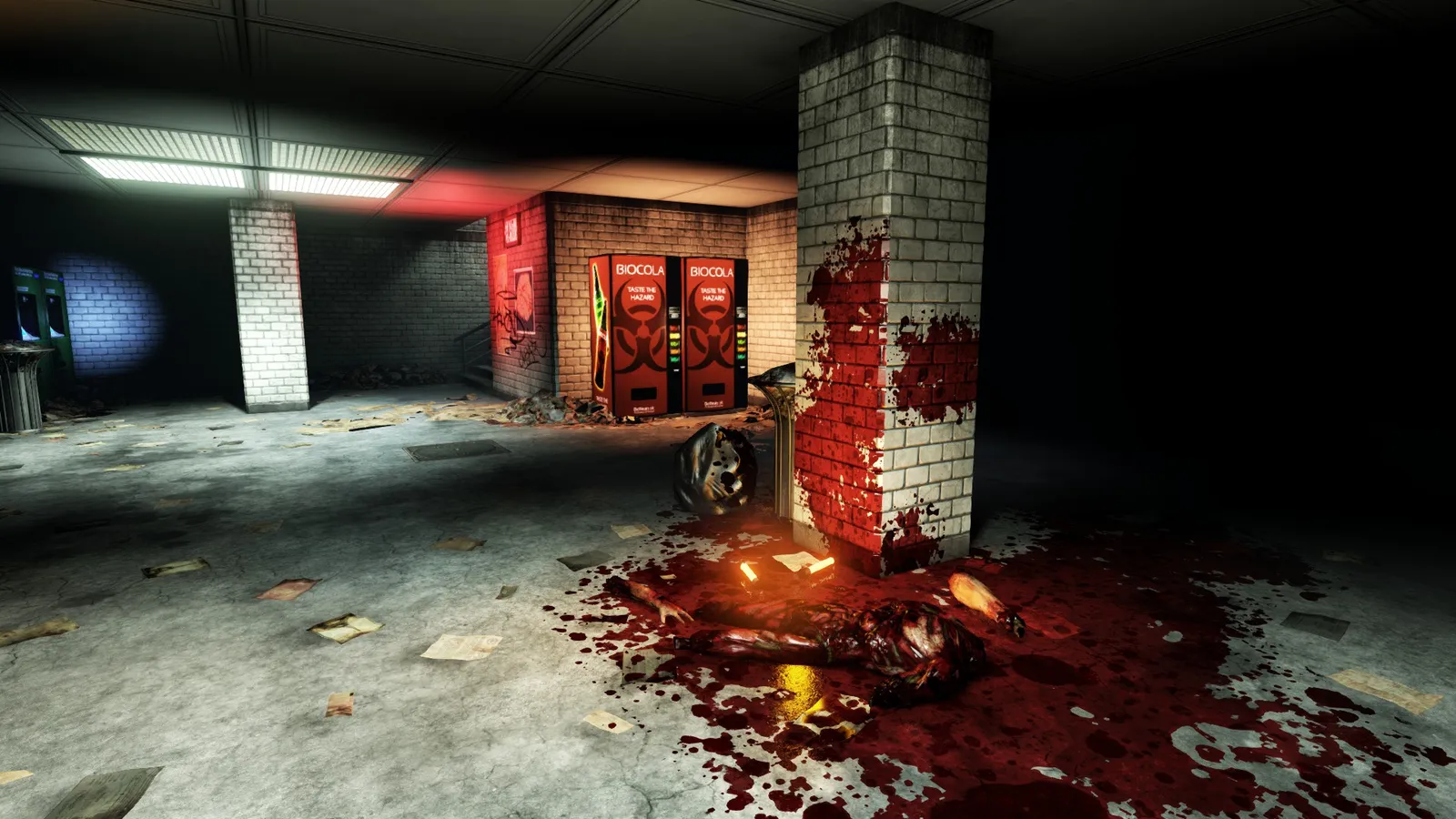
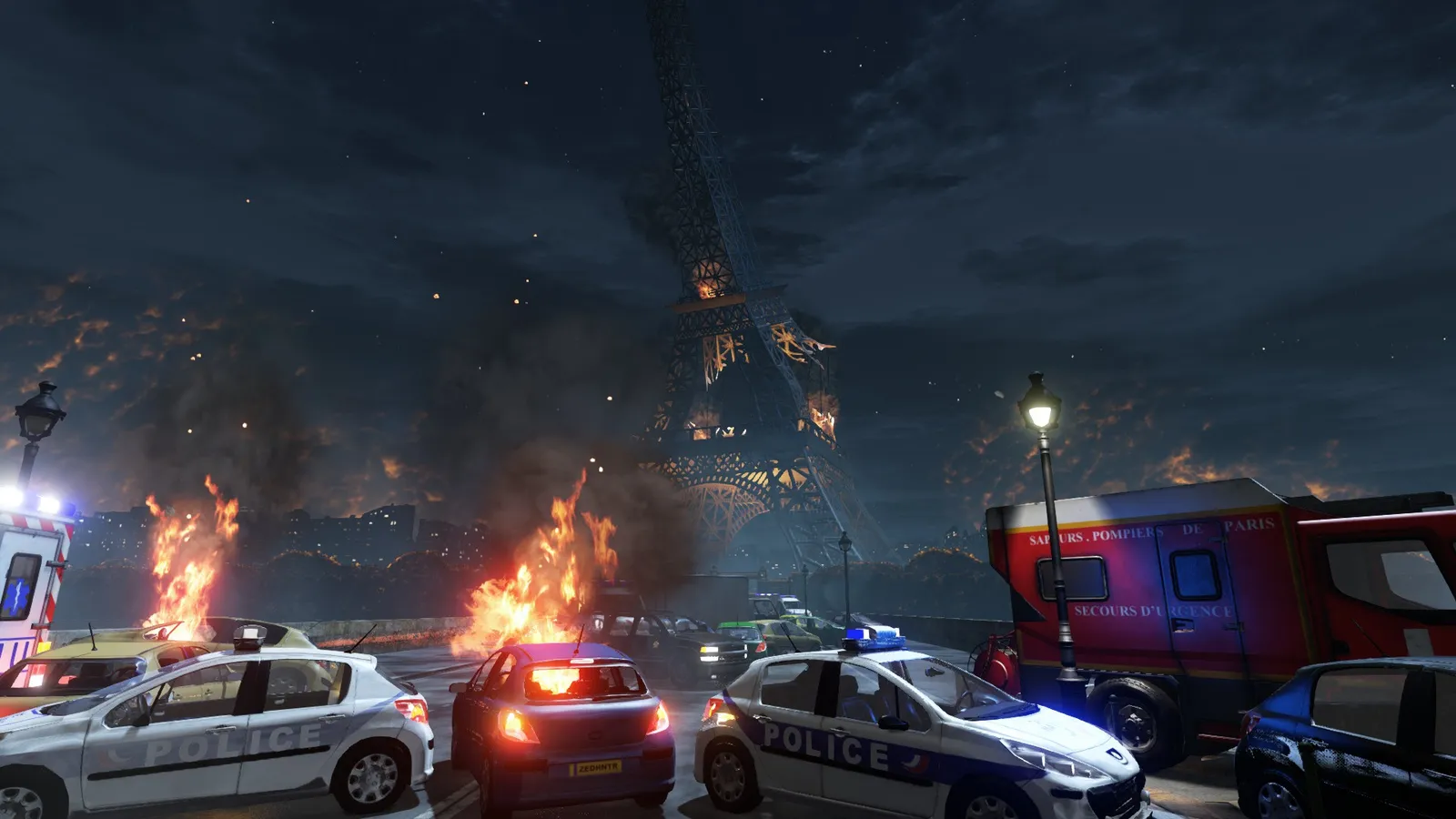
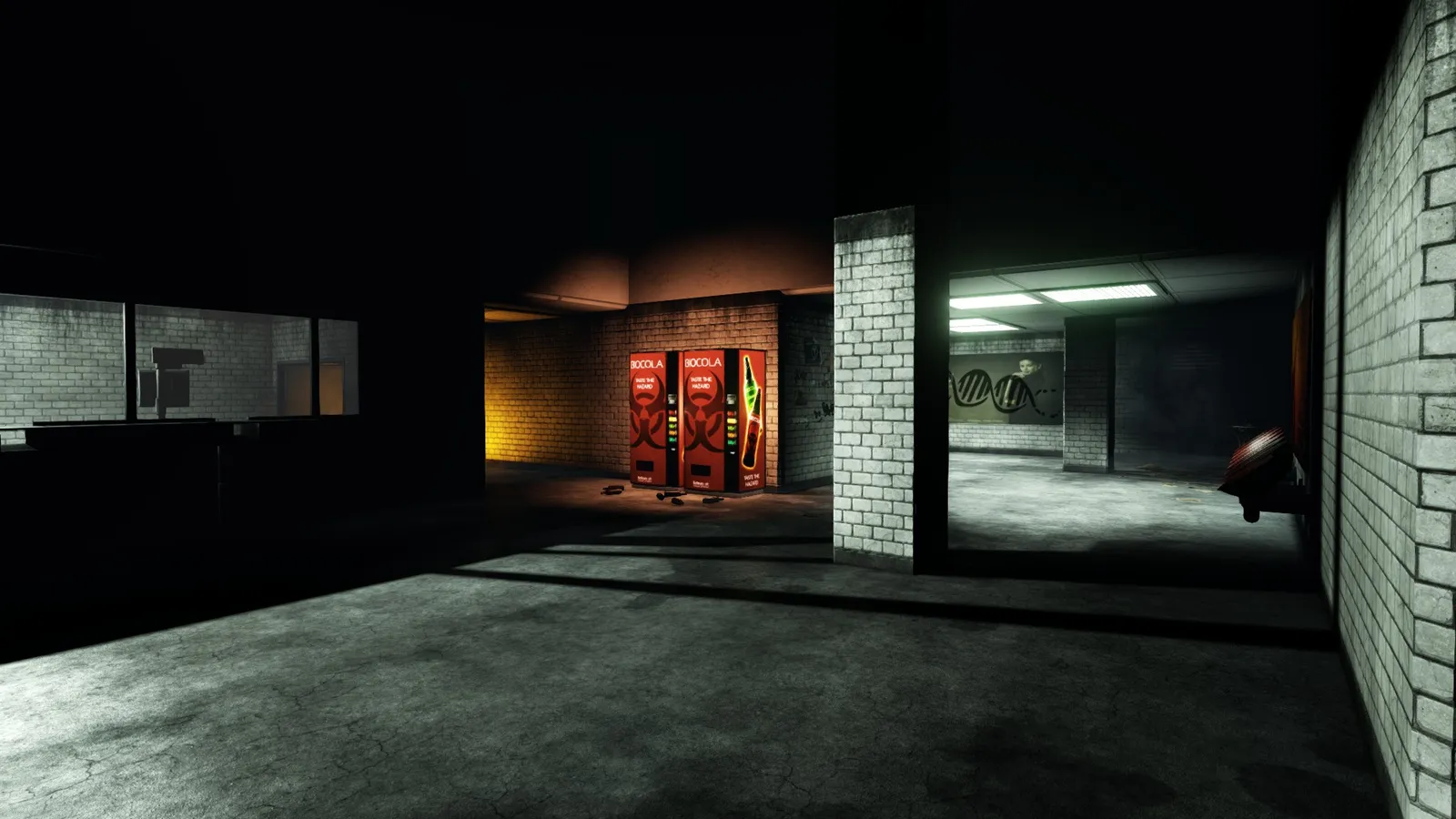
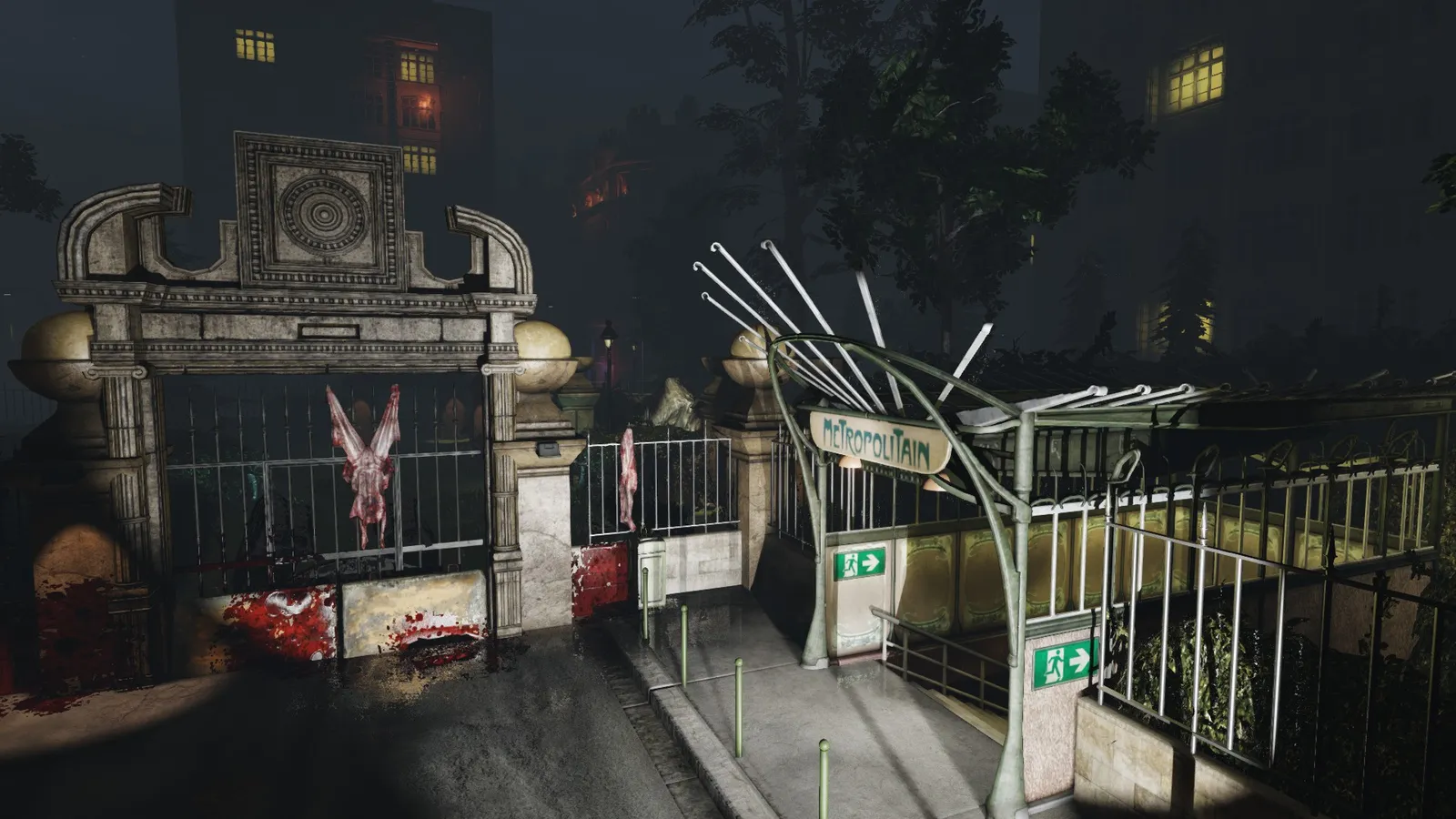
Screenshots of official maps taken with the commands above.
Custom (workshop) maps:
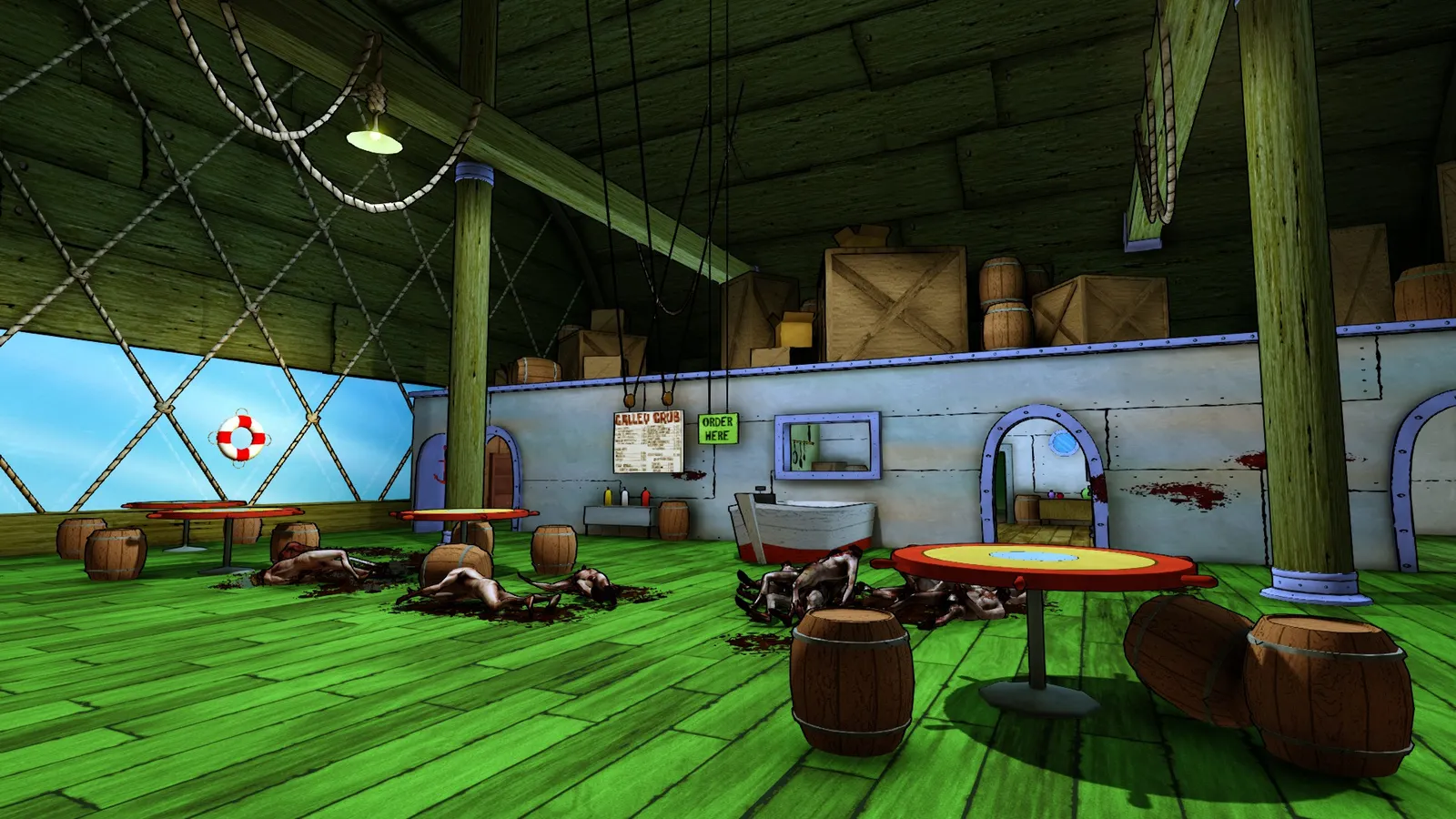
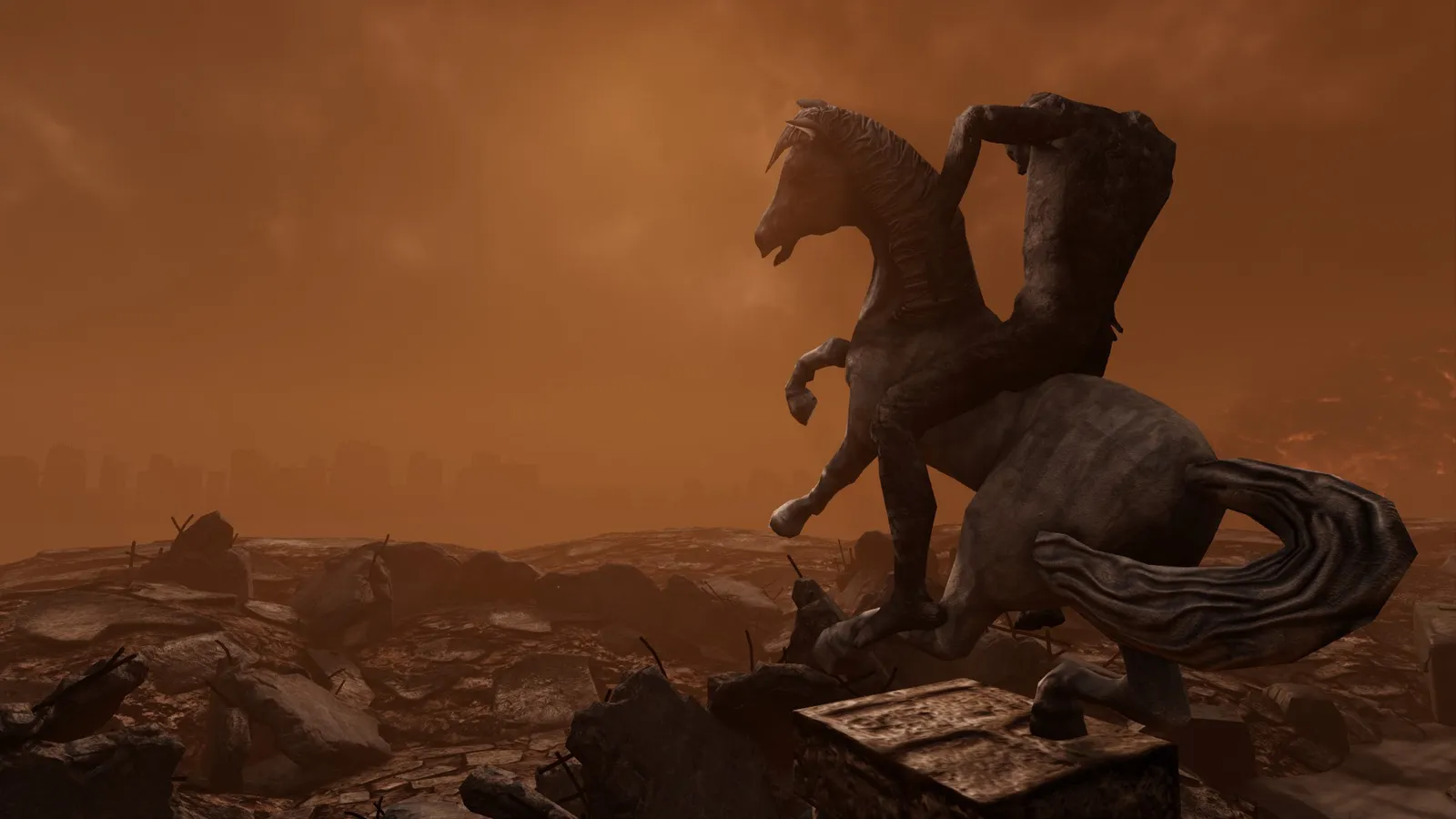

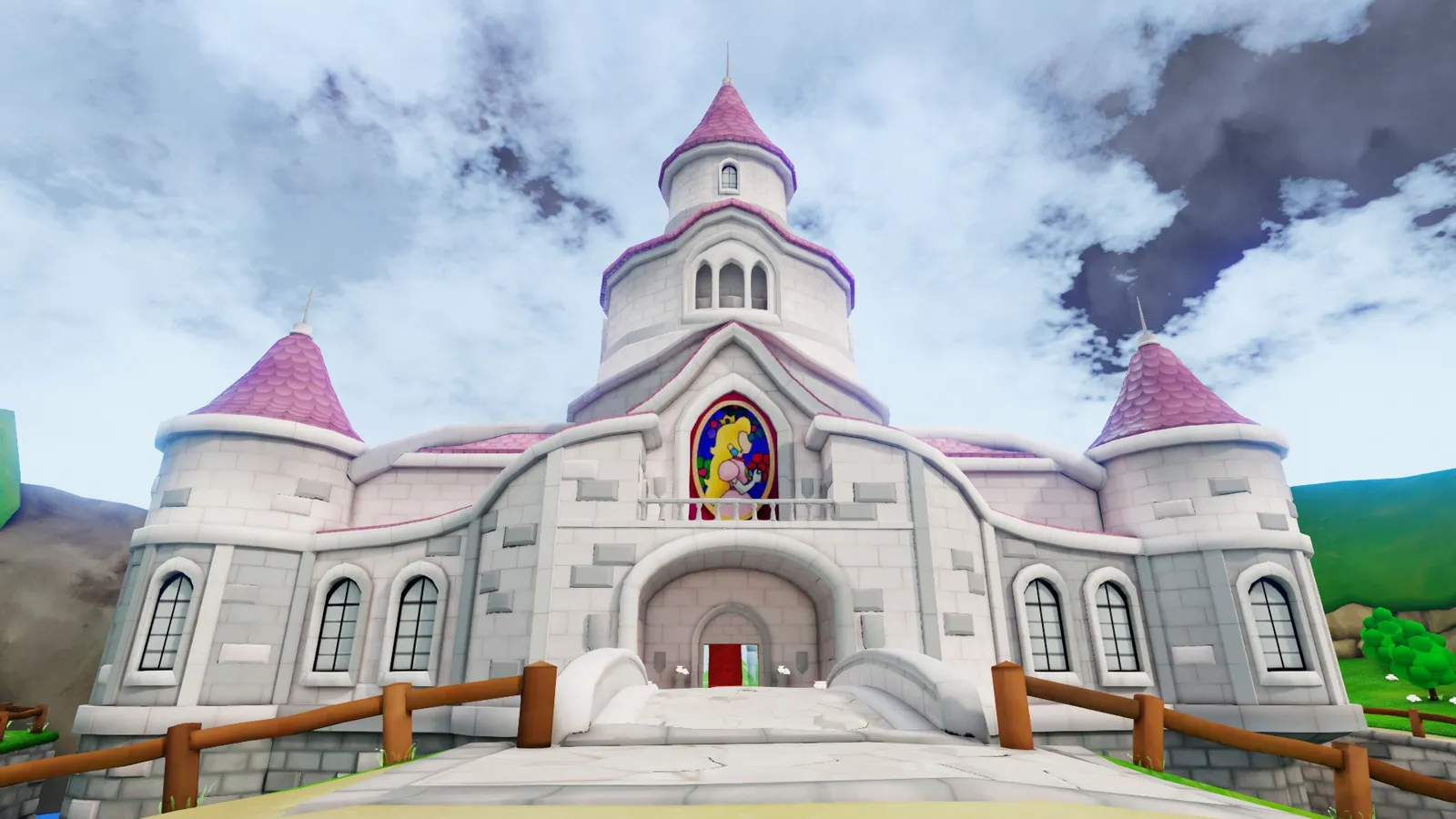
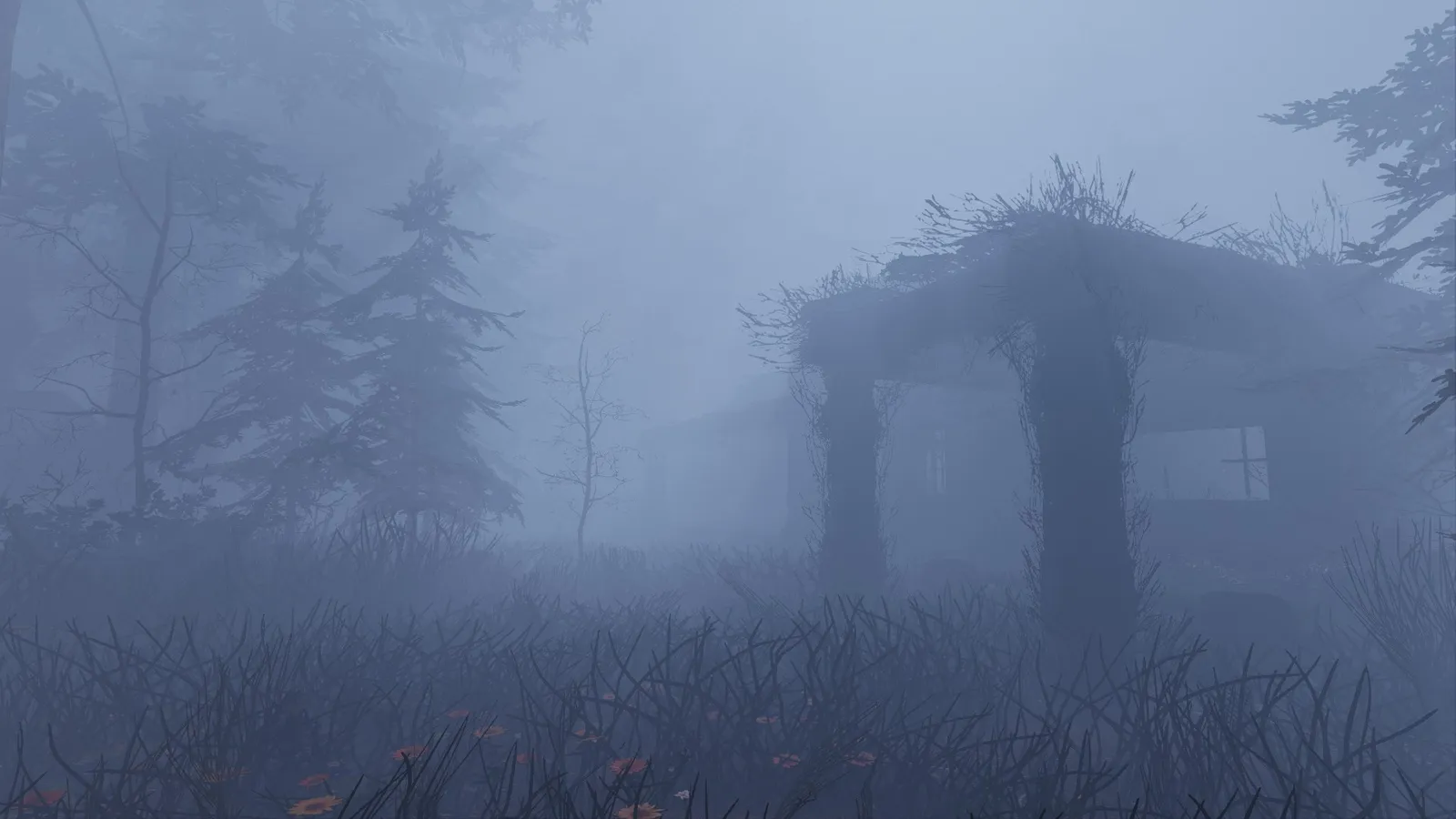
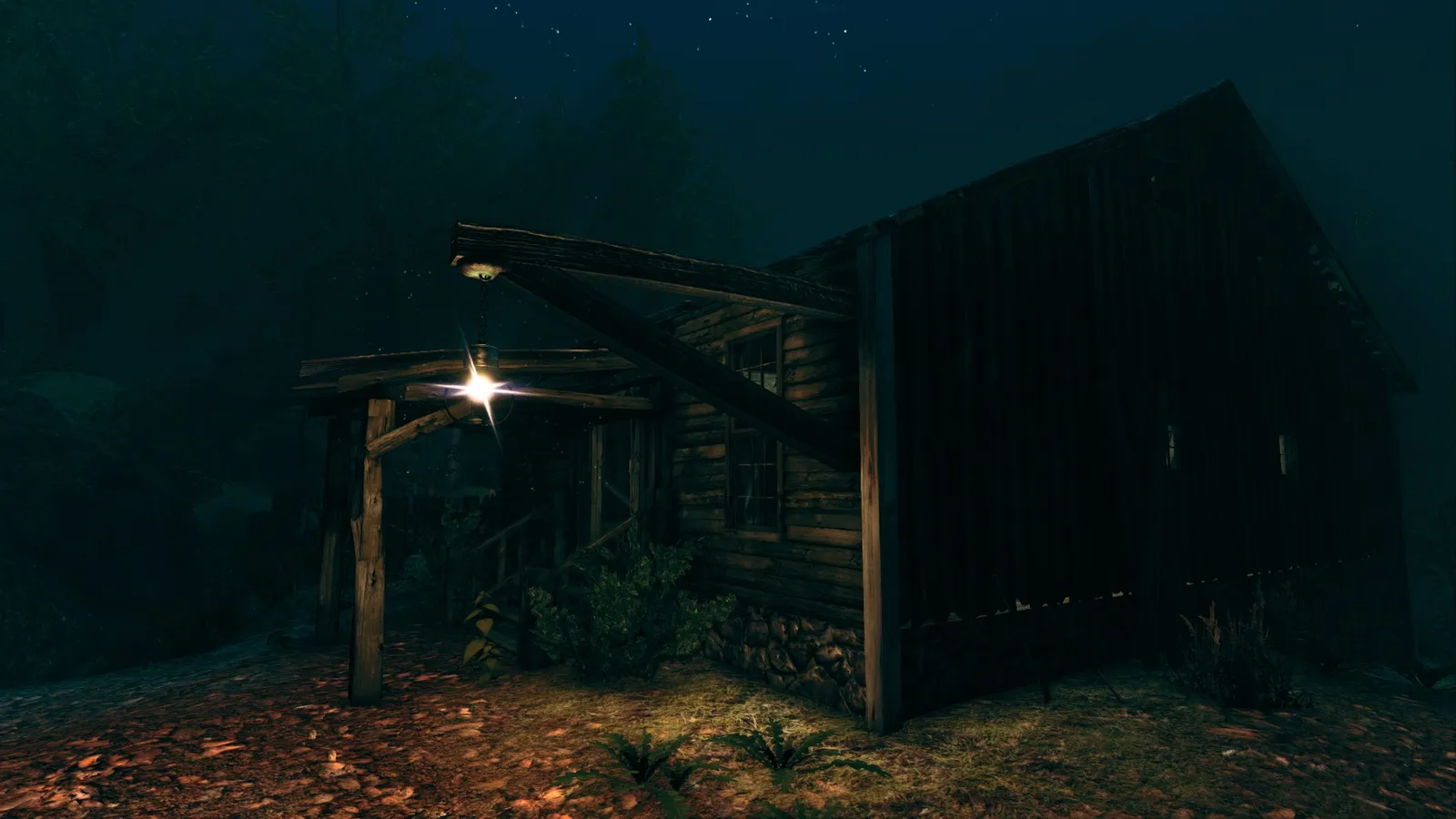
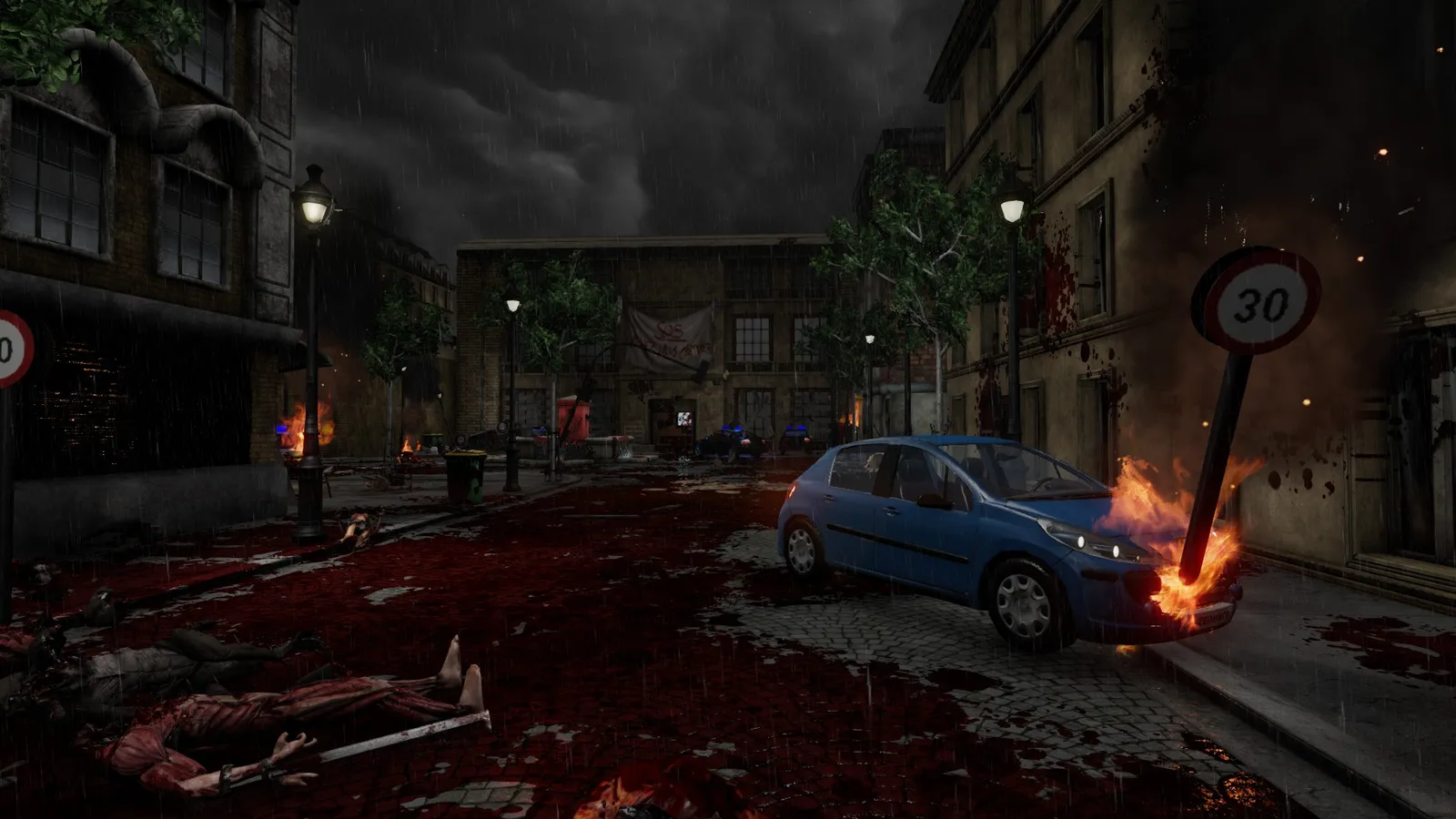
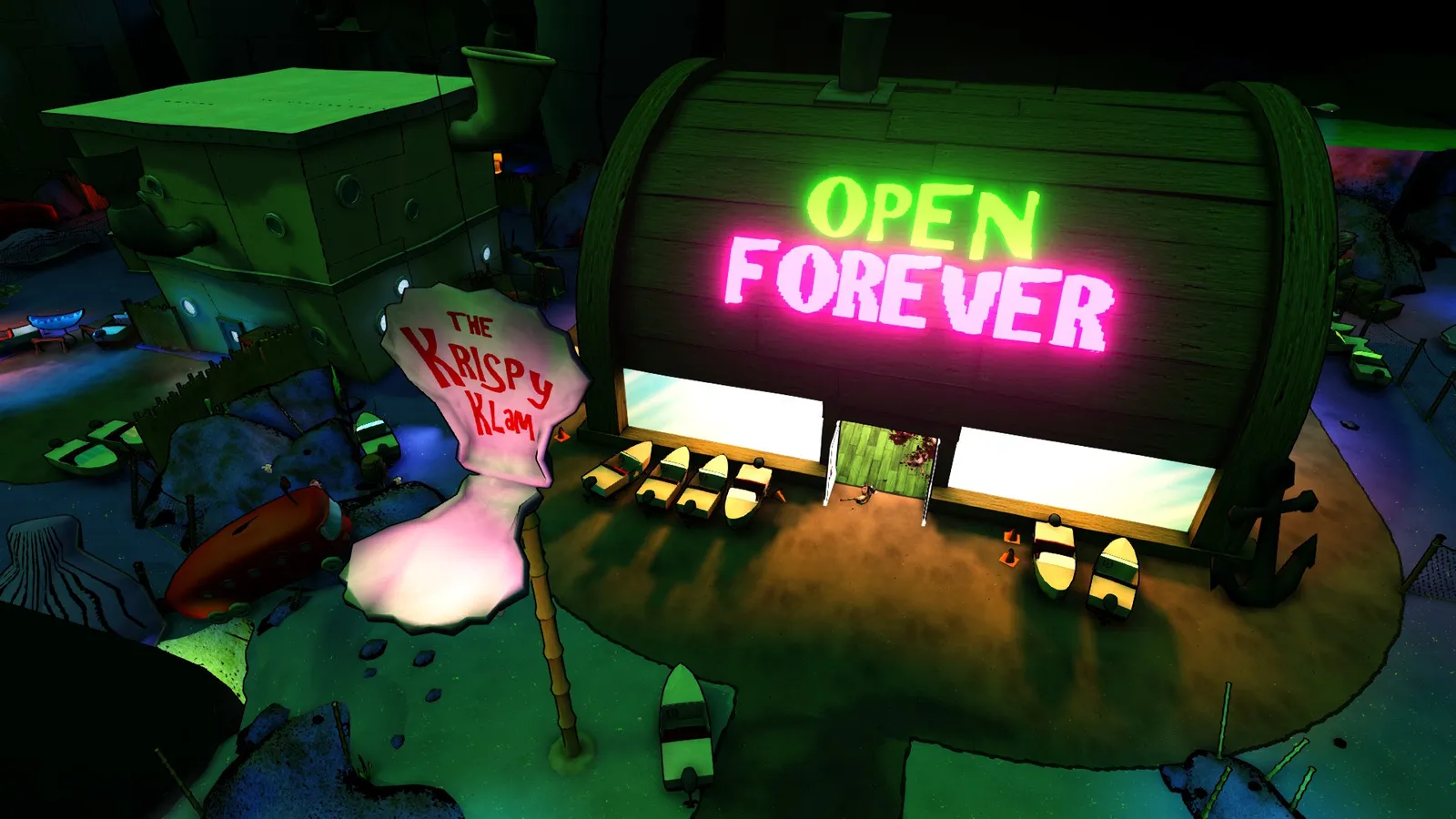
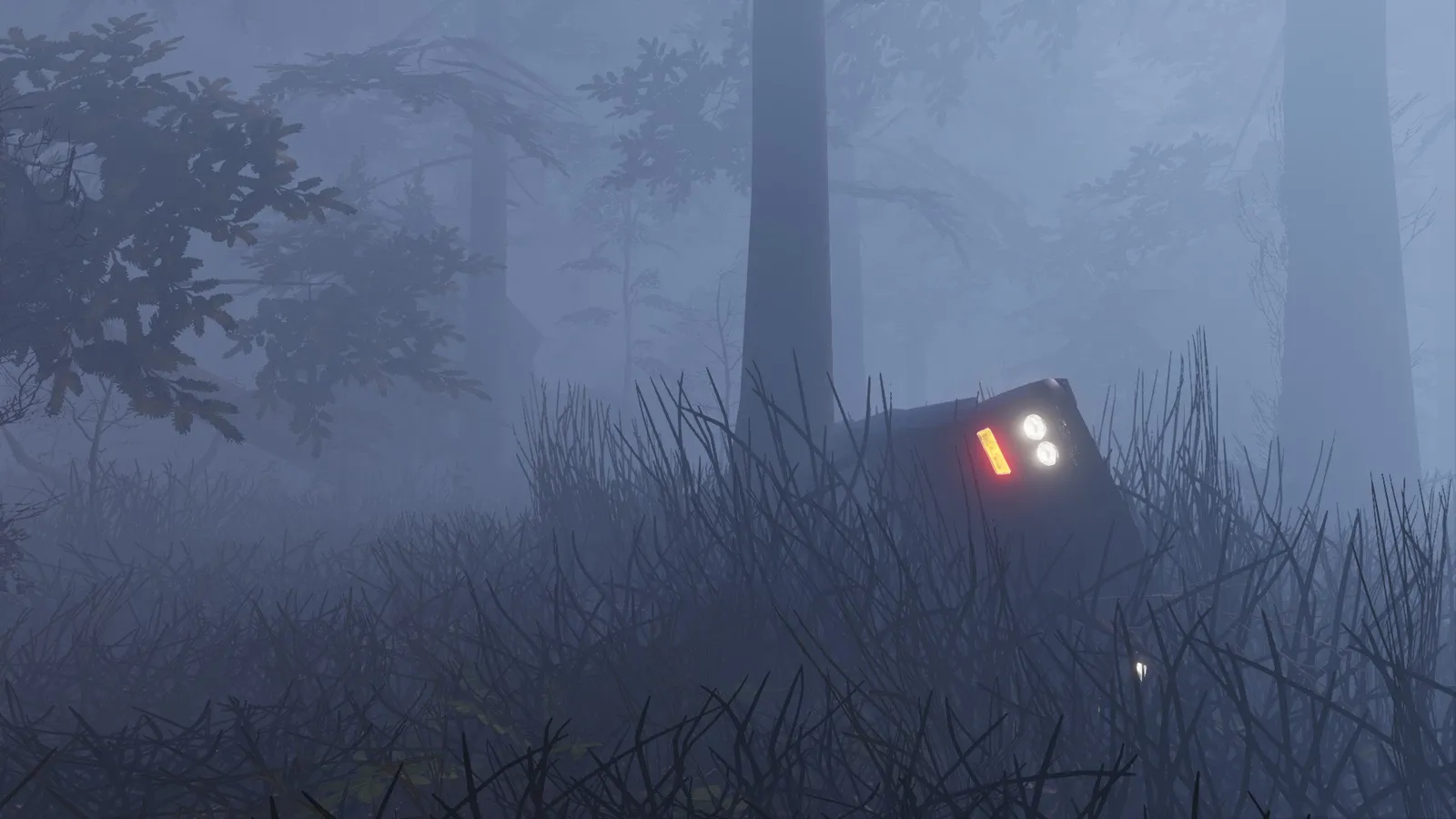
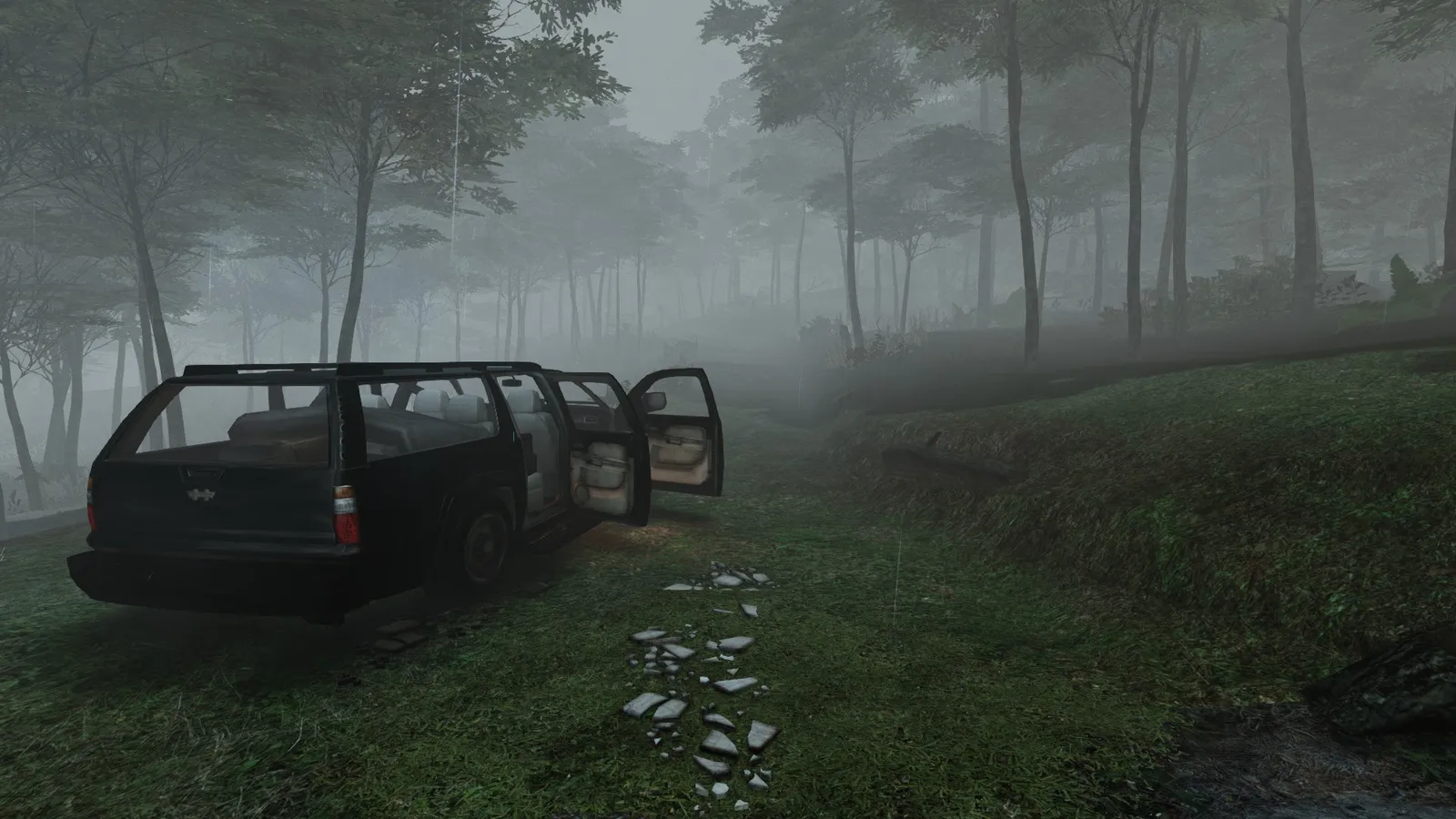
Screenshots of custom maps taken the same way.
Credits
Text and images by Cleyton Mota; editing and images by D.W Redfield.
