
KF2 Server Admin Helpers: Map List Tools for WebAdmin Rotation
Server admins who add many custom maps know the pain of typing every map name into the config. This guide, translated from Russian, describes three quick utilities made by community developer Pin-JT, who by his own admission built them in a hurry. The author asked for feedback and constructive criticism in the comments. For the surrounding server work see KF2 dedicated server via SteamCMD and the custom-map pages on this site.
Tool 1: copy map names from a folder to a text file
Imagine you have a folder full of great maps you want on your server, but you need their names. This program copies the names of all maps in a folder into a text file, optionally including the file extension.
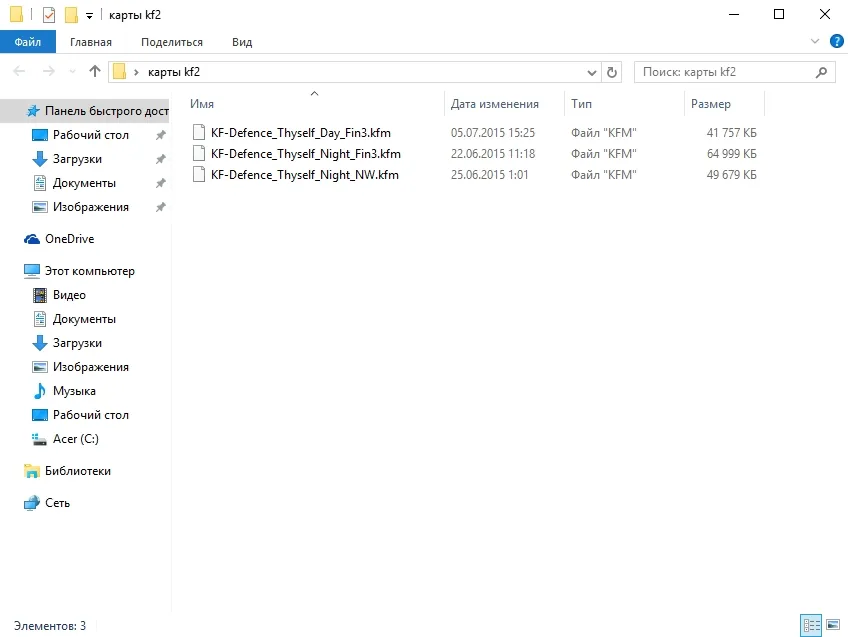
Start the program.
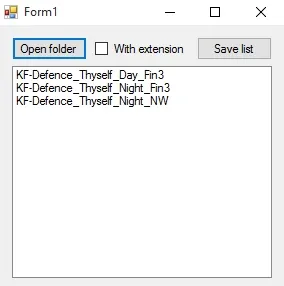
Click Open folder, pick the folder with maps, then click Save list and name the text file.
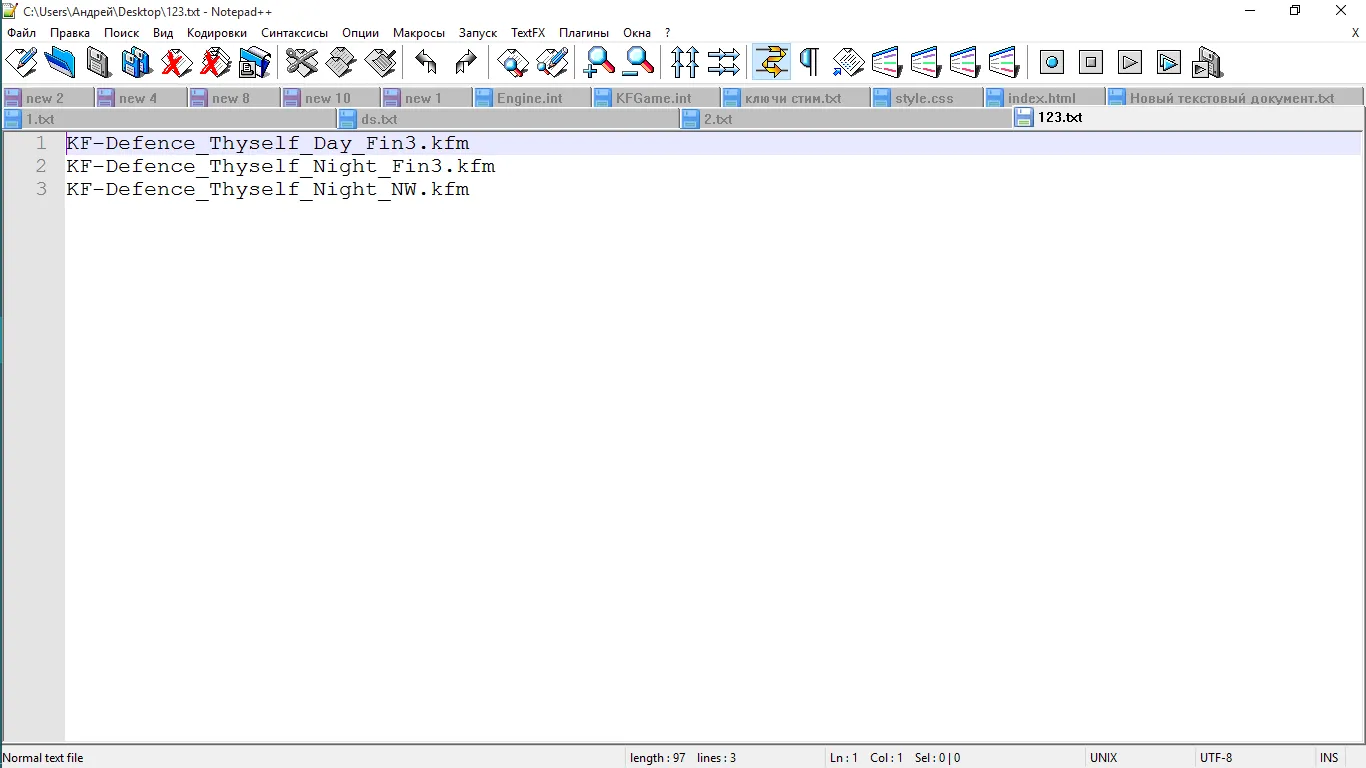
The generated list of map names.
Tool 2: format the list for the map rotation
If you already have a list of maps in a text file, the config still needs it in a particular format before you can paste it into the server's map rotation line. This tool does the formatting.
- Click Open and select your list.
- Click Save and the formatted list is ready.
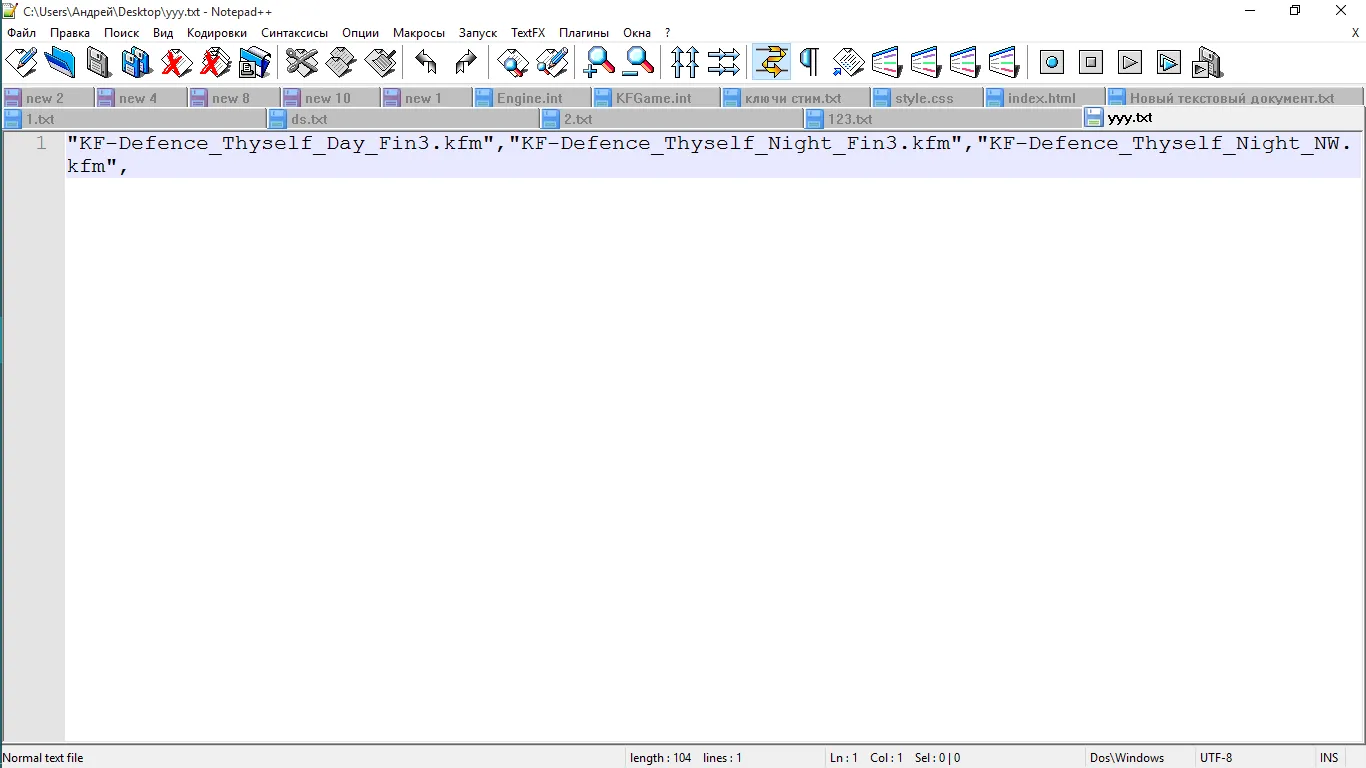
The formatted list. You may delete the last comma, but everything works either way.
Tool 3: sort and format for WebAdmin display
If you have a list of maps in a text file and do not want to format it by hand, this tool arranges the maps alphabetically and formats them so that they display correctly in WebAdmin.
- Click Open and load your map list.
- Click Save. All maps are sorted alphabetically and formatted.
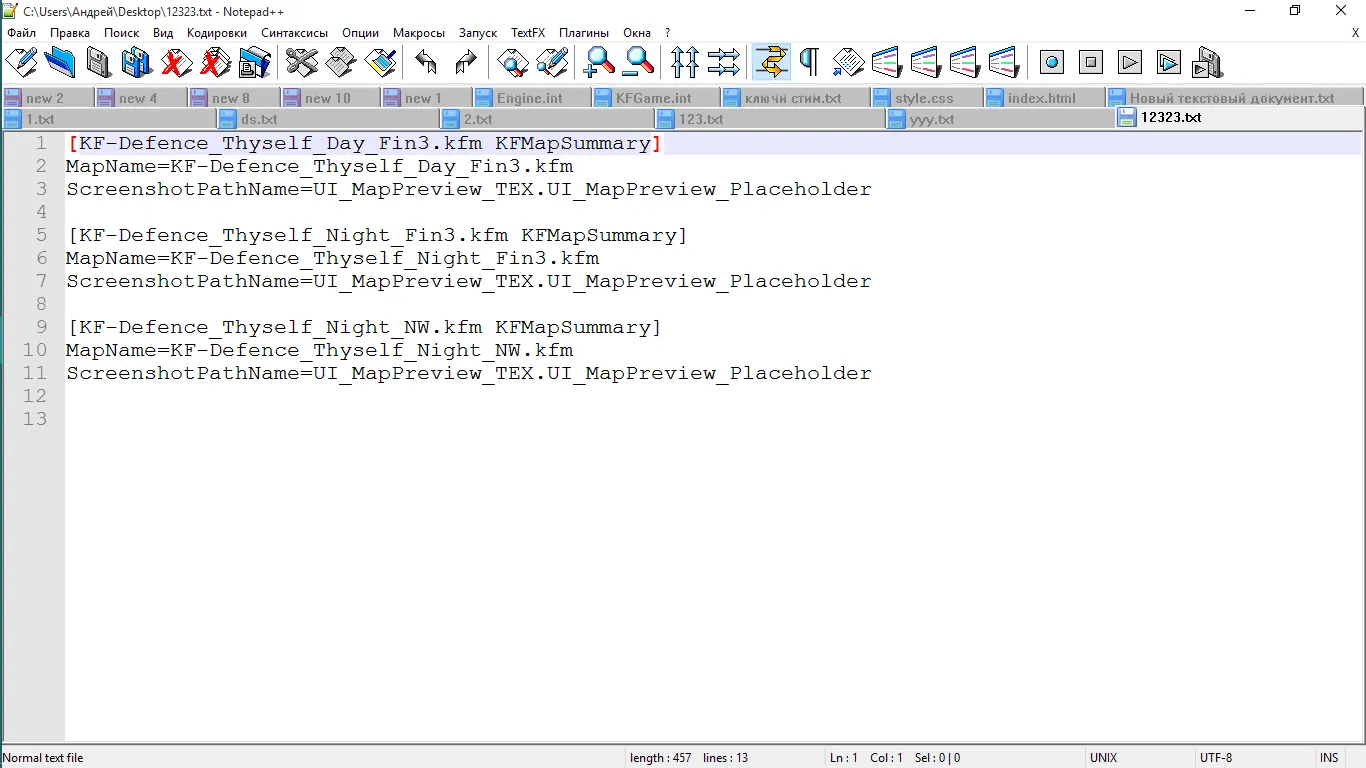
The result after sorting and formatting.
Safety note
These are third-party programs shared through a file host. Download and run such tools only if you trust the source, and keep a backup of your server config before replacing map lists.
FAQ
- What do these tools do?
- Three small programs help server admins add many custom maps: one copies map names from a folder into a text file, one formats that list for the map rotation line of the server config, and one sorts the list alphabetically and formats it so it displays correctly in WebAdmin.
- Does the trailing comma matter in the formatted list?
- You may delete the last comma, but the config works even if you leave it.
