
Killing Floor Console Commands & Cheats List
Whether you want to test weapons, practice taking down Fleshpounds, or just mess around in Solo mode, the console is your best friend.
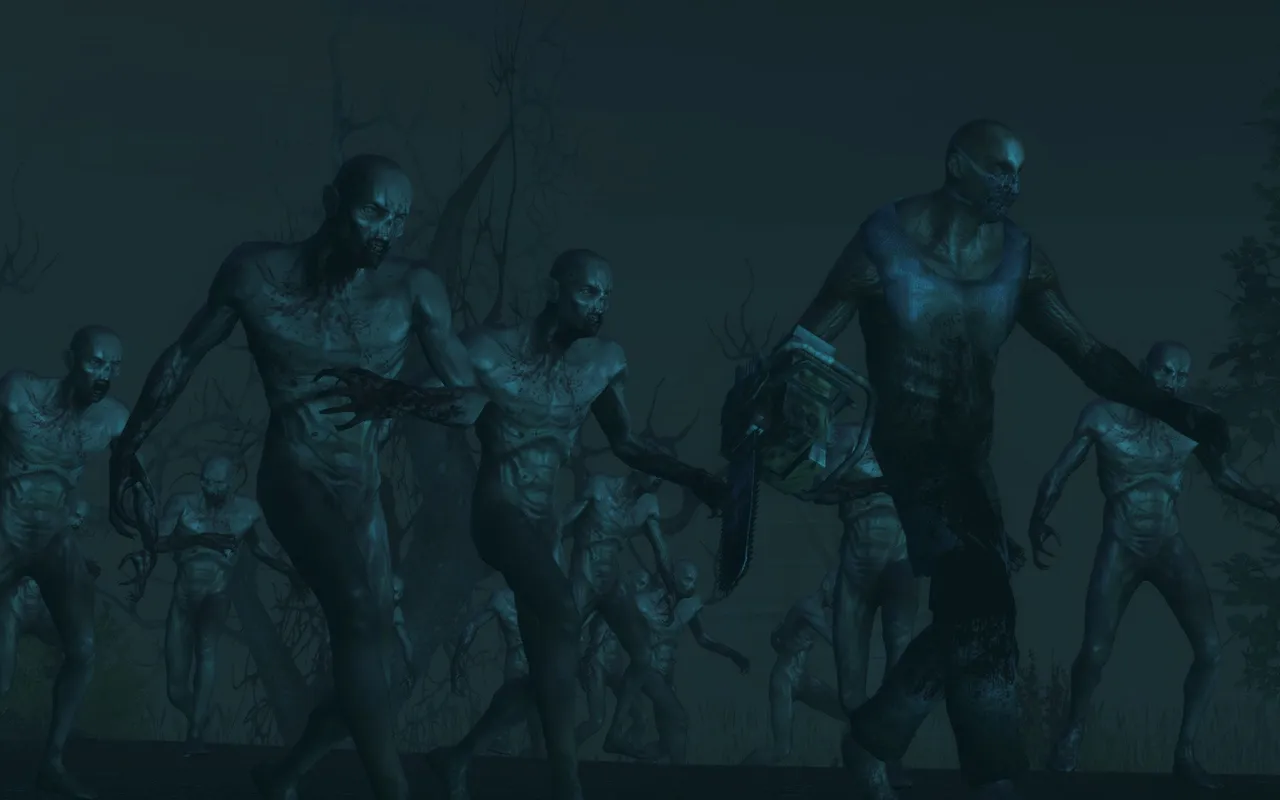 A horde of specimens shambling out of the dark.
How to Open Console
Press the Tilde (~) key (usually under Esc).
- If nothing happens, go to Settings -> Controls and look for "Console".
- Alternatively, press Tab and type command there (works for quick commands).
Enabling Cheats (Solo Mode Only)
Most cheats require you to enable cheat mode first. This disables perks and achievements.
- Open Console.
- Type:
EnableCheats - Press Enter.
Essential Cheats
god- God Mode (Invincibility).ghost- Noclip (Fly through walls).walk- Disable noclip/fly.fly- Fly mode (with collision).loaded- Gives all weapons, full ammo, and armor.allammo- Refills ammo for current weapons.slomo 0.5- Slow motion (0.5 is half speed, 1.0 is normal, 2.0 is double speed).killzeds- Kills all living Zeds on the map.
Spawning Zeds (Practice)
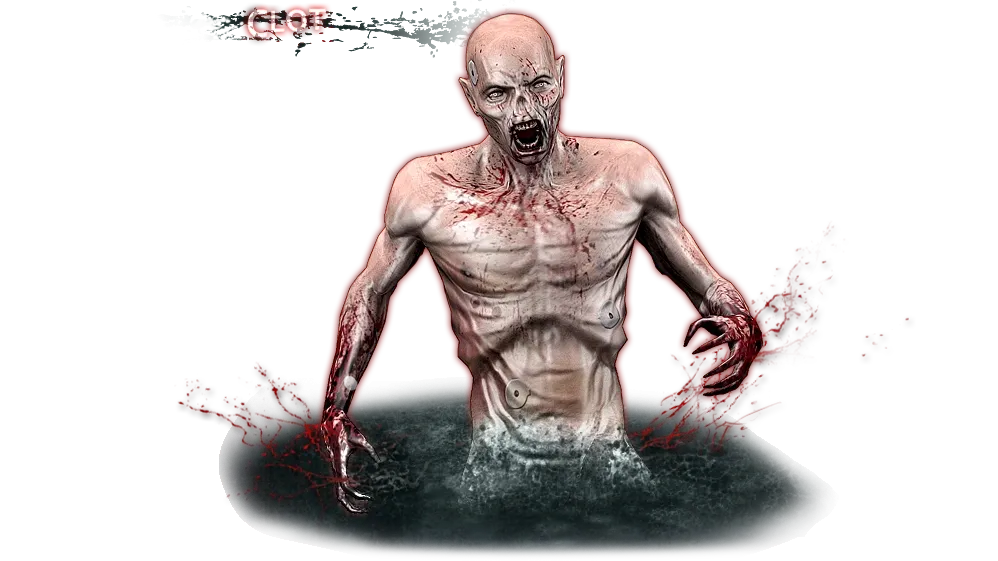 The Clot, the most common specimen: weak alone, dangerous when it grabs you.
Want to practice headshotting a Scrake?
Syntax: summon [PackageName].[ClassName]
- Clot:
summon KFChar.ZombieClot - Crawler:
summon KFChar.ZombieCrawler - Gorefast:
summon KFChar.ZombieGorefast - Stalker:
summon KFChar.ZombieStalker - Scrake:
summon KFChar.ZombieScrake - Fleshpound:
summon KFChar.ZombieFleshpound - Bloat:
summon KFChar.ZombieBloat - Siren:
summon KFChar.ZombieSiren - Husk:
summon KFChar.ZombieHusk - Patriarch:
summon KFChar.ZombieBoss
The same class names without the summon prefix (for example KFChar.ZombieClot) go into the monster list of the sandbox settings.
Spawning Weapons
Weapons appear on the ground in front of you as pickups (*Pickup). This list comes from the old killingfloor.ru forum and covers the stock weapons as of the 2011 patches:
| Weapon | Command |
|---|---|
| Knife / Machete / Axe / Katana | summon KFMod.KnifePickup, summon KFMod.MachetePickup, summon KFMod.AxePickup, summon KFMod.KatanaPickup |
| Chainsaw | summon KFMod.ChainsawPickup |
| Shotgun / Hunting Shotgun / AA12 | summon KFMod.ShotgunPickup, summon KFMod.BoomStickPickup, summon KFMod.AA12Pickup |
| Bullpup / AK-47 / SCAR | summon KFMod.BullpupPickup, summon KFMod.AK47Pickup, summon KFMod.SCARMK17Pickup |
| M79 / M32 / LAW / Pipe bombs | summon KFMod.M79Pickup, summon KFMod.M32Pickup, summon KFMod.LAWPickup, summon KFMod.PipeBombPickup |
| 9mm / Dual 9mm / Deagle / Dual Deagles | summon KFMod.SinglePickup, summon KFMod.DualiesPickup, summon KFMod.DeaglePickup, summon KFMod.DualDeaglePickup |
| LAR / Crossbow / M14 EBR | summon KFMod.WinchesterPickup, summon KFMod.CrossbowPickup, summon KFMod.M14EBRPickup |
| Flamethrower / MAC-10 / MP7M | summon KFMod.FlameThrowerPickup, summon KFMod.Mac10Pickup, summon KFMod.MP7MPickup |
| Syringe / Welder / Kevlar vest / Grenade | summon KFMod.SyringePickup, summon KFMod.WelderPickup, summon KFMod.Vest, summon KFMod.FragPickup |
Later DLC weapons follow the same pattern (KFMod.<Name>Pickup); look up exact class names in the KF SDK.
Map & Camera Commands
open [MapName]- Opens a map immediately (e.g.,open KF-WestLondon).behindview 1- Third-person camera (0 to disable).togglehud- Hides/Shows the interface (great for screenshots).rmode 1- Wireframe mode.
Admin Commands (Multiplayer)
adminlogin [password]
admin map [MapName]- Changes map.admin kick [PlayerName]- Kicks a player.admin ban [PlayerName]- Bans a player.admin restart- Restarts the map.admin say [Text]- Broadcasts a message to center screen.
