
Console Commands List
Complete list of useful console commands for Killing Floor.
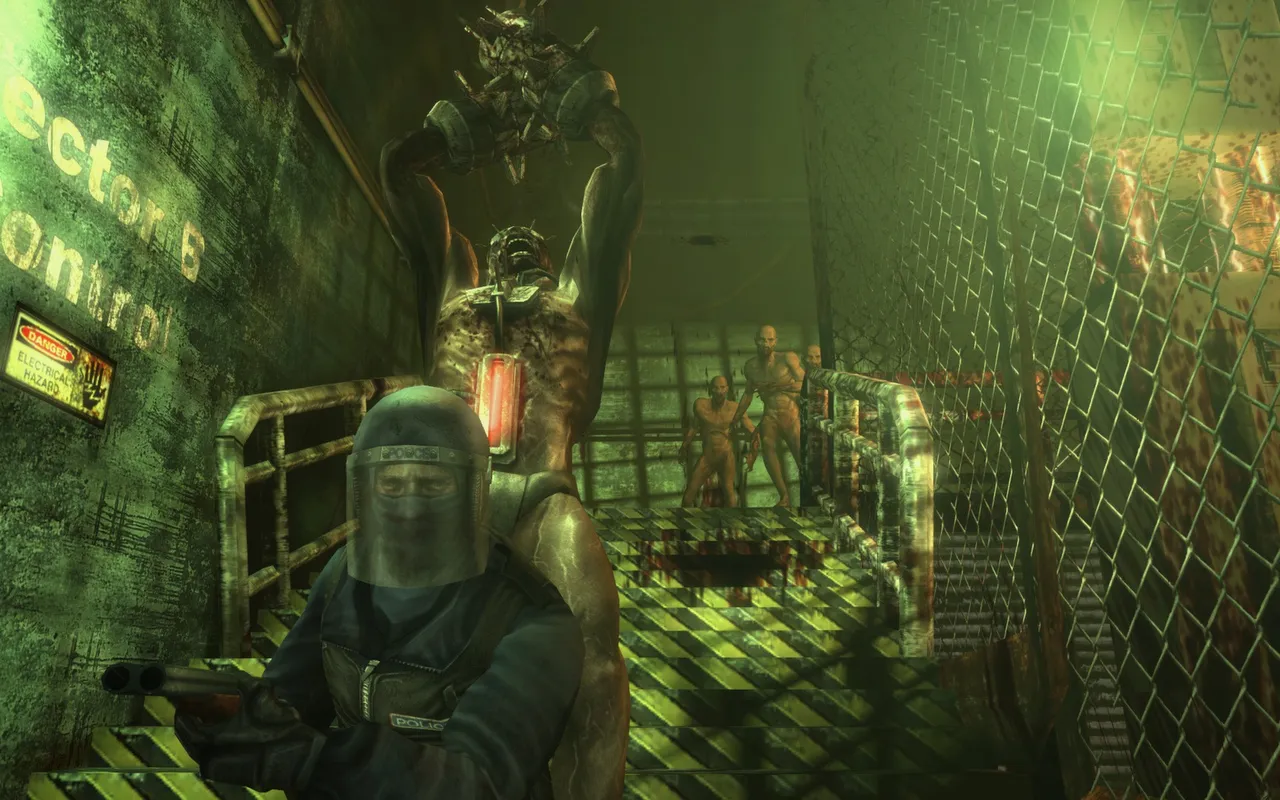 A survivor in a gas mask beside caged specimens.
Player Commands
BEHINDVIEW 0 - First person view
BEHINDVIEW 1 - Third person view
FREECAMERA 1/0 - Prevents player from turning (Movement remains available), and camera can rotate around the player
FOV xx - Changes your Field of View to xx value
SUICIDE - Suicide
Video Recording
DEMOPLAY Demo_Name - Plays demo with name Demo_Name
DEMOREC Demo_Name - Records demo with name Demo_Name
STOPDEMO - Stops demo recording
Statistics
MEMSTAT - Shows RAM used by the game
STAT ALL - Shows all statistics
STAT AUDIO - Shows audio statistics
STAT FPS - Shows your current FPS (Frames/sec)
STAT GAME - Shows game statistics
STAT HARDWARE - Shows computer statistics
STAT NET - Shows Internet statistics
STAT NONE - Disables all statistics
STAT RENDER - Shows rendering statistics
Debugging
OBJ LIST - Shows list of objects in the game
OBJ GARBAGE - Garbage collection in memory
FLUSH - Clears cache
LISTTEXTURES - Shows list of loaded textures
LISTSOUNDS - Shows list of loaded sounds
Rendering Tweaks
SHOW BOUNDS - Shows object bounds
SHOW COLLISION - Shows collisions
SHOW DECALS - Shows decals
TOGGLE DEBUGCAMERA - Toggle debug camera mode
The view-mode commands below work in solo play only:
REND BLEND - Normal rendering with a mesh overlay
REND BONE - Shows skeleton bones
RMODE 1 - Wireframe only
RMODE 2 - Zone view
RMODE 3 - Textures only
RMODE 4 - All BSP white, normal lighting on static meshes
RMODE 5 - Normal rendering
RMODE 6 - No shadows
RMODE 7 - Lighting only
RMODE 8 - Overdraw visualisation
Cheats (Single Player Only)
ENABLECHEATS - Must be entered before any other cheat. Disables perk progress for the session
GOD - God mode (invincibility)
FLY - Fly mode
GHOST - Ghost mode (walk through walls)
WALK - Disable fly/ghost mode
SLOMO x - Slow motion (x - multiplier, e.g. 0.5 for half speed)
ALLAMMO - Infinite ammo
KILLALL - Kill all enemies on the map
LOADED - Gives all weapons
PLAYERSONLY - Freezes everything except players
TELEPORT - Teleports you to the spot you are looking at
Admin Commands
ADMINLOGIN password or ADMIN LOGIN password - Login as administrator (requires admin password)
ADMIN ADMINSAY message - Shows a message in the middle of every player's screen
ADMIN MAP KF-MapName.rom - Changes the map
ADMIN SET ENGINE.GAMEINFO GAMEDIFFICULTY x - Sets the difficulty for the next map: 1 Beginner, 2 Normal, 4 Hard, 5 Suicidal, 7 Hell on Earth
PAUSE - Pauses the game
ADMIN LOGOUT - Logout from administrator mode
KICK player_name - Kick player from server
BAN player_name - Ban player
MUTE player_name - Mute player
SET PASSWORD password - Set server password
WebAdmin opens in a browser at http://YourServerIP:8075/ServerAdmin/ (8075 is the default port). See admin console commands for the full admin set.
Miscellaneous
DISCONNECT - Disconnect from server
EXIT - Exit game
OPEN ip_address - Connect to server with IP ip_address
PREFERENCES - Opens settings window in Windows
RECONNECT - Reconnect to server
REPORT - Copies game information to clipboard
SHOWLOG - Opens game log in Windows
SET INPUT - Allows binding a key
GETALL class_name - Shows all objects of specified class
GETSTATE - Shows current object state
LISTACTORS - Shows list of actors on the map
How to Use Console Commands
- Open console in game (usually
~orF1key) - Type the command and press Enter
- For commands with parameters, specify the value after the command name (e.g.,
FOV 90)
Notes
- Some commands may be unavailable on servers with restrictions
- Statistics commands can be combined to display multiple types of information simultaneously
- Video recording commands save demo files in the game's
Systemfolder
