
Killing Floor PC Tech Specs: Ports, APIs, DLC and Community Fixes
PCGamingWiki keeps one of the most detailed technical records of Killing Floor 1. Our older PC Gaming Wiki fixes page covers the common problem/solution list; this page is the reference sheet: what the PC version actually supports, where its files live on each OS, which ports and APIs it uses, what DLC and cross-game unlocks exist, and the less-known community fixes.
 Killing Floor cover art as used on PCGamingWiki.
Platforms and release
| Item | Details |
|---|---|
| Developer | Tripwire Interactive |
| macOS and Linux ports | Ryan C. Gordon |
| Publisher | Tripwire Interactive |
| Engine | Unreal Engine 2.5 |
| Windows release | 14 May 2009 |
| macOS release | 5 May 2010 |
| Linux release | 9 November 2012 |
| Metacritic | 72 |
| DRM | Steam on every store version |
The original KFMod (2005) was a total conversion for Unreal Tournament 2004 and is still available on ModDB; it needs UT2004 to run. Retail copies were sold through Steam, Humble Store, GamersGate, Gamesplanet and Green Man Gaming (the Complete Pack was also offered). Every version requires Steam.
macOS warning: the Mac build is 32-bit only, so it does not run on macOS Catalina (10.15) or later.
Monetization, DLC and cross-game unlocks
The base game is a one-time purchase with no microtransactions. Paid DLC adds characters, weapons and weapon skins. All of the following packs are bundled in Killing Floor 1 Complete Your Set! on Steam:
| Weapon packs | Character packs |
|---|---|
| Community Weapon Pack | Ash Harding |
| Community Weapon Pack 2 | Harold Lott |
| Community Weapons Pack 3 - Us Versus Them Total Conflict | "London's Finest" |
| Camo Weapon Pack | Mrs Foster |
| Golden Weapons Pack | Neon |
| Golden Weapon Pack 2 | Nightfall |
| Neon Weapon Pack | Outbreak |
| PostMortem | |
| Reggie the Rocker | |
| Robot Special | |
| Steampunk | |
| Steampunk 2 | |
| The Chickenator | |
| Urban Nightmare |
Cross-game bonuses from other Tripwire-related games:
- Dwarfs!?: the Dwarfs!? Axe for the Berserker. It used to unlock through an achievement in the free-to-play Dwarfs!?, but that no longer works after a change to Steam privacy settings.
- The Ball: pre-ordering unlocked the character Harchier Spebbington.
- Red Orchestra 2 Digital Deluxe: unlocks the characters George and Nikolay.
- Rising Storm Digital Deluxe: unlocks the Commando's Rising Storm Tommy Gun and the characters Hayato Tanaka and Ricky Vegas.
More on DLC: DLC content overview and golden weapons.
Essential tweaks
Skip the intro videos. Close the game, open <game>\System\KillingFloor.ini, find LocalMap=KFIntro.rom near the top and change it to LocalMap=KF-Menu.rom. The main menu may look slightly broken afterwards but works normally.
Skip the Killing Floor 2 trailers. Delete the Movies folder in the game directory.
Game data and config locations
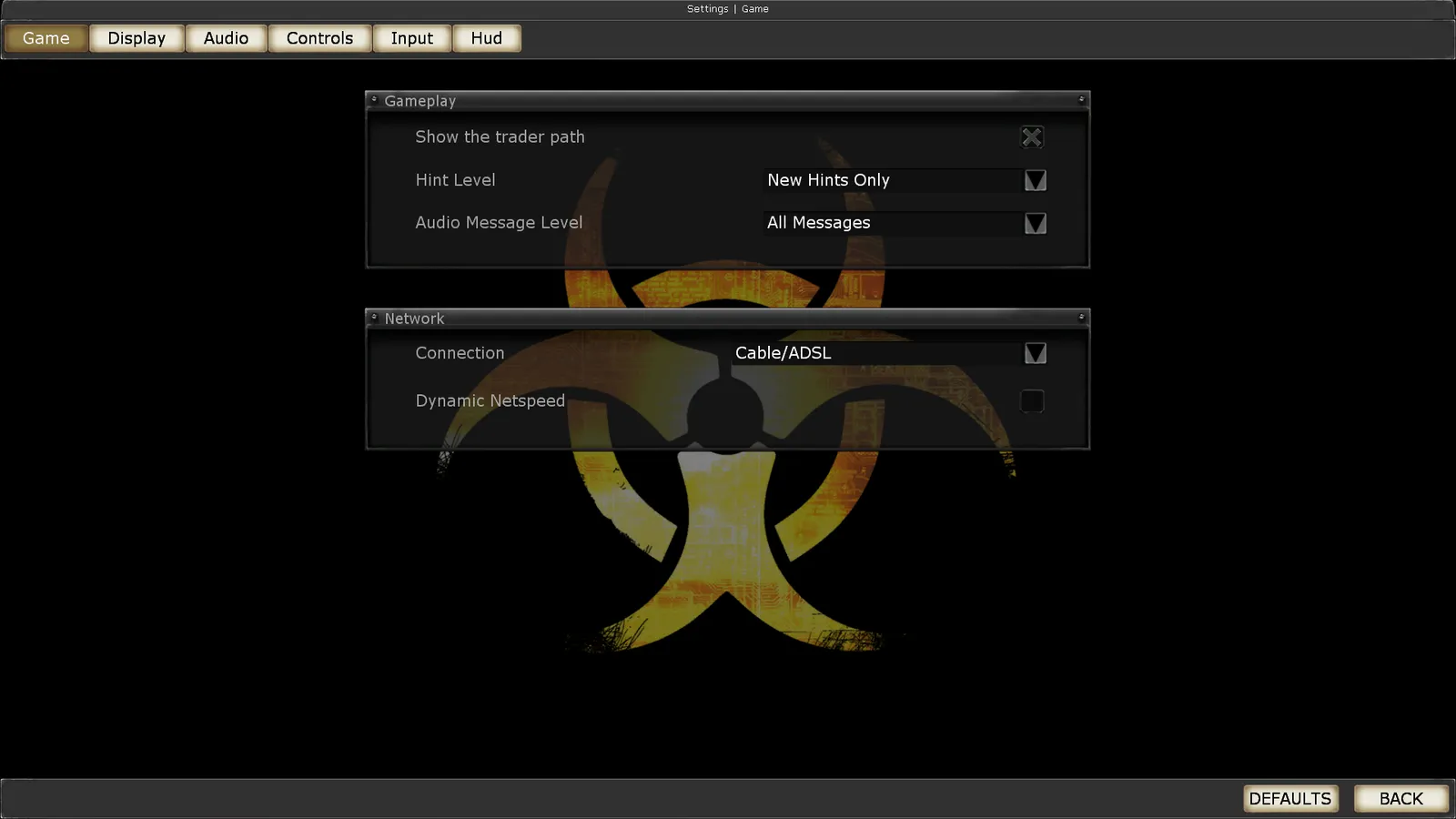 In-game General settings.
| System | Config location |
|---|---|
| Windows / Steam | <path-to-game>\System\*.ini |
| macOS | $HOME/Library/Application Support/Killing Floor/ |
| Linux | $HOME/.killingfloor/ |
KillingFloor.inistores audio, general, network and video settings.User.inistores key bindings, FOV and HUD settings.- The game manual is in
<path-to-game>\Help. - Saves live in Steam Cloud (about 954 MB available), so they are not reachable as local files.
- On Linux the game ignores the XDG Base Directory specification.
Full path reference: KF ini file location.
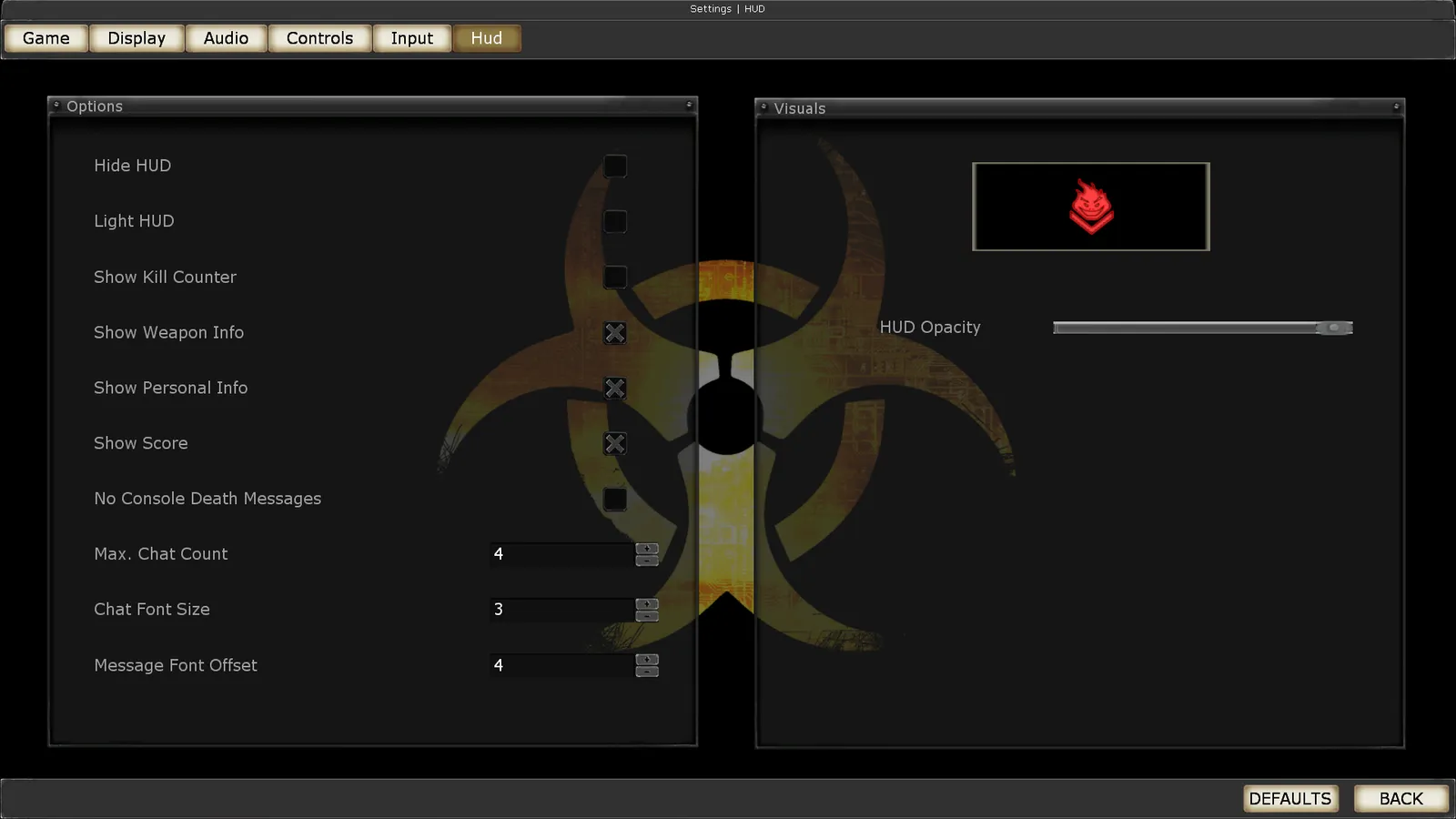 In-game HUD settings.
Video
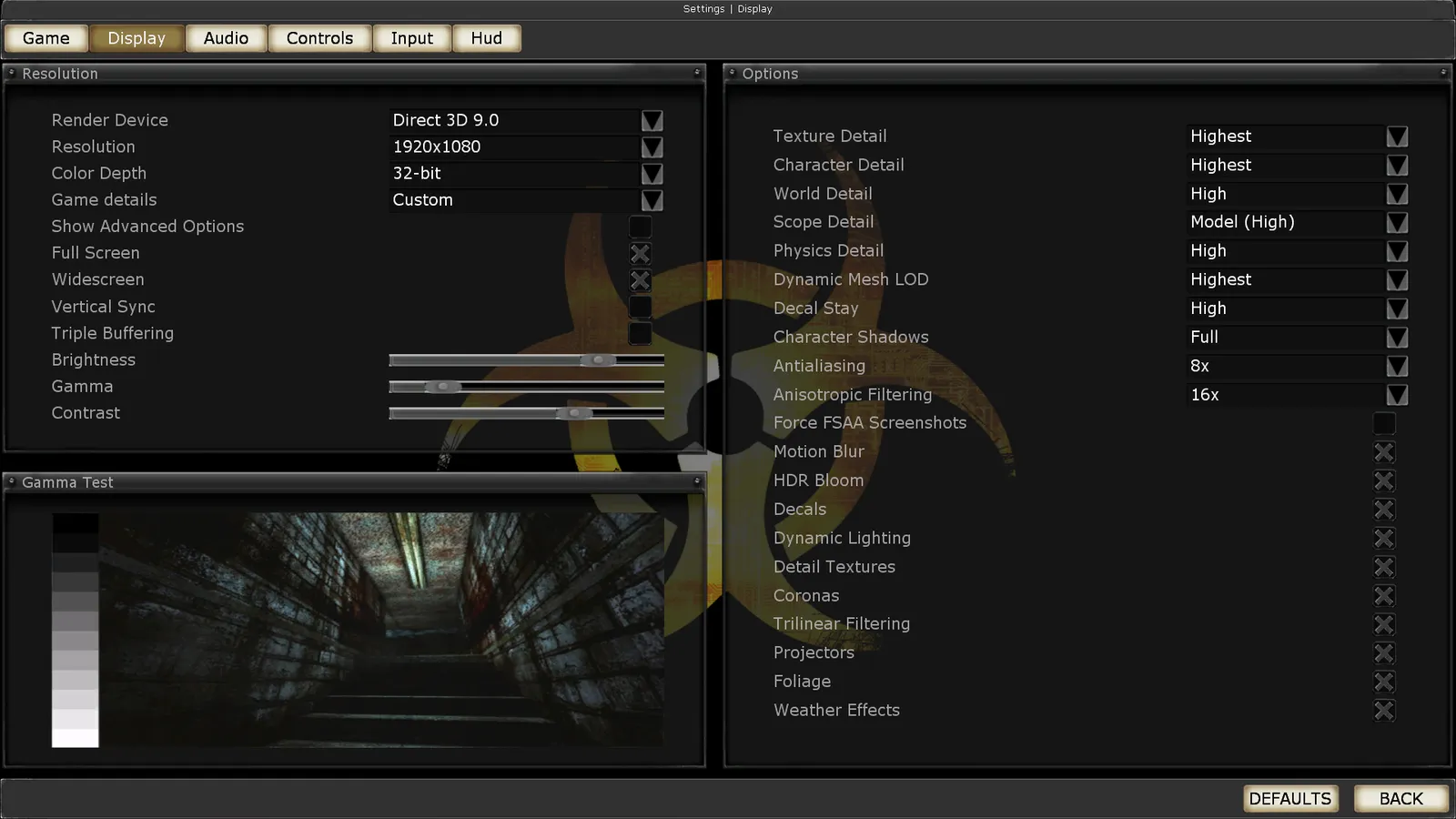 In-game Video settings.
| Feature | Support and notes |
|---|---|
| Widescreen | Yes |
| Multi-monitor | Via ini edit (see below) |
| Ultra-widescreen | Proper Hor+ scaling, but ultrawide resolutions are not listed in game; set them in the ini |
| 4K | No: maximum vertical resolution is 1600p |
| Field of view | Default 106.3 degrees horizontal; fov <number> in console, resets on every map load |
| Windowed | Yes; starting in windowed mode can make the main menu unreadable |
| Borderless window | Not native; use the Borderless Gaming tool |
| Anisotropic filtering | Yes |
| Anti-aliasing | Up to 8x MSAA; Nvidia can force SGSSAA with flag 0x000000C1 in Nvidia Profile Inspector (DX9 renderer only) |
| V-sync | Yes; Direct3D 8 mode on Windows 10+ needs a display wrapper for v-sync to work |
| High frame rate | Capped by default, see below |
| HDR, color-blind mode | Not documented; no known in-game option |
Unlock the frame rate: in KillingFloor.ini change MaxClientFrameRate=90 to MaxClientFrameRate=200, launch the game, open the console with ~ and type netspeed 20000. The frame rate is then unlocked in multiplayer. Deeper tuning: advanced FPS config.
Multi-monitor / custom resolutions: edit FullscreenViewportX and FullscreenViewportY in KillingFloor.ini, for example 5760 and 1080 for triple 1080p.
Borderless window: install Borderless Gaming, add Killing Floor to its favorites, right-click the entry and disable Auto-Maximize, then set your resolution in game and turn off Full Screen.
Input
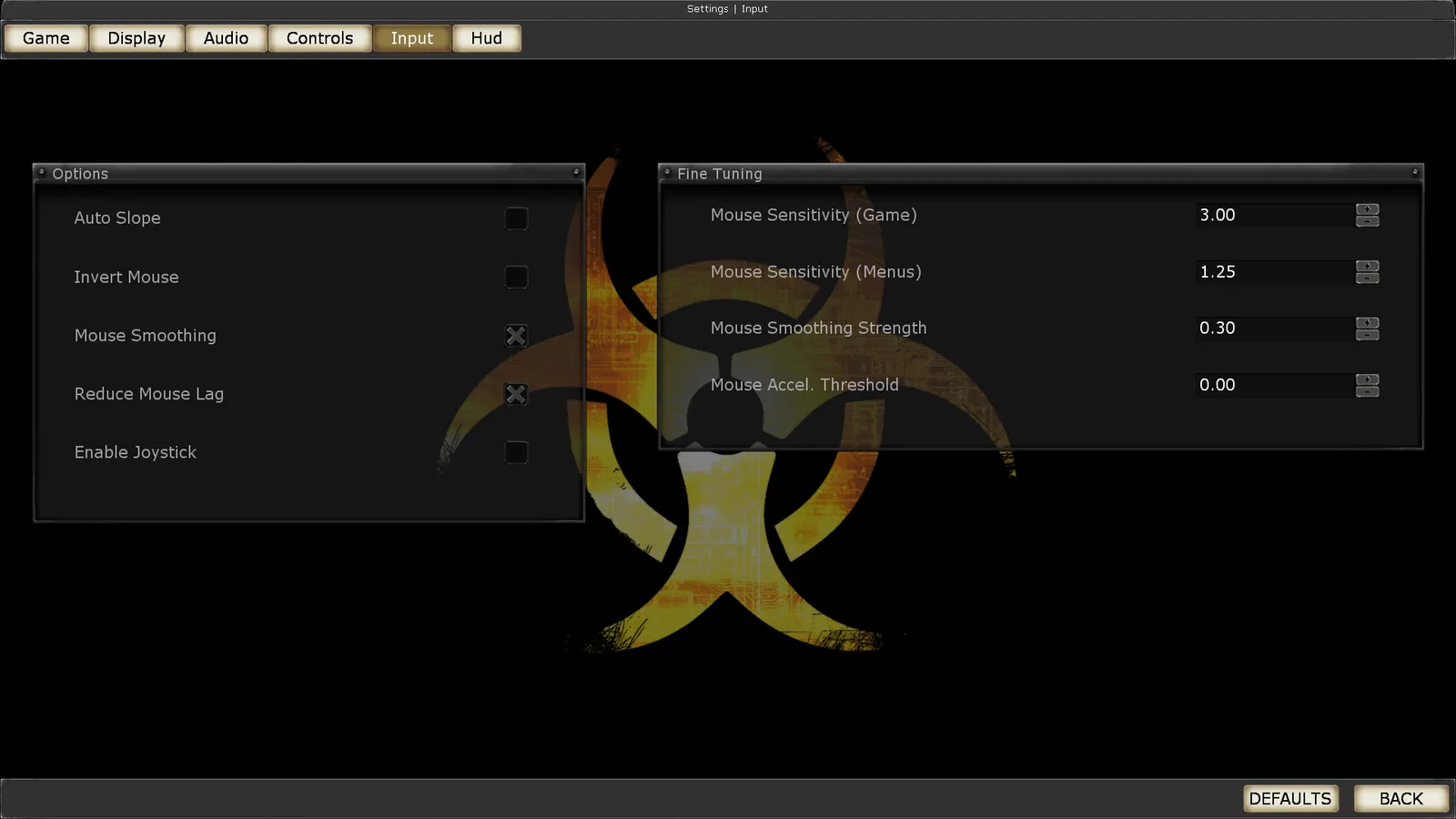 In-game Controls settings.
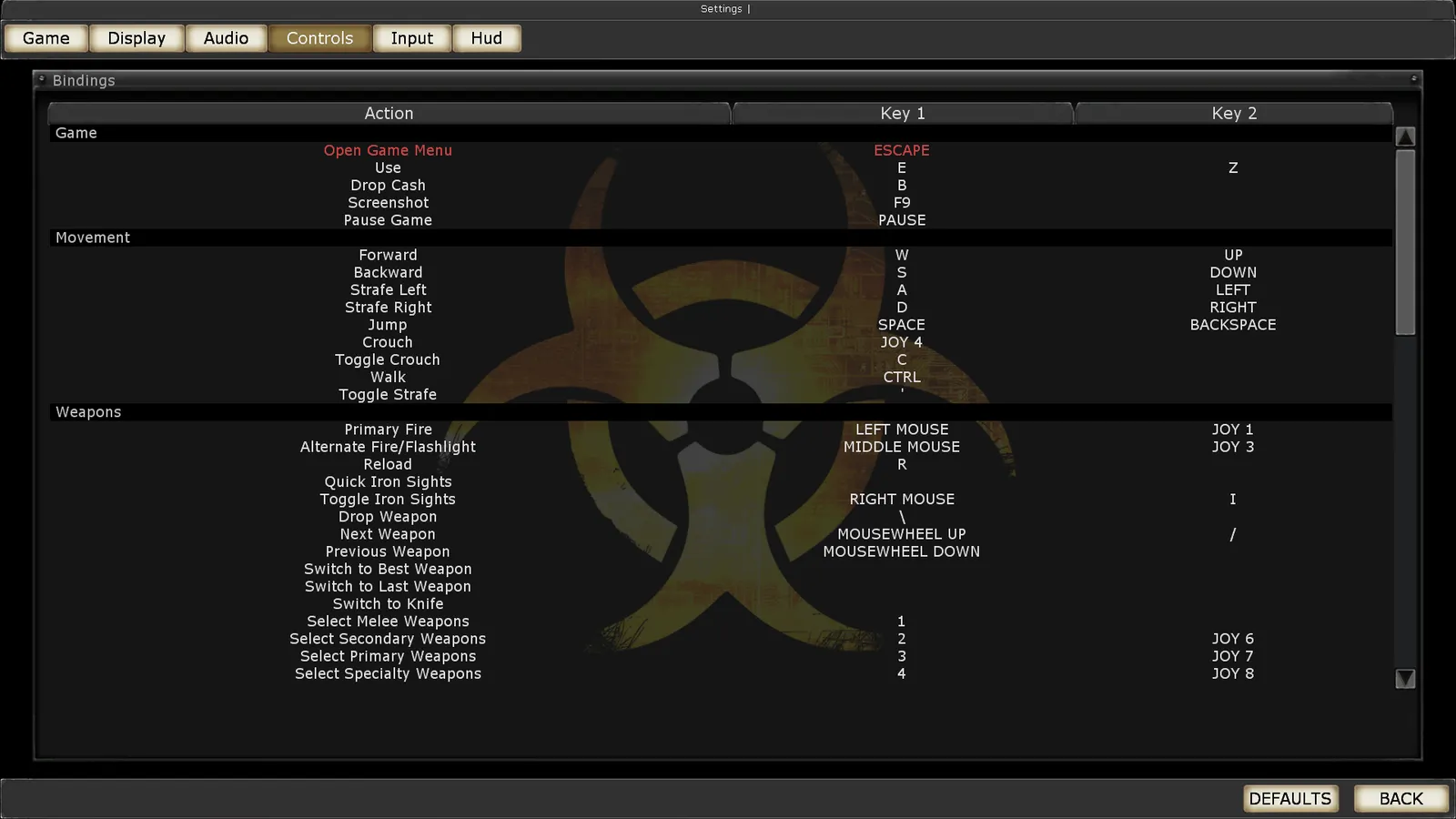 In-game key remapping.
- Keyboard and mouse: key remapping, mouse acceleration setting, mouse Y-axis inversion and mouse navigation in menus are supported natively.
- Controllers are supported in game, but not across all menus (no full controller support). Controller remapping and Y-axis inversion must be done in
User.ini. Known bug: joystick input is ignored while fire is held until you press another button or move the mouse. - Toggle walk: bind it from the console with
set input X Toggle bRun(replace X with the key), or edit the binding inUser.ini.
Binding ideas: useful binds and keybinds.
Audio and languages
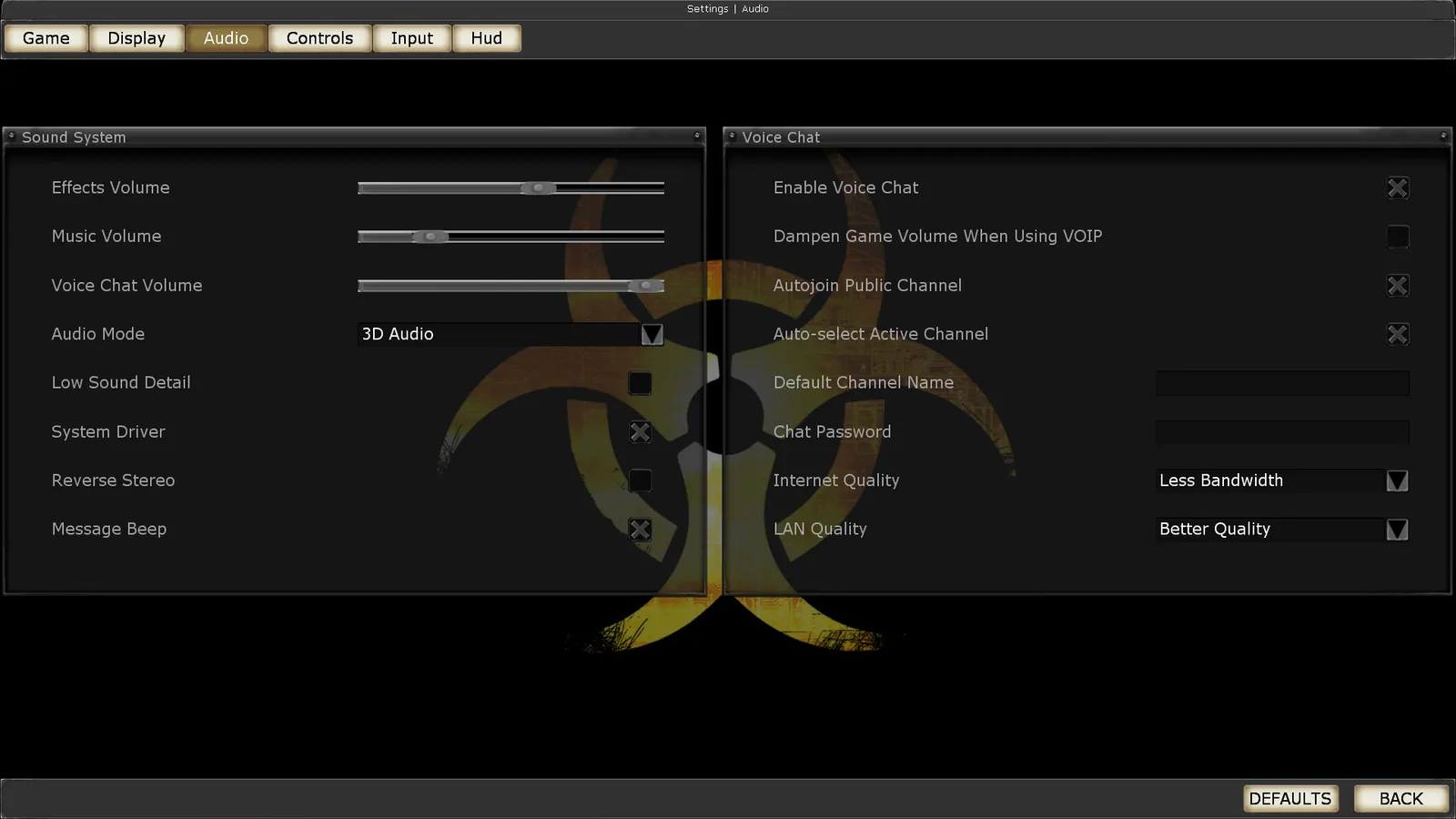 In-game Audio settings.
- Separate volume sliders for effects, music and voice chat.
- Surround sound configures itself up to 7.0.
- If an onboard Realtek card plays 5.1 through only two speakers: set 5.1 both in Windows sound settings and in the Realtek manager (Control Panel - Sound), and set the manager's environment to "Generic" or "Room" (a fix from the Windows 7 5.1 sound thread on the killingfloor.ru forum).
- EAX 3 support.
- No subtitles, no closed captions, no mute when the window loses focus.
| Language | Interface | Voice |
|---|---|---|
| English, French, German, Italian, Russian, Spanish | Yes | Yes |
| Hungarian, Polish | Yes | No |
| Czech | Fan translation | No |
Russian players can also check Russian localization fonts.
Network
| Type | Players | Notes |
|---|---|---|
| Local (split screen) | - | Not native; possible with Nucleus Co-op |
| LAN | 6 | Co-op |
| Online | 6 | Co-op; can be raised externally with mods |
- Connection types: peer-to-peer (listen server), dedicated servers and self-hosting; no matchmaking.
- Direct IP: open the console with
~and typeopenfollowed by IP and port. - When hosting a listen server behind a router you may need to change
ServerBehindNAT=FalsetoTrueinKillingFloor.ini. - UPnP support is unknown.
| Protocol | Ports |
|---|---|
| TCP | 8075, 28852 |
| UDP | 7707, 7708, 7717, 20560, 28852 |
Server hosting walkthroughs: KF1 Linux server with SteamCMD and ports and NAT.
VR
No native VR. vorpX has a user-made profile using its G3D mode. The Novint Falcon haptic controller is listed as supported.
Community fixes and known issues
Mutator fixes worth installing:
- CustomSpawnFix: fixes ZED spawning on older maps (also on the Workshop).
- Grenade Arm Fix: shows your character's real arms when throwing a grenade instead of generic camo arms.
- Paramedic Alfred Anderson Viewmodel Fix: gives Alfred Anderson his intended rolled-up sleeves in first person.
- Unicode Fix: non-English characters show properly in chat instead of
~~~~~~~.
Mouse sensitivity keeps resetting. Either change the sensitivity in the menu right after launching and before joining a server, or close the game, open <game>\System\User.ini and set MouseSensitivity= under [Engine.PlayerInput]. More: mouse sensitivity not saving.
Crash to desktop. In the compatibility properties of Killing Floor.exe, disable visual themes and desktop composition.
Flickering. Add -windowed to the Steam launch options, then maximize the window after the game starts. Flicker can also be caused by running a non-native resolution.
No online games / 0 servers. Exit Steam, delete ClientRegistry.blob from the Steam folder (C:\Program Files (x86)\Steam), then restart Steam and the game. See also master server list empty.
Re-enable gore. Some versions ship with gore disabled. Run the game once, open <game>\System\KillingFloor.ini, find [Engine.Engine] and add bdevgoreoverride=True as the last line of that block. Save and restart Steam.
Main menu unreadable in windowed mode. Switch to fullscreen.
Sound stuttering on Arch Linux. Back up openal.so in <game>/System, install lib32-openal (or openal on a 32-bit system) and symlink it:
ln -s /usr/lib32/libopenal.so.1 <path-to-game>/System/openal.soOn 32-bit systems use /usr/lib/libopenal.so.1 instead. Other Linux notes: Killing Floor on Linux.
API and middleware
| Item | Details |
|---|---|
| Direct3D | 8, 9 |
| OpenGL | 2.1 |
| Windows executable | 32-bit only; may need the Large Address Aware flag on modern systems |
| macOS and Linux executables | 32-bit only |
| Physics | Karma |
| Audio | Miles Sound System, OpenAL, Speex |
| Cutscenes | Bink Video |
| Multiplayer | Steamworks |
The LAA flag fix is described in Large Address Aware crash fix. For console commands see the console commands list.
System requirements
| Windows minimum | Windows recommended | |
|---|---|---|
| OS | XP, Vista | XP, Vista |
| CPU | 1.2 GHz | 2.4 GHz |
| RAM | 1 GB | 2 GB |
| Storage | 2 GB | 2 GB |
| GPU | 64 MB VRAM, DirectX 9 compatible | 128 MB VRAM, Shader Model 2.0 |
| Sound | DirectX 8.1 compatible | EAX compatible |
| macOS minimum | |
|---|---|
| OS | 10.5.8, 10.6.3 |
| CPU | Intel |
| Storage | 2 GB |
| GPU | Nvidia or ATI (Intel GPUs unsupported) |
| Linux minimum | Linux recommended | |
|---|---|---|
| OS | Ubuntu 12.04 LTS | Ubuntu 12.04 LTS |
| CPU | 1.2 GHz | 2.4 GHz |
| RAM | 1 GB | 2 GB |
| Storage | 2 GB | 2 GB |
| GPU | Nvidia, ATI or Intel | Nvidia, ATI or Intel |
FAQ
- What is the default FOV in Killing Floor 1?
- 106.3 degrees horizontal. You can change it with the console command fov followed by a number, but it resets every time a map loads.
- Does Killing Floor 1 work on modern macOS?
- No. The macOS build is 32-bit only and does not run on macOS Catalina (10.15) or later.
- Which ports does a Killing Floor server use?
- TCP 8075 and 28852, and UDP 7707, 7708, 7717, 20560 and 28852.
- How do I re-enable gore in Killing Floor?
- Add bdevgoreoverride=True at the end of the [Engine.Engine] block in System\KillingFloor.ini, save, and restart Steam.
- Which DirectX versions does Killing Floor support?
- Direct3D 8 and 9, plus OpenGL 2.1. The Windows executable is 32-bit only.
