
Killing Floor INI File Location - Where to Find Config Files
Killing Floor configuration files (INI files) are located in your Documents folder. Here's where to find them and how to edit them.
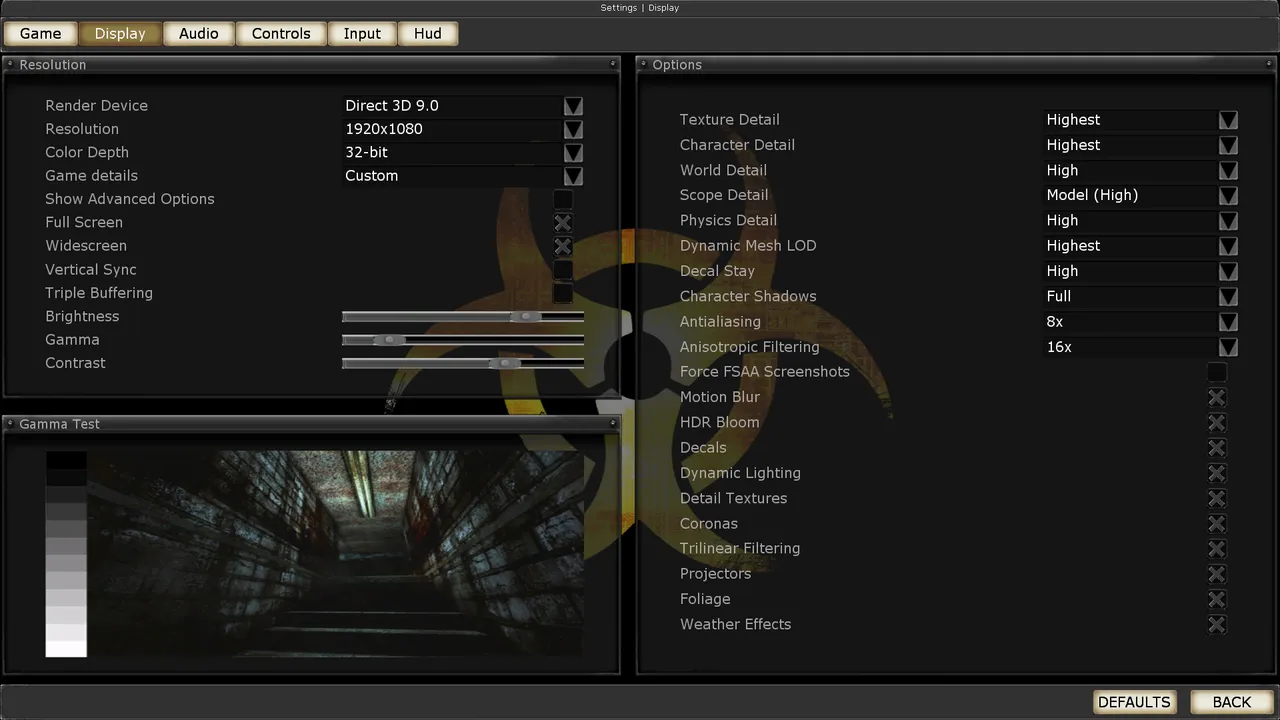 The Killing Floor Display menu: render device, resolution and detail levels. Screenshot: PCGamingWiki.
Default Location
Windows
Documents\My Games\KillingFloor\KFGame\Config\Main Configuration Files
- KFEngine.ini - Main engine settings
- KFInput.ini - Input and control settings
- KFSystemSettings.ini - System and graphics settings
- KFUser.ini - User-specific settings
How to Edit
Step-by-Step Guide
- Navigate to folder - Go to Documents\My Games\KillingFloor\KFGame\Config
- Backup files - Copy files before editing
- Open with Notepad - Right-click → Open with → Notepad
- Edit carefully - Make small changes and test
- Save changes - Save file and restart game
Important Settings
Common settings you might want to change:
- Resolution - Screen resolution
- Graphics quality - Visual settings
- Mouse sensitivity - Input settings
- Key bindings - Control customization
Backup Before Editing
Always backup your INI files before editing:
- Copy entire Config folder
- Paste to safe location
- Edit original files
- Restore if needed
Common Edits
Graphics Settings
- Resolution - Change screen size
- Fullscreen - Enable/disable fullscreen
- VSync - Vertical sync settings
- Texture quality - Graphics detail
Performance Settings
- Disable gore - Remove blood effects
- Reduce particles - Lower particle effects
- Lower shadows - Reduce shadow quality
