
Killing Floor dedicated server setup (KF1)
If you want a private place for friends, a consistent map rotation, or a stable long-term server, a dedicated server is the cleanest option.
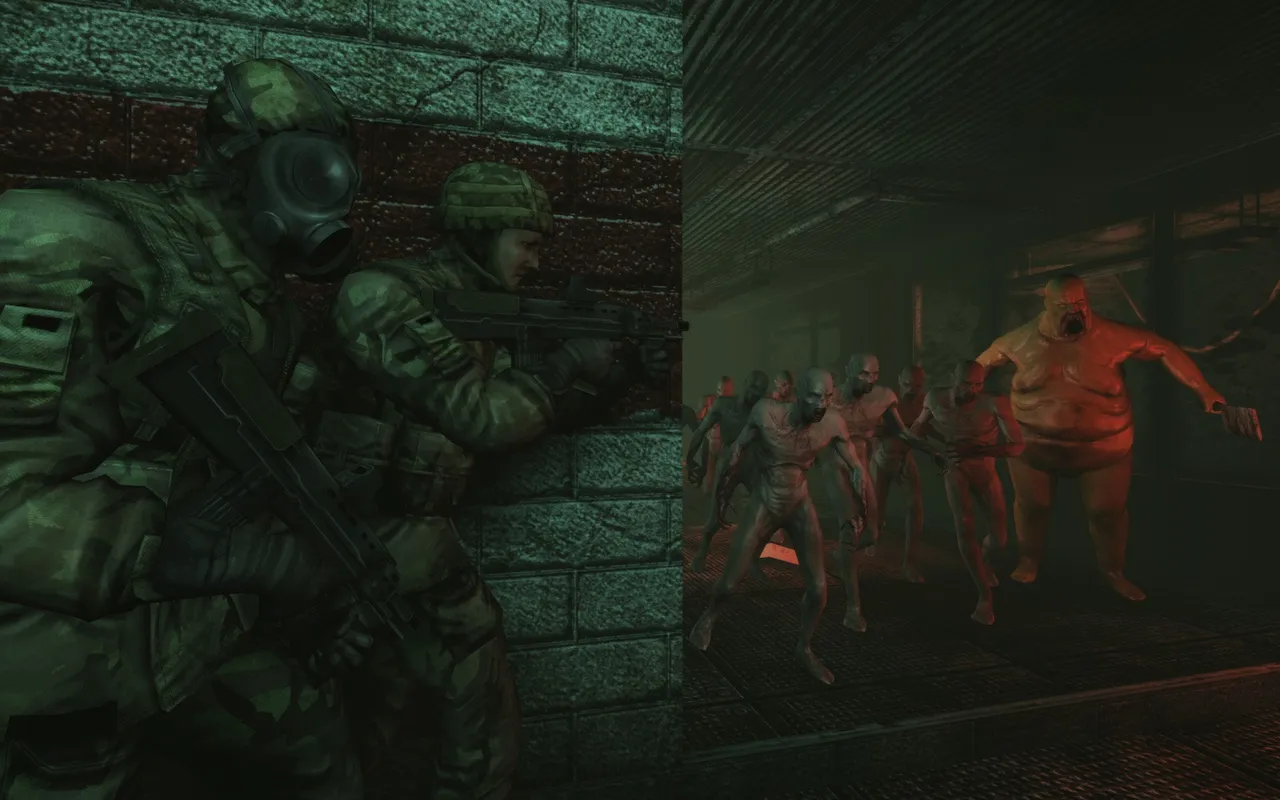 A squad holds a corner while a Bloat leads the horde toward them.
This guide is intentionally practical and conservative: it explains the typical approach and common pitfalls without pretending there is "one magic config".
Before you start (quick reality check)
You need:
- A legal game client (Steam).
- A machine to host (PC, VPS, or a spare computer). Hosting on the same PC you play on works for small groups, but is less stable.
Dedicated vs "just host a match"
People mix these up:
- Dedicated server: always-on server process, stable settings, better for regular play.
- Listen server / quick host: one player hosts while playing; easier but can be unstable and requires the host to be online.
If your goal is "we play every week", dedicated is worth it.
An example from the killingfloor.ru forum ("ПОМОГИТЕ! При лечении вылетает игра!" thread): on a self-hosted server with ServerPerks v7 (game version 1058) the host's Medic did not level, and healing with a medic gun threw an error. Flame's answer: use a dedicated server, he never fixed this problem for the listen server. To debug your own edits, siriushard suggested adding log("Code executed") at the end of the relevant code in the sources, compiling, and checking the server log after the error to see whether that code ran.
The configuration mindset (what actually matters)
For a stable KF1 server, focus on:
- a fixed game port (do not leave it random)
- a simple map list (start small, add maps later)
- a clean package/cache policy (avoid mixing content from many sources too early)
- clear rules (password for private servers, and no random admin mods)
Where settings live (high-level)
KF1 is built on Unreal Engine, so server behavior is controlled by .ini configs. The exact files and keys depend on how you install the server, but you will typically edit:
- server port and networking
- map rotation / map list
- game rules and difficulty
- any mutators/modes you enable
Because installation layouts differ, the safest path is:
- Install the server component (Steam tools or a server package you trust).
- Launch once to generate default configs.
- Edit configs, then restart the server cleanly.
Networking: the part that breaks hosting most often
If people cannot join from outside your home network, it is almost always NAT/firewall/ports.
Use the dedicated ports guide:
Security and stability tips (simple but important)
- Do not expose admin credentials publicly.
- Keep it passworded if it is a friends-only server.
- Add custom maps gradually (one pack at a time), test, then expand.
- If players get mismatch errors, the fastest fix is usually client cache cleanup:
Mini scenario (realistic)
Four friends want weekly co-op without random players. One person hosts a dedicated server on a spare PC with a password and a small map rotation. The first evening is mostly ports and firewall, the second evening is smooth and repeatable.
Server and game on the same PC
From the killingfloor.ru forum, "Сервер и Killing floor конфликтуют между собой." (The server and Killing Floor conflict with each other) thread (Steam version, Windows 7):
- A dedicated server installed from the tools in the Steam client would not start while Steam was running, and with Steam closed nobody could join it (a Steam error). What helped was downloading the dedicated server through SteamCMD and starting it from a batch file.
- Keep the server and the game in different folders. Flame starts the game first and then the server (both from Steam).
- If you need several clients on one machine, the thread suggests Sandboxie or virtual machines.
- The
Q_UTF16ToUTF8error invstdlib_s.dllon a map change, when the client and the server or two copies of the server run on one machine, is covered in Multiple servers in one folder.
Log messages, mutator settings and a broken ini
From the killingfloor.ru forum threads "KFDS on win" (2011), "Error adding mutators on the server" (2012), "Only hieroglyphs in KF.ini" and "The Uzeds mutator does not work".
STEAMSTATS: SECURITY CHECK FAILED - ../System/<file>.uis not fatal. The server is reporting that this module failed Steam validation (Flack); according to Flame, every mutator that is not whitelisted is marked this way. What this means for perks: Whitelisted mutators.Warning: KFDoorMover ... Multiple triggers found!is an error that does not affect how the server works (Gwyn).Not adding KFFakedPlayers.KFFakedPlayers because already have a mutator in the same group: according to Flame, this is insignificant and does not affect the game; the mutator is simply loaded twice because of a sloppy start line or not quite correct use of MutLoader. For other warnings from mutators Proton's advice was: if everything works, ignore them.- Mutator settings through WebAdmin. Gwyn's method, using KFFakedPlayers as the example: add the mutator to the batch file (you can skip
KillingFloor.ini), start the server, open WebAdmin, the Defaults tab, the Game item. A Forced Minimum Players parameter appears there: that is the number of "bots". Set the value, press Accept and restart the server through WebAdmin. The thread author found the MutMoney and MutWeight settings on the same tab. The other way is to decompile the mutator, change the parameters and compile it again (see Compiling and decompiling mutators). - UZeds does not add zeds. It raises the maximum number of zeds per wave but does not add them directly; to get more zeds, install FakedPlayers (Greatfox).
KillingFloor.initurned into "hieroglyphs". Changing the encoding did not help, but deleting the file did: it is restored fromdefault.ini(Gwyn's advice).
Related help
- Optimize clients to reduce re-downloads: Optimization (INI, cache)
- Full server feature wiki (if you want to compare with community networks): Server Information
