
Play Killing Floor with friends (co-op, hosting, LAN)
Killing Floor is at its best with a small group that actually talks and plays roles. This page is a practical guide for playing with friends without spending an evening fighting the server browser.
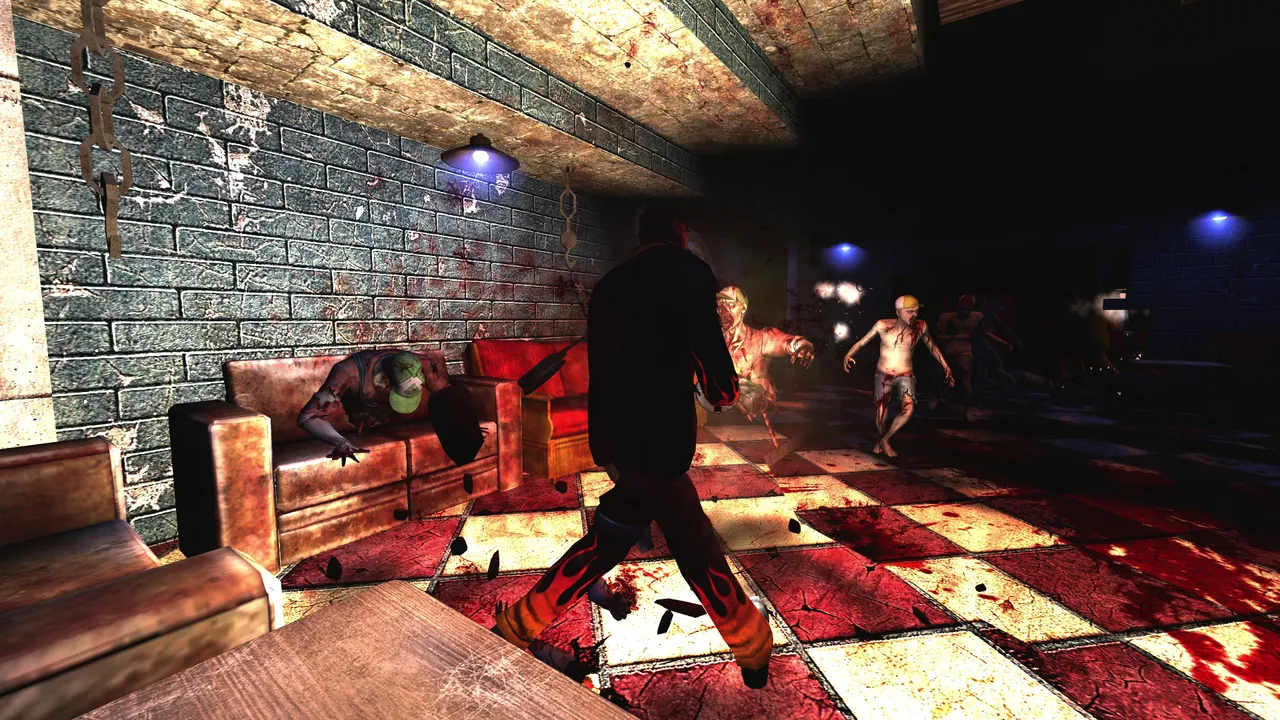 A teammate covers the room while specimens rush in.
Quick requirements checklist (before you waste time)
- Everyone owns the game on Steam and is on the same game version.
- You have a simple way to coordinate (Discord is enough).
- At least one of you can copy an IP and share it (Favorites or console
open). - If you host: you can access router/firewall settings (or you use a VPS).
The 3 common ways people play together
Option B: Host your own dedicated server (best control)
This is the best choice if you want a private space, specific maps, or stable rules for a fixed group.
Pros:
- Full control (password, map rotation, rules)
- Stable for long sessions
Cons:
- Requires setup and port/NAT knowledge
- Someone must maintain it
Guides:
Option C: LAN style (same network, minimal internet)
If everyone is on the same local network, LAN play can work well. It is less common today, but still useful for events.
Pros:
- No internet dependency (mostly)
- Lowest latency
Cons:
- Still may require firewall permission
- Harder if players are remote
Quick start: playing together on a community server
- Pick a server from the list:
- Everyone joins the same server (Favorites/IP is the most reliable).
- Assign roles (simple baseline):
- 1 Medic, 1 Support, 1 Sharpshooter, 1 flexible
- If the first join downloads files, let it finish once.
Fastest method when someone cannot find the server
open <IP>:<PORT>reconnectVoice and coordination
You do not need complex comms. The basics already help:
- Call out big threats (Scrake/Fleshpound, Patriarch)
- Call when you are low and need heals
- Decide who buys utility (pipes, armor support, etc.)
Team composition tips (small group)
If you are 2-3 players:
- 1 Medic is almost always the best decision
- 1 Support keeps runs stable
- the rest can play damage, but avoid all picking "selfish" perks at once
If you are 4-6 players:
- 1 Medic, 1 Support, 1 Sharpshooter is a strong baseline
- add one flexible role (based on mode and map)
Common problems and fixes
"My friend cannot see the server"
- Use Favorites/IP instead of search:
- Make sure everyone uses the same game version (Steam client recommended).
"Joining takes forever / stuck on Connecting"
On modded/community servers, first join may download content. If it never finishes or errors out:
"We want a private place"
Use a dedicated server with a password:
Listen server vs dedicated (quick choice)
If you are unsure what to do:
- choose a community server if you want zero setup
- choose dedicated if you want privacy, stable rules, and repeatable sessions
Hosting guides:
Mini scenario (realistic)
You and 2 friends reinstall KF after years. The in-game search shows nothing useful. You copy one IP from the server list, join once, wait for downloads, and then everyone has the whole server network in Favorites. You play two maps, then switch modes without losing progression.
More useful links
- Full server features and modes: Server Information
- If something is broken: F.A.Q.
- Find your stats: Stats & rankings
