
KF2: Hide the HUD for Screenshots with setbind showhud
A very short guide, posted in Spanish, English and Russian, on getting a clean screen for screenshots in Killing Floor 2. It is useful with the free camera, but see also HD resolution and HUD for a different topic.
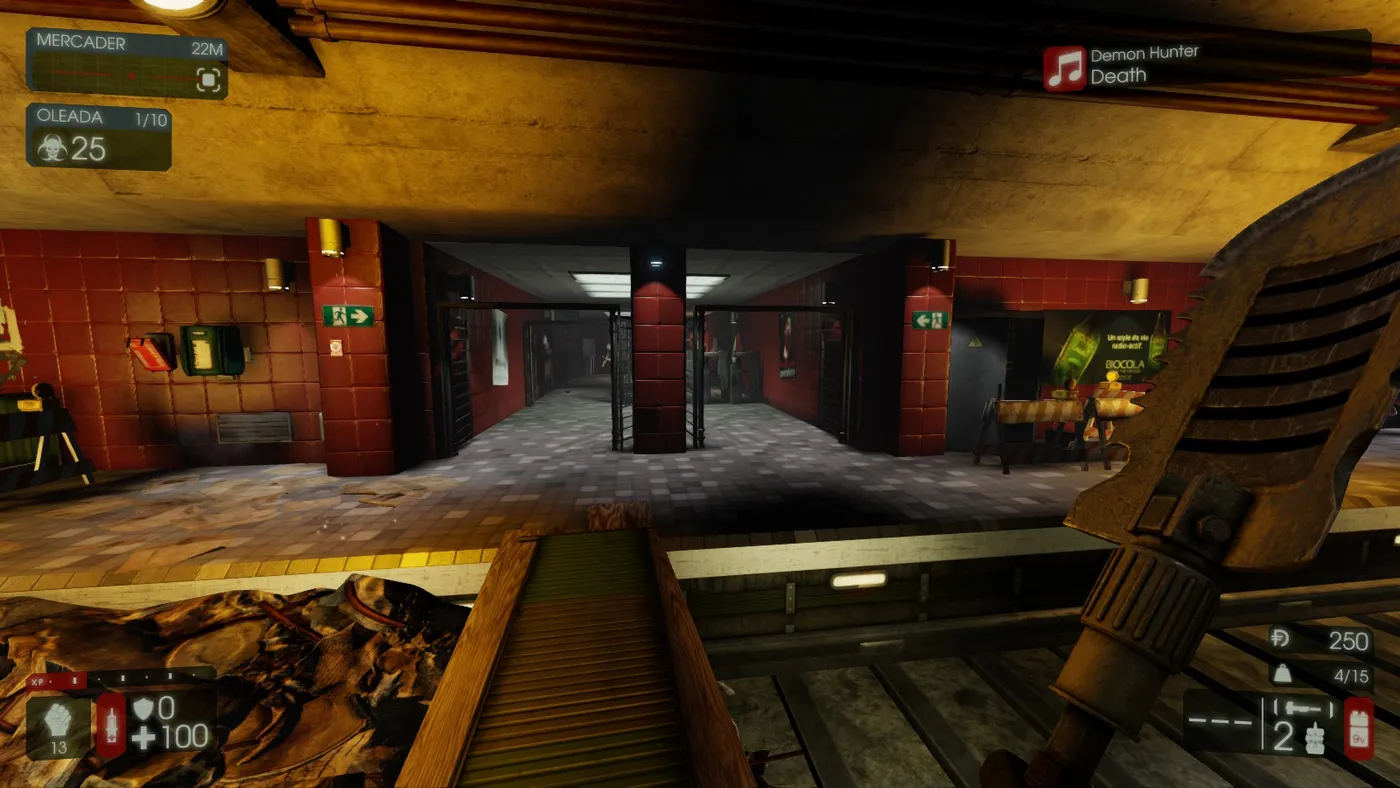 Entering the command in the console.
Steps
- Open the console (the key varies by keyboard layout; the original author used the key left of the number row, and on US layouts it is the tilde or backtick key).
- Enter
setbind <key> showhud, replacing<key>with the button you want. Example:setbind h showhud. - Each time you press that key, the HUD disappears (and appears again).
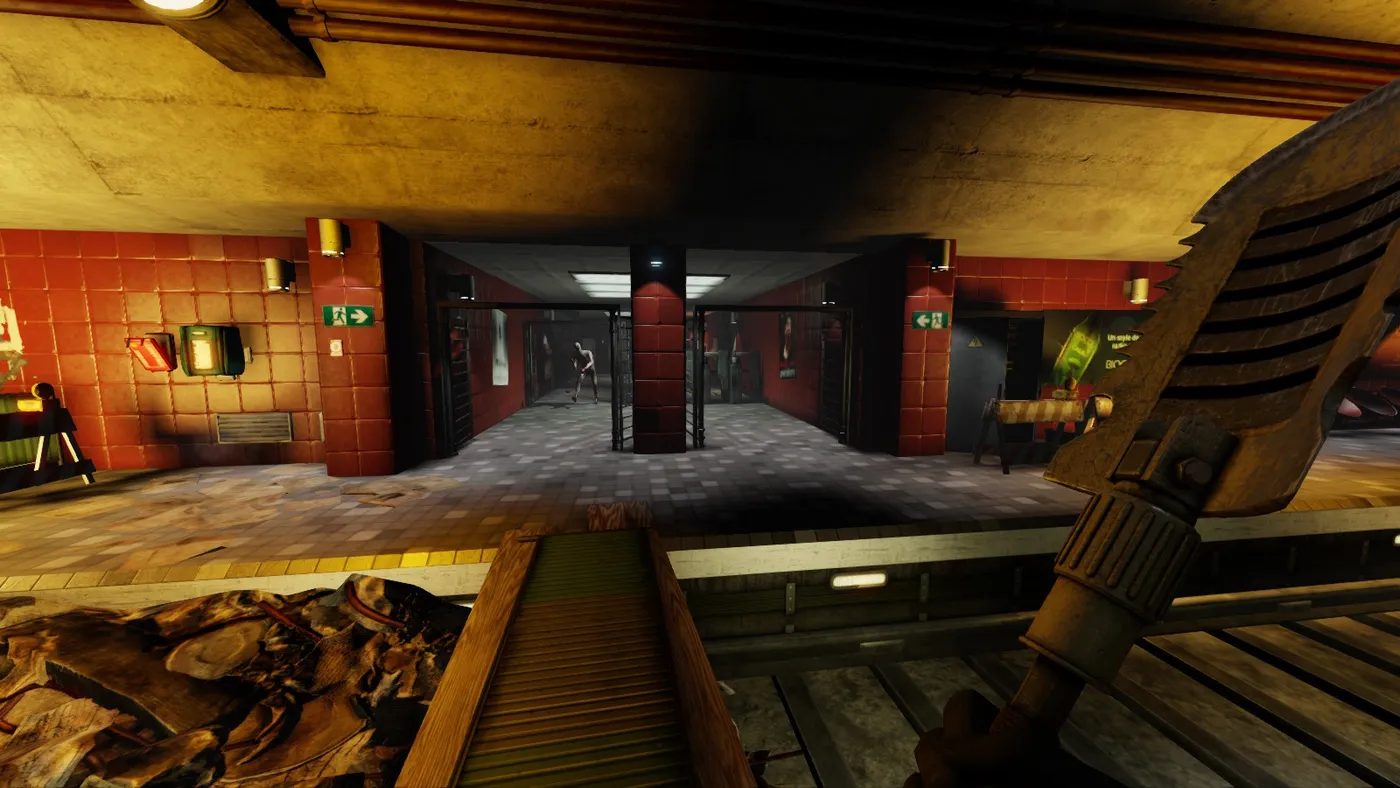 The same view with the HUD hidden.
Tip
Join multiplayer matches as a spectator and take screenshots with the free camera; the author says it is always worth taking a couple of good shots.
FAQ
- How do I hide the HUD in Killing Floor 2?
- Open the console and enter setbind <key> showhud, for example setbind h showhud. Pressing that key then toggles the interface.
- Which mode is good for screenshots?
- Join a multiplayer match as a spectator and use the free camera.
