
Killing Floor 2 Inventory Size - How Many Items Can You Carry
Understanding your inventory in Killing Floor 2 is important for effective gameplay. Here's everything about inventory size and management.
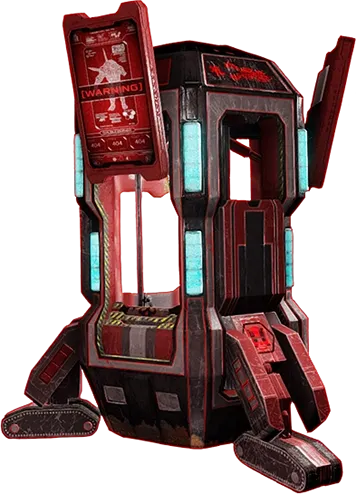 A Trader pod, where weapons are bought and sold between waves in Killing Floor 2.
Inventory Basics
Weapon Slots
Killing Floor 2 allows you to carry:
- Primary weapon - Main weapon slot
- Secondary weapon - Backup weapon slot
- Pistol - Sidearm slot
- Grenades - Explosive slot
- Armor - Protective gear
- Ammo - Carried automatically
Total Capacity
- 2 main weapons - Primary and secondary
- 1 pistol - Sidearm
- 1 grenade type - Explosives
- Armor - Worn, not in inventory
- Ammo - Unlimited (but costs money)
Inventory Management Tips
Weapon Selection
- Choose complementary weapons - Different ranges
- Balance weight - Heavier weapons slow movement
- Consider ammo cost - Expensive ammo drains money
- Match your perk - Use perk-specific weapons
Weight System
- Heavier weapons - Slower movement speed
- Lighter weapons - Faster movement
- Balance - Find right combination
- Perk bonuses - Some perks reduce weight
Tips for Efficiency
- Sell unused weapons - Free up space and get money
- Buy strategically - Don't hoard weapons
- Share with team - Drop weapons for teammates
- Plan ahead - Know what you'll need
