
How to Force Camera Motion Blur in Killing Floor 2
A note from the author first: some players dislike motion blur, and the guide is not meant to start arguments. It is for those who find KF2's lack of blur hard on the eyes, especially at 60 Hz, and want to turn it on properly.
The normal Motion Blur option in the game settings does almost nothing: even in fast turns the blur is so slight that it only softens the image a little. The tweaks below enable camera-driven motion blur. They do not enable per-object blur; you only get blur when the camera moves, rotates or shakes (including when you move or shoot), and none when you are standing still.
Where to edit
Open this file in a text editor:
%userprofile%\Documents\My Games\KillingFloor2\KFGame\Config\KFSystemSettings.iniAll of the following variables already exist in the file; search for them.
MotionBlur=True
UseComputeMotionBlur=True
MotionBlurQuality=1
MotionBlurStaticScale=0.1MotionBlur: false matches the "off" setting in the video menu.UseComputeMotionBlur: this one enables the camera motion blur and is not present in the options menu.MotionBlurQuality: 0 matches "off" in the video menu, 1 matches "on".MotionBlurStaticScale: the amount (scale) of blur. It is a multiplier, not shutter length. The default is 0.8, which felt too strong; the author dropped it to 0.1 and still got a decent amount of blur.MotionBlurDynamicScaleseems to do nothing.
Screenshots
A medium-speed left-to-right turn with only the default motion blur (UseComputeMotionBlur=False): barely any blur, just slightly less sharp zeds.
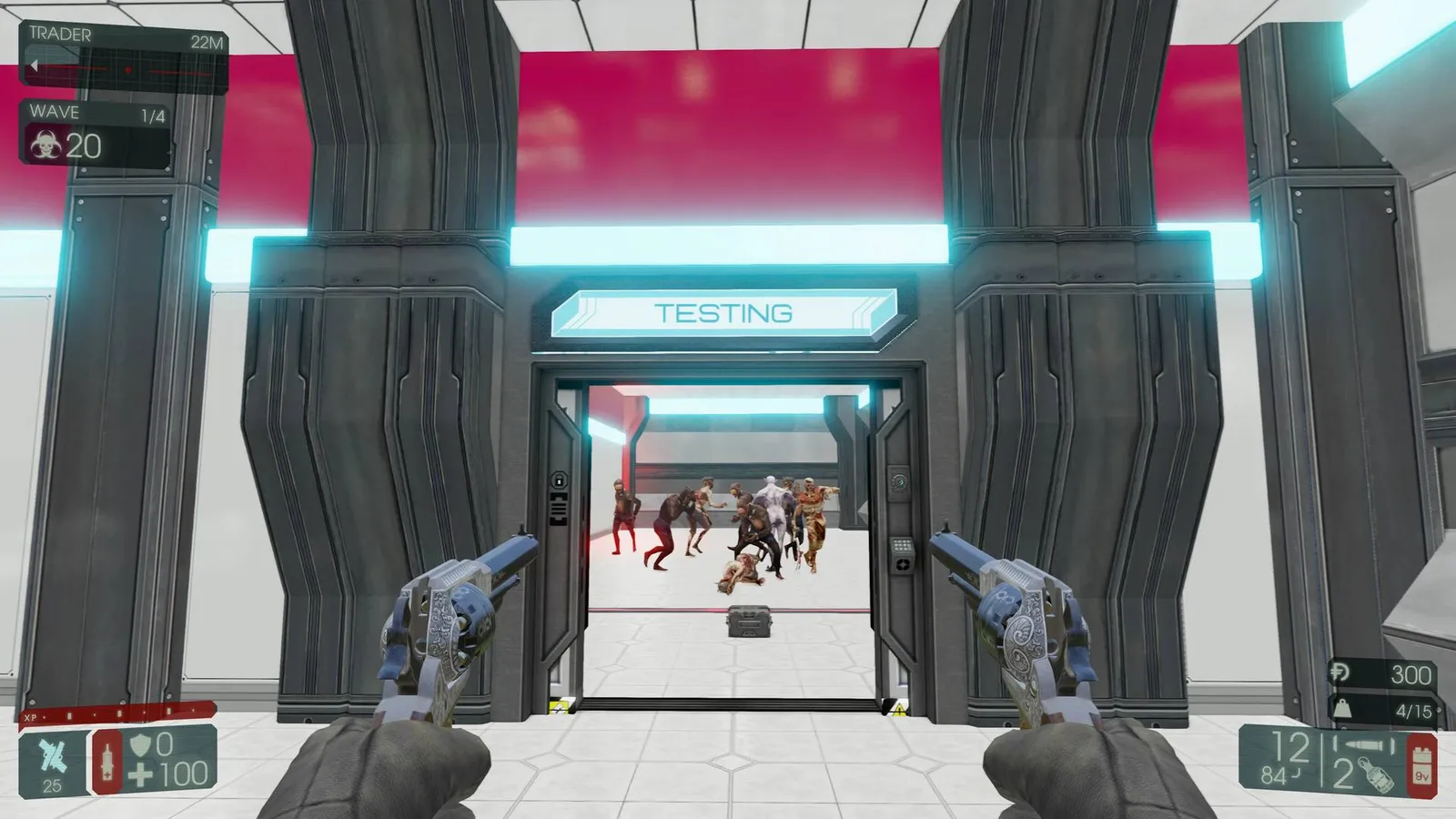 Default in-game motion blur during a camera pan.
The same turn with camera blur enabled (UseComputeMotionBlur=True, MotionBlurStaticScale=0.1):
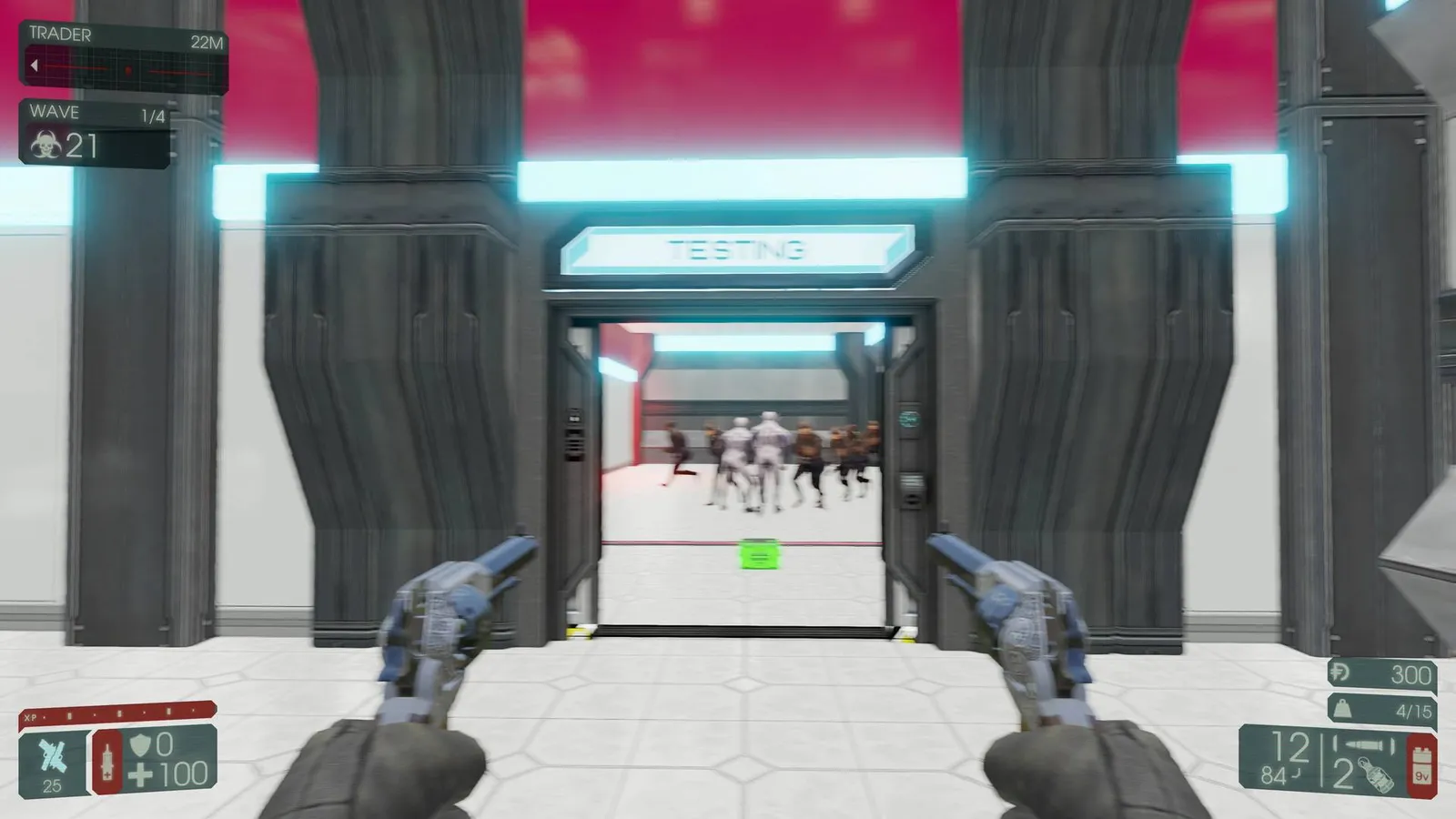 Camera motion blur with the tweaks applied.
More regular gameplay shots with the tweaks on:
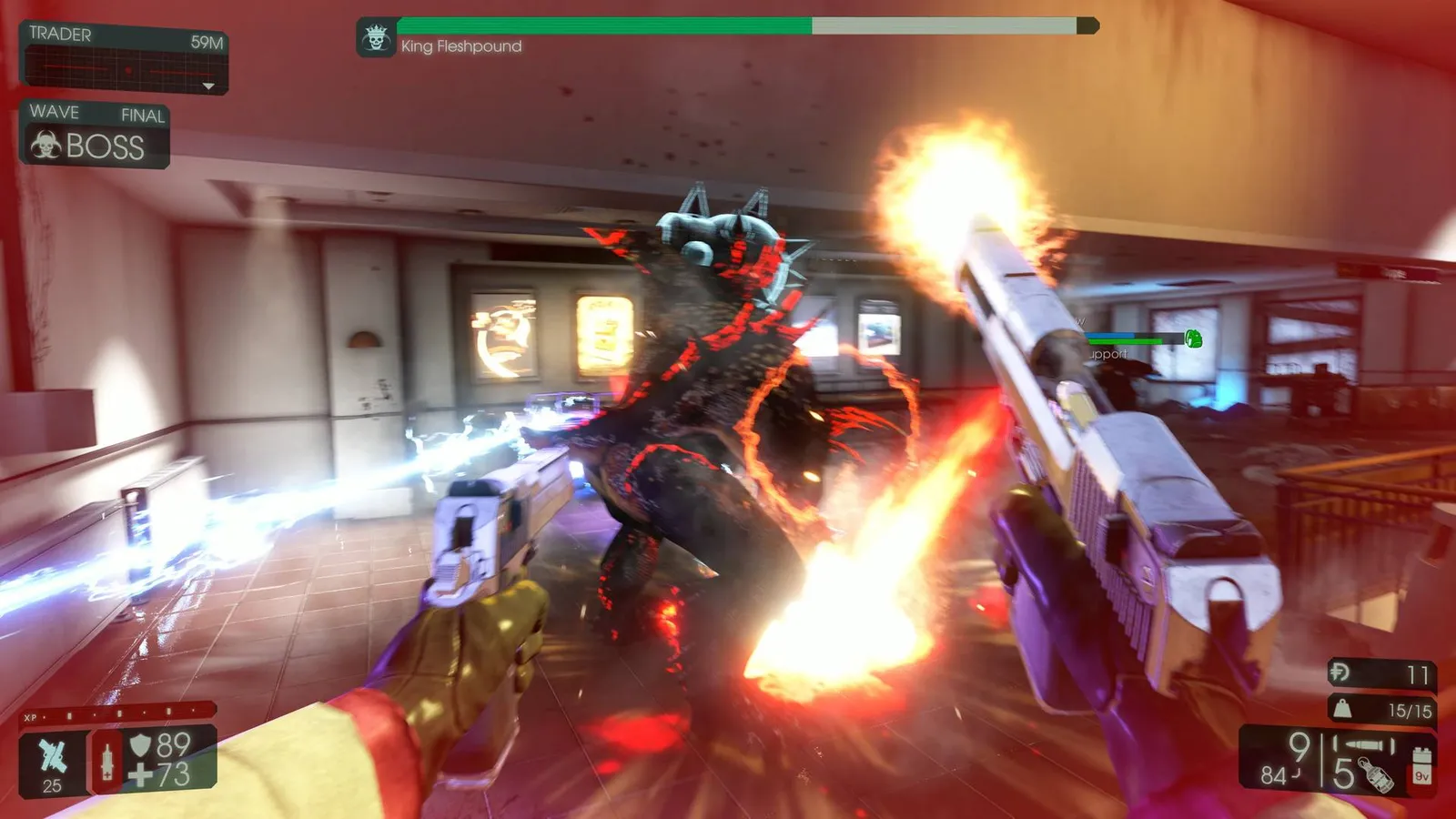 Gameplay with camera motion blur.
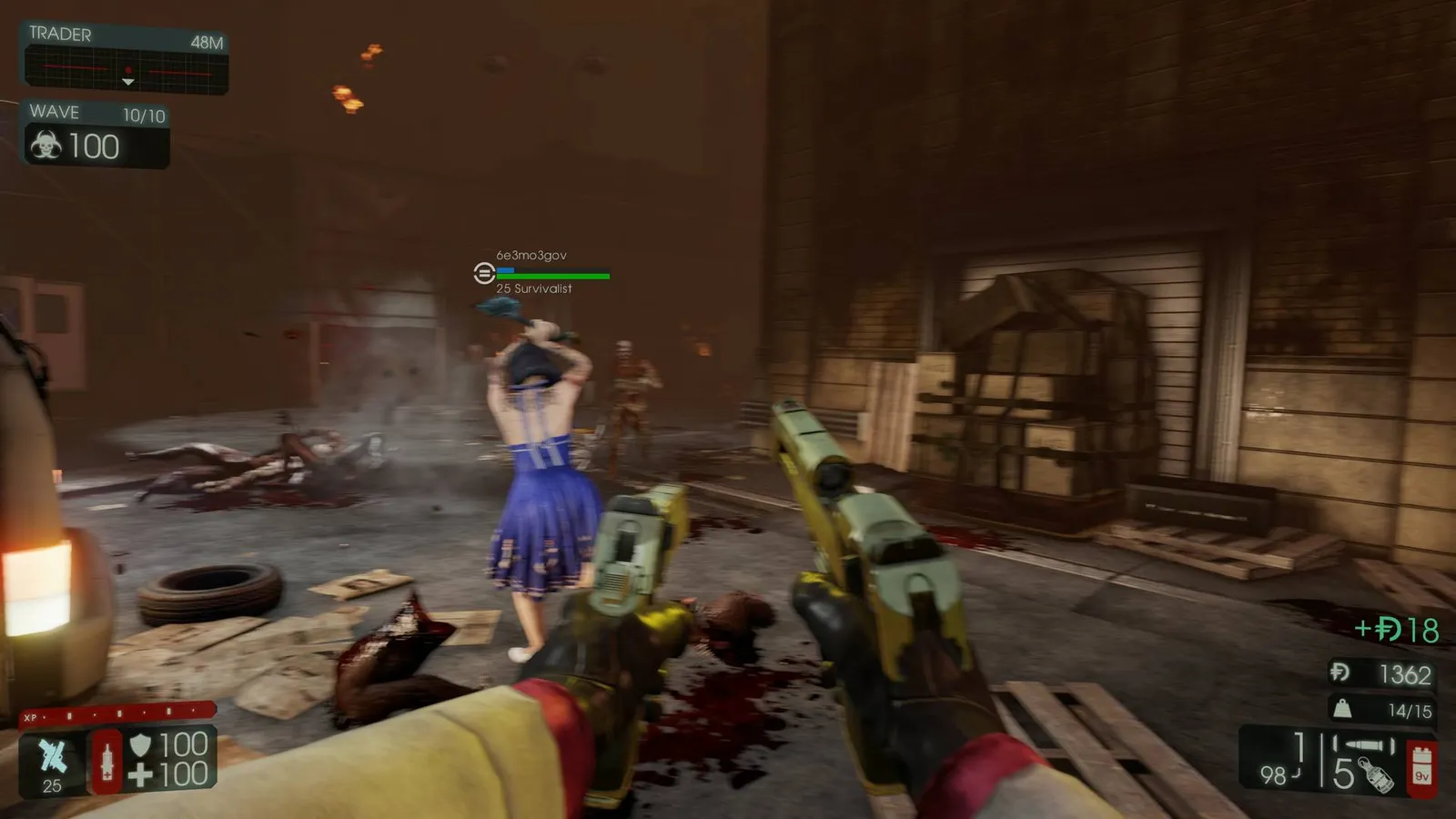 Another gameplay moment with the tweaks on.
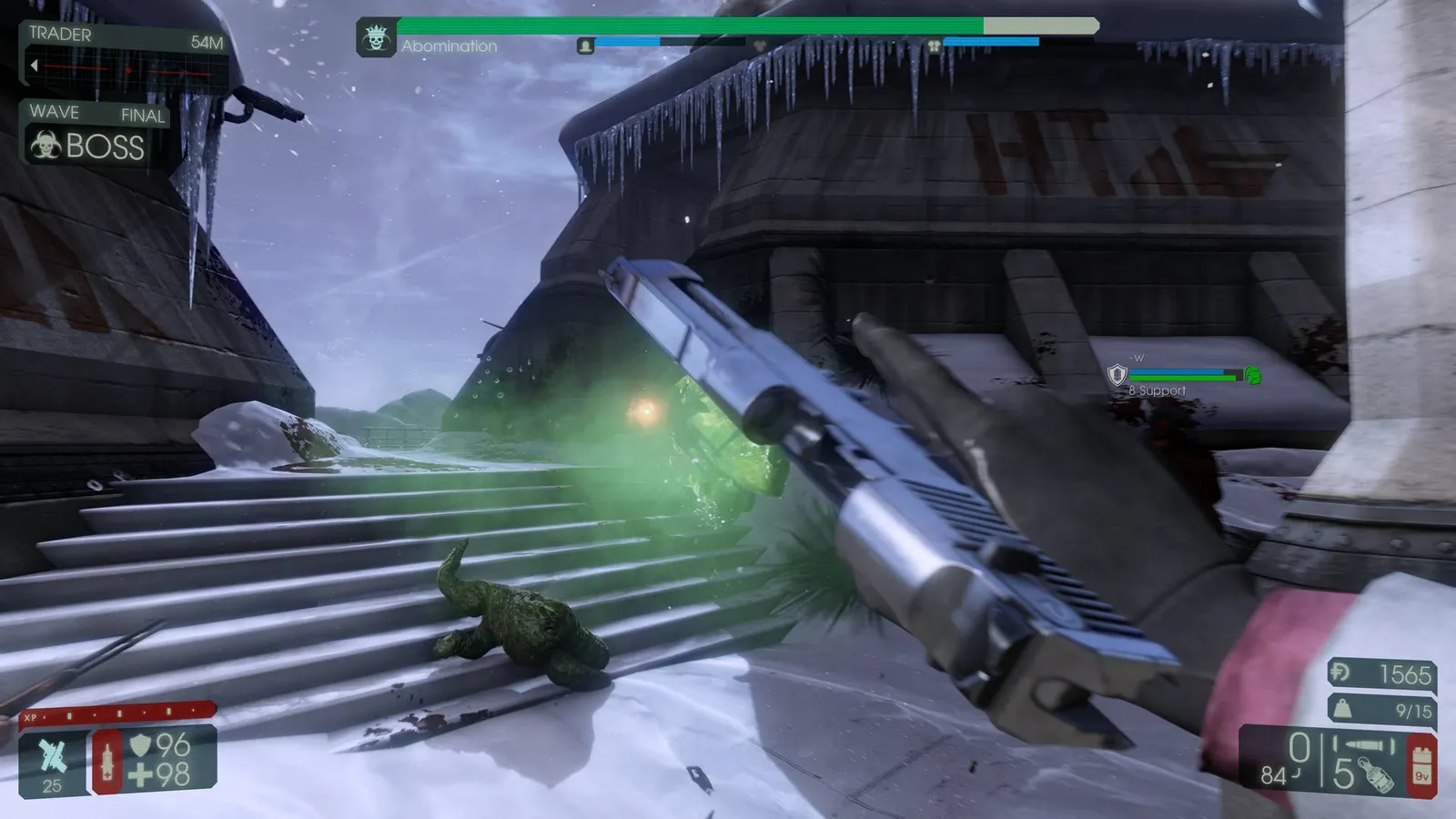 A third gameplay moment.
Performance
The author saw no performance impact on a GTX 1080 Ti at 3840x2160, 60 Hz, vsync on, mostly Ultra settings with FleX off, but your results may vary.
Things left out
- A UDK documentation page mentions MotionBlurQuality values up to 4. The author saw no difference above 1 in KF2.
- The console variable MotionBlurSoftEdge is -1 (off) in KF2. It is meant to smooth the blur, but it resets on every restart, cannot be loaded from the ini files and showed no visible effect.
The author tested only on their own hardware, so other systems may behave differently. Back up the ini before editing, and see also the general KF2 config guides if the game fails to start.
FAQ
- Which setting turns on the real camera blur?
- UseComputeMotionBlur=True in KFSystemSettings.ini. It is not available in the in-game video options.
- What does MotionBlurStaticScale do?
- It scales the strength of the blur. The default is 0.8; the author found 0.1 enough.
- Does it blur moving objects?
- No. It is camera-driven only: blur appears when the camera moves, rotates or shakes, not when you stand still.
