
KF2 Item Server Connection Error: Turn Off VPN and Proxy
When the Item Server Connection icon in Killing Floor 2's menu shows a problem, the inventory and store may not load, and skins are not selectable. This community guide offers a simple workaround: turn off your VPN, proxy or firewall layer while the game runs.
Steps
- Disable the VPN, proxy or firewall that is routing your traffic. How to do this depends on your software; look up the method for your specific tool.
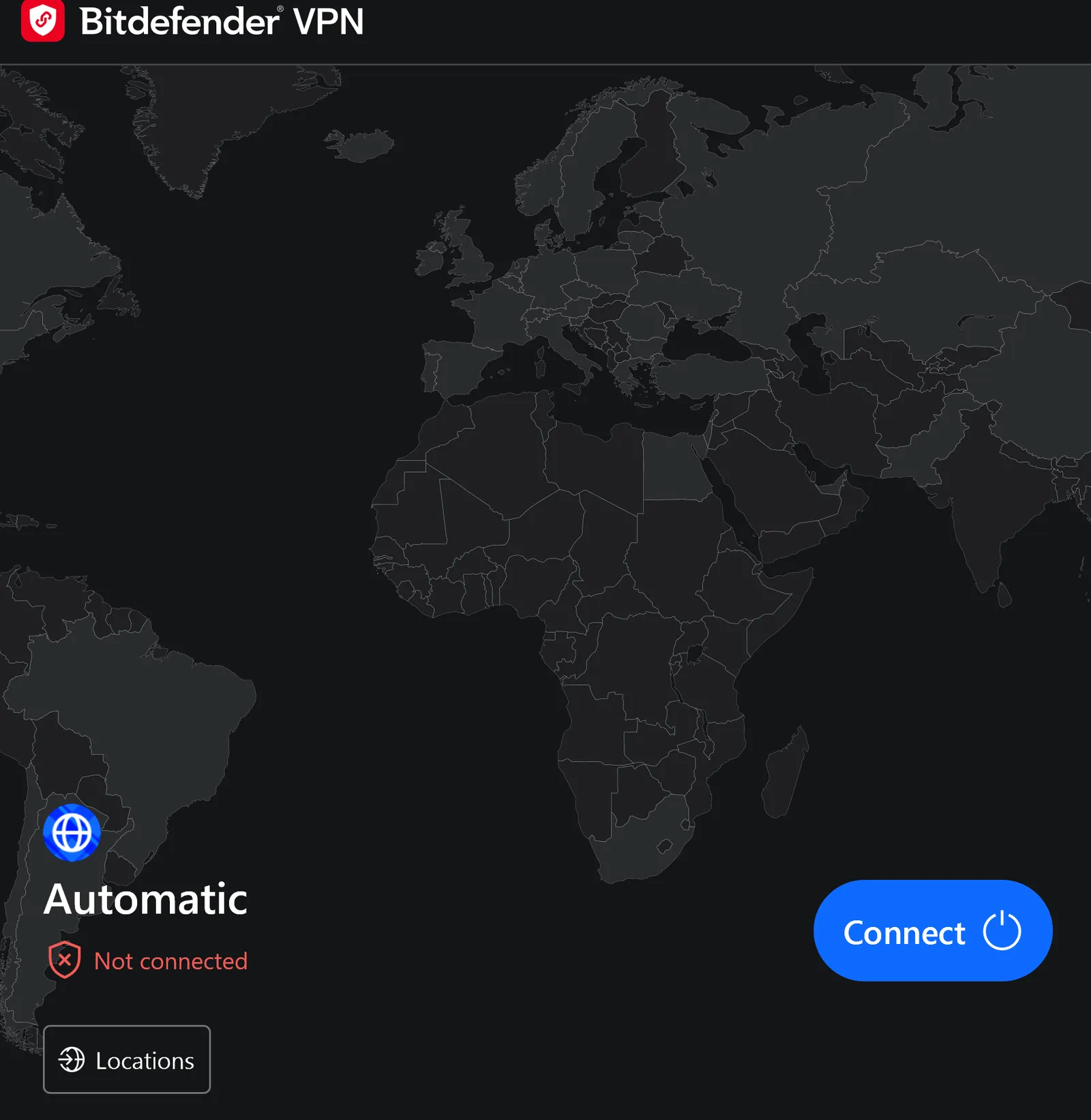 Example VPN client in the "Not connected" state.
- With the VPN off, the item server warning may still be shown, but only until the game refreshes its connection.
 The Item Server Connection indicator.
- Refresh by loading a match. From the matchmaking menu click Play Solo or another mode (you do not have to ready up or play), or close and reopen the game. Loading the solo game menu is the faster route.
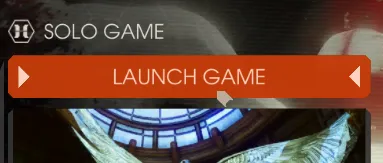 Opening the solo game menu refreshes the connection.
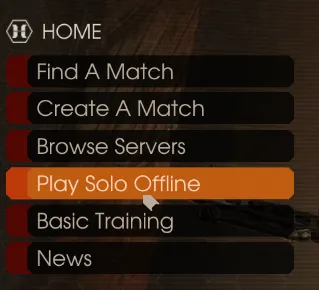 Another way: the Play Solo Offline entry on the Home menu.
- Once the match overview screen is shown, your inventory should have refreshed.
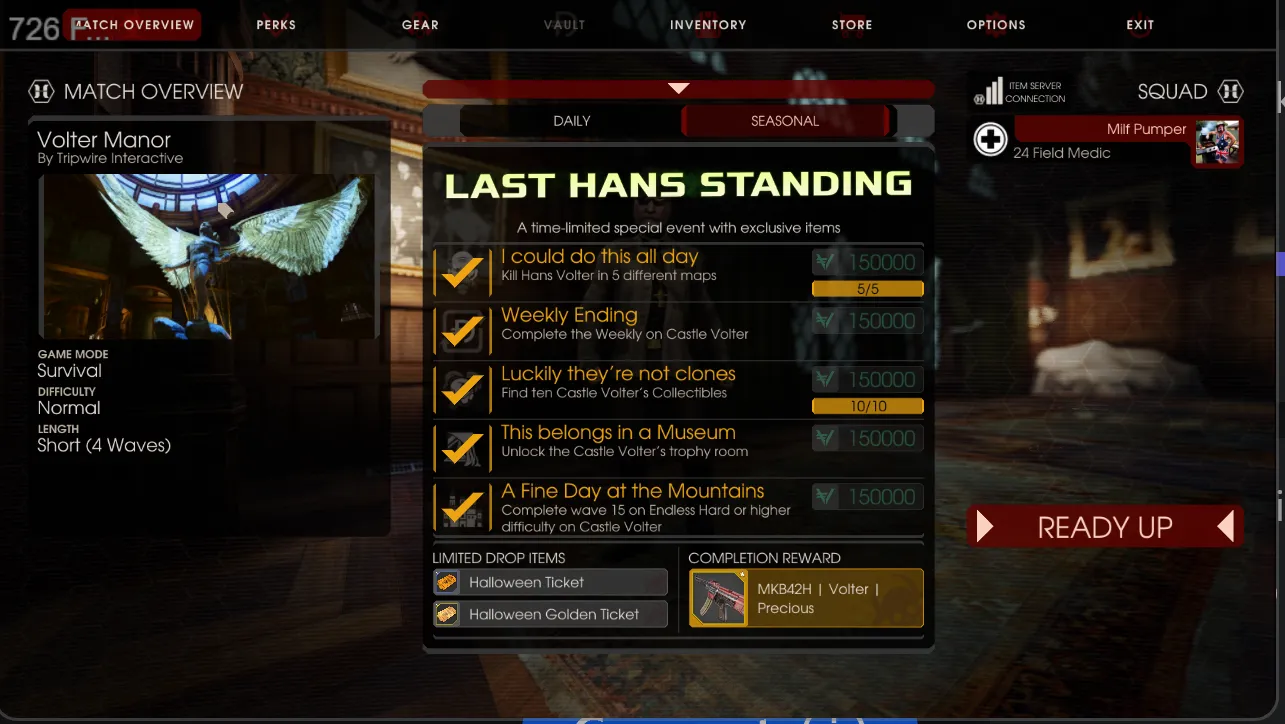 The match overview screen after the refresh.
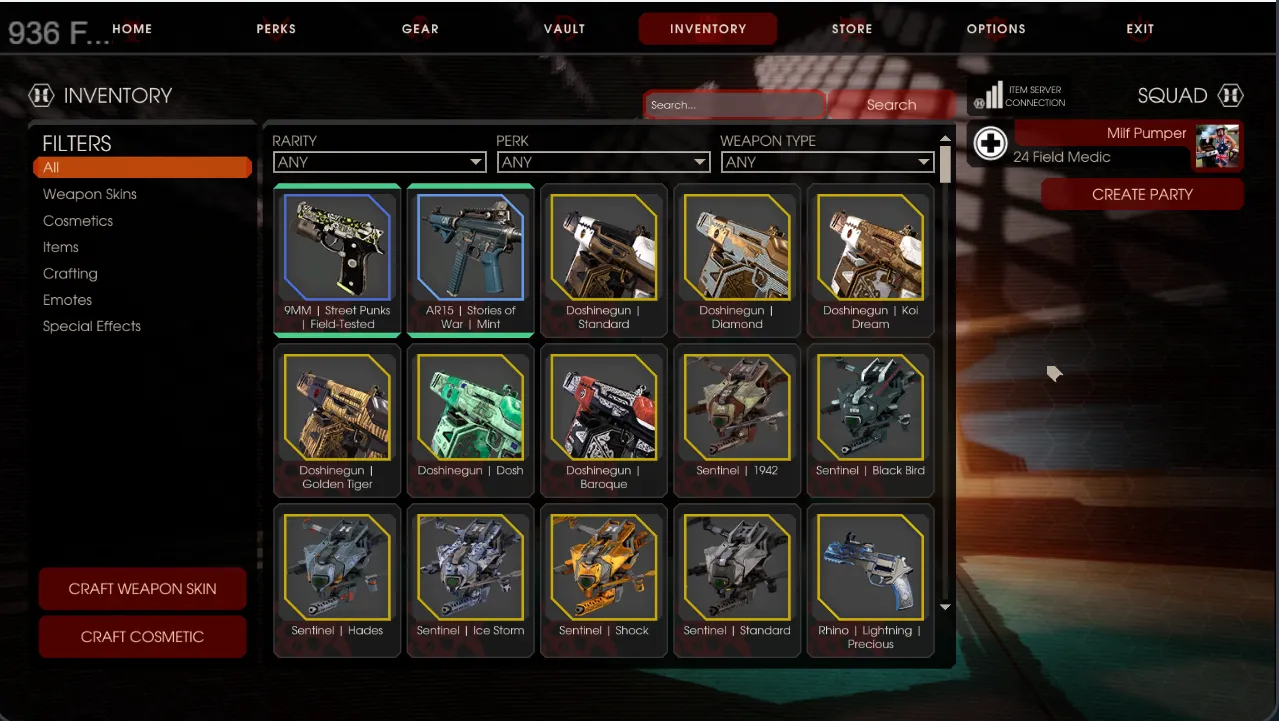 The inventory working again.
Notes
- The error message can linger even after it works, so check the inventory anyway; it may already be active.
- Turning the VPN back on makes you lose access to the inventory again, but equipped skins remain and display as normal.
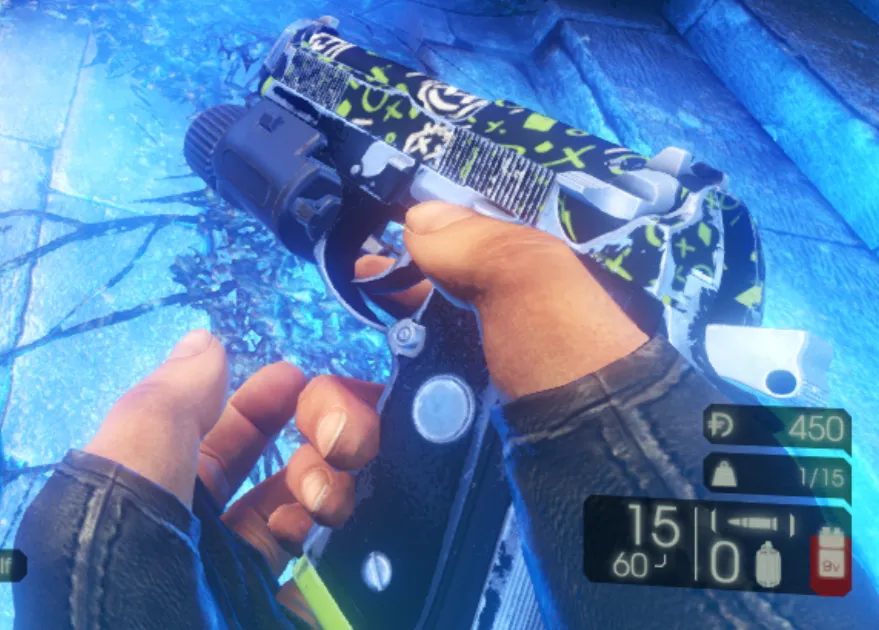 An equipped skin stays visible in a match.
- Comments show mixed results. Some players say it worked, others still saw empty stores and inventory even with the icon white, and one noted the problem appeared around a free weekend with a big discount. Treat it as one possible fix, not a guarantee.
For other fixes see Main menu crash fix.
FAQ
- Why can't I open my inventory or store?
- The Item Server Connection indicator in the menu shows the game cannot reach the item service. A running VPN or proxy is one cause, and turning it off while playing can restore the inventory.
- Will I lose my equipped skins if I turn the VPN back on?
- You lose access to the inventory screen, but according to the guide equipped skins stay equipped and display normally.
