
KF2 'Missing Downloaded Files' on an External Drive - Steam Fix
A Killing Floor 2 install that fails over and over is frustrating, especially when you have already tried the usual fixes. In this Reddit thread, a player trying to install KF2 to an external drive got the same Steam error every time:
An error occurred while updating Killing Floor 2 (missing downloaded files)
The path pointed at a DLL inside D:\SteamLibrary\steamapps\downloading\232090\Binaries\Win64\. This page collects what they had already tried, the clean-up steps suggested in the thread, and the standard Steam checks to do when the clean-up alone is not enough.
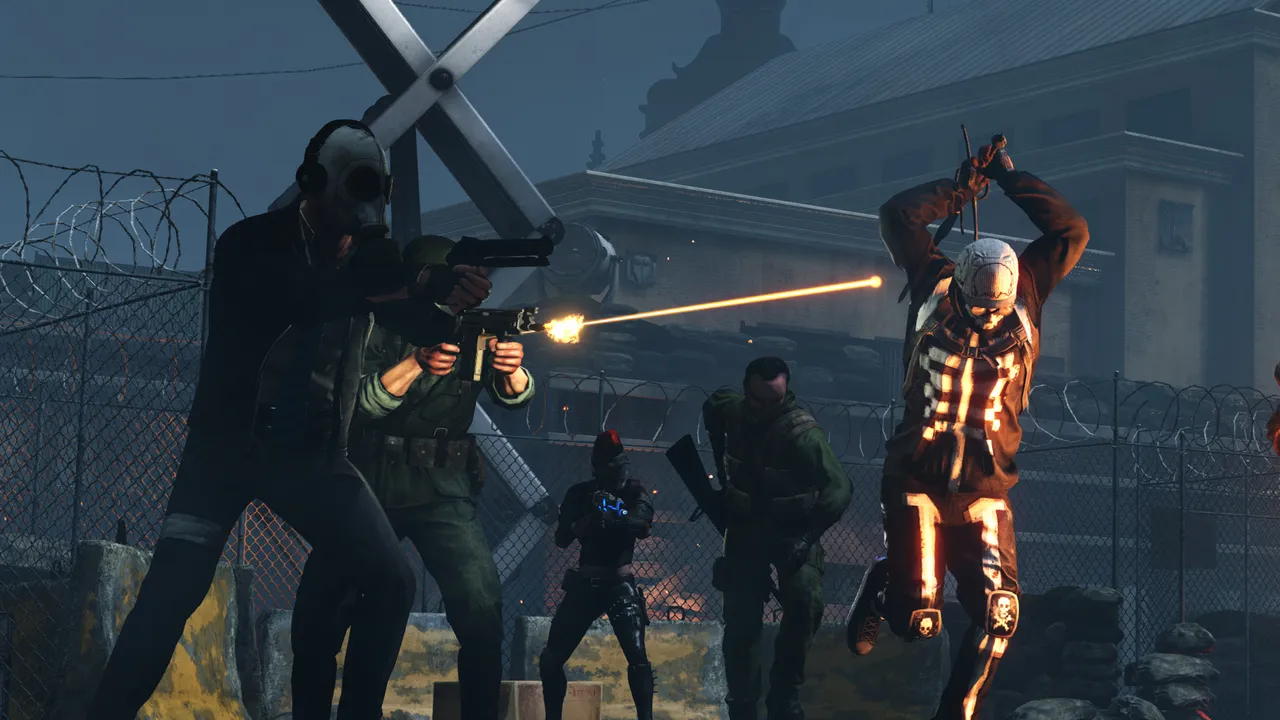 Killing Floor 2 (Steam App ID 232090). The error appears before the game is even installed.
What had already been tried
Before asking, the player had already:
- Deleted and reinstalled the game.
- Cleared Steam's download cache.
- Disabled the firewall.
- Installed the Microsoft Visual C++ redistributables.
- Run Steam as administrator.
None of it helped, so the problem was most likely leftover files or something about the drive.
Fix 1: Clear out Steam's download leftovers (thread answer)
This was the main suggestion in the thread:
- Cancel the KF2 download in Steam and close Steam.
- Check that there is no
killingfloor2folder insteamapps\commonon the target drive. Delete it if there is. - Delete the
depotcachefolder in the main Steam install folder. - In
steamapps(on the library drive), delete thedownloadingandtempfolders. - Start Steam and install KF2 again.
This forces Steam to rebuild its download state from scratch instead of reusing half-finished chunks.
Fix 2: Make sure the external drive is a real Steam library
The thread's follow-up question was whether the drive had been set up as a library, and it had. If yours is not:
- Open Steam > Settings > Storage (older clients: Settings > Downloads > Steam Library Folders).
- Add Drive and select the external disk. Steam creates a
SteamLibraryfolder there. - When installing KF2, choose that library as the install location.
In the same storage screen, use the library's menu to Repair Folder. This fixes permissions on the library folders, which is a common cause of failed writes on external and secondary drives.
Fix 3: Rule out antivirus and the drive itself
If clean-up did not fix it (it did not for the original poster), these are the usual remaining causes of "missing downloaded files":
- Antivirus quarantine. Security software can grab a newly written game DLL between download and install, and Steam then cannot find it. Check your antivirus quarantine history, and add the
SteamLibraryfolder to its exclusions while installing. - Drive connection. External USB drives that sleep or briefly disconnect will break large downloads. Use a rear USB port or a powered hub, and disable USB selective suspend in the Windows power plan.
- File system and errors. Run a disk check (right-click the drive > Properties > Tools > Check). A FAT32 drive cannot store files larger than 4 GB, so format game drives as NTFS.
- Install to the internal drive first. If KF2 installs fine on the system drive, the external drive is the problem. You can then move the install later with Steam's Move option in the storage settings.
FAQ
- What does 'missing downloaded files' mean in Steam?
- Steam finished downloading a chunk but could not find the file when it went to move it into the game folder. Something removed or blocked it in between: a leftover partial download, antivirus, or a drive problem.
- Which folders should I delete?
- Cancel the download, delete any killingfloor2 folder in steamapps\common, then delete depotcache in the main Steam folder plus the downloading and temp folders in steamapps, and install again.
- Do I need a separate Steam library on the external drive?
- Yes. Add the drive as a Steam library folder in Steam's storage settings and choose it as the install location. Do not just copy files there by hand.
- What is 232090?
- Killing Floor 2's Steam App ID. Steam keeps in-progress downloads for it in steamapps\downloading\232090.
