
KF2 Won't Connect Without a VPN: TUN Mode Launch Workaround
Some players in the CIS region report that Killing Floor 2 cannot reach its online services, so the game hangs while connecting. This short guide describes a trick that worked for the author. It is a network workaround, not a game fix, and the original is written in Russian.
Steps
- Start the VPN client (the guide uses an app called Happ) in TUN mode and connect to a server. The screenshot shows the power button and the TUN switch circled.
- With the VPN active, launch Killing Floor 2 and skip the intro videos.
- Let the game connect. You can alt-tab out or simply wait while it logs in.
- Once you are in the main menu or a match, turn the VPN off and keep playing.
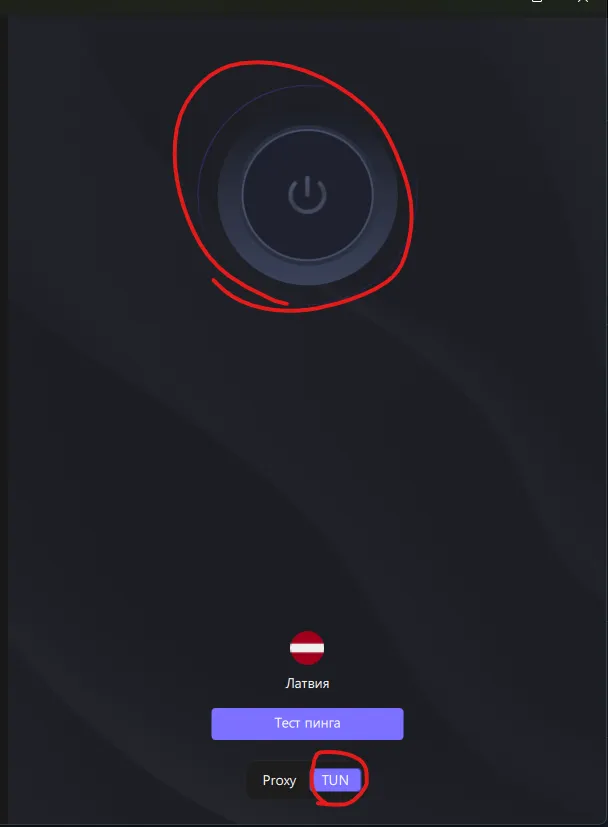 The VPN app: connect to a server and use TUN mode rather than Proxy.
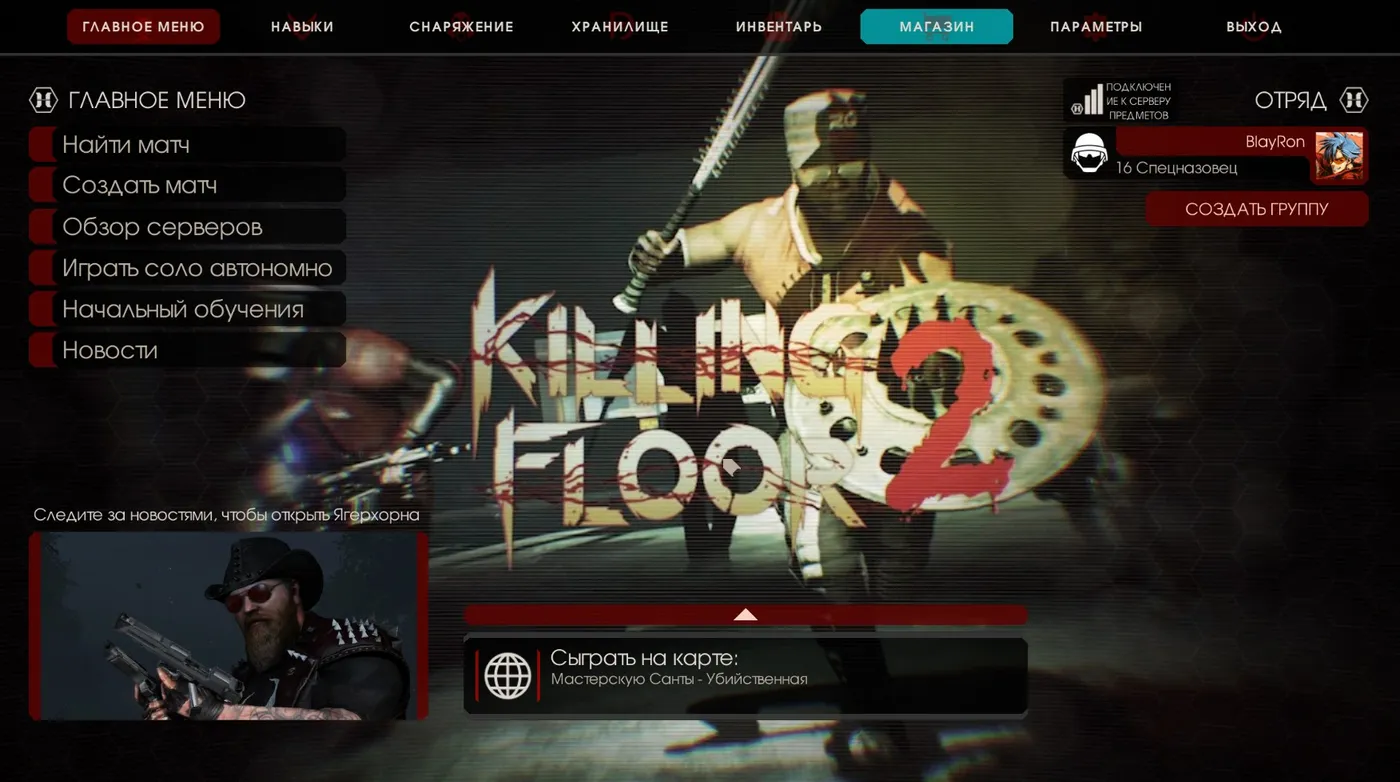 Launch the game while the VPN is on, then disable the VPN after the connection is established.
Notes
- Use only a VPN service you trust and that is legal where you live.
- If you still cannot join servers, try the other basics too: see the Russian-client fixes (English game language, administrator rights).
FAQ
- Do I need to keep the VPN on while playing?
- According to the guide, no. The VPN is only needed while connecting; after you are in the match you turn it off and keep playing.
- Why TUN mode and not Proxy?
- TUN mode routes all system traffic, including the game's, through the VPN, which is what makes the game's connection go through. Proxy mode only covers apps that use the proxy setting.
