
How to Make a KF2 Server With Hamachi: SteamCMD and WebAdmin
This is a quick beginner route to a private Killing Floor 2 server for friends: download the server files with SteamCMD, optionally turn on WebAdmin, and connect over a Hamachi virtual network. For a fuller setup see KF2 dedicated server secrets, tips and fixes.
1. Get SteamCMD
Download SteamCMD from the official Valve developer wiki page (developer.valvesoftware.com/wiki/SteamCMD). Move steamcmd.exe into its own folder, because on first launch it downloads and extracts more files.
2. Download the server files
When SteamCMD has installed itself you get a command prompt.
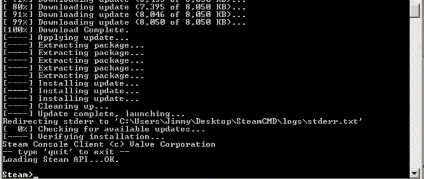 The SteamCMD console after its first start.
Type these commands in order:
login anonymousand wait for "Logged in OK" and "Waiting for license info...OK".force_install_dir kf2server(any folder name).app_update 232130 validateand wait for the download. This is the long part.
When it reaches 100% you can close the window or type quit.
3. Launch the server
Find KFServer.exe in Binaries\Win64 of your install folder, create a shortcut and run it as administrator. The first launch updates things; if the console keeps repeating the same errors, or stops printing anything, close it and run the server again.
4. Enable WebAdmin (optional)
By default the server runs with default settings and you cannot change the map. To fix that:
- Open
KFGame\Config\KFWeb.iniand changebEnabled=falsetobEnabled=true. - In the shortcut properties set the target arguments to
kf-bioticslab?adminpassword=123. - Start the server, open a browser and go to
localhost:8080(if the page is empty, wait for the console to bring WebAdmin up and reload). - Log in with username
adminand the password you chose (123 in the example).
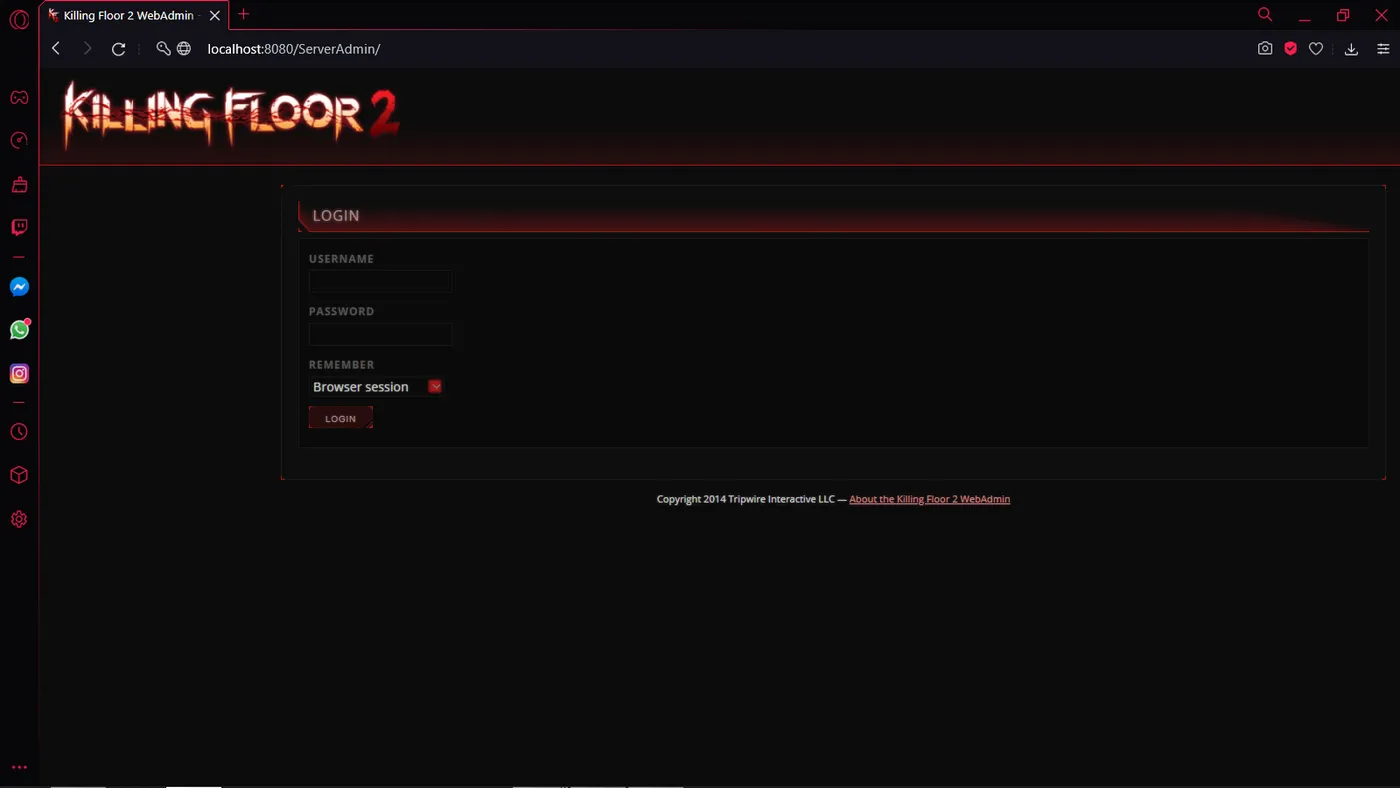 The WebAdmin page in the browser.
From there you can change settings, maps and more. Choose a stronger password than 123 for anything beyond a private test.
5. Join through Hamachi
Everyone, including the host, installs Hamachi and joins the same network.
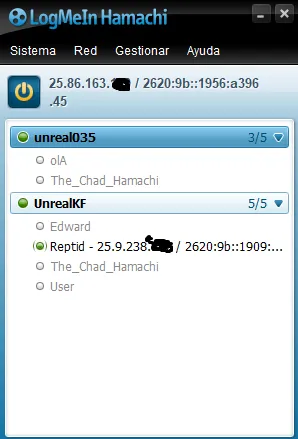 A Hamachi network with its members.
With the server already running, each player copies the host's IPv4 address (the host right-clicks their own entry, clients click the host name). Then open Killing Floor 2 and open the console (the key depends on your keyboard layout).
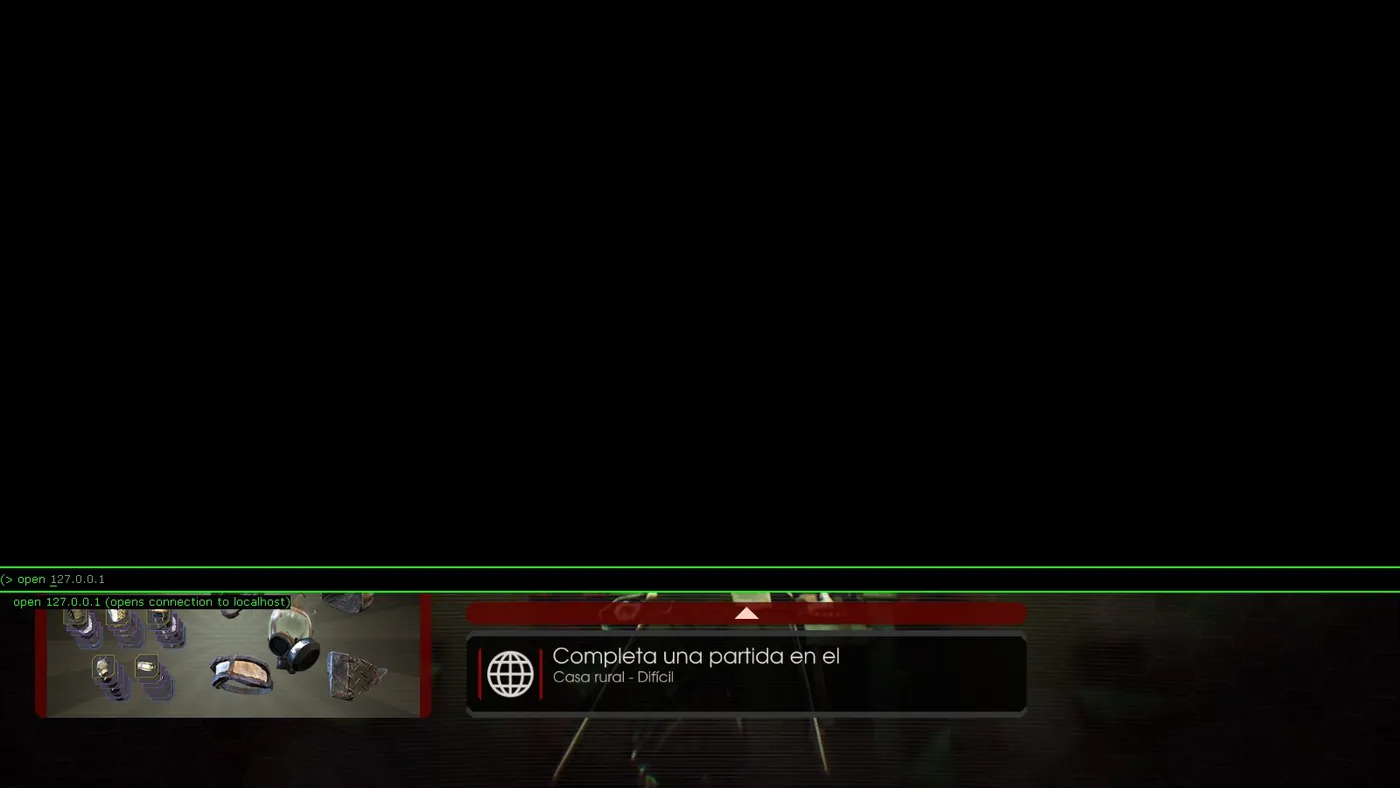 Entering the command in the in-game console.
Type open <ip>, for example open 25.86.163.154, or paste the copied address after open, and press Enter.
FAQ
- What is the SteamCMD app ID for the KF2 server?
- 232130. Use login anonymous, force_install_dir <folder> and app_update 232130 validate.
- How do I enable WebAdmin?
- Open KFWeb.ini in KFGame/Config, change bEnabled=false to true, then start the server with a launch line such as kf-bioticslab?adminpassword=123 and open localhost:8080.
- How do friends join through Hamachi?
- Everyone installs Hamachi and joins the same network, copies the host's IPv4 address, then types open <ip> in the KF2 console.
