
KF2 Custom Intro, Loading and Menu Videos (WMV to BIK)
Killing Floor 2 plays any .bik (Bink) video you place in its Movies folder as long as the file name is correct, so you can replace the intro, loading screens and main menu background with your own clips. This guide walks through the conversion and replacement. It is a more step-by-step companion to the shorter menu and intro replacement guide and the old menu background guide. The method may work for other games that use .bik files, but not all games are as forgiving as KF2.
What you need
- RAD Video Tools, a small free program from RAD Game Tools.
- A video you want to use, preferably in
.wmvformat.
Things to know first
- Sound often disappeared when converting from anything other than
.wmv, so convert to WMV first. - Videos get cut off on loading screens, so even a long looping clip will not increase load time. Menu and intro videos do not seem to be cut.
- Delete the original intro files if you plan a custom intro:
LogoTripwire.bikandLogoUE3.bikinsteamapps\common\killingfloor2\KFGame\Movies\. Even without a custom intro, deleting all intro files lets you boot without three skips. - Long or large videos work but may lengthen loading for some players. It depends on video size, your PC and the encoding.
Step 1: convert the video to WMV
The easiest route is an online converter such as video.online-convert.com. Convert whatever you chose to .wmv; formats like webm do not work with RAD Video Tools and mp4 lets the tool miss the audio.
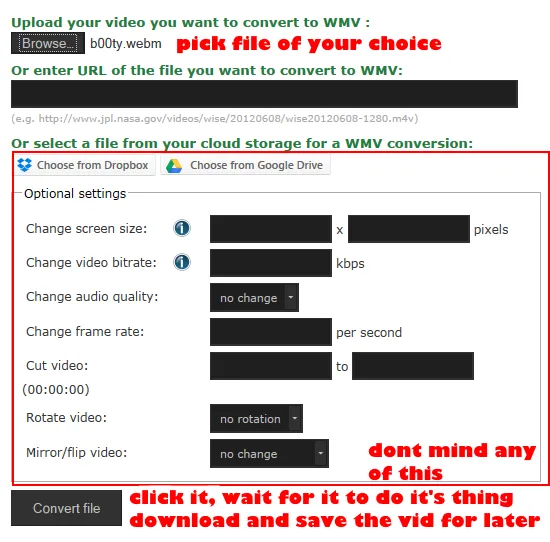
Converting the source video to WMV.
Step 2: convert WMV to BIK
Open RAD Video Tools and navigate to your .wmv file.
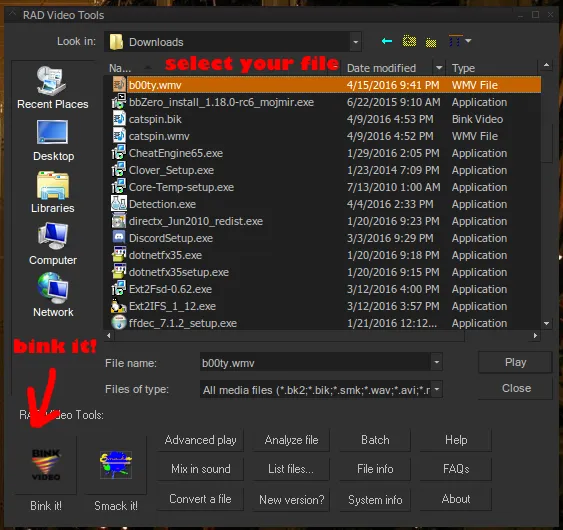
Choose your WMV file in RAD Video Tools.
Use the same settings the author shows on the next screen.
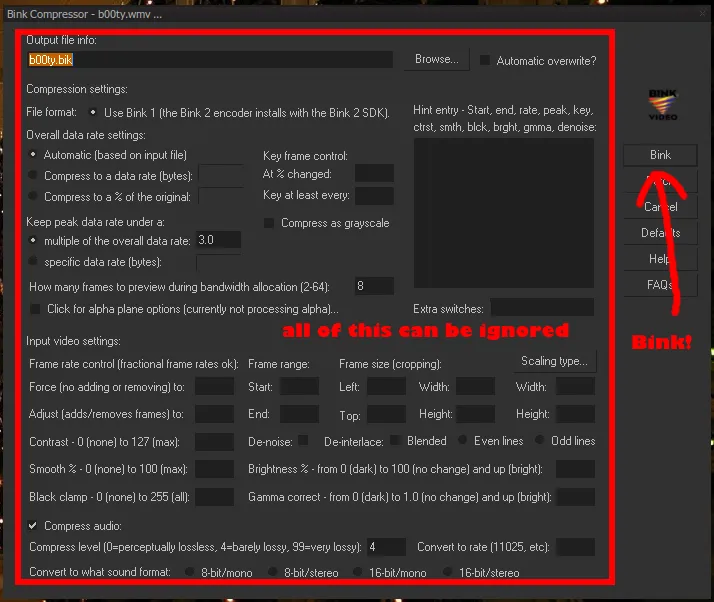
Conversion settings.
Wait for the tool to finish; it should handle both video and audio without trouble.
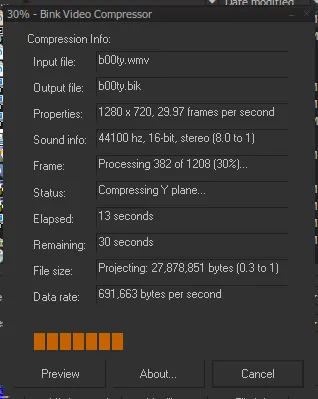
The conversion in progress.
Check the finished file to make sure it plays.
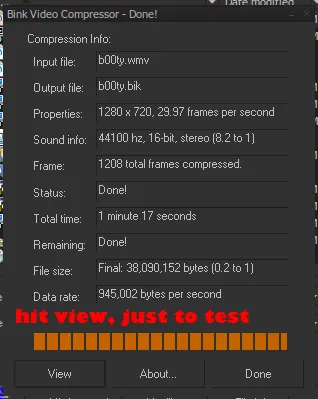
Playing the result in the tool.
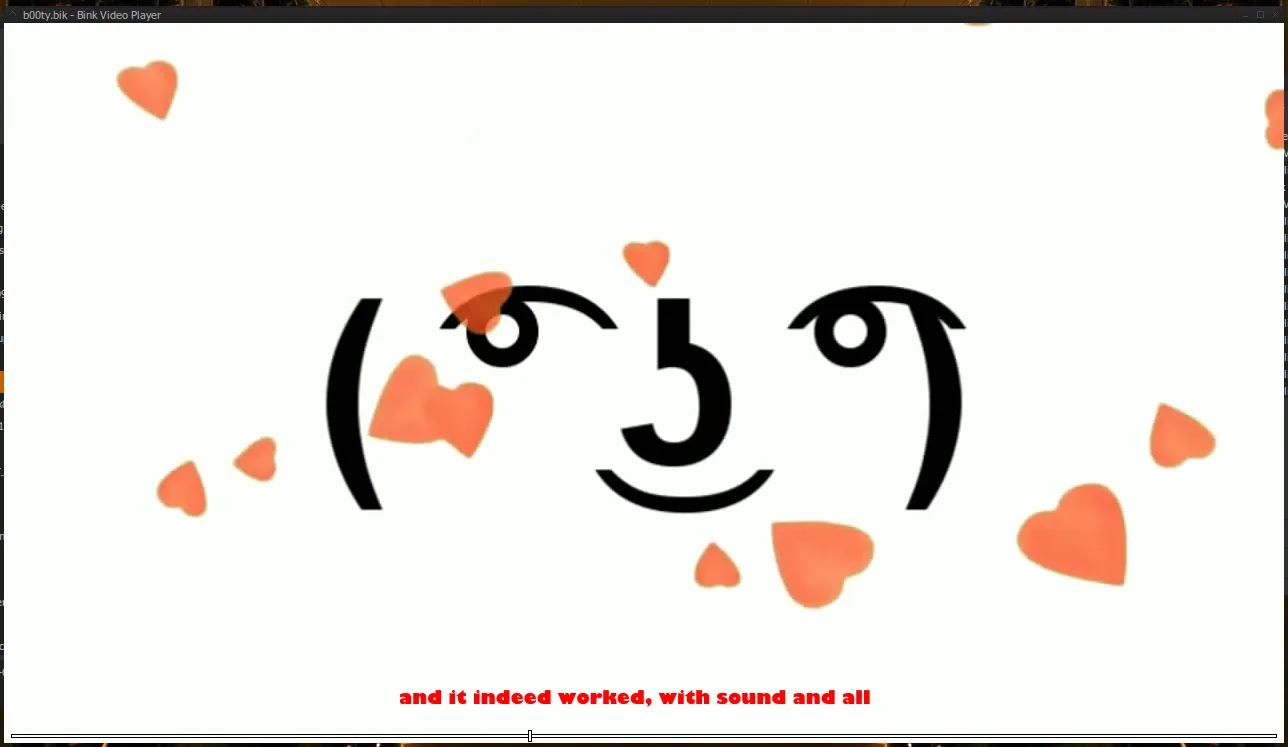
A second view of the finished file.
Step 3: rename and replace
Rename the .bik according to its purpose:
| Use | File names |
|---|---|
| Intro | LogoTripwire.bik, LogoUE3.bik, LogoGA.bik |
| Main menu | MenuBG.bik |
| Loading | Loading_001.bik, Loading_002.bik, Loading_003.bik |
Copy the file or files to steamapps\common\killingfloor2\KFGame\Movies\ and agree to replace the originals. Try clips with and without sound to create something fun.
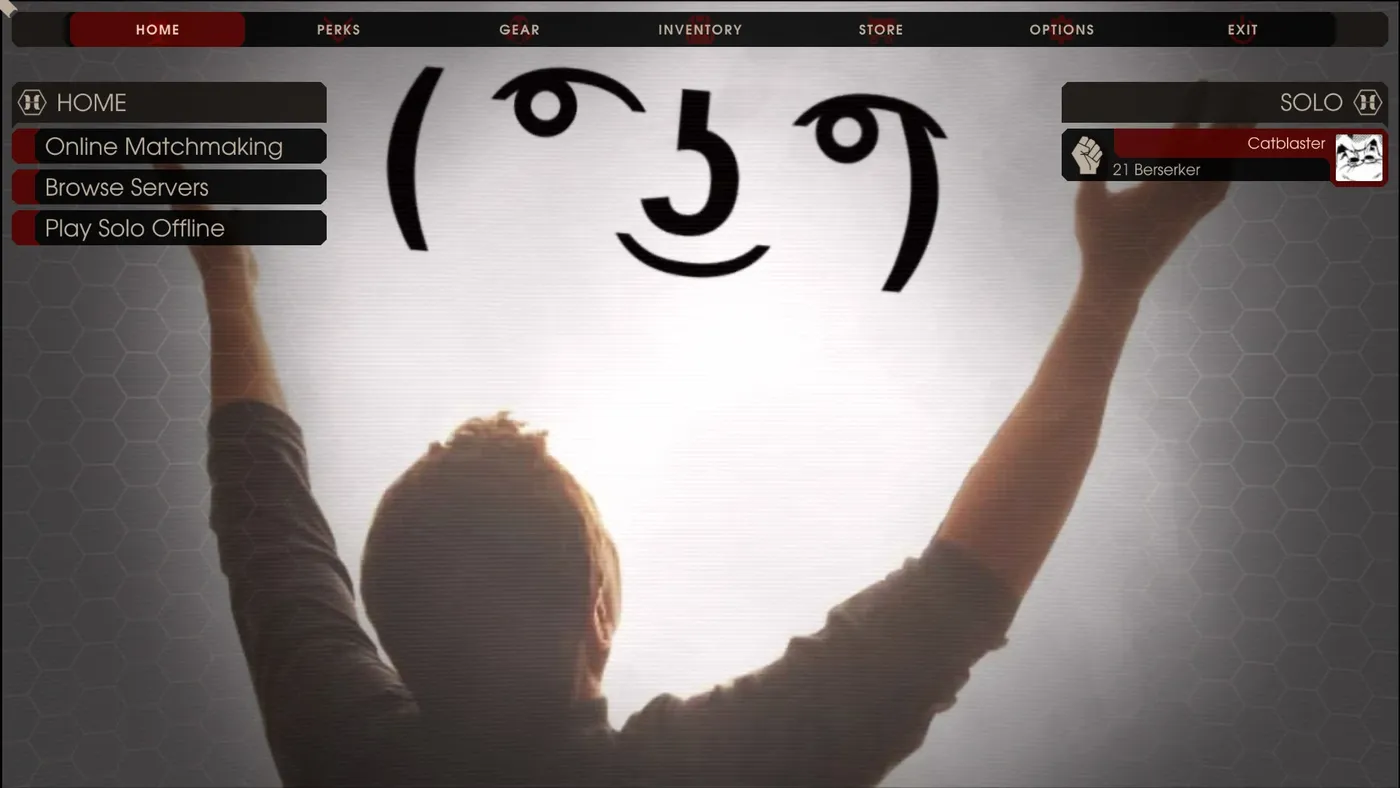
The result in the game.
Notes from the comments
Menu music is tied to the music volume, so the author also uploaded a muted menu background to the Workshop. A reader asked how to replace the menu music itself; the author had not found which file plays it. Some readers reported only flashing colors in the main menu, which usually points to a bad conversion, so re-check the file.
FAQ
- Which file names does KF2 use for these videos?
- Intro: LogoTripwire.bik, LogoUE3.bik and LogoGA.bik. Menu: MenuBG.bik. Loading: Loading_001.bik, Loading_002.bik and Loading_003.bik.
- Why convert to WMV first?
- RAD Video Tools could not read some formats such as webm, and other formats such as mp4 lost their audio. WMV was the reliable source format.
- Can I skip the intro videos entirely?
- The author recommends deleting LogoTripwire.bik and LogoUE3.bik from the Movies folder, which lets the game boot without skipping three intros.
