
KF2: Replace the Menu Background and Intro Videos with Bink
Killing Floor 2 plays its menu background, startup logos and loading screens from Bink (.bik) video files. By converting your own clip to the same format and the same file name, you can replace them. This guide was originally written in Czech.
What you need
- Bink Video / RAD Video Tools (a small download, about 1.3 MB) to convert the video. If it shows an error, also install QuickTime, which lets the converter read your file.
- A source video, for example an mp4 downloaded from the internet with any converter site. Other formats work too as long as Bink can read them.
Converting the video
- Open
radvideo.exe, located in the RADVideo folder of the Bink download.
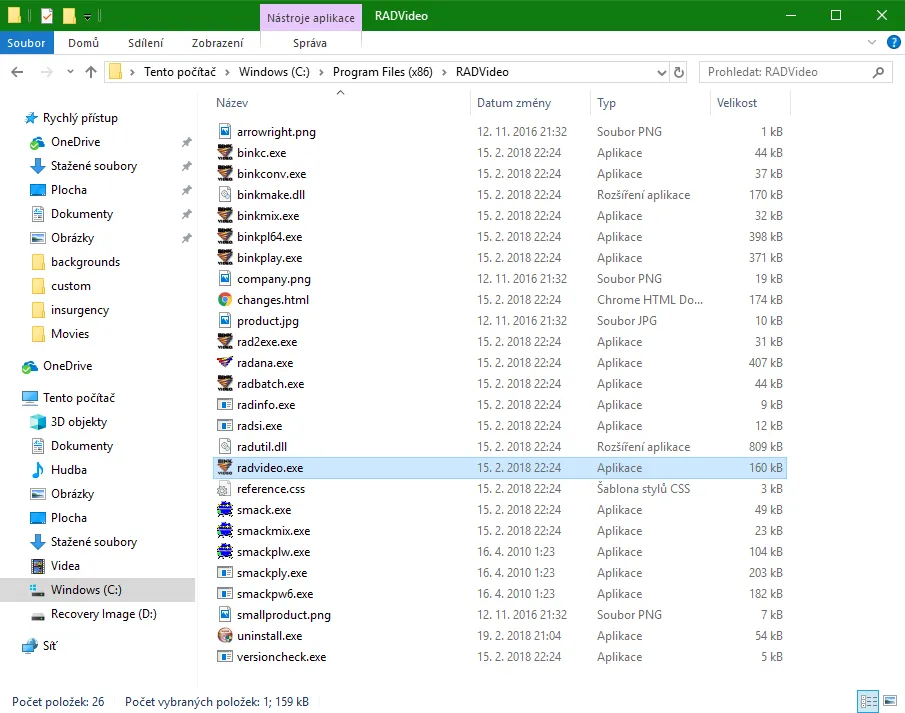 RAD Video Tools.
- Select the video you want to convert, then click Bink it!
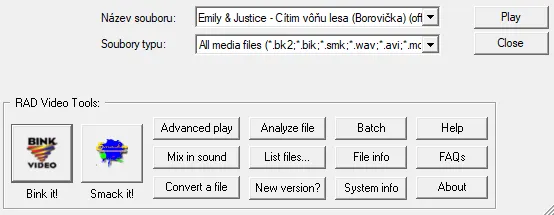 Choose the source file.
- Leave the default settings. The only option worth checking is Compress audio at the bottom: tick it if you want sound, leave it empty for a silent video. Press Bink.
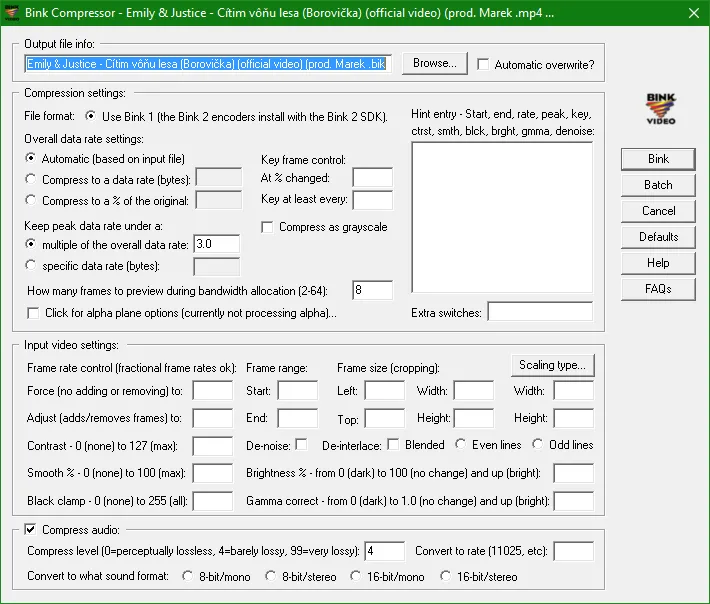 Keep the defaults and decide about audio.
- If everything went right, a completion window appears.
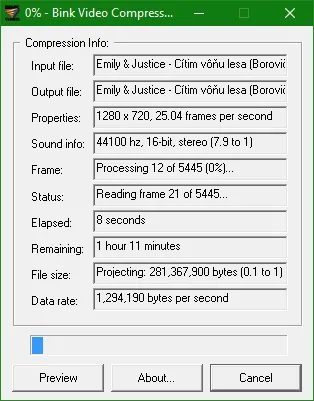 Conversion finished.
Putting it into the game
Open the game's install folder, then KFGame, then Movies. You will see several .bik files. Copy your converted video into this folder and rename it to the name of the video you want to replace:
| To change | File name |
|---|---|
| Main menu background | MenuBG |
| Seasonal menu events | Menu_Winter, Menu_SS |
| Startup logos | LogoTripwire, LogoHardsuit, LogoUE3, LogoGA |
| Loading screens | Loading_001, Loading_002, Loading_003 |
Always keep the original file names and make a backup copy of the originals first.
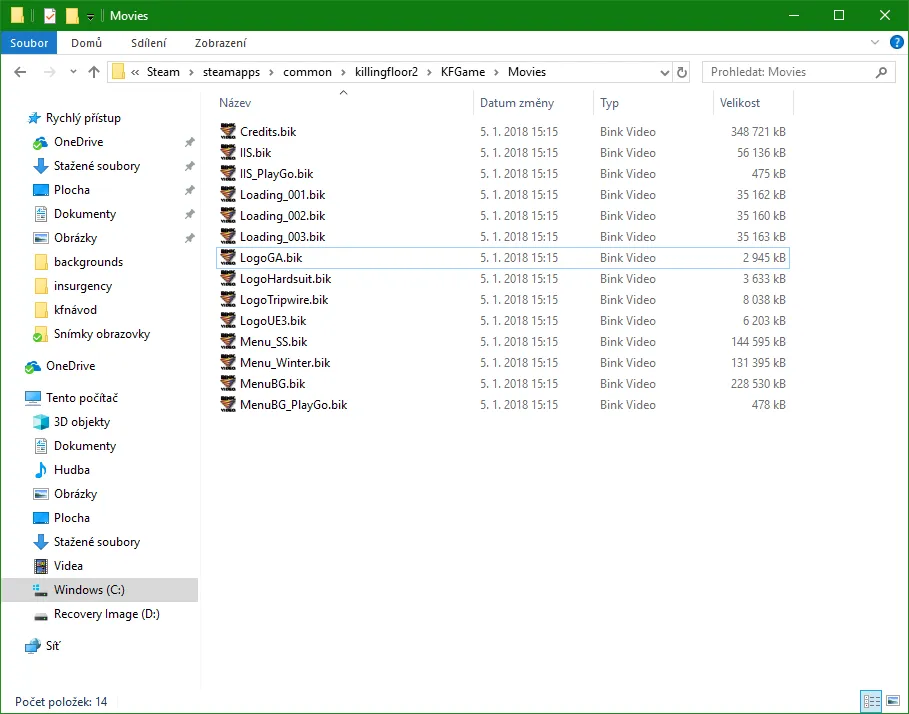 Replace the file with your own, keeping the original name.
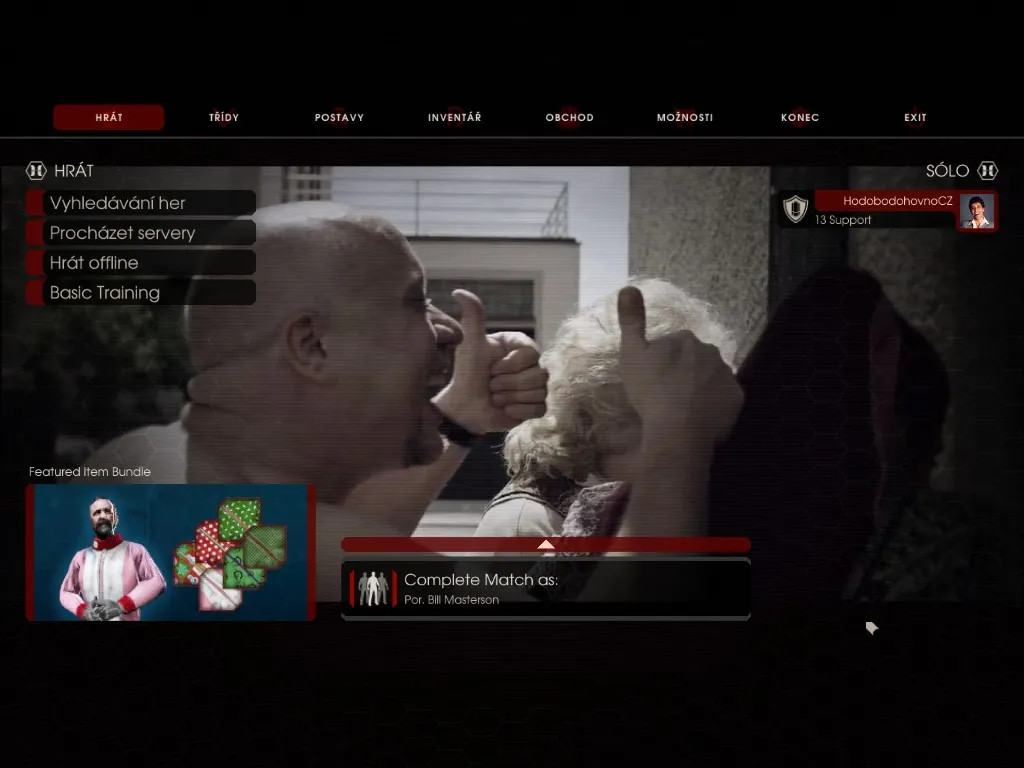 The result in the game.
Tip: skip the startup logos
If you dislike waiting through several logo videos before the menu, add a suffix to the four logo files, for example LogoTripwire_del, so the game no longer finds them. A file verification in Steam restores the originals. For other client-side tweaks see changing the voice language.
FAQ
- Which file replaces the KF2 main menu background video?
- MenuBG.bik in KFGame\Movies. Convert your own video to .bik, name it MenuBG and put it in that folder.
- How can I skip the logo videos at startup?
- Rename LogoTripwire, LogoHardsuit, LogoUE3 and LogoGA by adding a suffix such as _del.
