
KF2: Unlock New Maps by Joining the Preview Beta (2018 Guide)
This guide, written in Russian in 2018, shows how to switch Killing Floor 2 to its public preview beta in Steam so you can play new content before it reaches the main branch. For a newer walkthrough with notes on saved progress, see how to opt into the preview beta.
Steps
- Find Killing Floor 2 in your Steam library and right-click it.
- Choose Properties at the bottom of the menu.
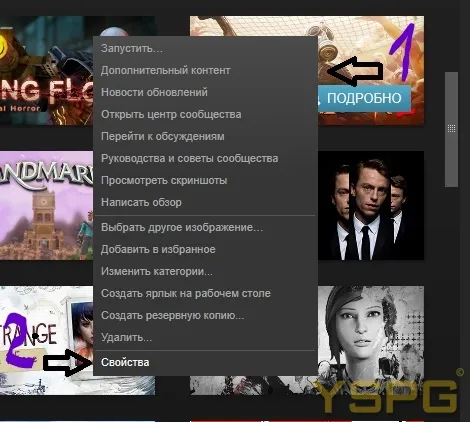 Right-click the game and open Properties.
- Open the Betas tab.
- In the dropdown pick the preview entry and close the window.
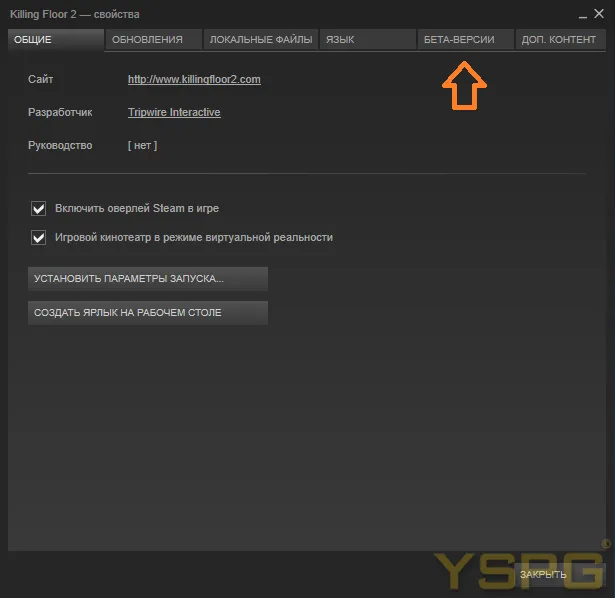 Betas tab in the game's properties.
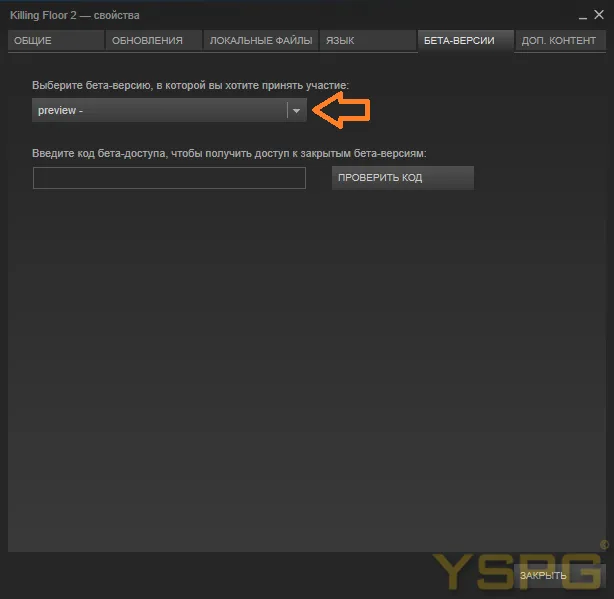 Selecting the preview branch.
- Steam starts downloading the beta build, roughly 5.4 GB.
- Launch the game once the download finishes.
 The beta build downloads automatically.
What you get
After launching, the guide shows the new features in the menus:
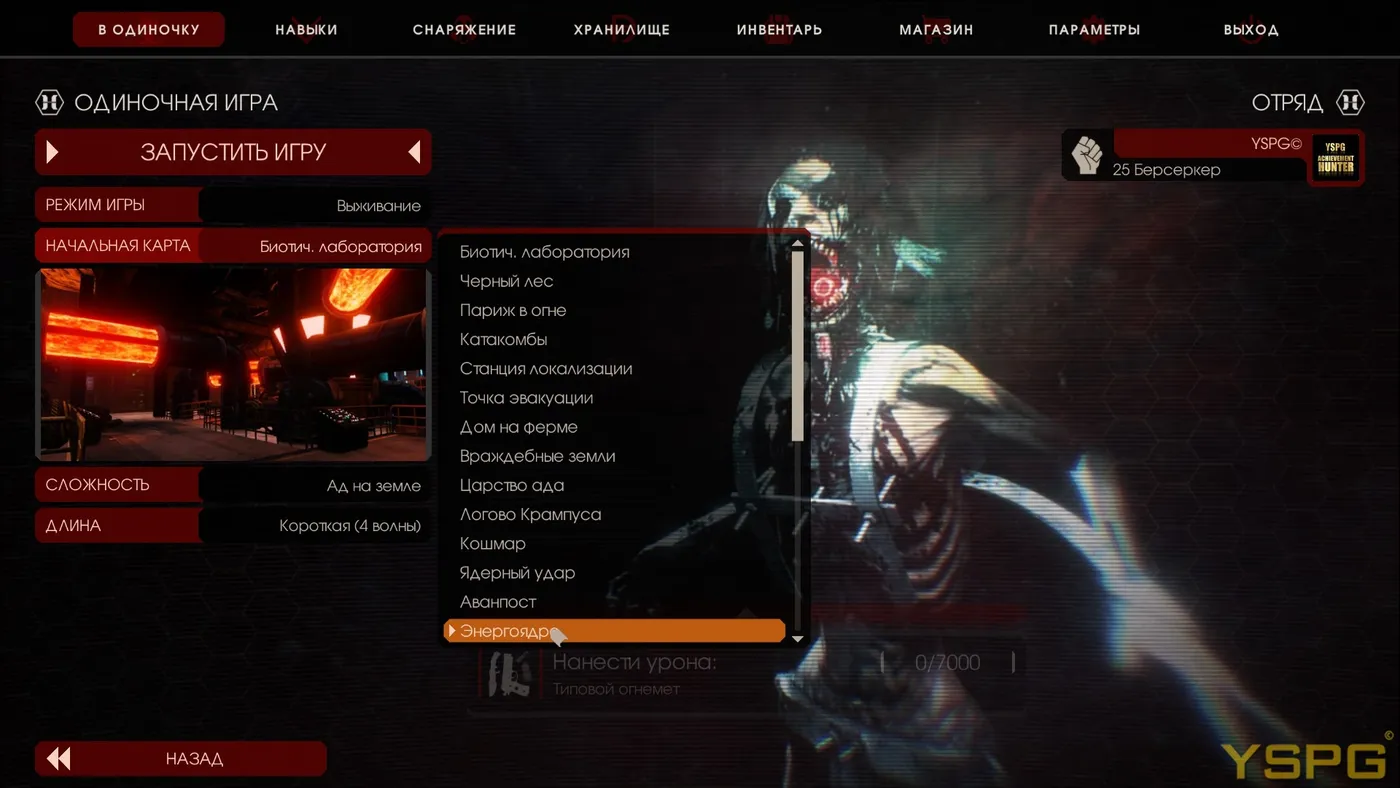
 New maps and mode available in the menu.
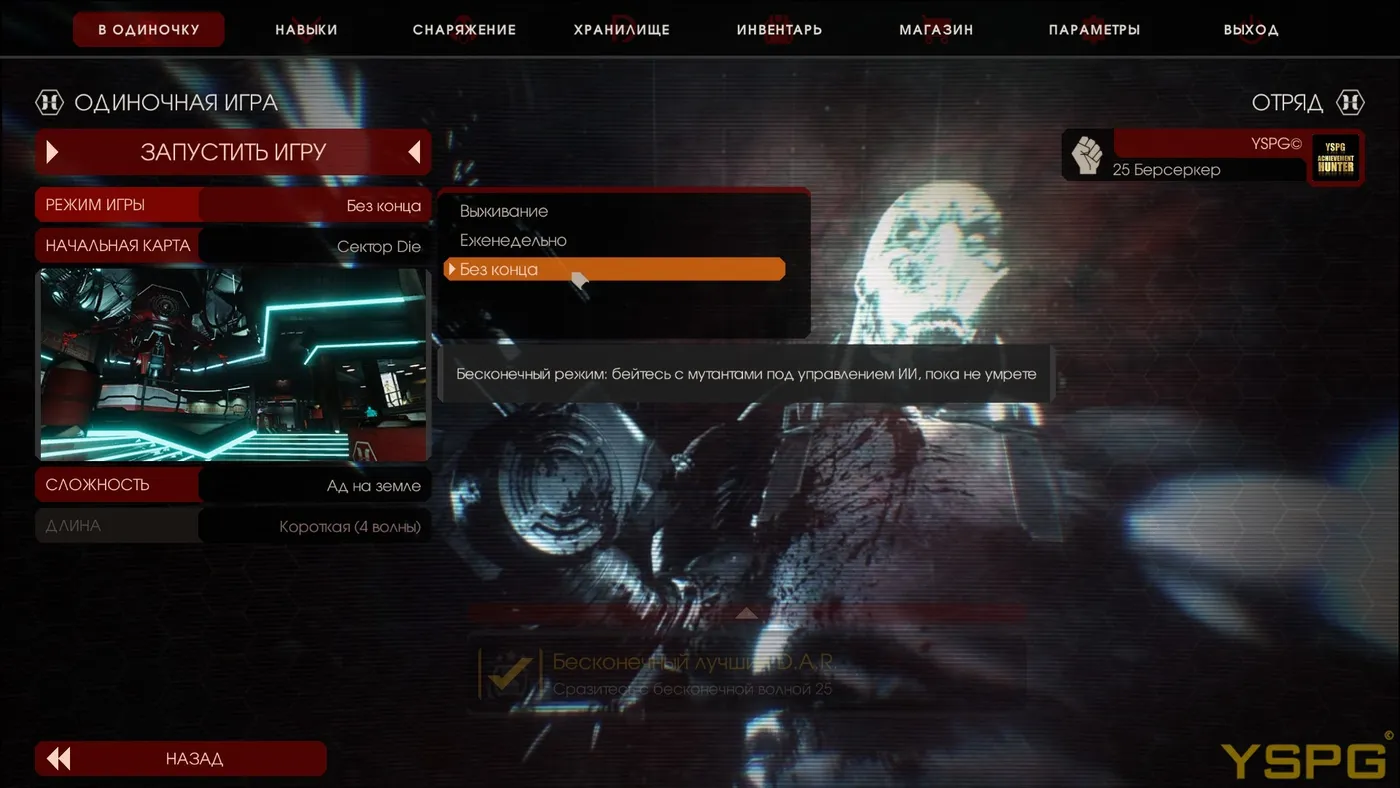
 New game mode.
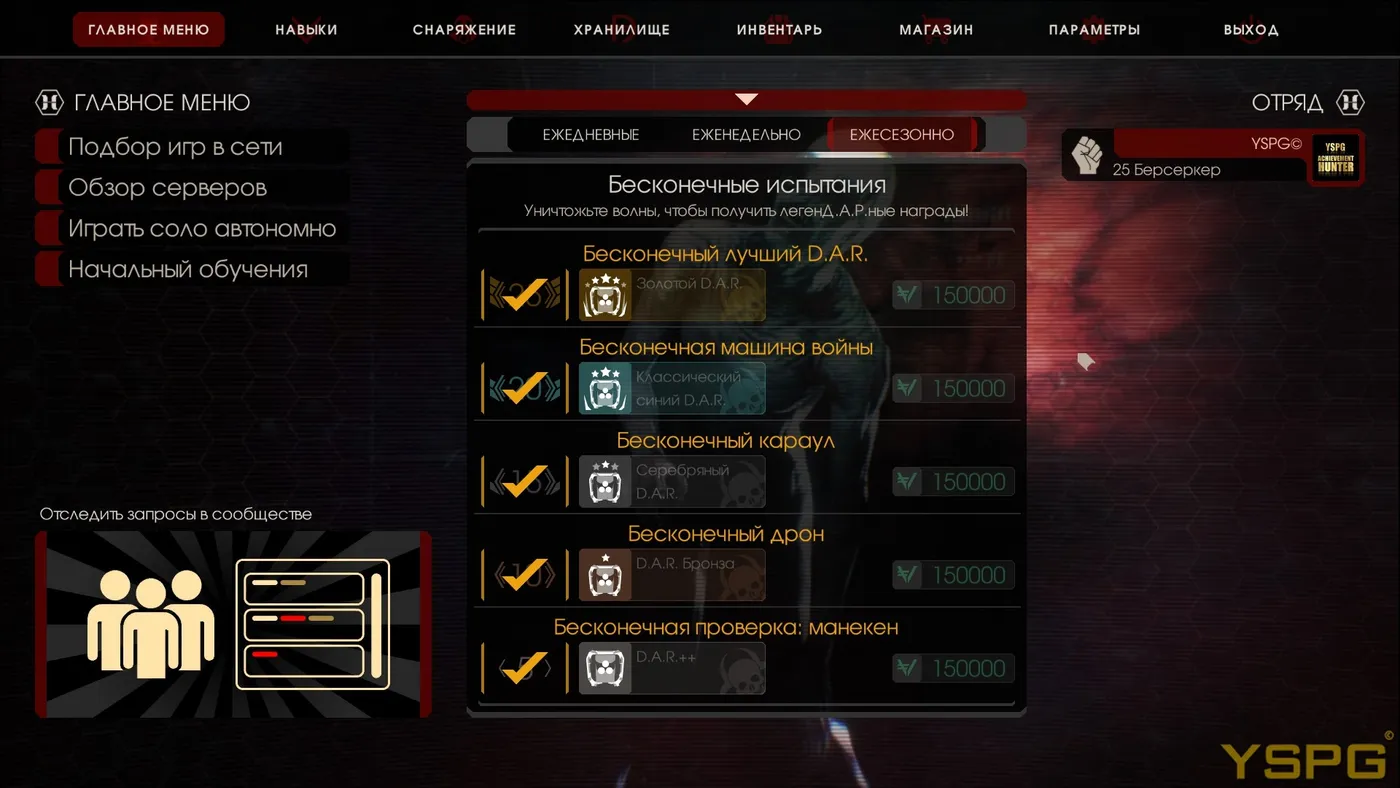
 New challenges.
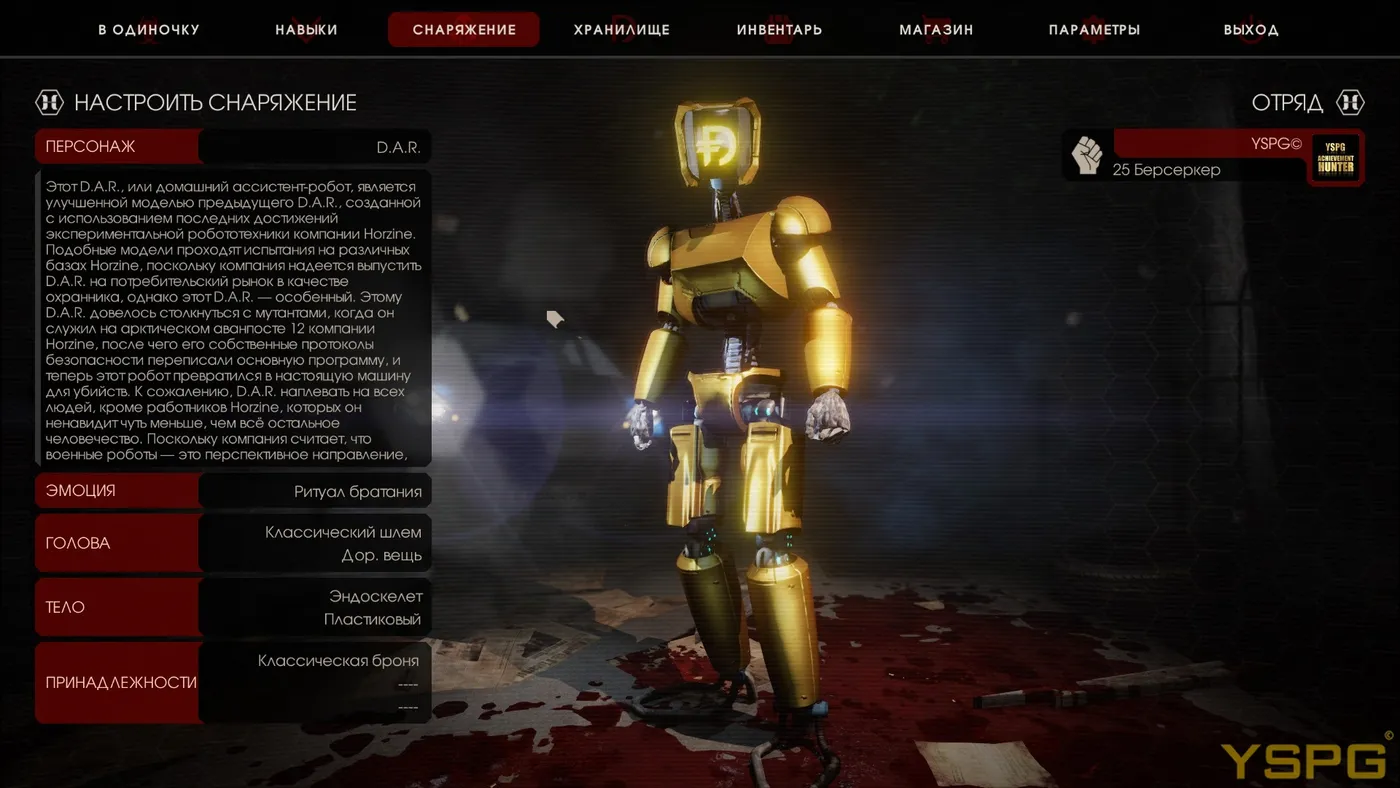
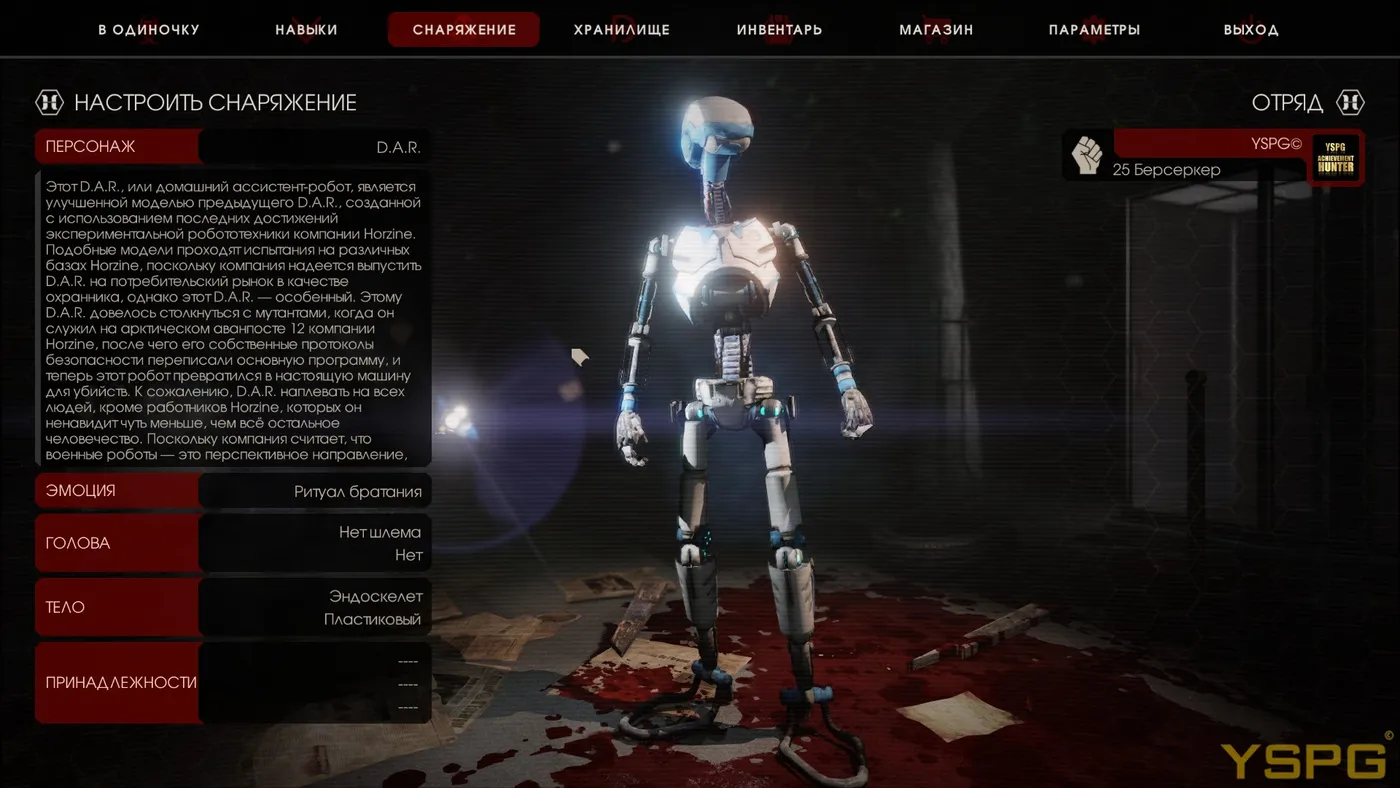
 New character and achievements.
- Two new maps
- A new game mode
- New challenges
- A new character
- New achievements
Tips
- Switching branches changes your key bind file, so back up your settings first, see keeping key binds when switching beta.
- To return to the normal version, set the Betas selection back to None.
FAQ
- How do I get new KF2 maps before the official release?
- Open Killing Floor 2 properties in Steam, go to the Betas tab and choose the preview branch. The game then downloads the beta build (about 5.4 GB in this guide).
- What does the beta add?
- According to the guide: two new maps, a new game mode, new challenges, a new character and new achievements.
