
Killing Floor 3 Hydra Error 4 - How to Fix
Hydra Error 4 in Killing Floor 3 is typically related to authentication or network connection issues. Here's how to fix it.
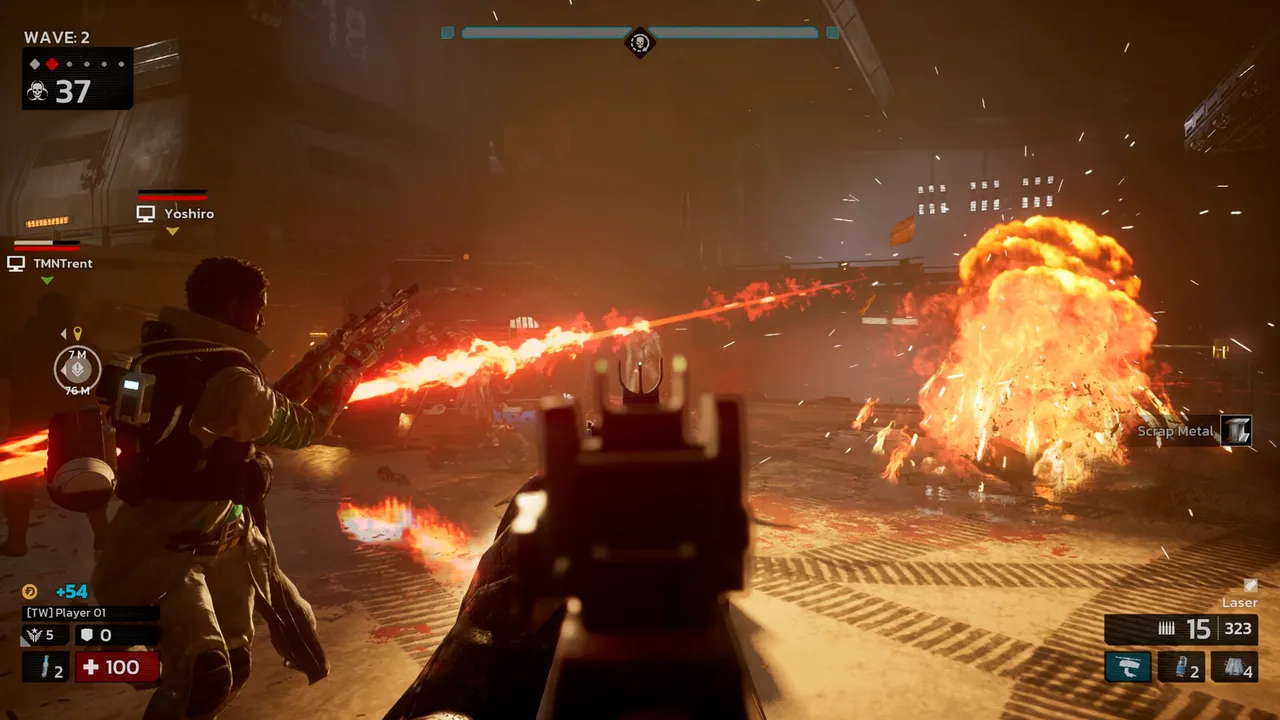 Killing Floor 3 gameplay with the wave counter and HUD visible.
What is Hydra Error 4?
Hydra Error 4 usually indicates:
- Authentication failure - Can't verify with game servers
- Network issues - Connection problems
- Service unavailable - Game servers may be down
- Account issues - Problems with your account
Quick Fixes
1. Check Internet Connection
- Test connection - Make sure you're online
- Restart router - Unplug for 30 seconds
- Check firewall - Allow game through firewall
- Try different network - Test on mobile hotspot
2. Restart Steam/Epic Games
- Close launcher completely - Exit fully
- Restart launcher - Open again
- Verify game files - Check for corrupted files
- Restart computer - Sometimes helps
3. Check Service Status
- Steam status - Check if Steam is online
- Epic Games status - Check Epic status
- Game servers - May be temporary issues
- Wait and retry - Servers may be busy
4. Clear Cache
Steam:
- Close Steam
- Delete:
Steam\appcachefolder - Restart Steam
Epic Games:
- Close Epic Launcher
- Delete:
%LocalAppData%\EpicGamesLauncher\Saved - Restart launcher
Advanced Solutions
Verify Game Files
- Right-click game → Properties
- Local Files → Verify integrity
- Wait for completion - May download files
- Try launching again
Check Firewall
- Windows Firewall - Allow game through
- Antivirus - Add to exceptions
- Router settings - Check port forwarding
Reinstall Game
If nothing works:
- Backup saves (if possible)
- Uninstall game
- Delete remaining folders
- Reinstall fresh
