
KF Mod 1.0 Zeds Playermodels for Garry's Mod
"[Killing Floor Mod 1.0] Zeds - Playermodels" is a Garry's Mod addon on the Steam Workshop that brings back the very first generation of Killing Floor enemies. It contains every ZED from Killing Floor Mod 1.0, the original Unreal Tournament 2004 total conversion, rebuilt so you can play as them or pose them as ragdolls. In the mod itself these creatures were simply called zombies; the specimen and ZED names came later.
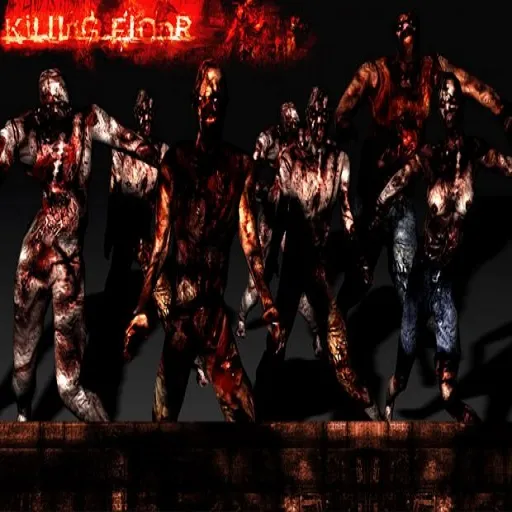 The addon's Workshop preview image.
Addon at a glance
| Detail | Value |
|---|---|
| Game | Garry's Mod |
| Content type | Addon, model |
| Tags | Fun, Realism |
| Size | About 9 MB |
| Posted | 11 December 2022 |
| Author | Naitsak |
| Contents | All KF Mod 1.0 ZEDs as playermodels and ragdolls |
What you get
- Every Mod 1.0 ZED. The whole first-release roster in one pack.
- Playermodels. Pick any ZED in Garry's Mod's playermodel selector and run around as it.
- Ragdolls. Spawn them to pose scenes, take screenshots or build comics.
The author also said they were still working on the models from the Mod 1.0 demo and might add them in a later update. Check the change notes on the Workshop page for what has actually shipped.
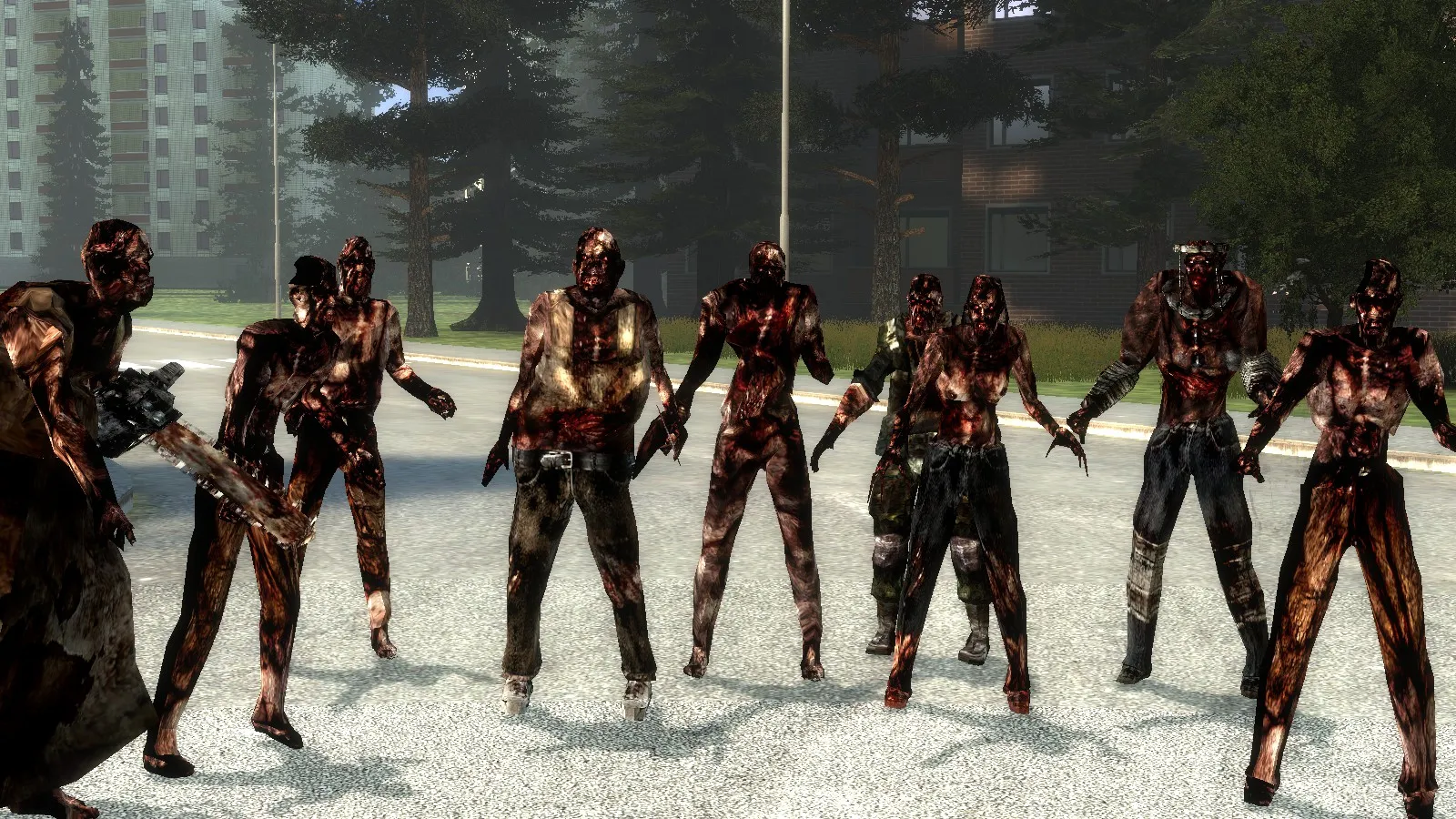 The full lineup posed in Garry's Mod, chainsaw-wielding Scrake on the left.
A look at the models
These are faithful ports, so they keep the low-poly geometry and dark, blood-soaked skins of a 2005 mod. That is the point: they show the roster before Tripwire rebuilt it for the retail game.
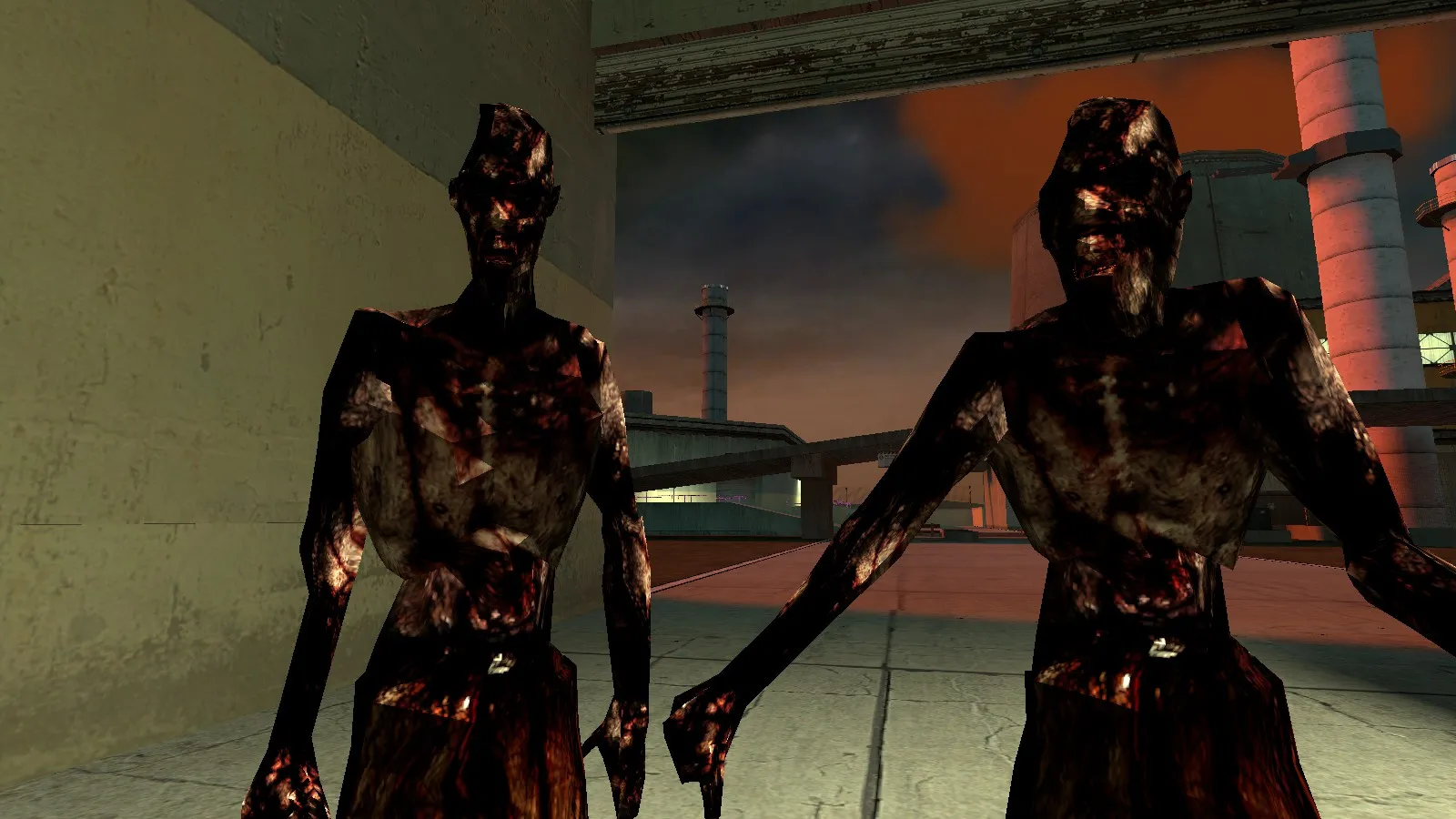 Close-up: blocky faces and dark, gore-heavy textures typical of Mod 1.0.
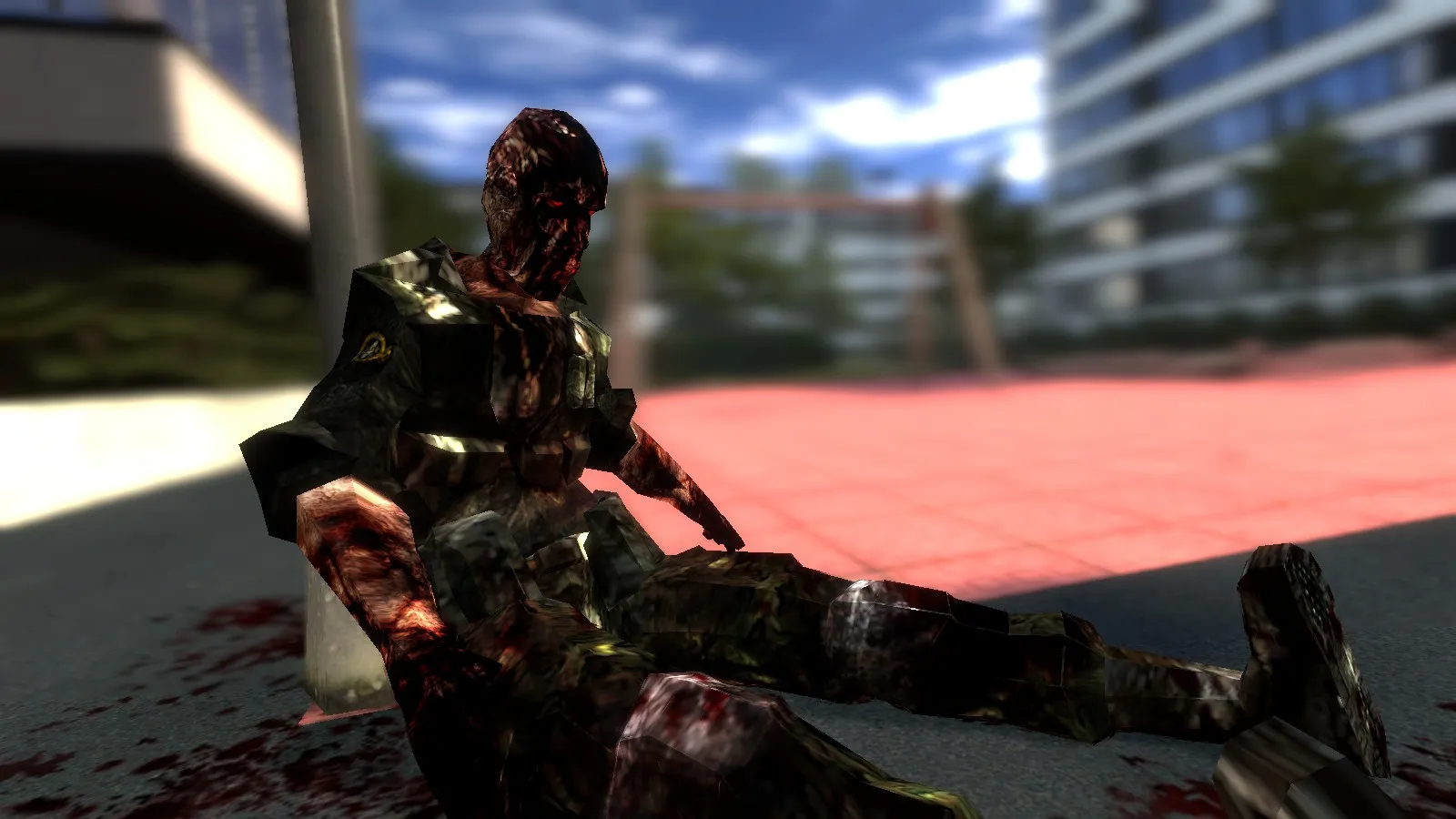 Ragdoll use: a uniformed zombie slumped against a post.
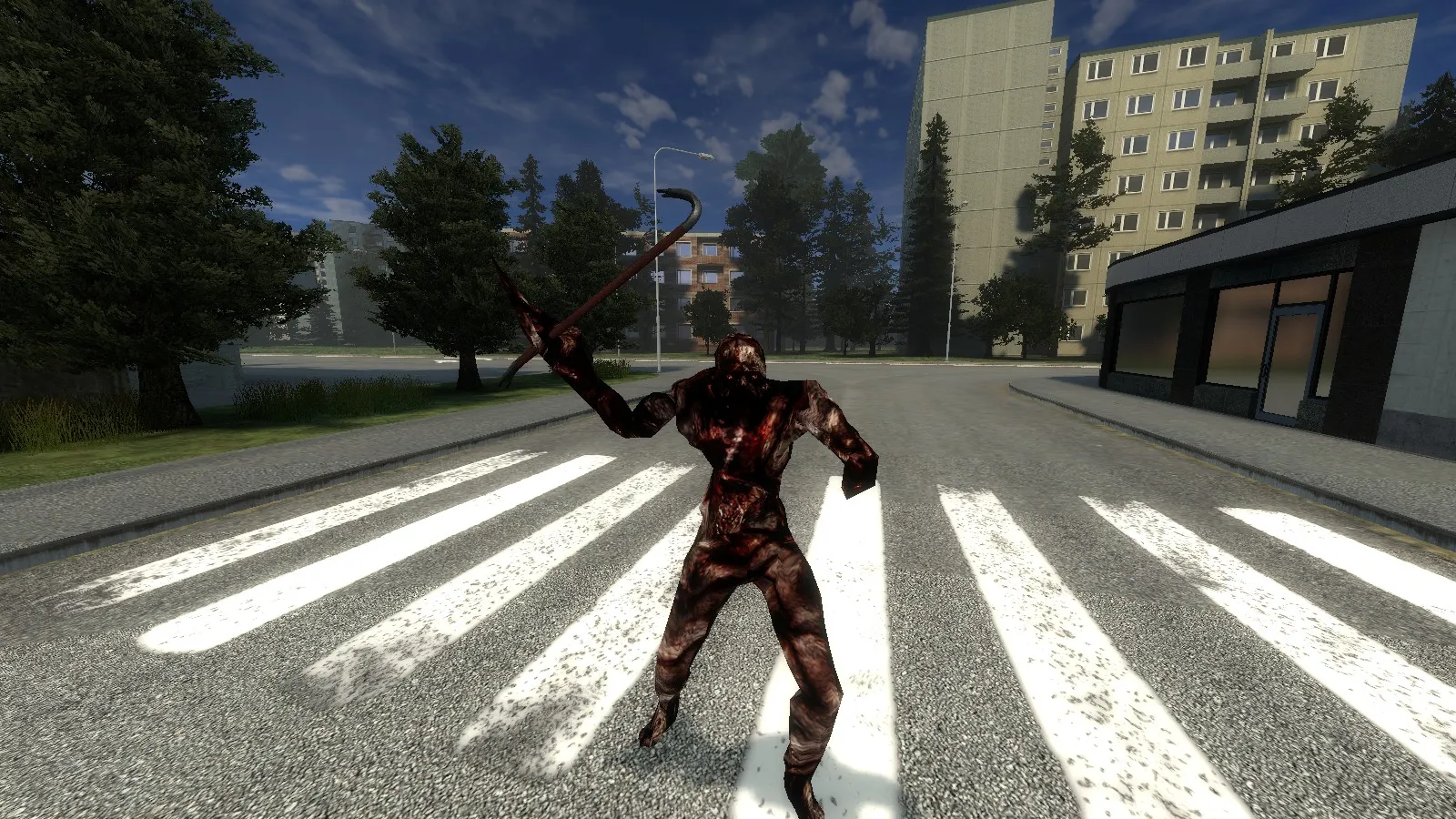 A ZED mid-swing with its hooked weapon.
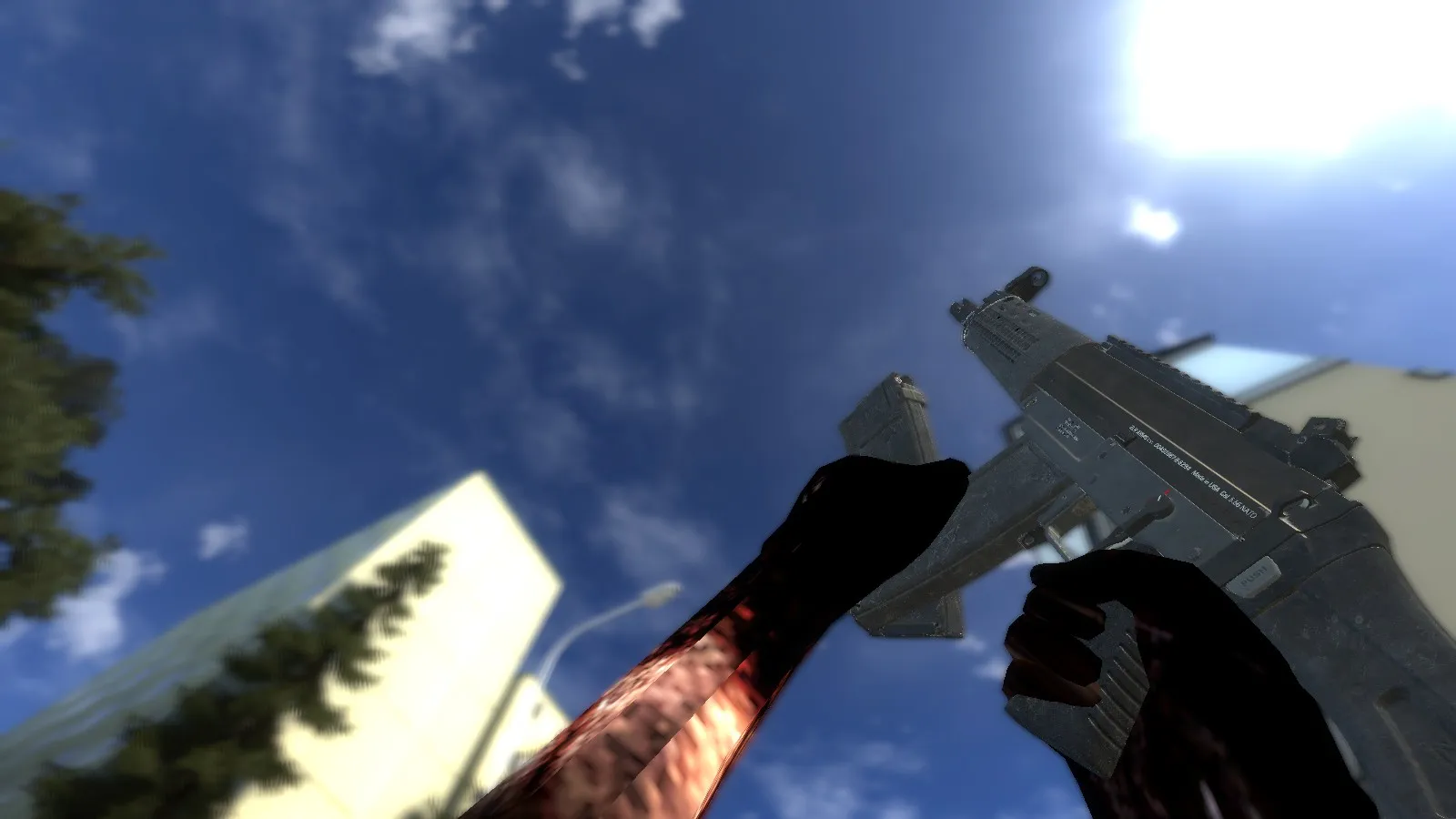 As a playermodel the first-person hands match the zombie skin too.
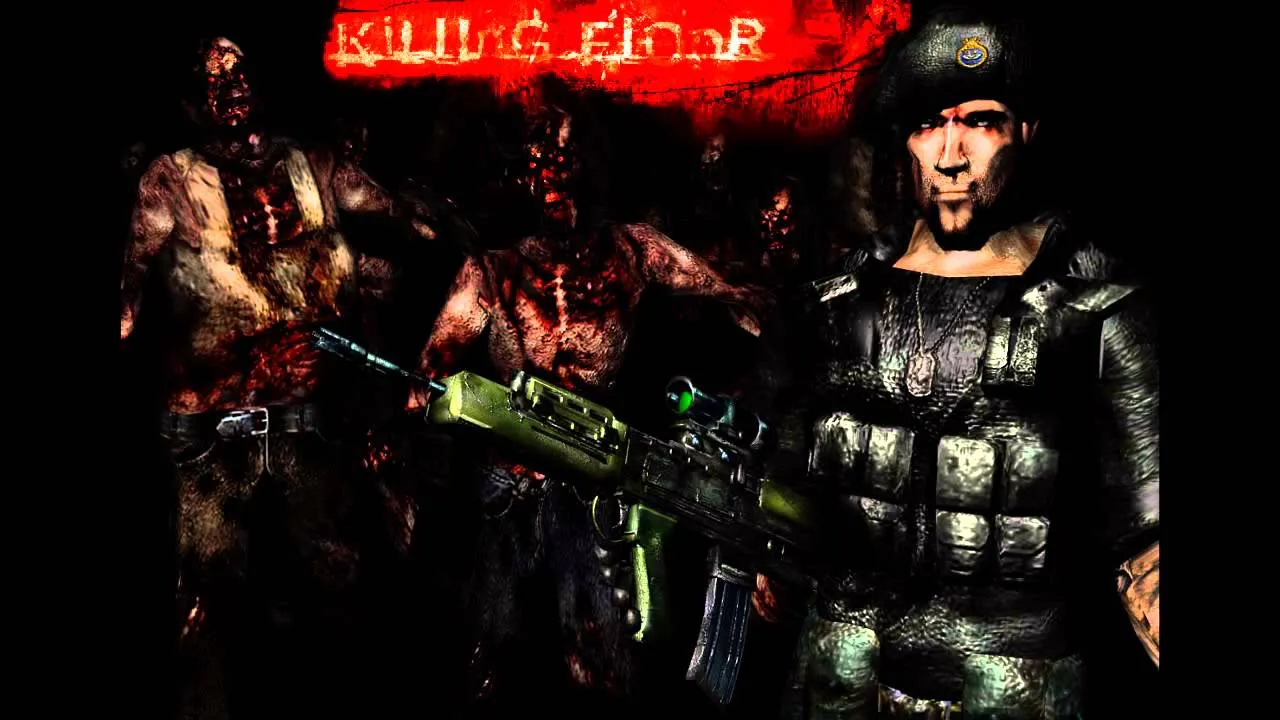 Video cover from the addon page: Killing Floor Mod artwork.
How to install and use
- Open the addon's Steam Workshop page and click Subscribe.
- Restart Garry's Mod so the files download and load.
- For a playermodel: open the context menu (hold C in Sandbox), go to Player Model and pick a ZED.
- For a ragdoll: open the spawn menu (hold Q) and look under the addon's entry in the content browser, then spawn and pose the model with the Physics Gun.
Which mod version is this?
The comment thread turned into a small history lesson about the mod's look across versions:
- Mod 1.0 (the campaign-era first release) used the dark, gory skins you see in this pack.
- Mod 2.0 switched to clean, pale textures.
- Later releases brought the heavier gore back.
- One commenter also noticed that the Crawler changes colour between releases: pale in 2.0, black in 2.5.
For side-by-side screenshots of the mod versions and how each ZED evolved into the retail game, read ZED evolution from KFMod to KF2.
Community requests
- NPCs. Several players asked for NPC versions so the ZEDs can actually attack. The pack does not include them.
- Left 4 Dead 2 port. One player asked to port the models to Left 4 Dead 2 as common-infected replacements, and the author agreed.
- Other KF Mod models. Commenters point to other Workshop uploads for different versions of the mod's models.
FAQ
- Which Killing Floor version do these models come from?
- From Killing Floor Mod 1.0, the first public release of the Unreal Tournament 2004 mod, not from the retail KF1 or KF2.
- Can I use the ZEDs as NPCs?
- No. The addon provides playermodels and ragdolls only. Commenters have asked for NPC versions, but they are not part of the upload.
- Why do the ZEDs look so dark and bloody?
- That is the KF Mod 1.0 look. Later mod releases used cleaner, paler skins, and the gorier texturing returned later.
- How do I install it?
- Subscribe to the addon on the Steam Workshop and restart Garry's Mod. The models then appear in the playermodel selector and the ragdoll spawn lists.
