
KF2 Parry on Right Mouse Button: KFInput.ini Setup
By default Killing Floor 2 does not parry on the right mouse button, which annoys players used to games such as Chivalry. This workaround edits KFInput.ini so the button parries with melee weapons and still aims ranged ones. See also auto cancel binds for other dynamic bind setups.
Edit KFInput.ini
Find the file at Users\<name>\Documents\My Games\KillingFloor2\KFGame\Config\KFInput.ini and open it in a text editor. Under [KFGame.KFPlayerInput] find the weapon switch bindings for the number keys:
Bindings=(Name="one",Command="GBA_SwitchWeapon1 ",...)
Bindings=(Name="two",Command="GBA_SwitchWeapon2",...)
Bindings=(Name="three",Command="GBA_SwitchWeapon3",...)
Bindings=(Name="four",Command="GBA_SwitchWeapon4",...)
Change the commands so each key also runs a rebind group: keys 1, 2 and 4 append | GBA_SwitchKeysRange, and key 3 (melee) appends | GBA_SwitchKeysMelee, for example Command="GBA_SwitchWeapon3 | GBA_SwitchKeysMelee". Leave the other fields of each line unchanged.
At the bottom of the bindings add these two lines:
Bindings=(Name="GBA_SwitchKeysRange",Command="setbind RightMouseButton GBA_IronsightsToggle | setbind ThumbMouseButton2 GBA_SwitchFireMode ",Control=False,Shift=False,Alt=False,bIgnoreCtrl=False,bIgnoreShift=False,bIgnoreAlt=False)
Bindings=(Name="GBA_SwitchKeysMelee",Command="setbind RightMouseButton GBA_SwitchFireMode | setbind ThumbMouseButton2 GBA_IronsightsToggle ",Control=False,Shift=False,Alt=False,bIgnoreCtrl=False,bIgnoreShift=False,bIgnoreAlt=False)
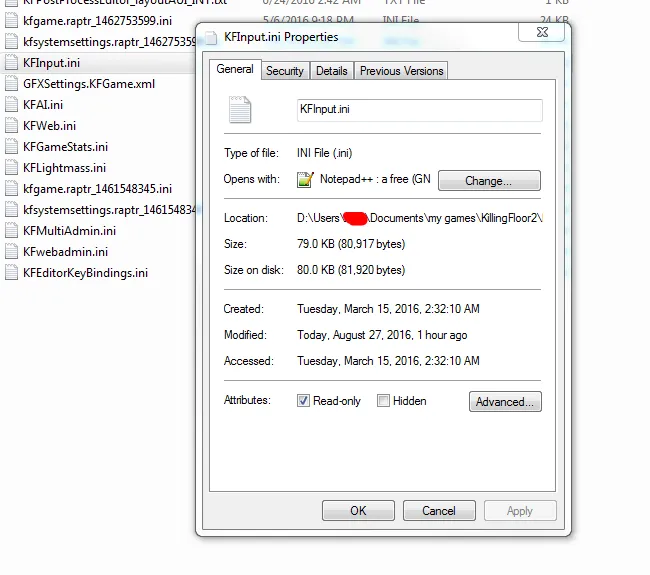
You can replace ThumbMouseButton2 with any button you like for the secondary attack, such as MiddleMouseButton. Save the file and mark KFInput.ini as read-only so the game does not overwrite it.
The edited bindings in the config file.
How it works
Every time you pick a weapon with the number keys, the game rebinds your buttons. Choosing a melee weapon swaps the right mouse button to parry and the thumb button to ironsights; choosing anything else does the inverse.
Caveats
- You cannot select melee weapons with the mouse wheel and keep the parry bind working.
- If you end up holding a melee weapon without pressing its key (for example after buying one or spawning with the knife), press 3 once to apply the bind.
- Rebinding on the fly can cause a small input lag, as commenters noted.
Alternative from the comments
To reduce the lag, skip the number key edits and add a single binding under [KFGame.KFPlayerInput]: Bindings=(Name="RightMouseButton",Command="GBA_SwitchKeysMelee | OnRelease GBA_SwitchKeysRange",Control=True,...). You then parry with Ctrl + right mouse button; this suits players who crouch with C instead of Ctrl. Simpler still, some players just rebind keys in the in-game controls menu.
