
KF2: Close the End-of-Match Summary Screen with showhud
When you win and kill the boss in Killing Floor 2, the summary screen appears and normally locks everyone to it. This small guide shows a console trick to dismiss it and keep moving around the map.
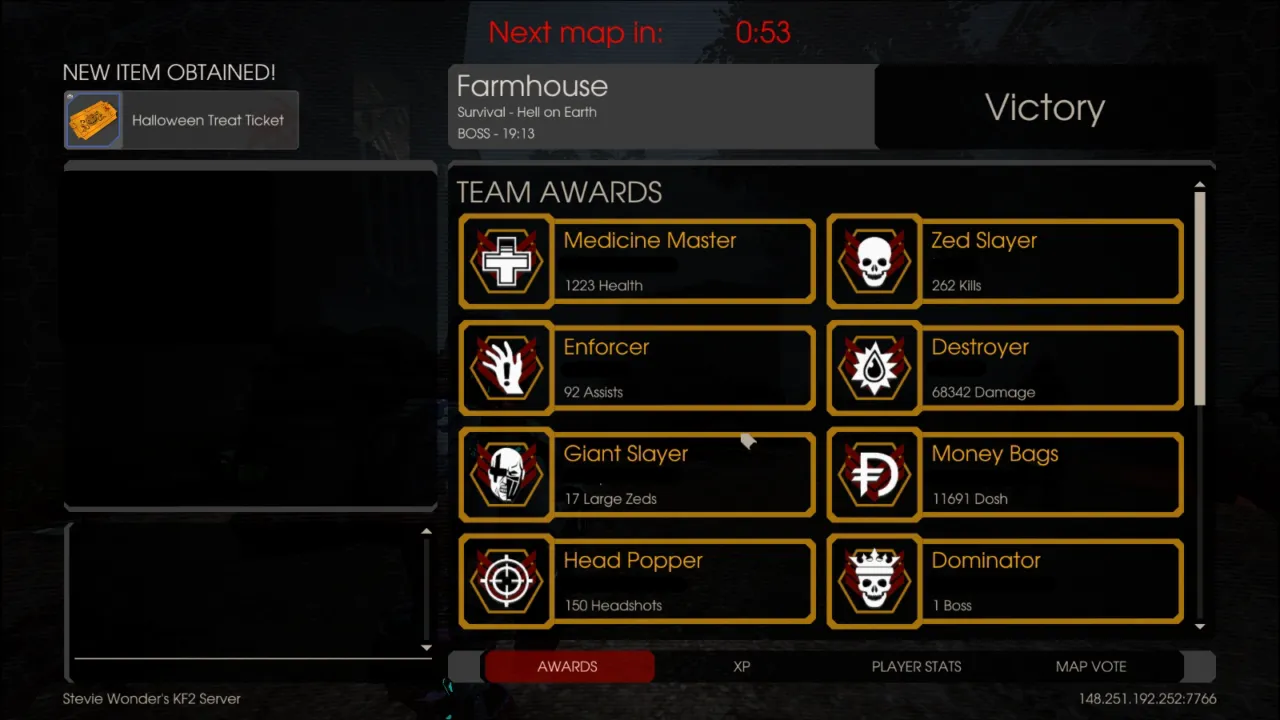 The summary screen after the boss dies.
Steps
- Press the tilde key (
~) to open the console and typeshowhudwithout quotes.
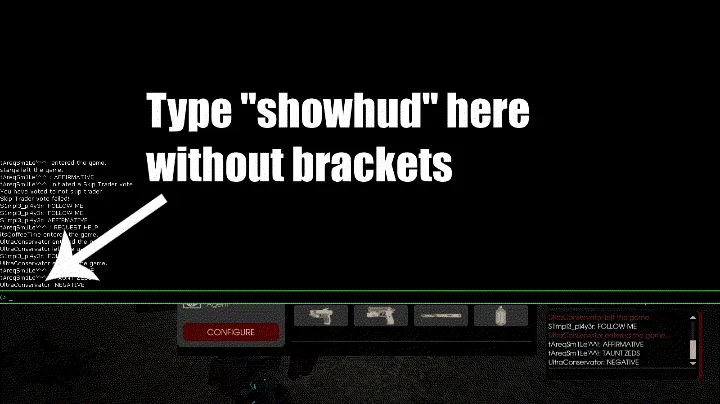 Entering showhud.
- Press Esc many times until the summary screen closes.
- Done. You can walk, shoot and do other things while other players stay stuck on the summary screen. You can still reach the summary by pressing Esc again.
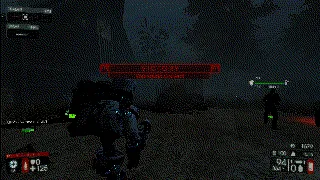 Moving freely after closing the summary.
Notes
The author says few players seem to know this trick, and found no guide about it, so wrote this one. It works both online and offline. The related hide HUD with setbind guide uses the same command to toggle the interface for screenshots.
FAQ
- How do I disable the summary screen in KF2?
- Open the console with tilde and type showhud, then press Esc several times until the summary screen closes. You can then walk and shoot while others are stuck on it.
- Does it work offline?
- Yes, the trick works both online and offline, and you can reopen the summary by pressing Esc again.
