
KF2 Graphics Glitches on Intel HD 2500/4000 - DX10 Fix
This short guide (originally in Portuguese) explains how to get Killing Floor 2 to render on older Intel integrated graphics. On Intel HD Graphics 2500 and 4000 (3rd generation) the game launches but textures and menus come out garbled. The author adds a note that he was unsure the trick still works in 2024.
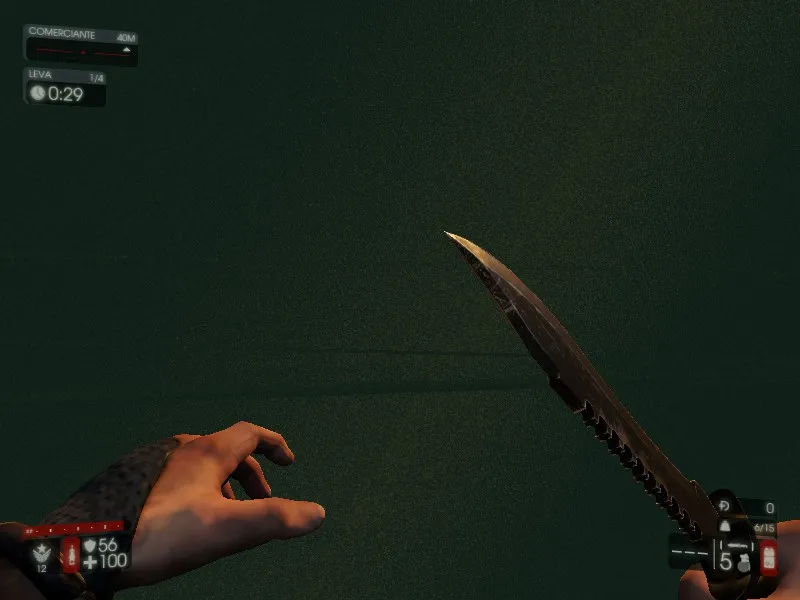 The glitched picture before applying the fix.
Fix 1: launch option
In Steam open Killing Floor 2, Properties, Set Launch Options and enter:
-dx10Fix 2: shortcut
- Right-click Killing Floor 2, Properties, Local Files, Browse Local Files.
- Go to Binaries, Win64 and copy KFGame.exe, then paste a shortcut on the desktop.
- Open the shortcut's Properties and in Target add
-dx10after the quoted path, for example"C:\Program Files (x86)\Steam\steamapps\common\killingfloor2\Binaries\Win64\KFGame.exe" -dx10.
Limits of the fix
The workaround does not repair everything. On some maps parts of the walls stay black and are hard to see, although the Zeds remain visible. The author advises against the map Catacombs, which is almost unplayable this way.
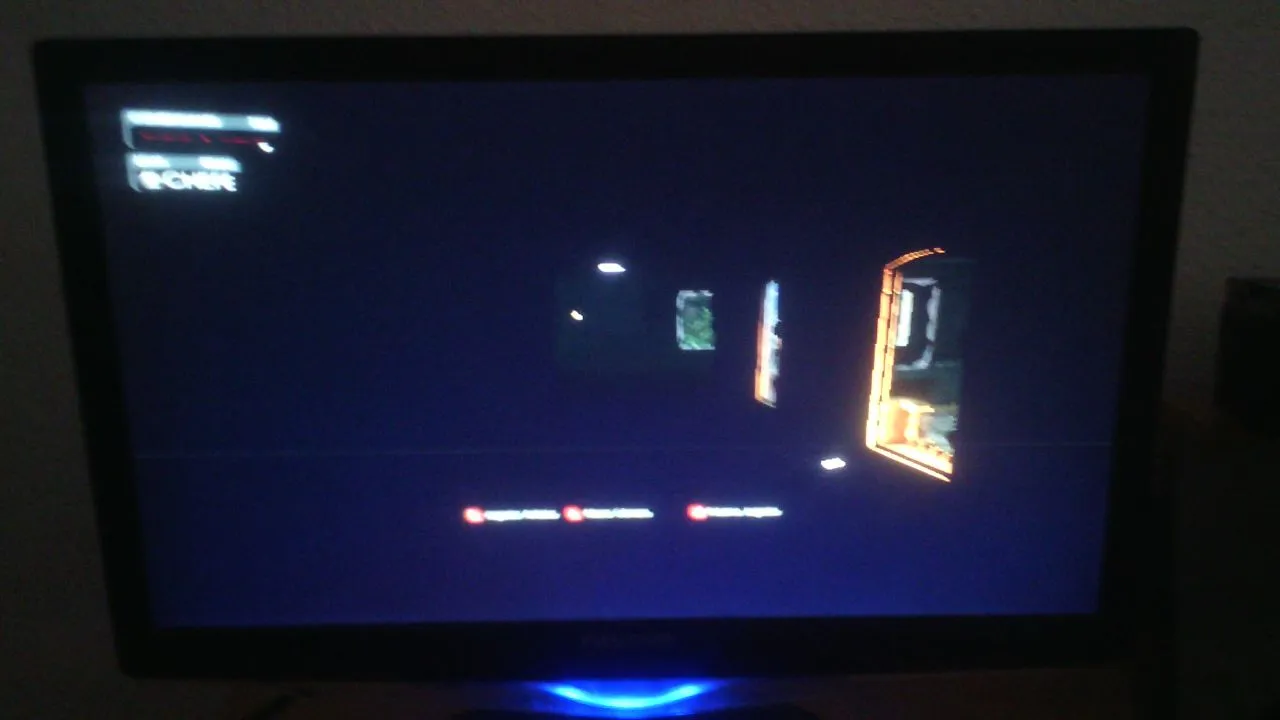 Dark surfaces that can remain on some maps.
After the fix
The author ran the game on Intel HD 4000 and 2500 (3rd generation) with the result below.
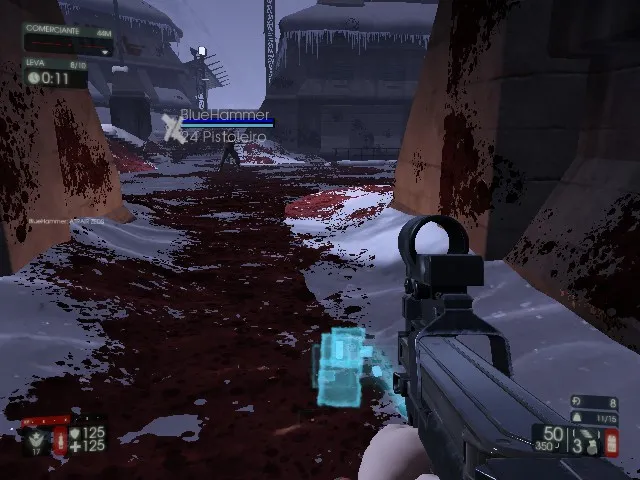 Gameplay on Intel HD after the fix.
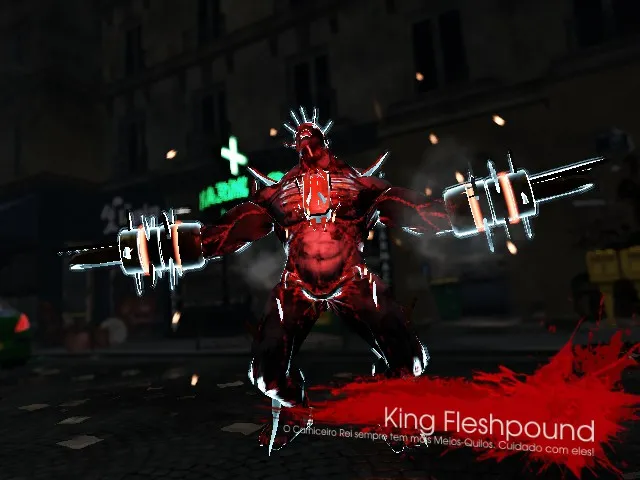 Another in-game view.
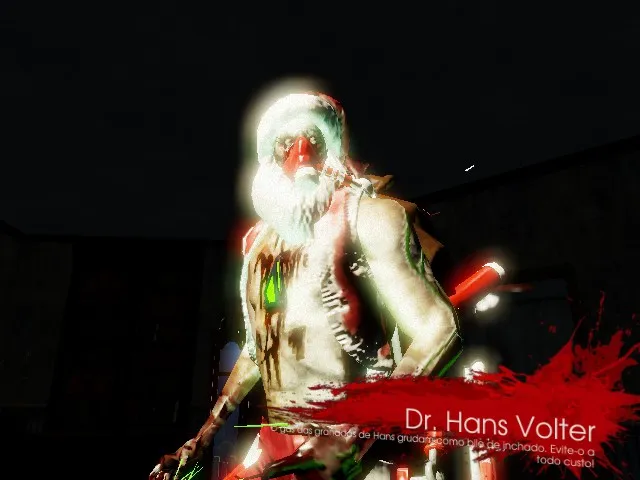 A third in-game view.
Notes:
- Intel HD of the 2nd generation may not work at all because it lacks DirectX 11 support.
- From the 5th generation upward the graphical bug did not appear (the author only tested Intel HD 610 and 620).
For more launch-option tricks see black screen with sound: DX10 launch option.
FAQ
- How do I fix broken graphics on Intel HD 4000 in KF2?
- Add -dx10 to the game's launch options in Steam, or start KFGame.exe from a shortcut with -dx10 in the target.
- Does the fix work on Intel HD 2nd generation?
- Probably not: 2nd generation Intel HD has no DirectX 11 support. 5th generation and newer did not show the bug in the author's tests.
