
KF2 Custom Weapon Skin Packs: Commando, Support and More
A Steam community modder's showcase of custom weapon skin packs for Killing Floor 2, shown as screenshots grouped by perk: Commando and Support first, then Firebug, Gunslinger, Sharpshooter, SWAT and a few other weapons. These are community-made replacement skins, not the official Vault skins, and they were distributed through file-host download links (the author asked readers to insert a dot between the host name and "com" because Steam strips links). The links themselves are not reproduced here. For installing skins and weapon mods see installing a weapon mod through the published folder, and for official skins see Vault cosmetic items and previewing weapon skins by console.
Commando
AR-15
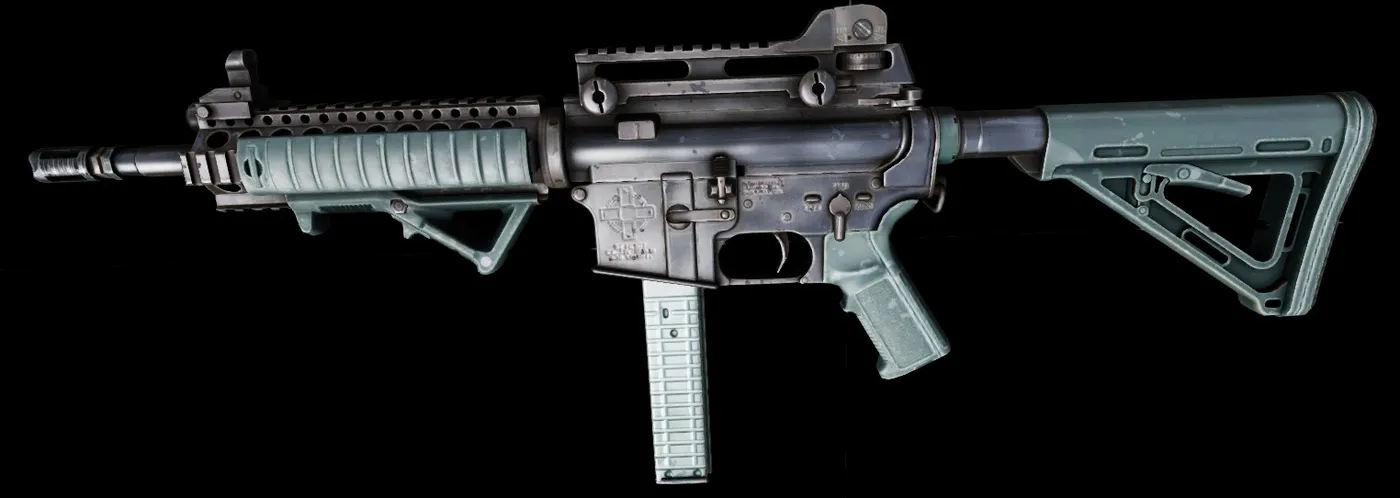 Navy Blue Green AR-15
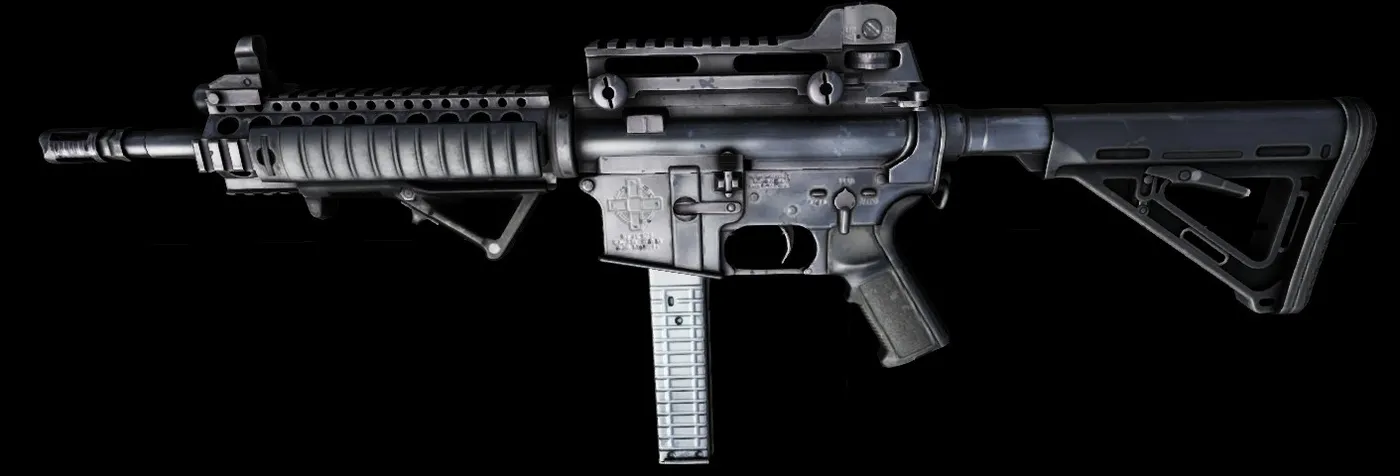 Black AR-15
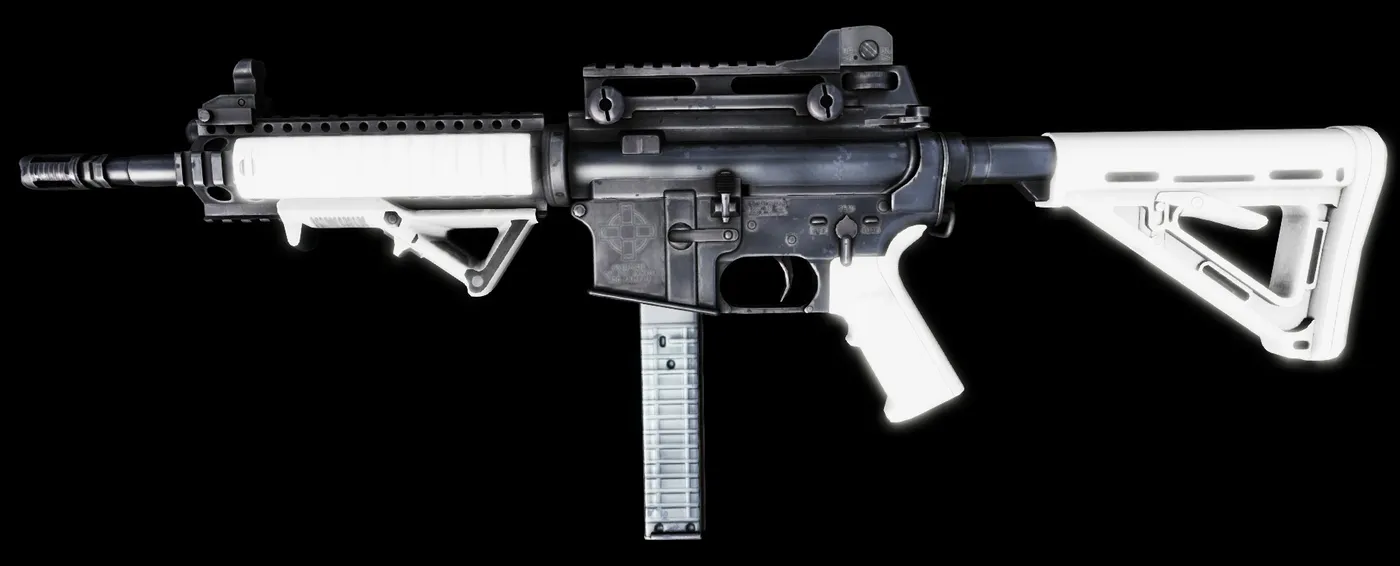 White AR-15
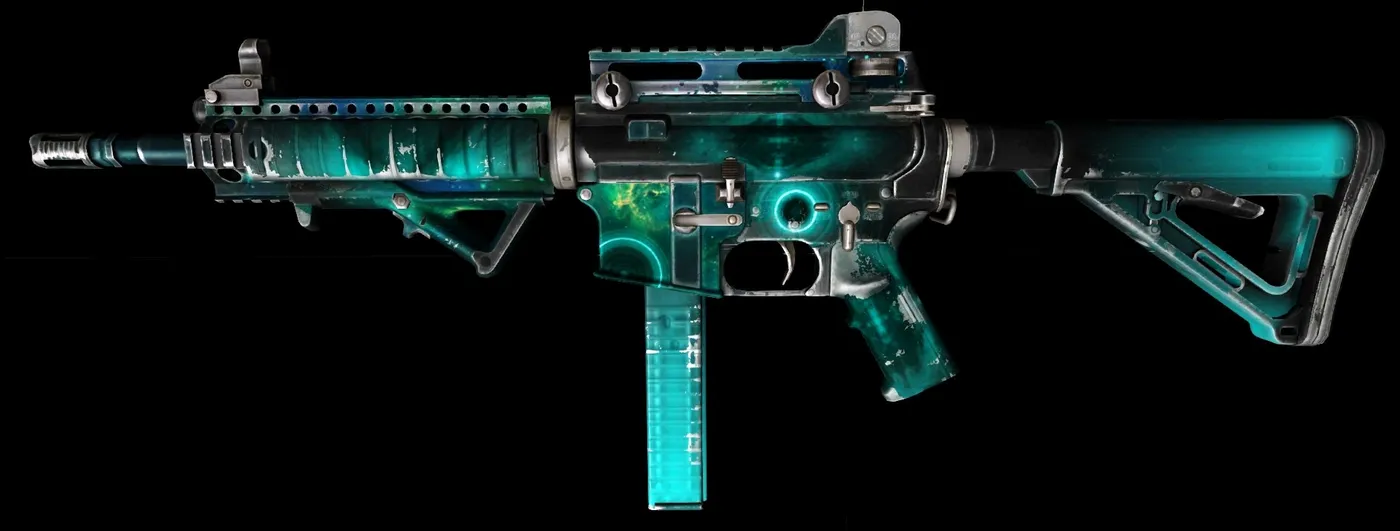 Dark Matter AR-15
L85A2 / SA80
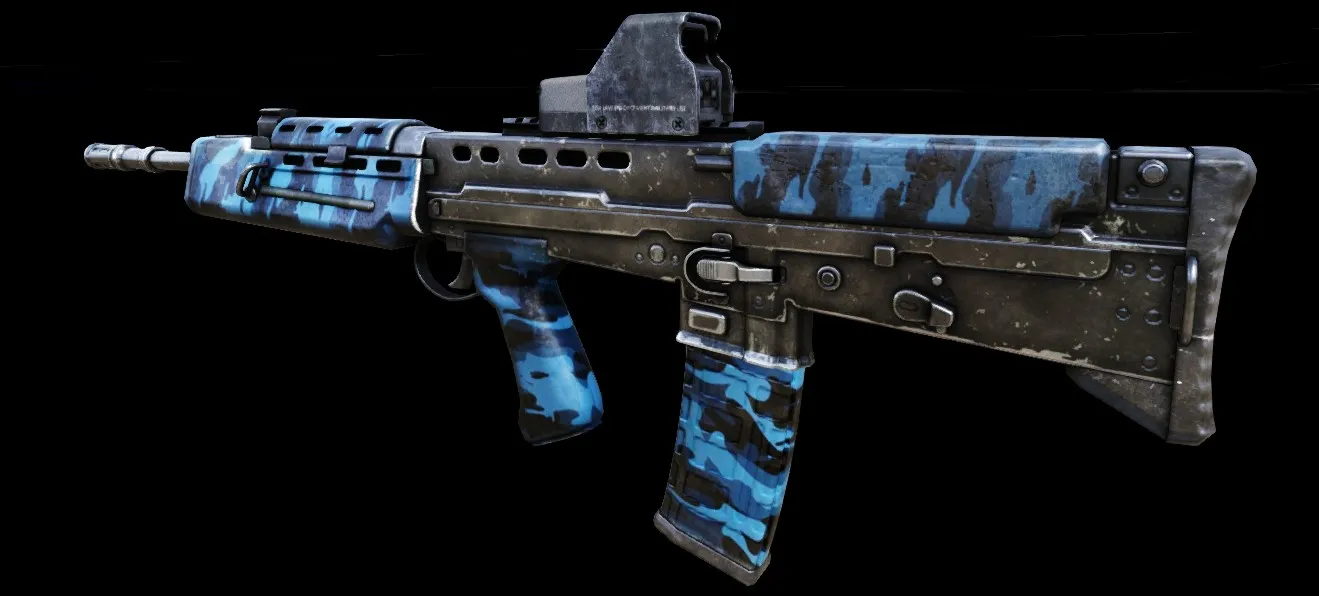 Urban Blue L85
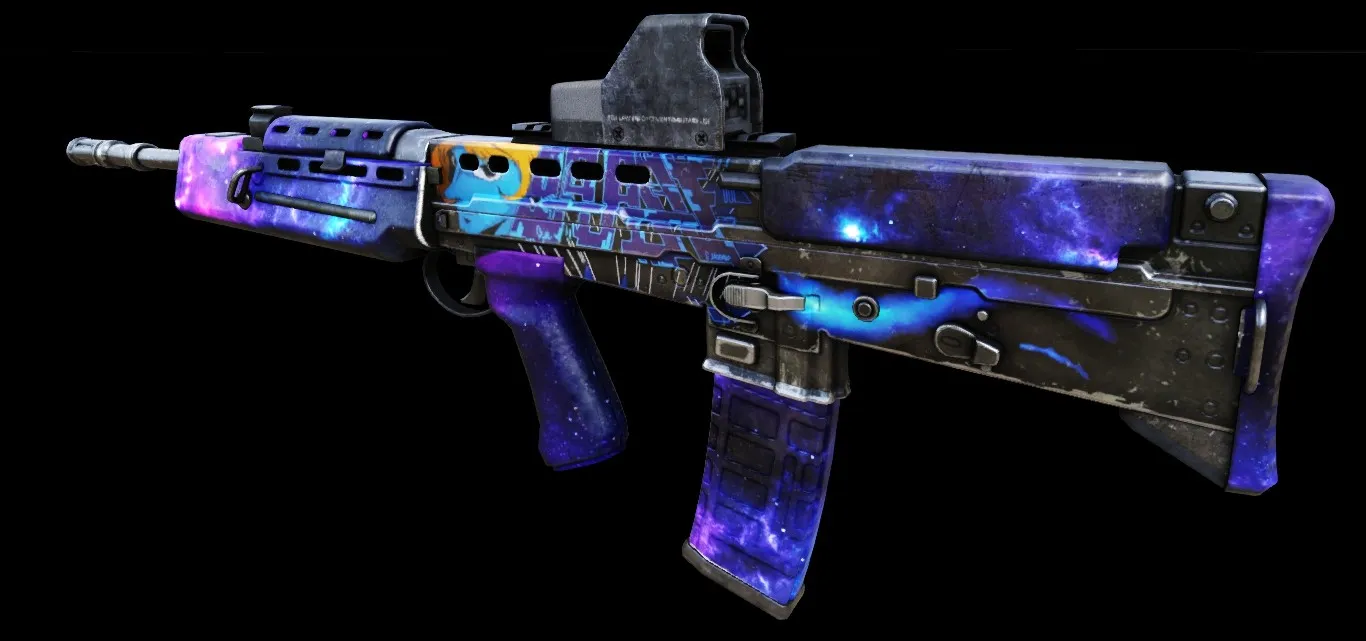 Blue and Purple Space L85
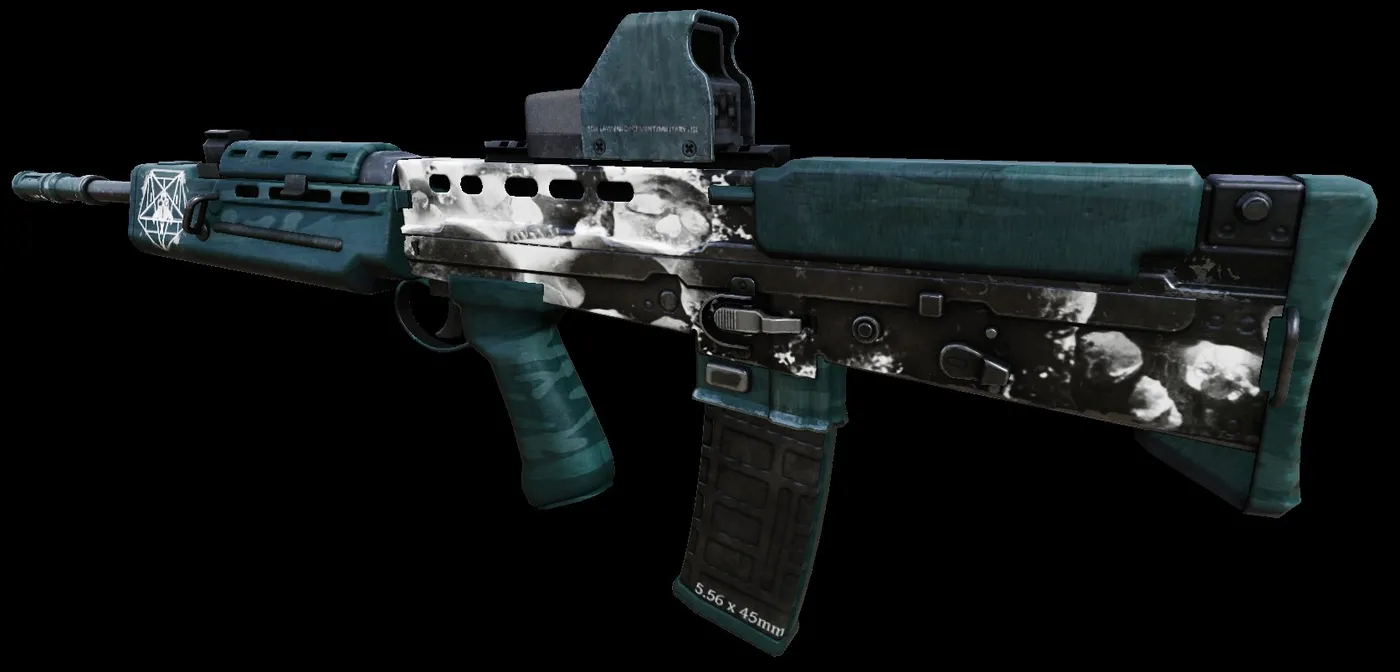 Helltech L85
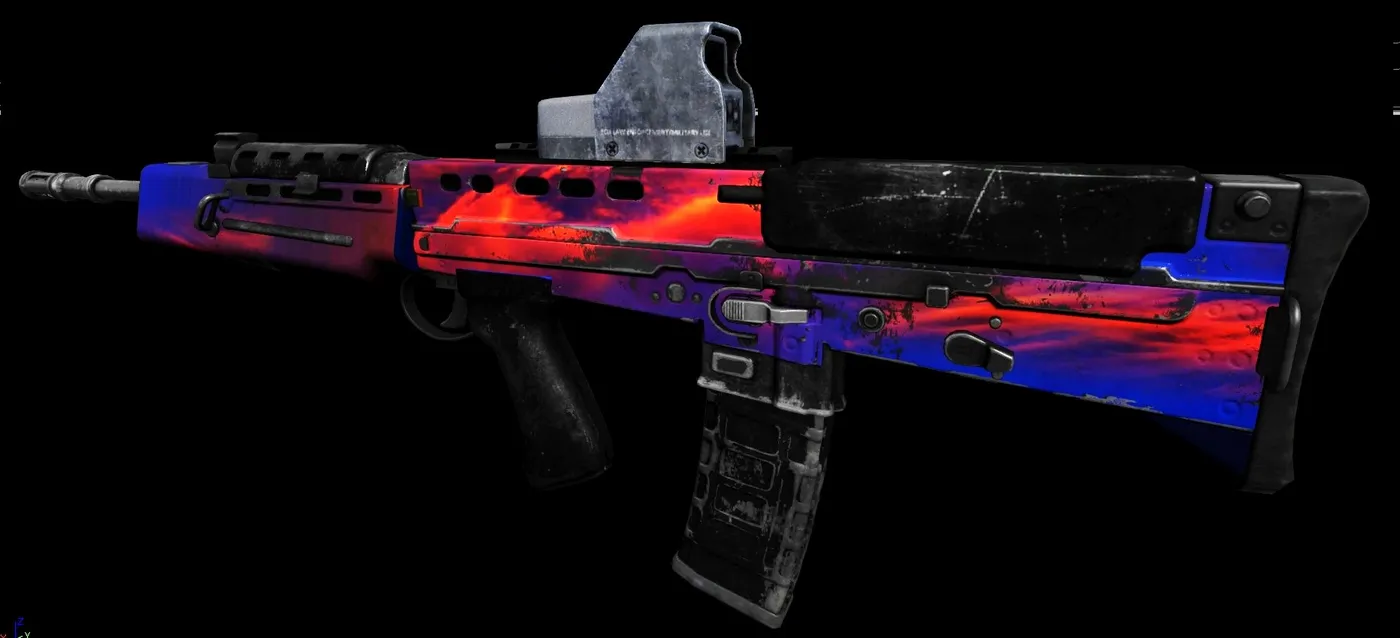 Burning Sky L85
AK-12
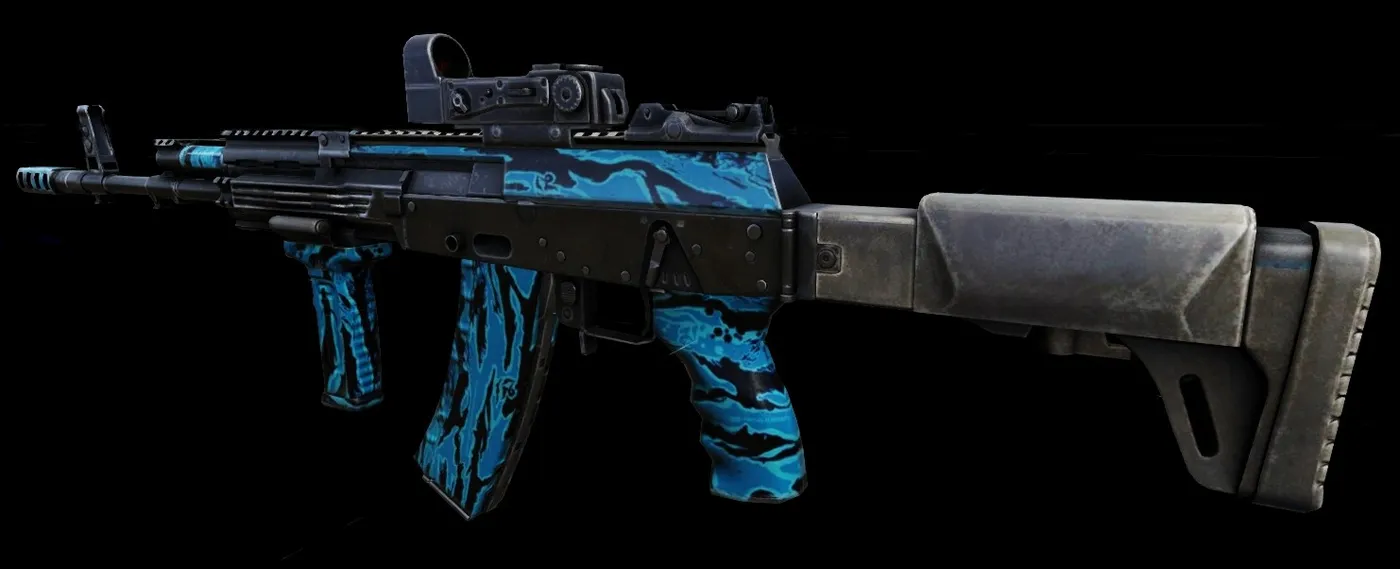 Light Blue Tiger AK-12
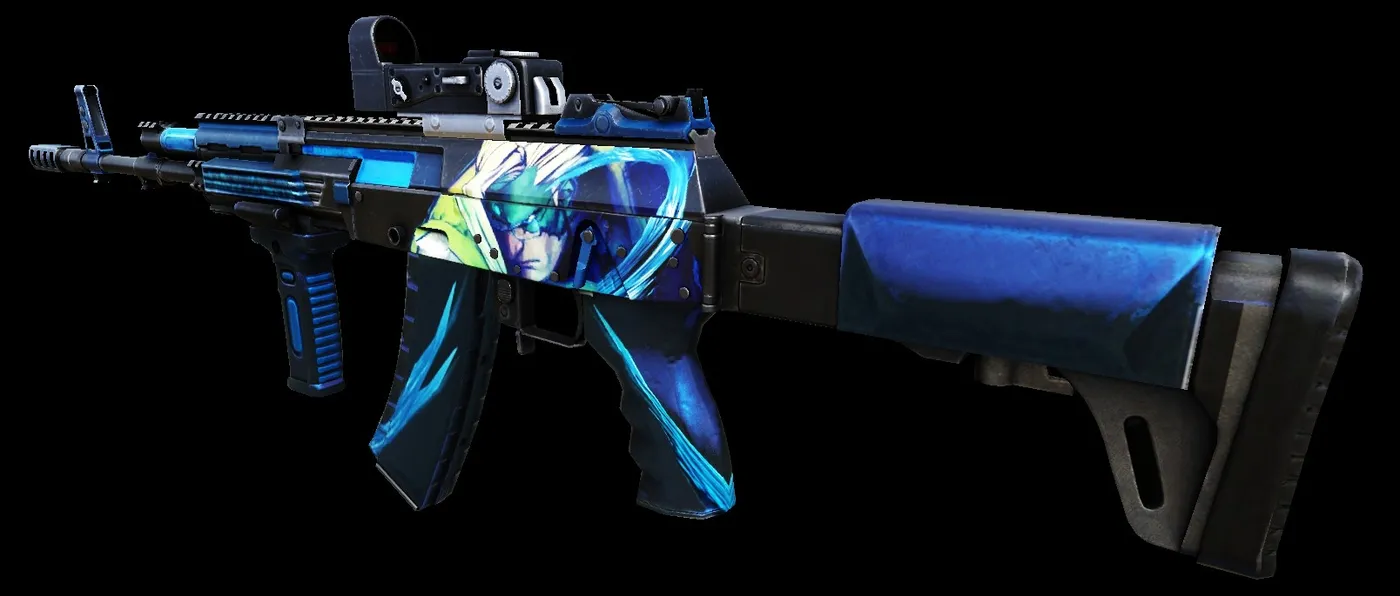 Nash AK-12
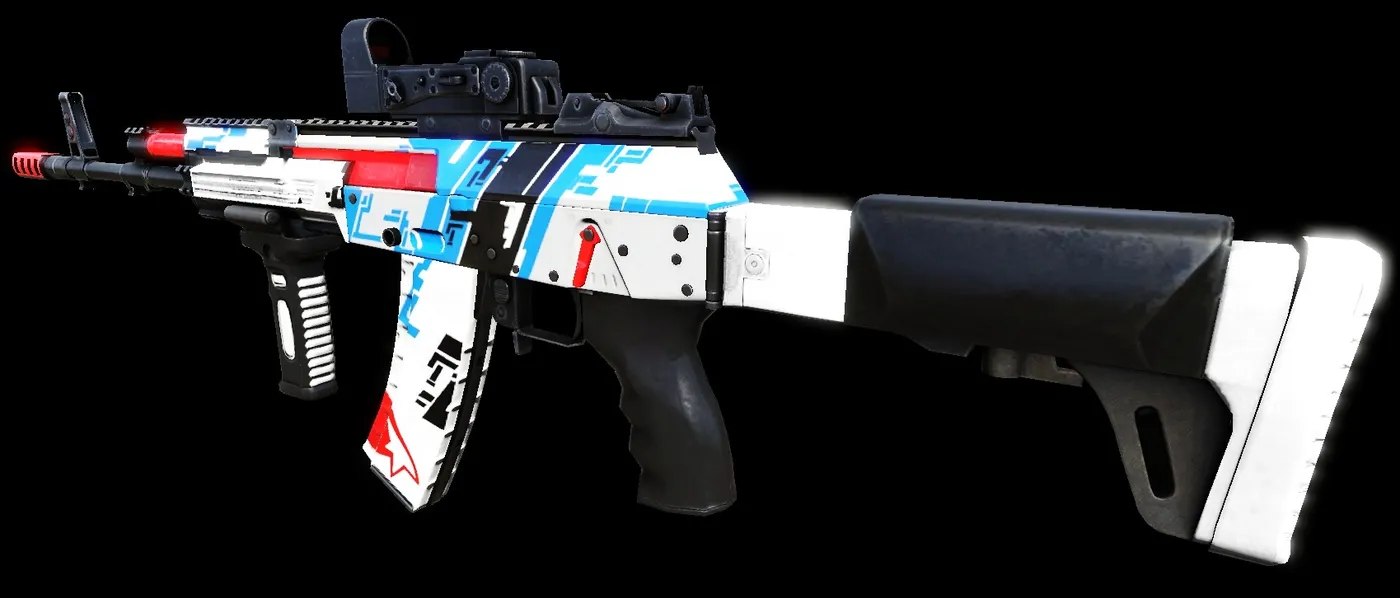 Blue Mirror AK-12
SCAR-H
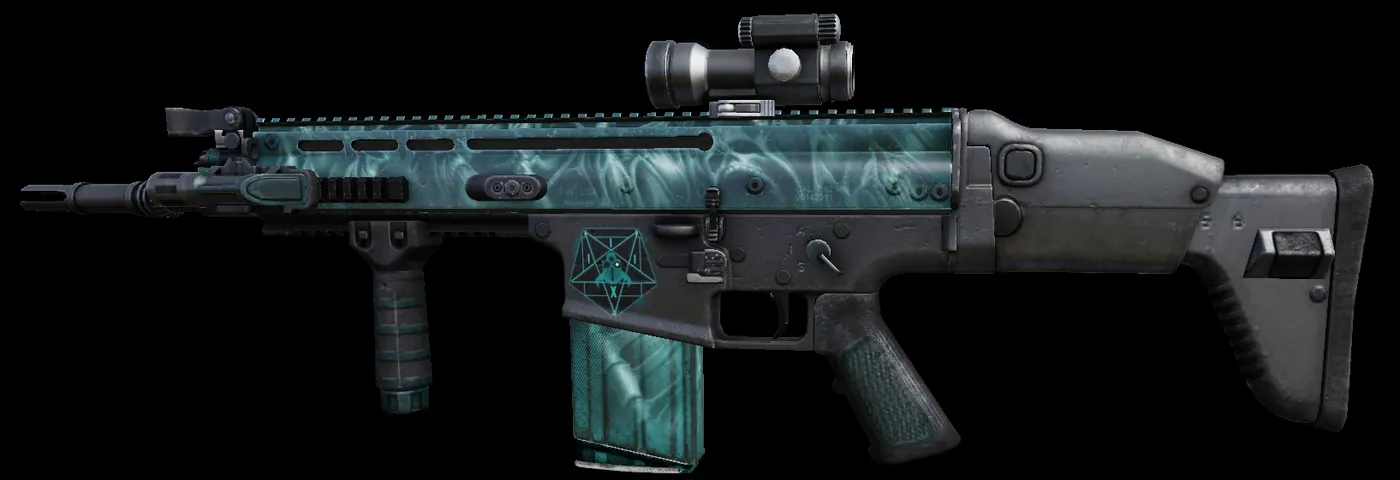 Helltech SCAR-H
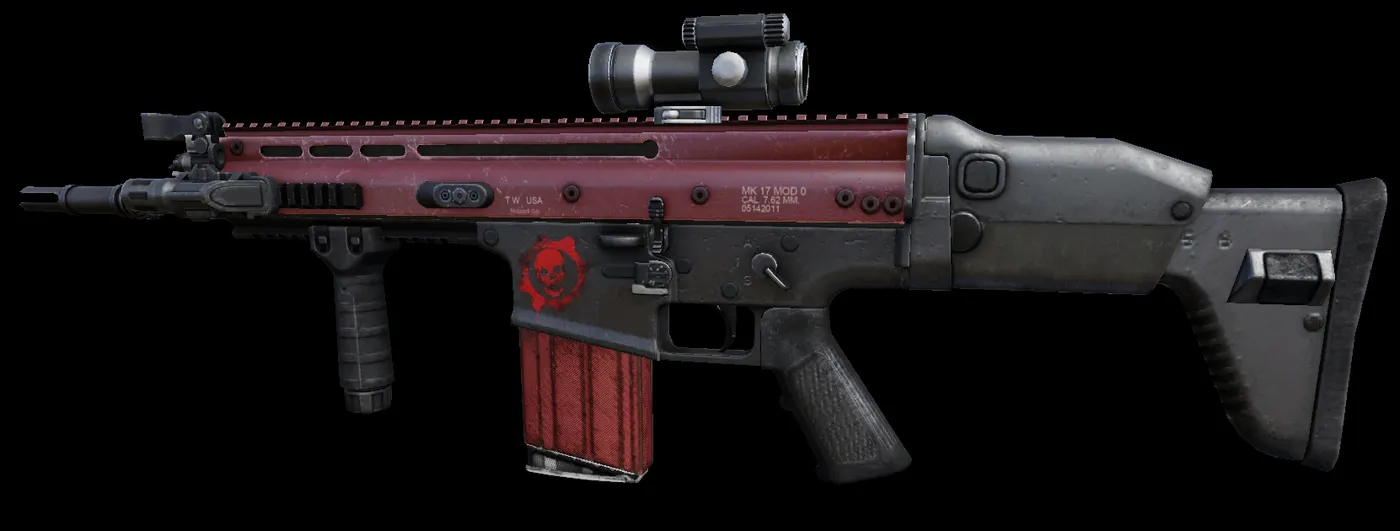 RedGears SCAR-H
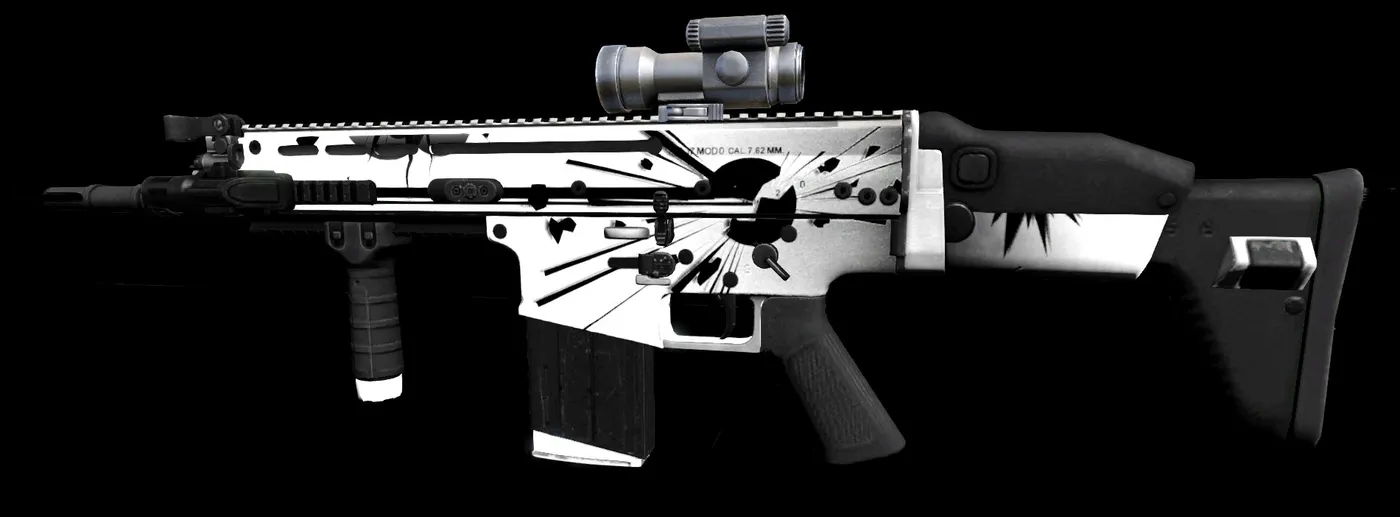 Livid Shock SCAR-H
Stoner 63A
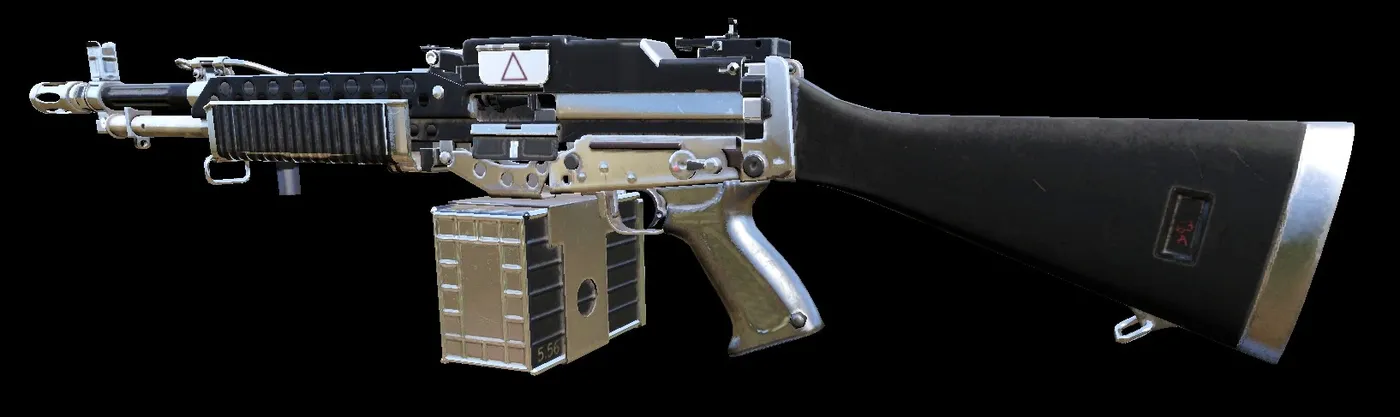 Bright Metal Stoner 63A
Pack
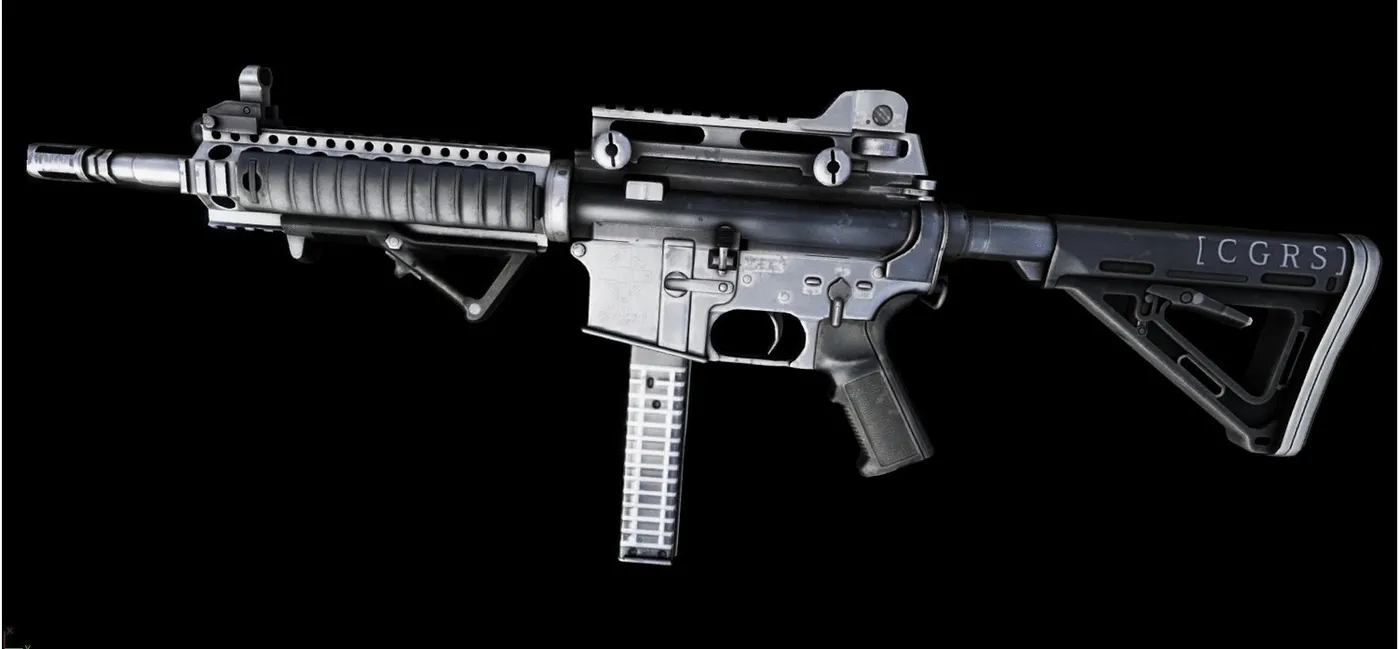 Bright Metal pack
Support
Mossberg 500
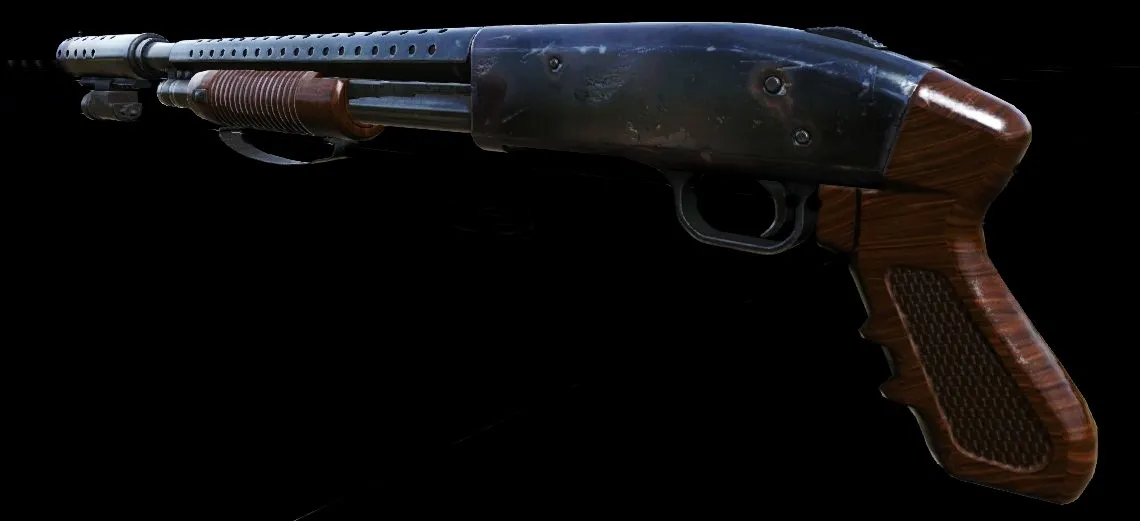 Wood MB500
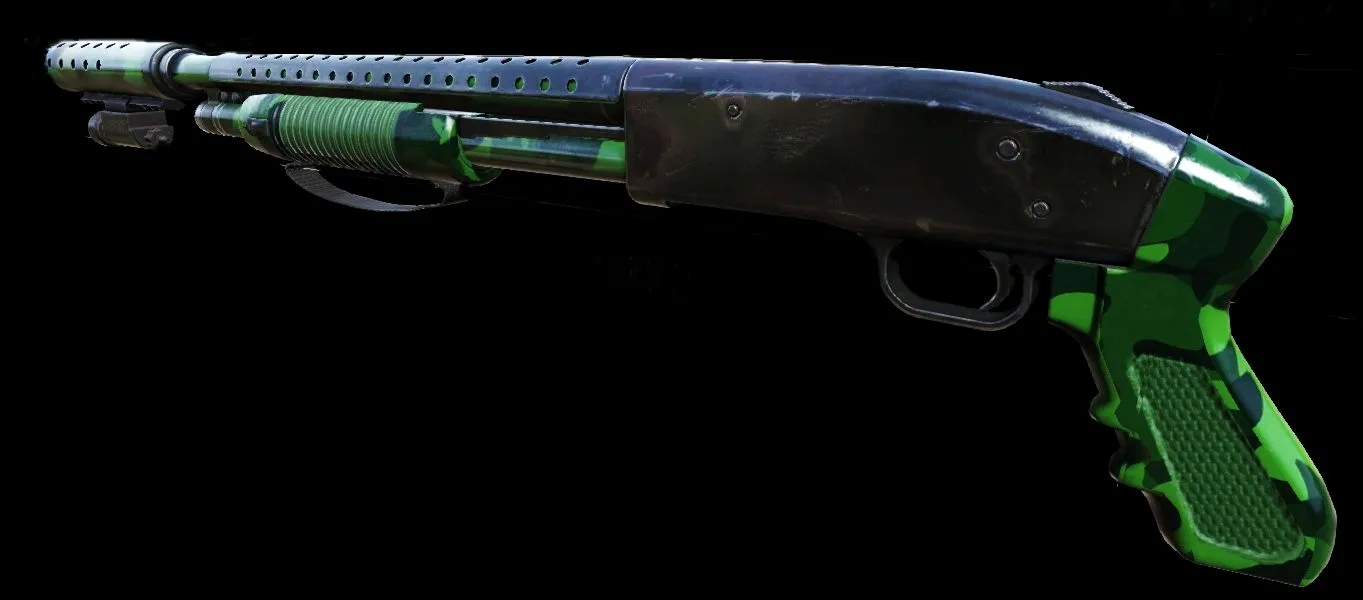 Forest MB500
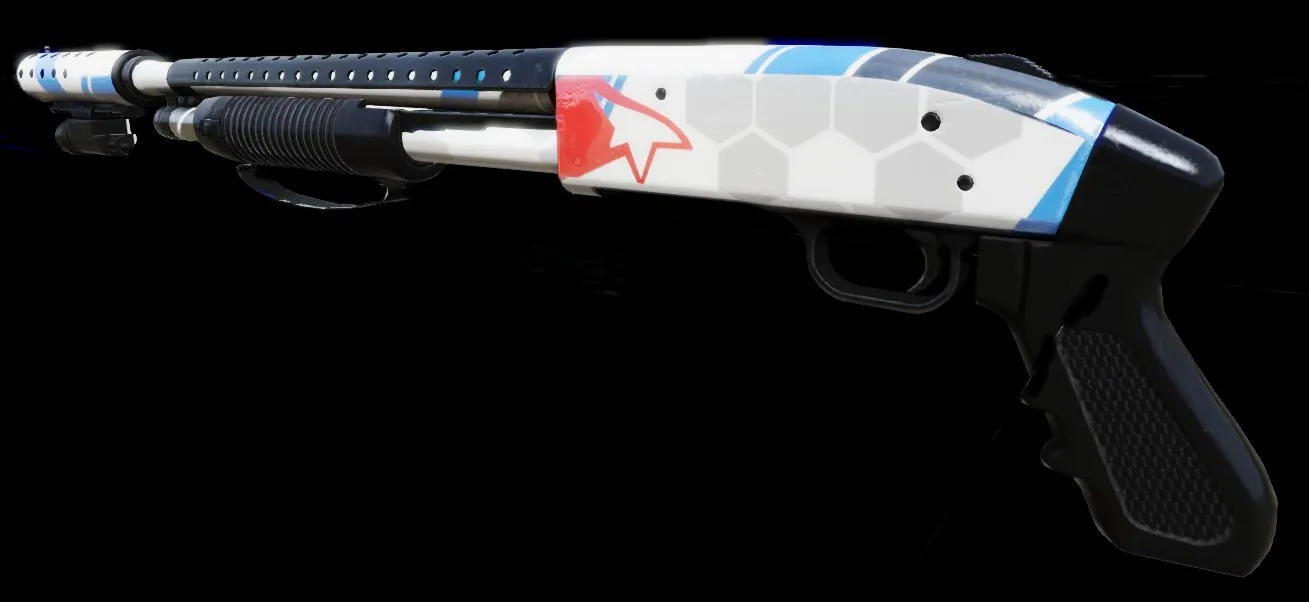 Blue Mirror MB500
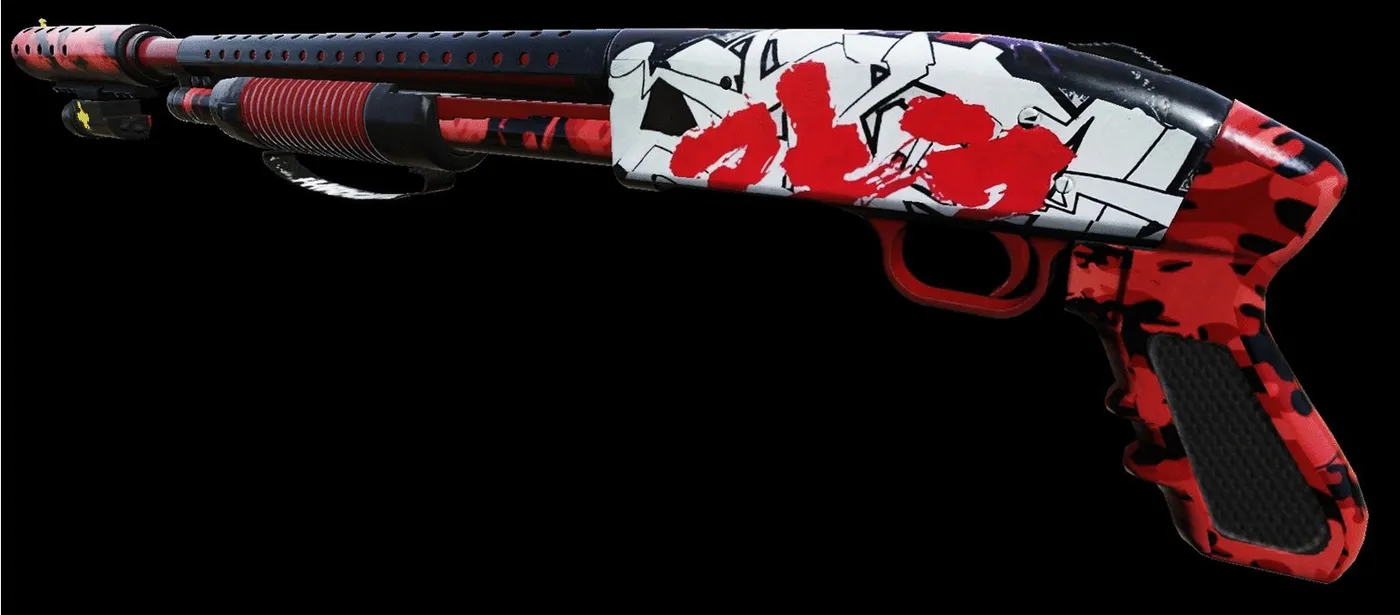 Graffiti MB500 (purple and blue, white and red)
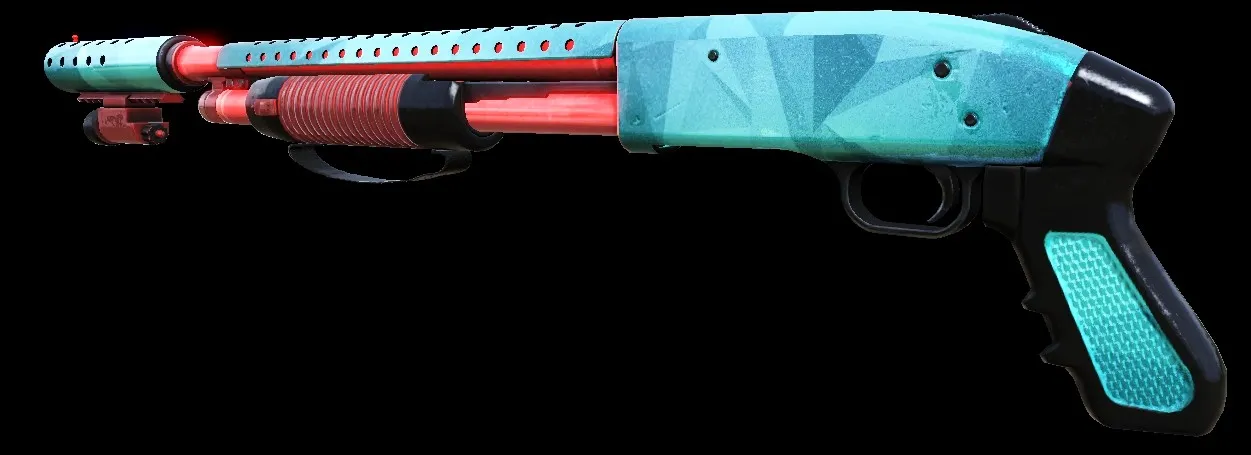 Saphire MB500
Double Barrel
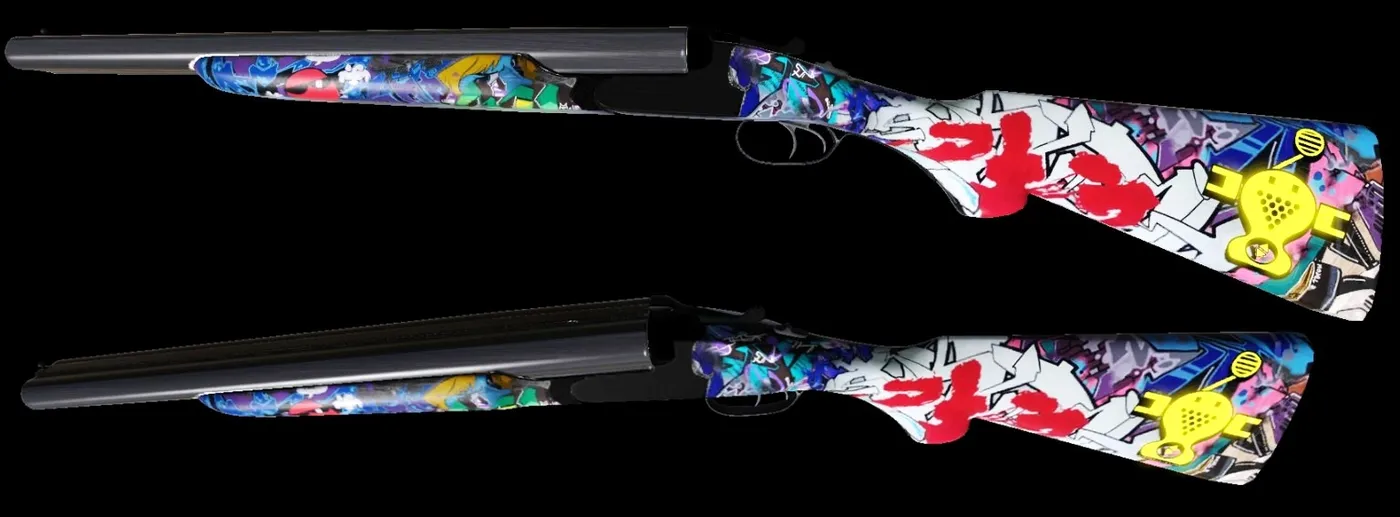 Graffiti Double Barrel
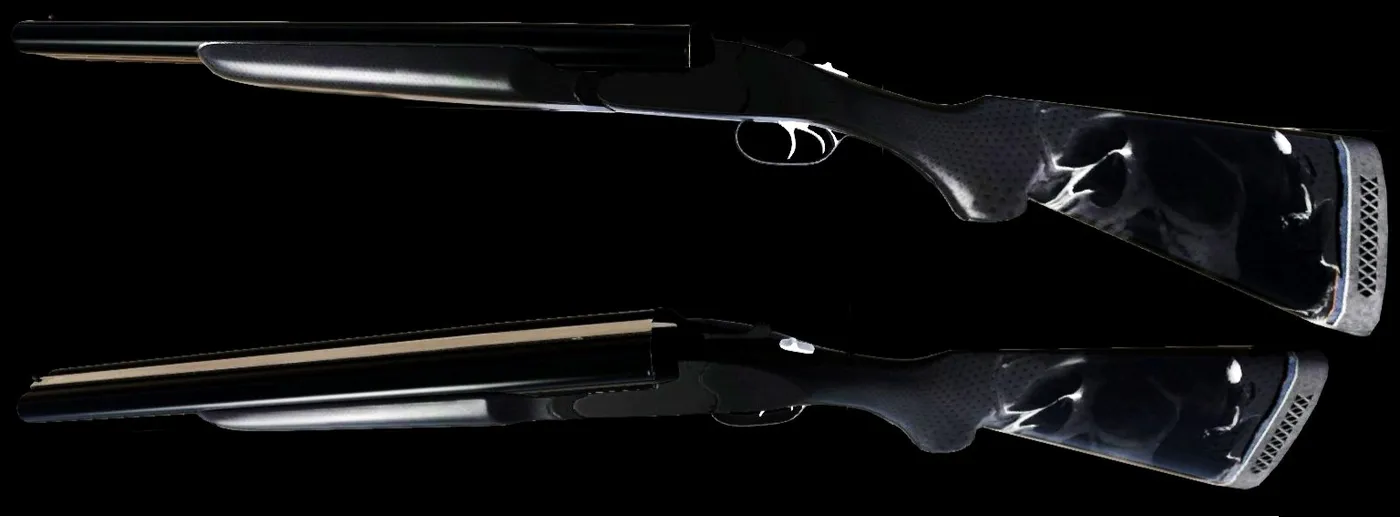 Death Double Barrel
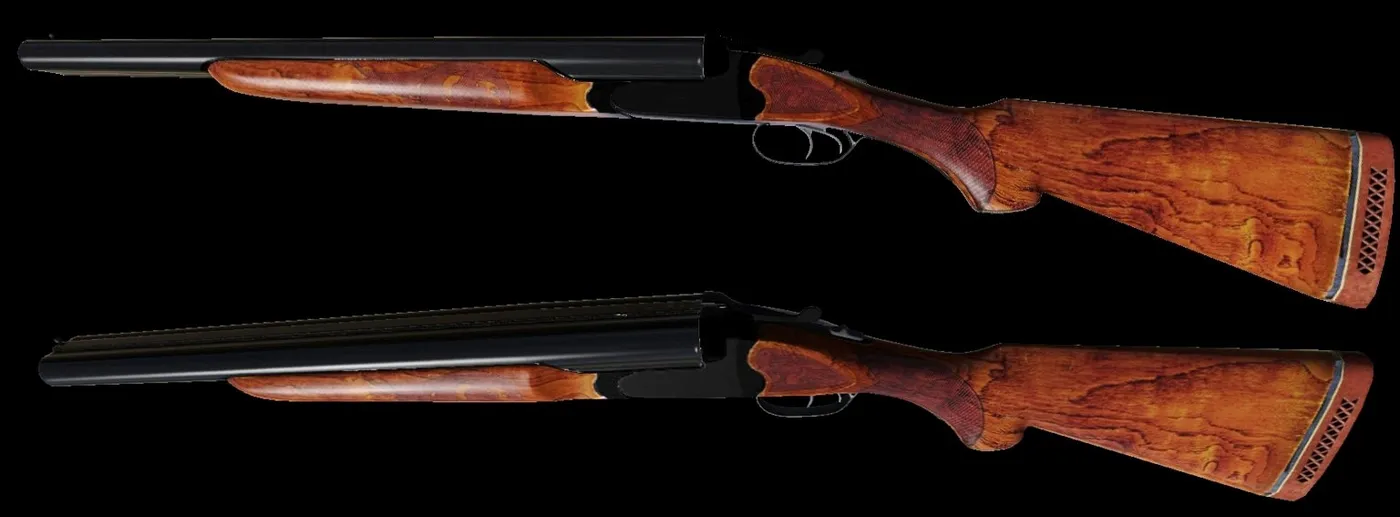 Black Double Barrel
HZ12
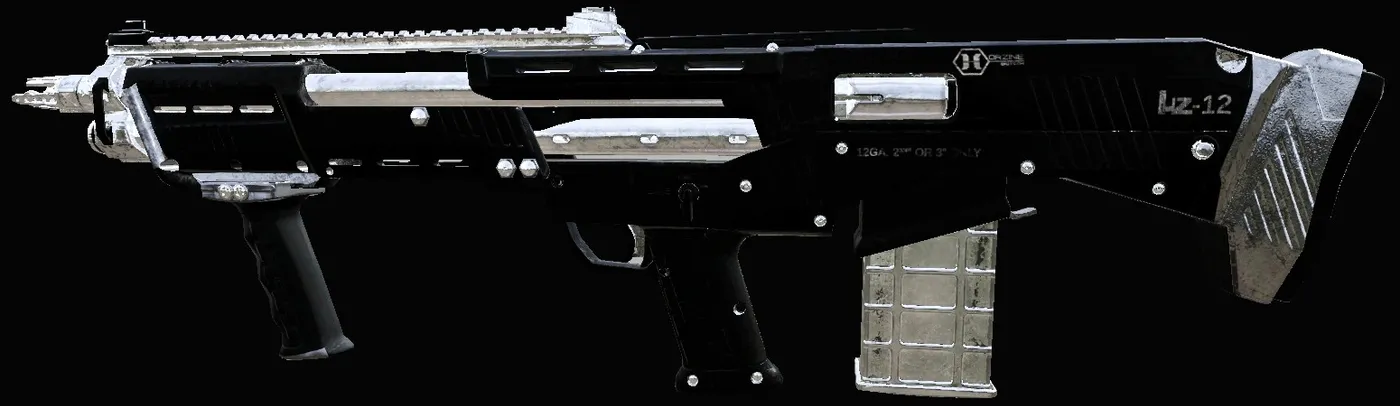 Bright Metal HZ12
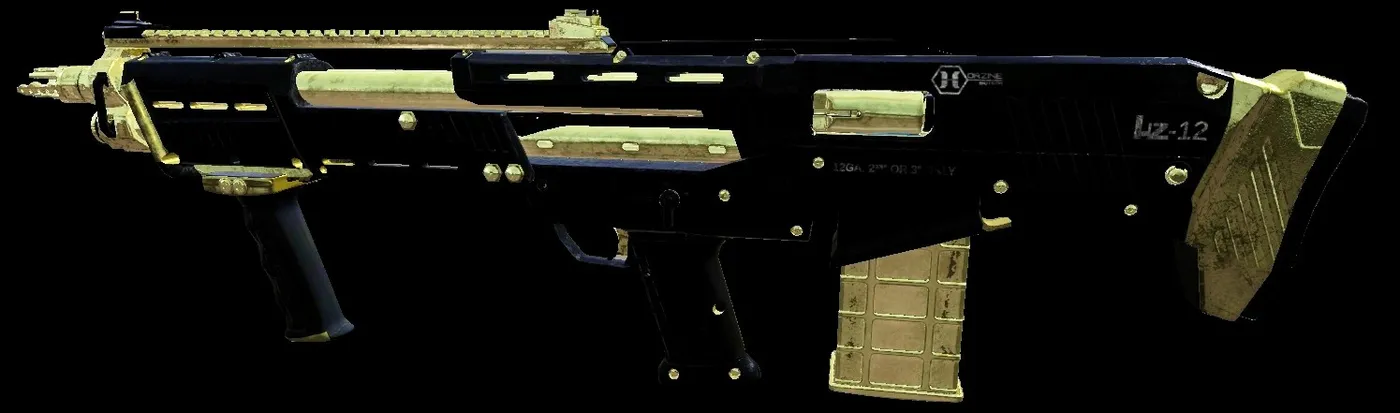 B and G HZ12
M4
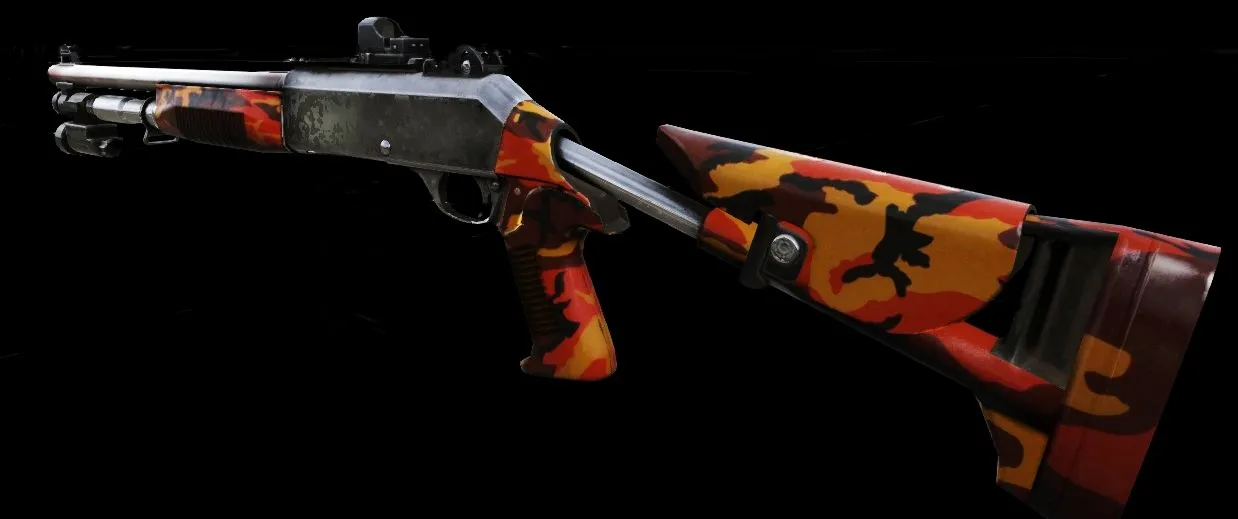 Spring M4
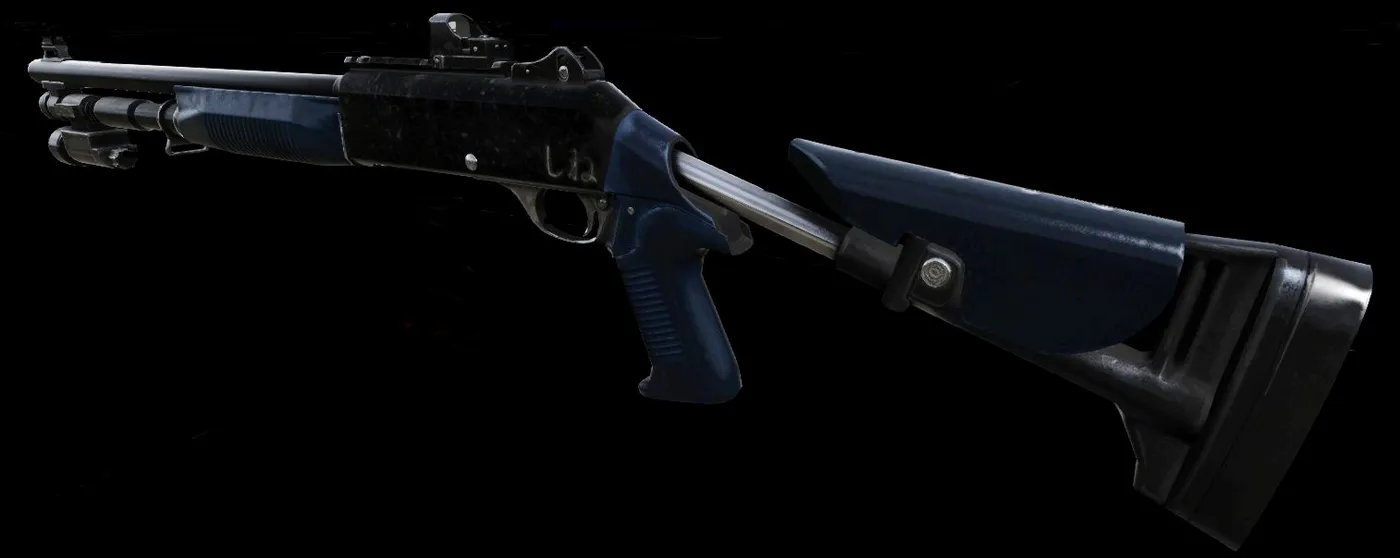 Black and Dark Blue M4
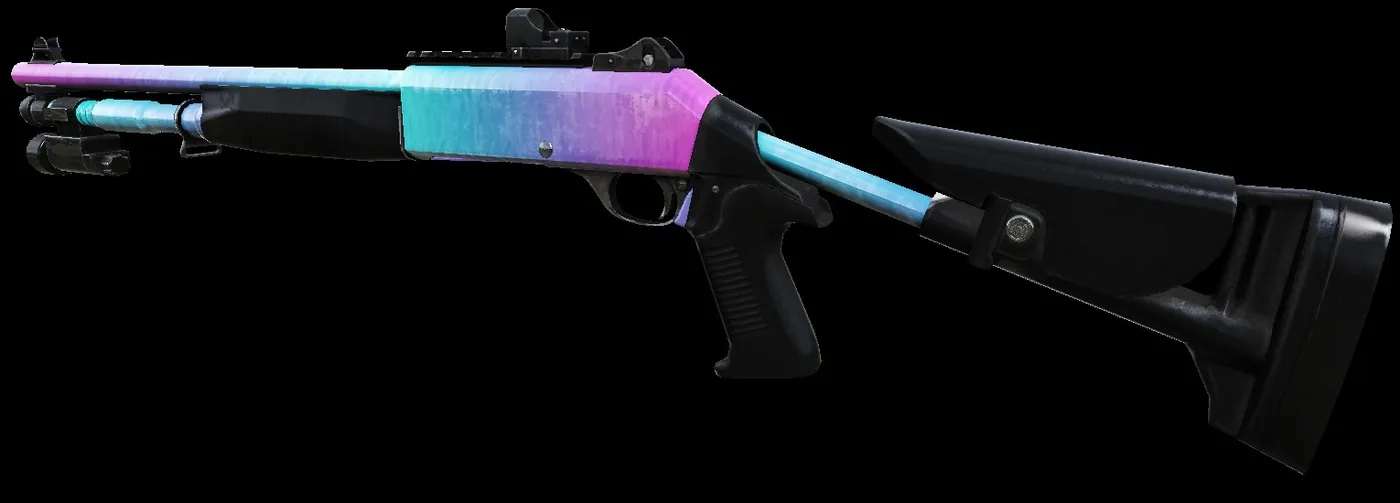 Neon Gradient M4
AA-12
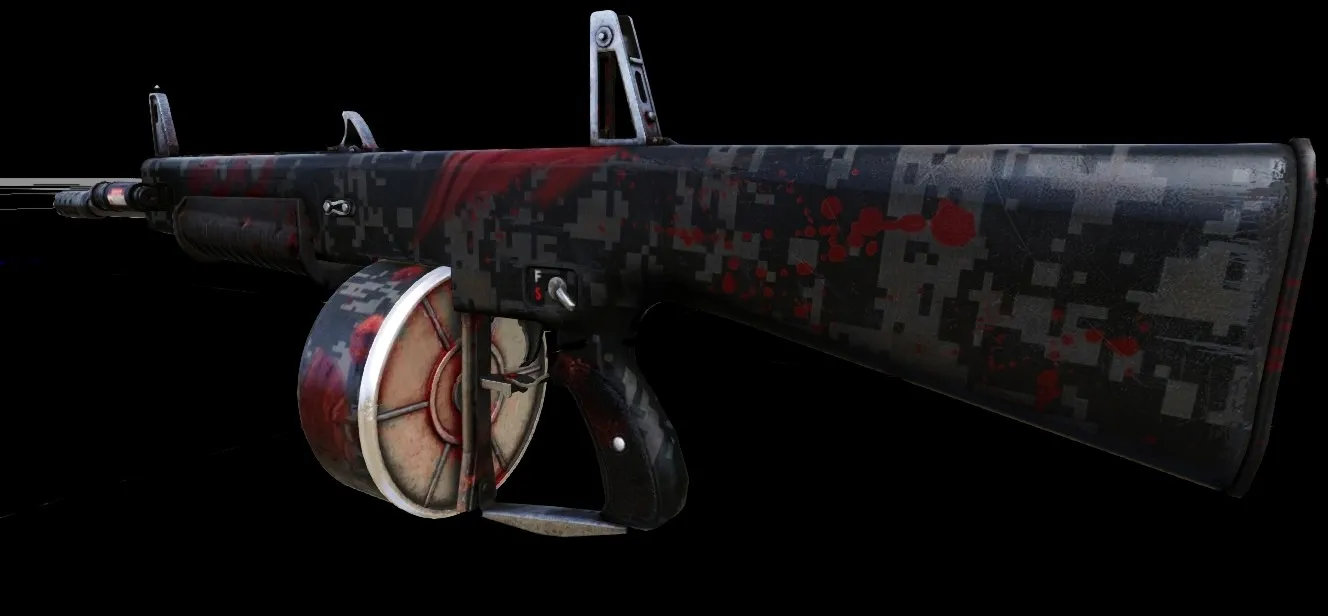 Blood AA-12
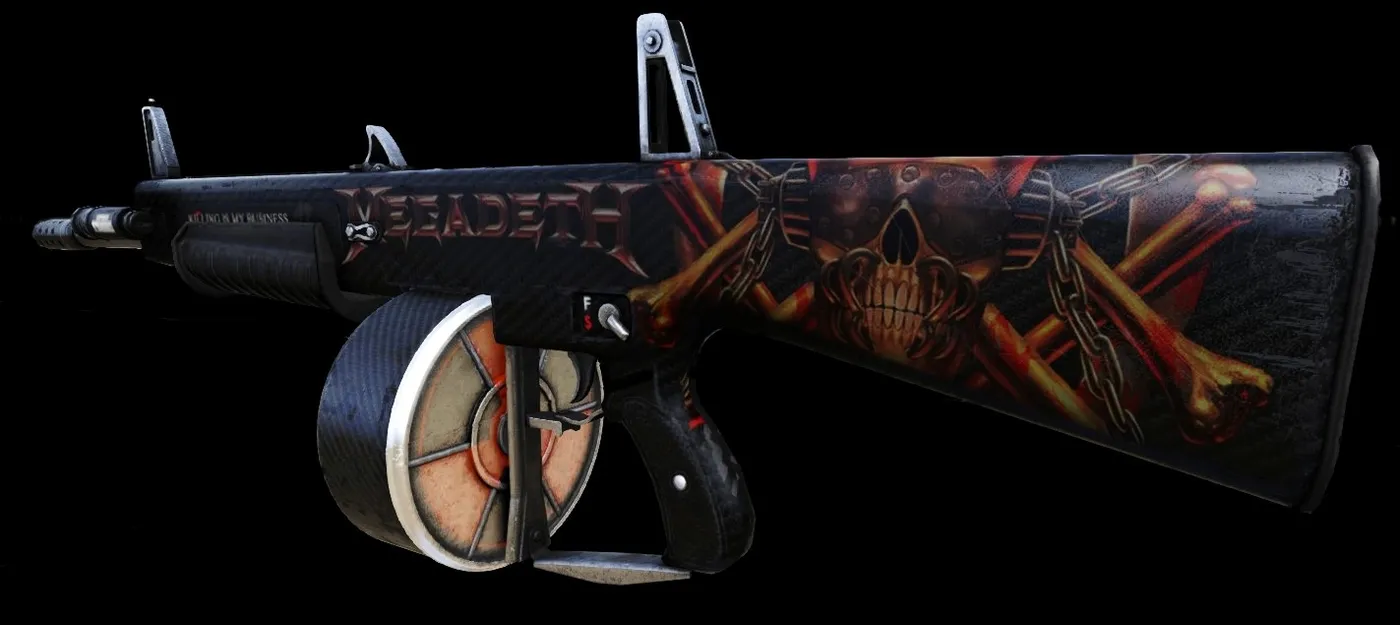 Megadeth AA-12
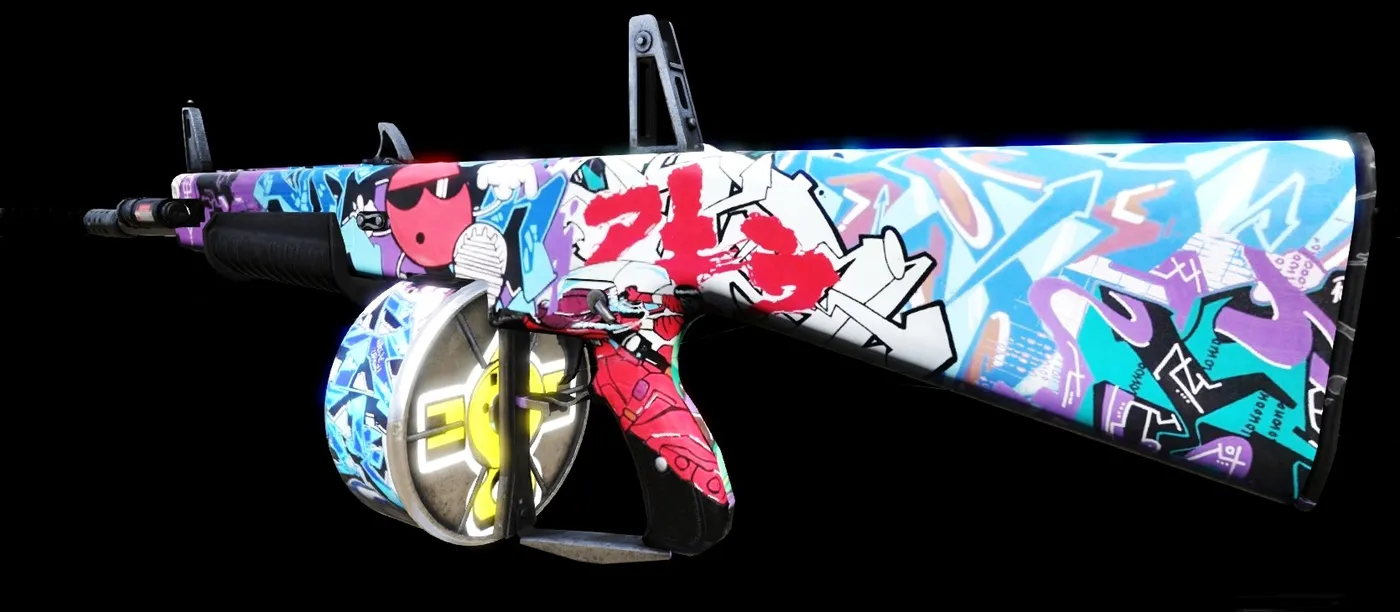 Graffiti AA-12
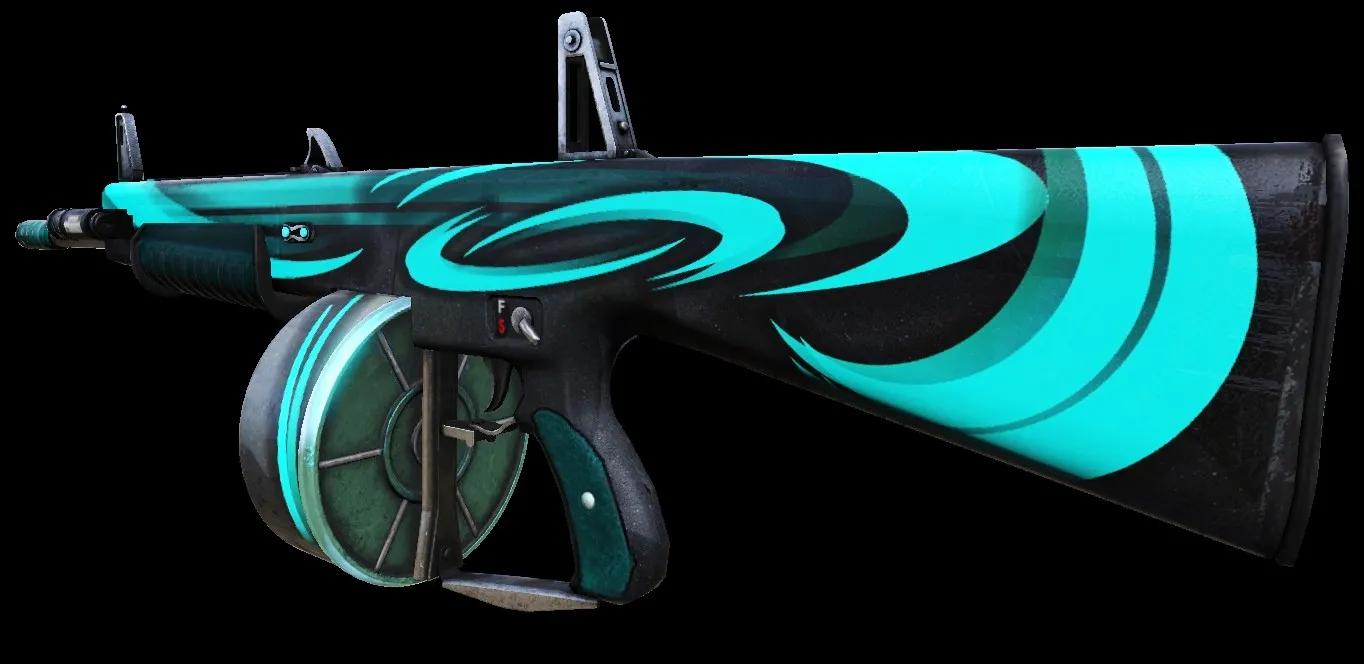 Neon Strike AA-12
Firebug
Spitfire
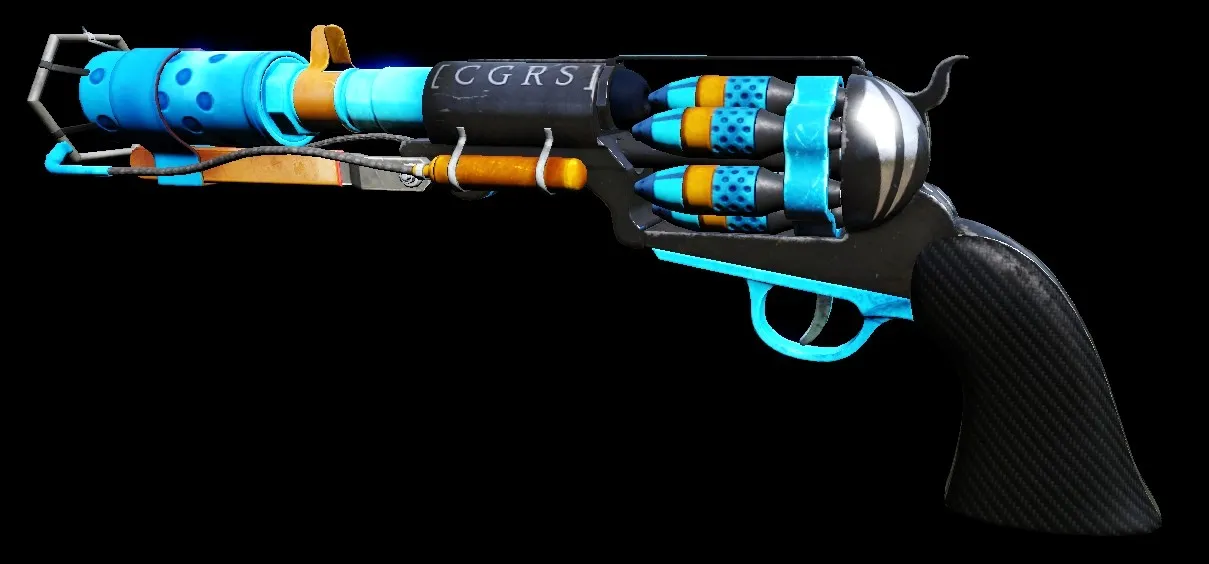 Blue Stinger Spitfire
Flamethrower
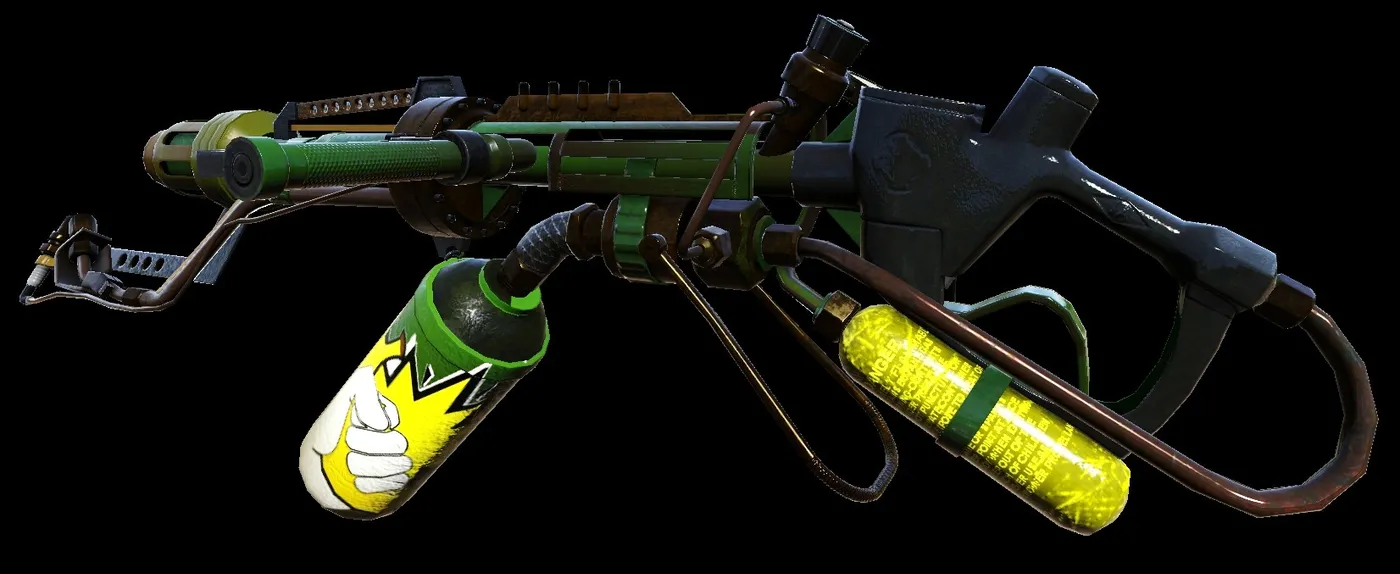 BG Flamethrower
Microwave gun
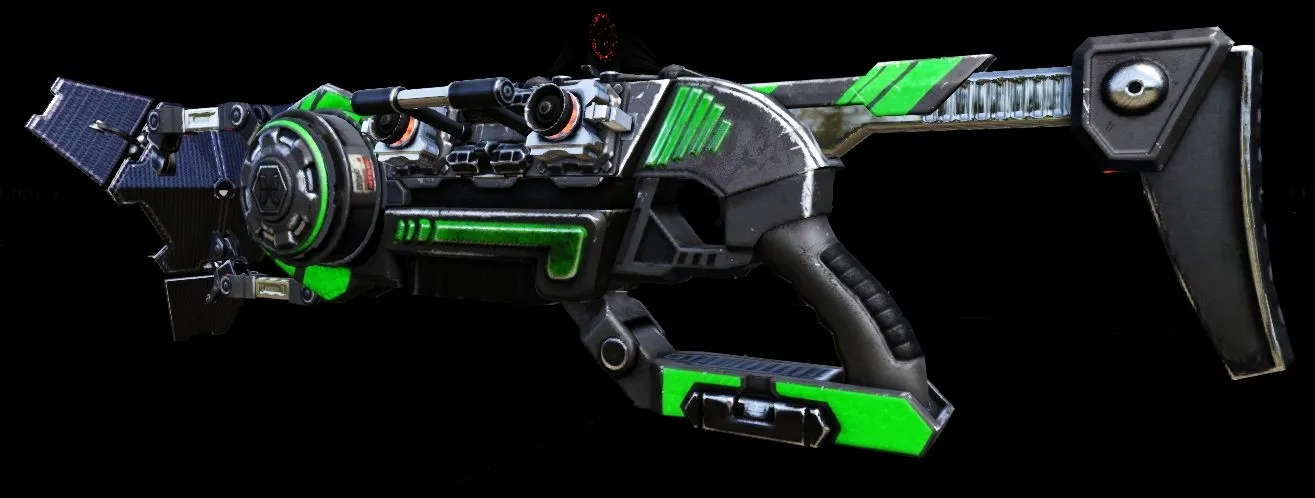 Black and Green MWG
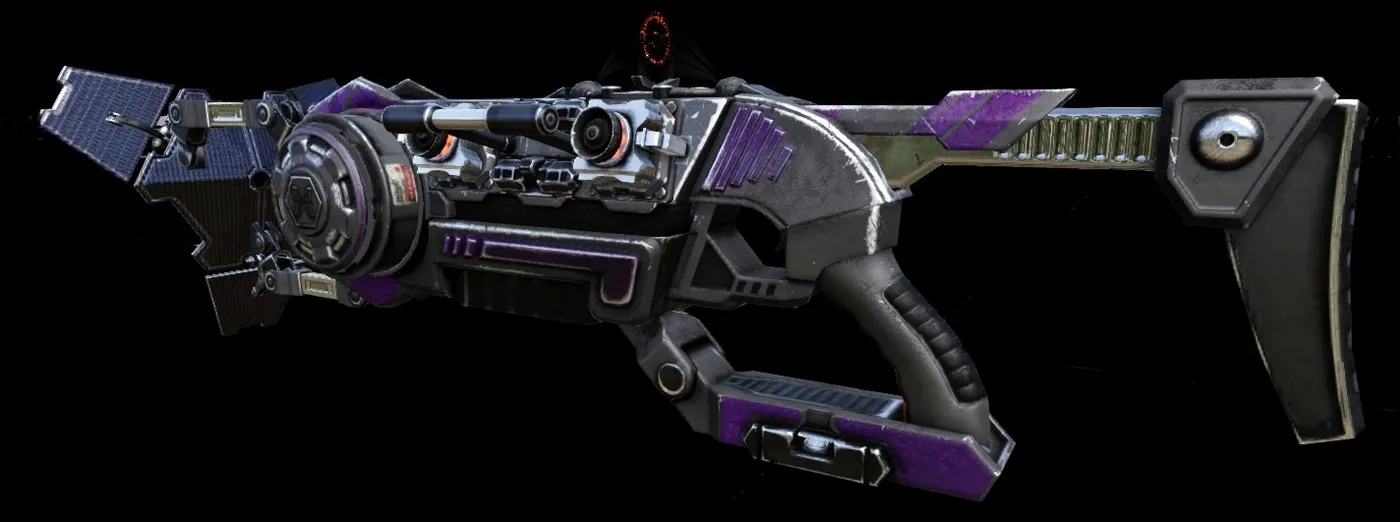 Black and Purple MWG
Dragon's Breath
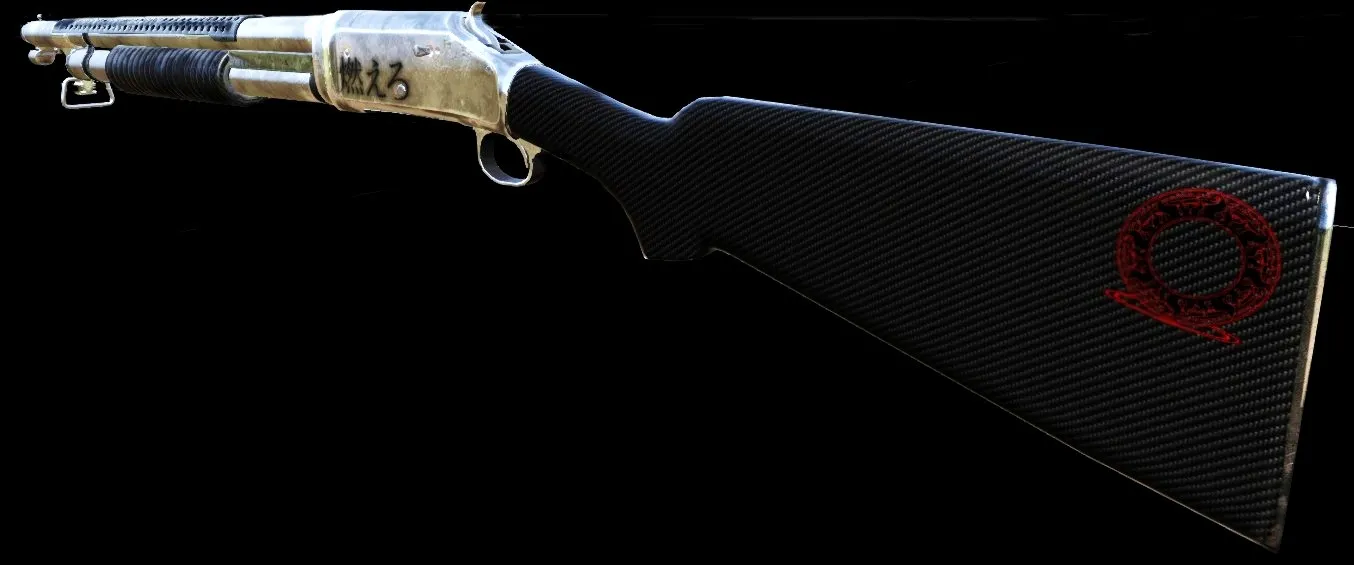 Bright Metal Dragon's Breath
Firebug knife
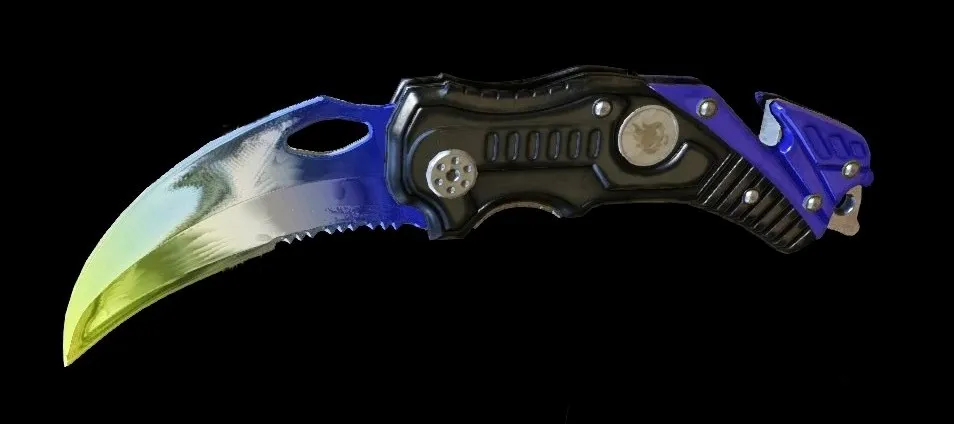 Thunder Firebug Knife
Gunslinger
Remington 1858
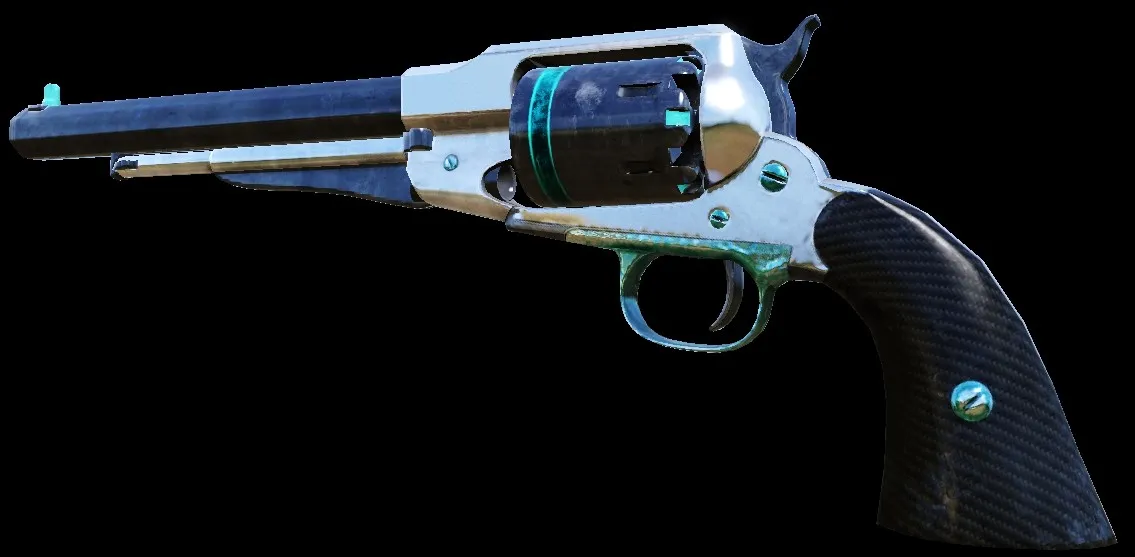 Bright Metal and Cyan 1858
Colt 1911
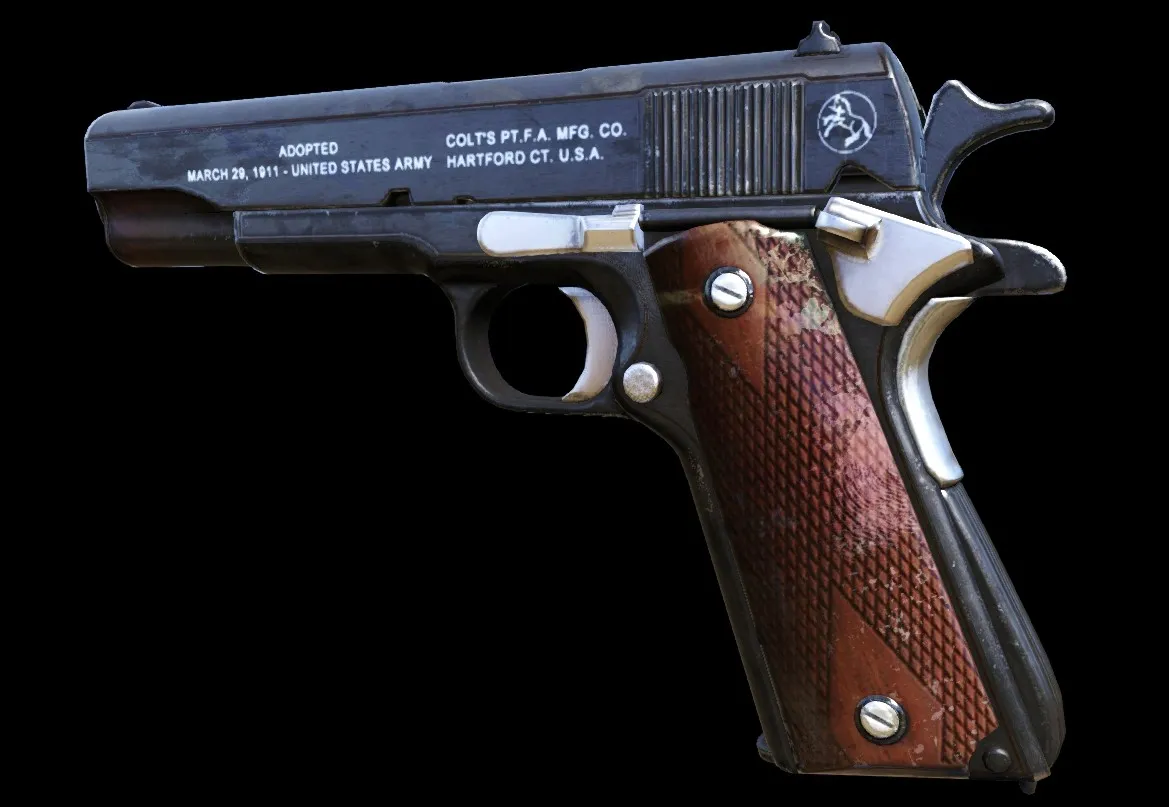 Classic M1911
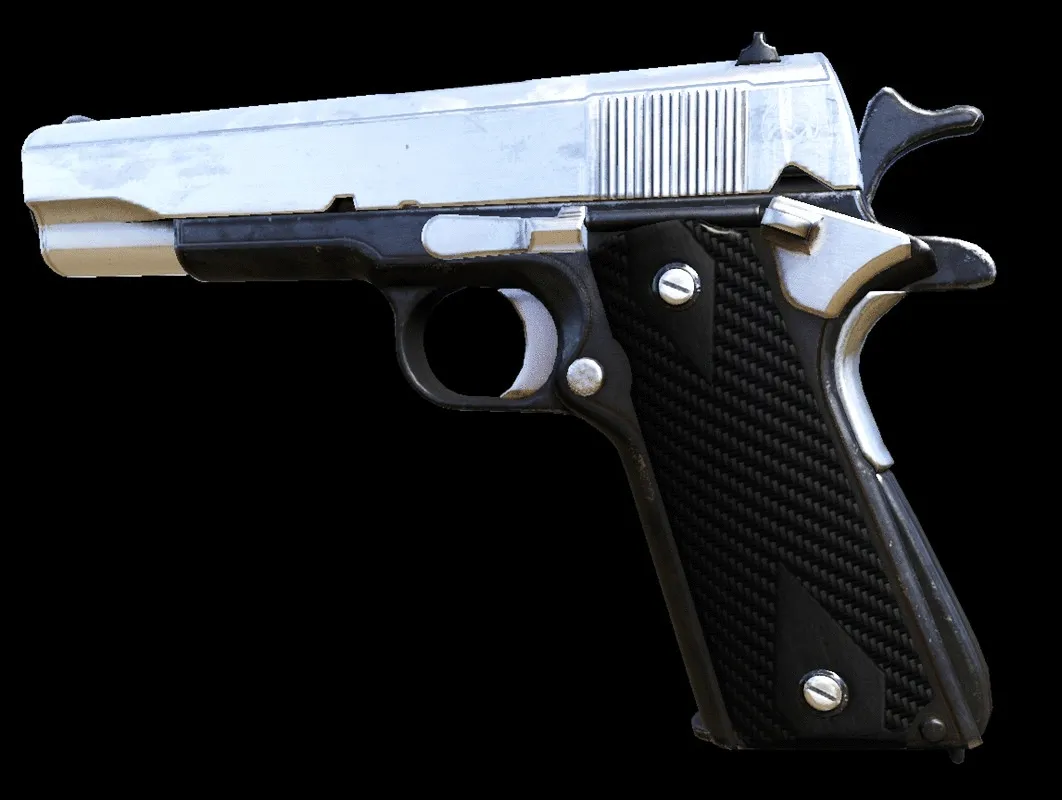 Bright Metal M1911 (worn and clean)
Desert Eagle
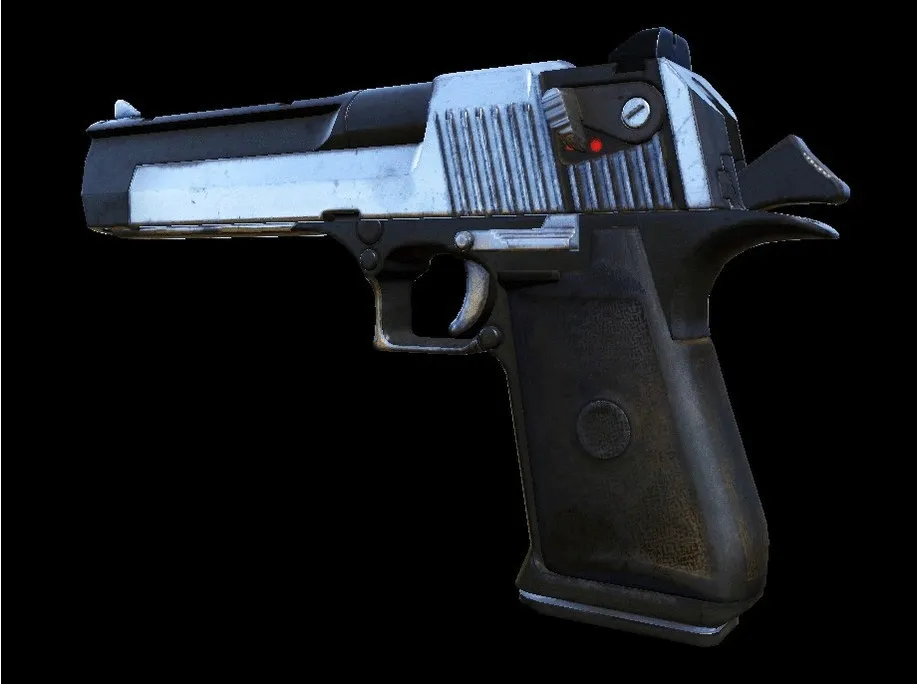 Two-Tone Desert Eagle
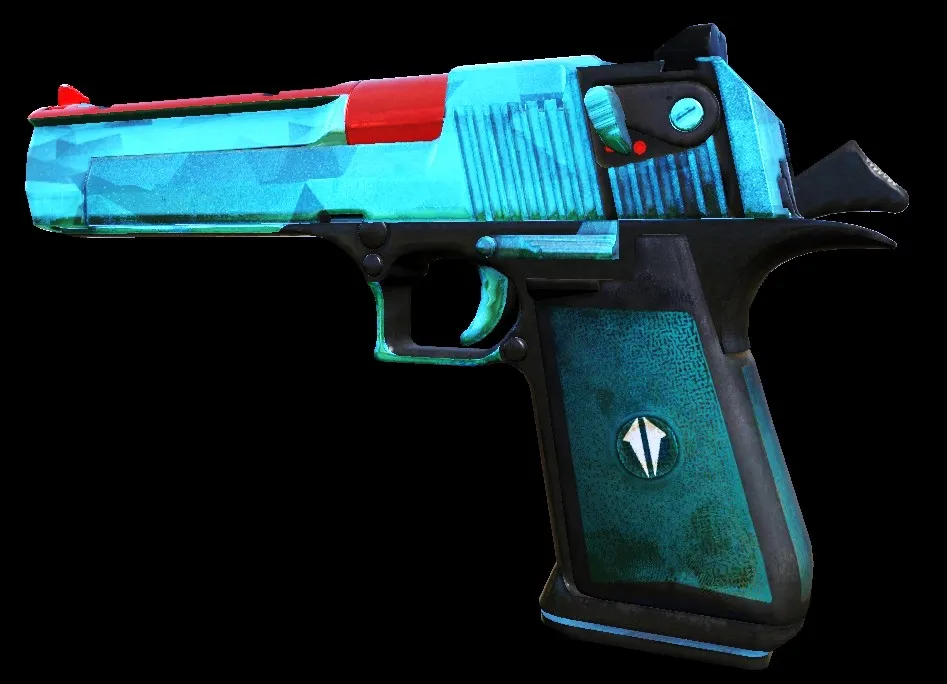 Saphire Desert Eagle
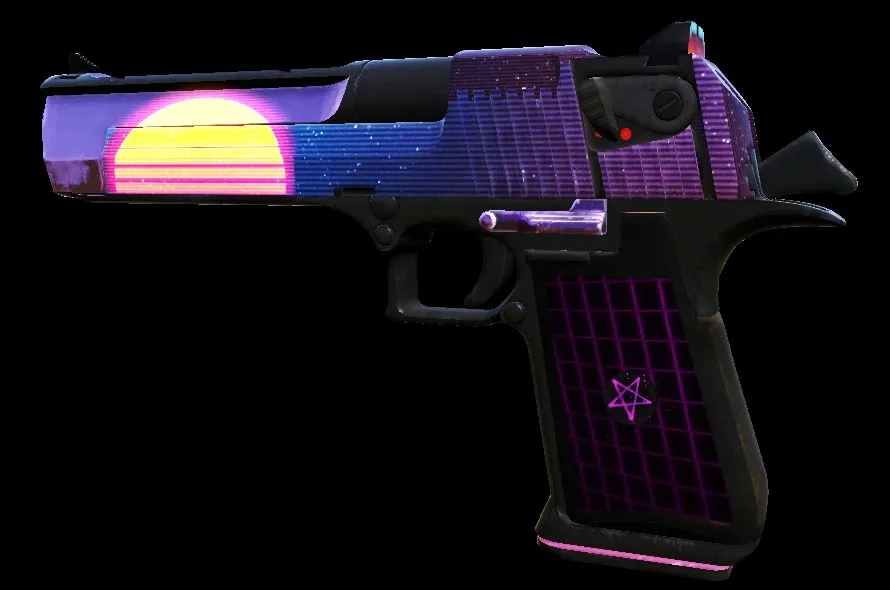 Retrowave Desert Eagle
S&W M500
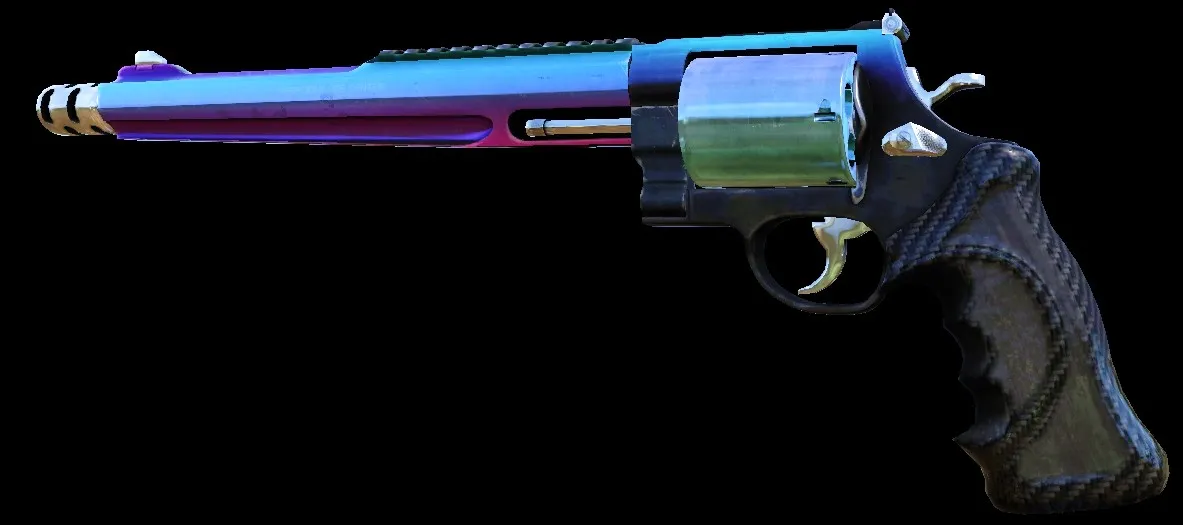 Neon Gradient M500
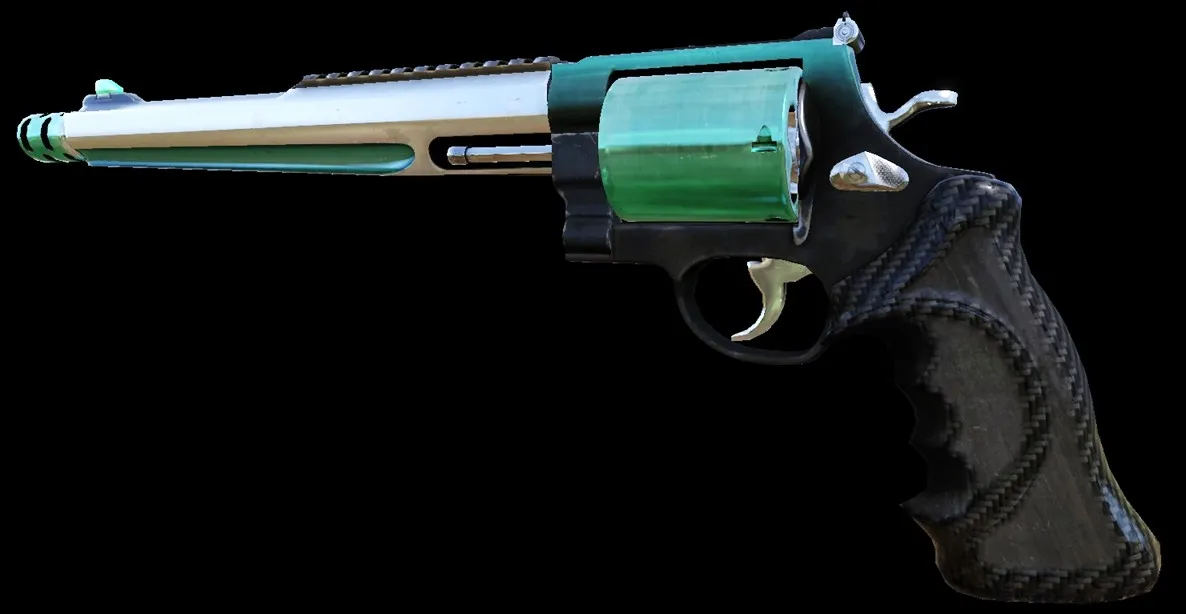 Emerald M500
Sharpshooter
Lever Action Rifle
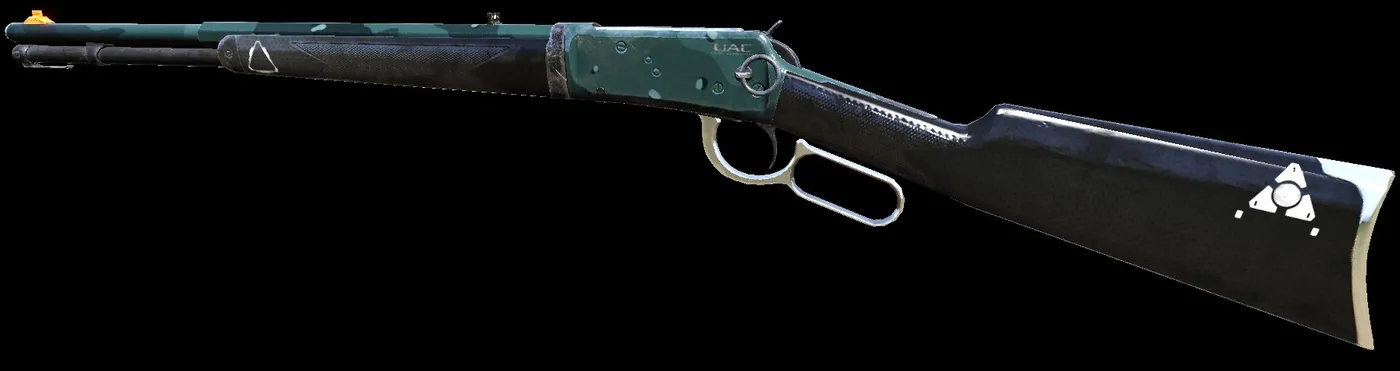 UAC LAR
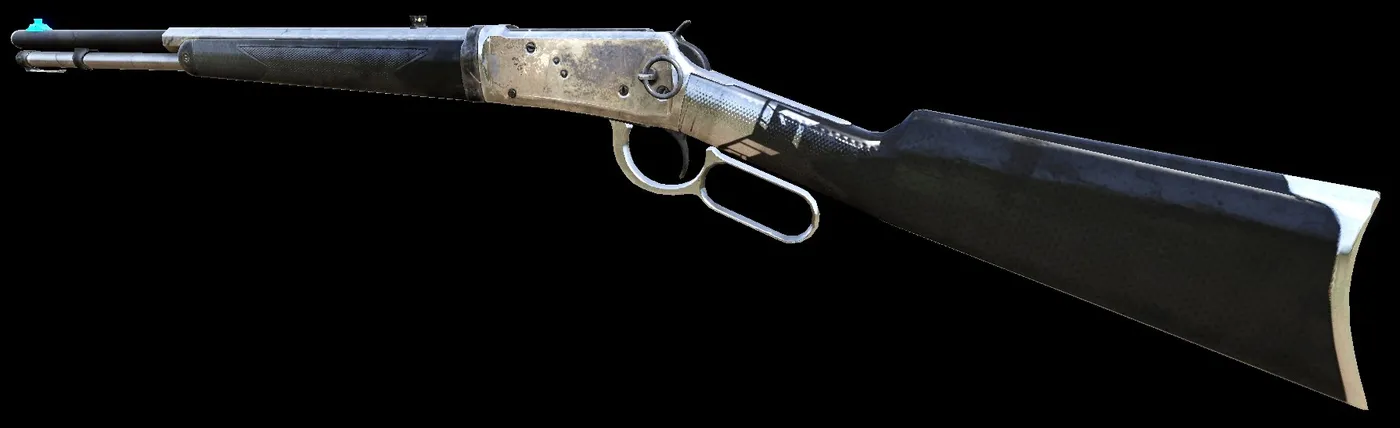 Bright Metal LAR
Centerfire
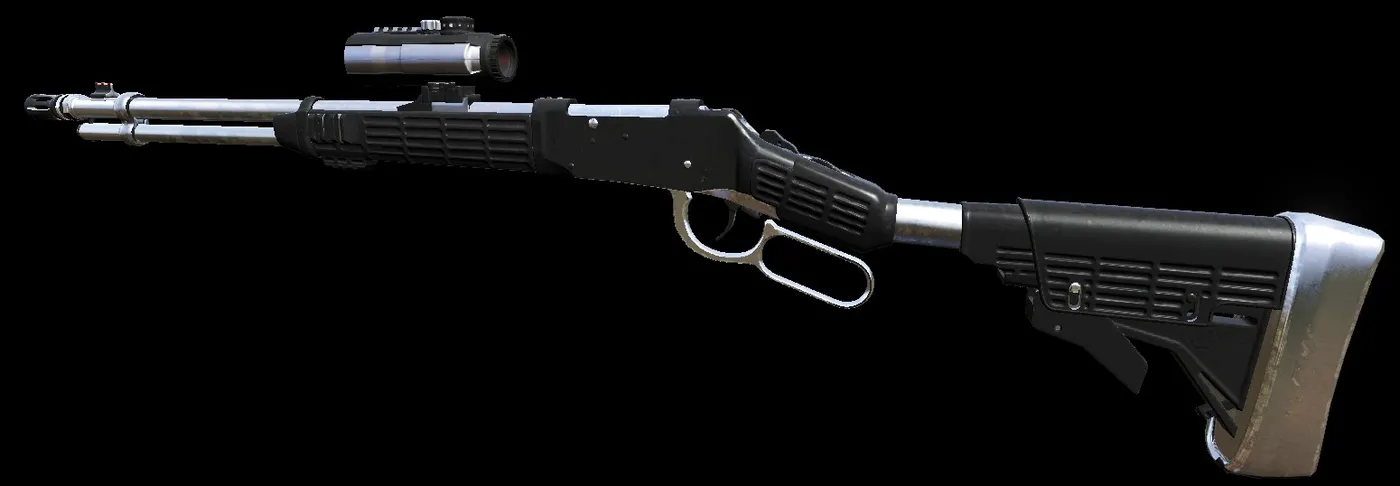 Bright Metal Centerfire
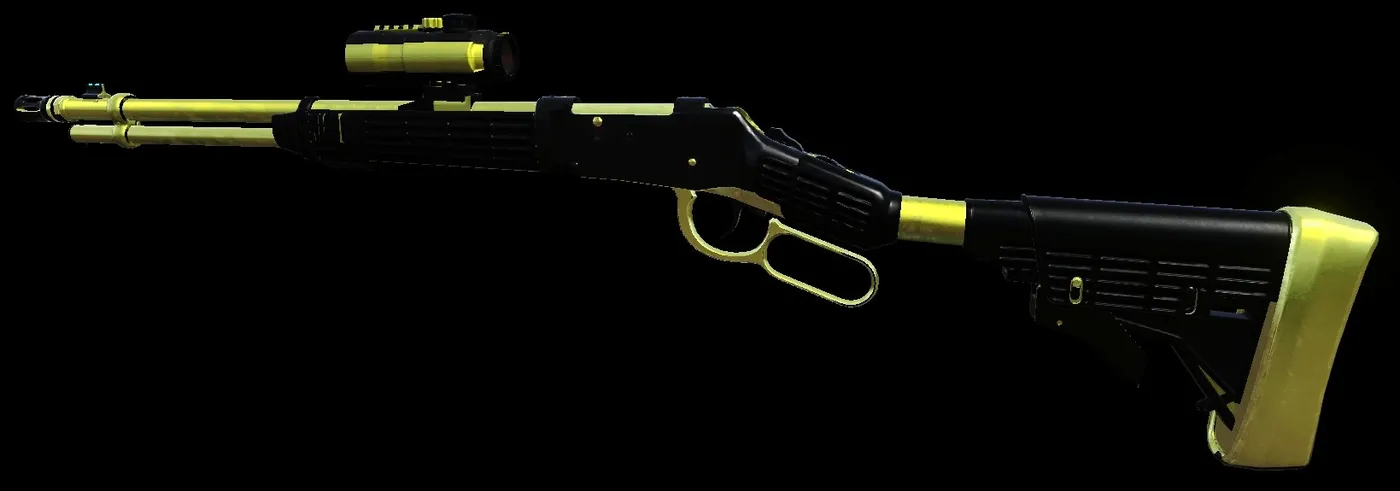 B and G Centerfire
M14 EBR
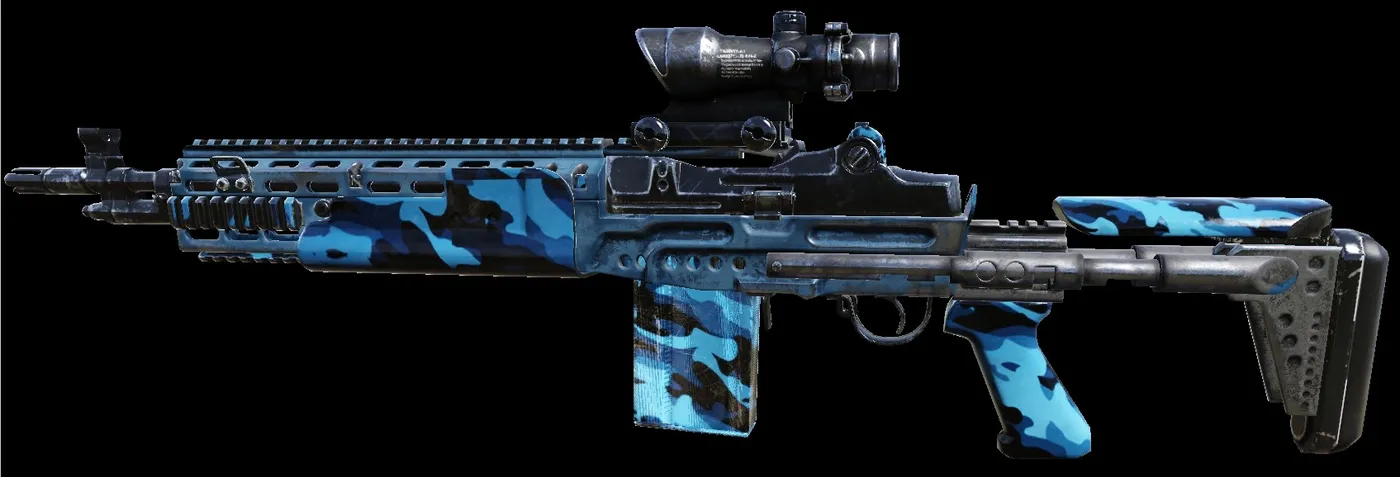 Urban Blue M14 EBR
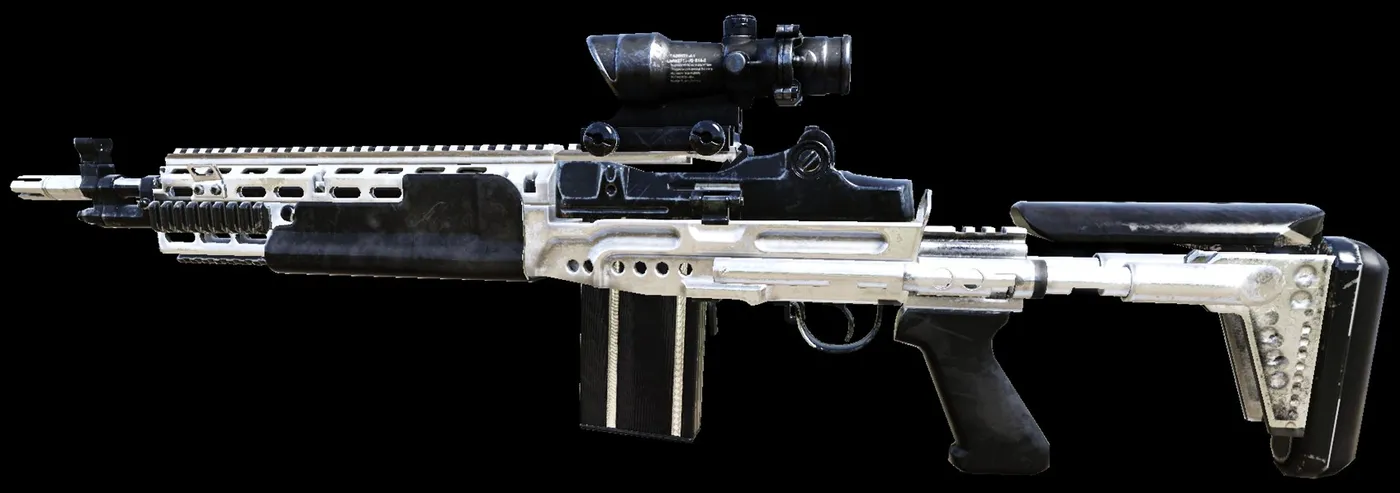 Bright Metal M14 EBR
Railgun
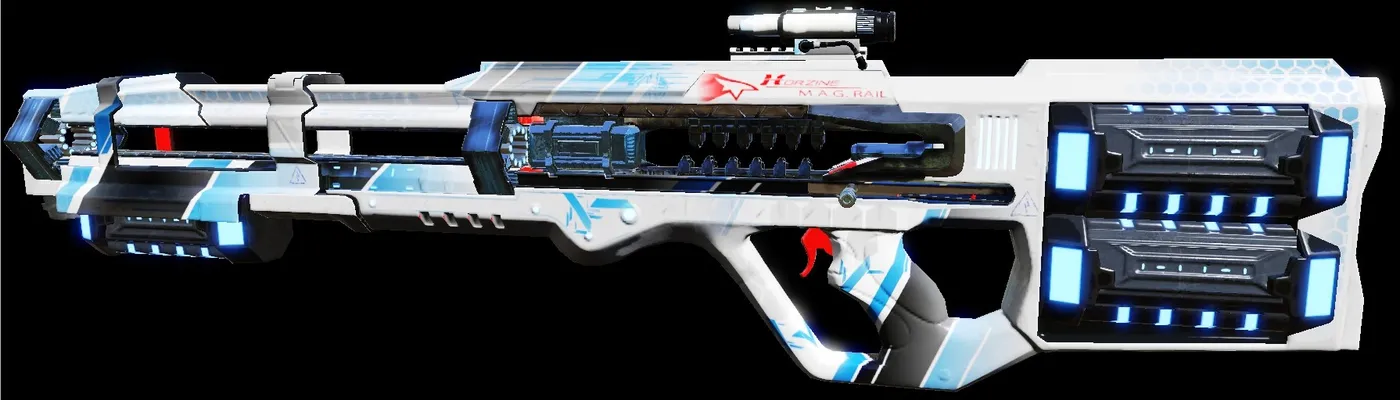 Blue Mirror Railgun
SWAT
MP7
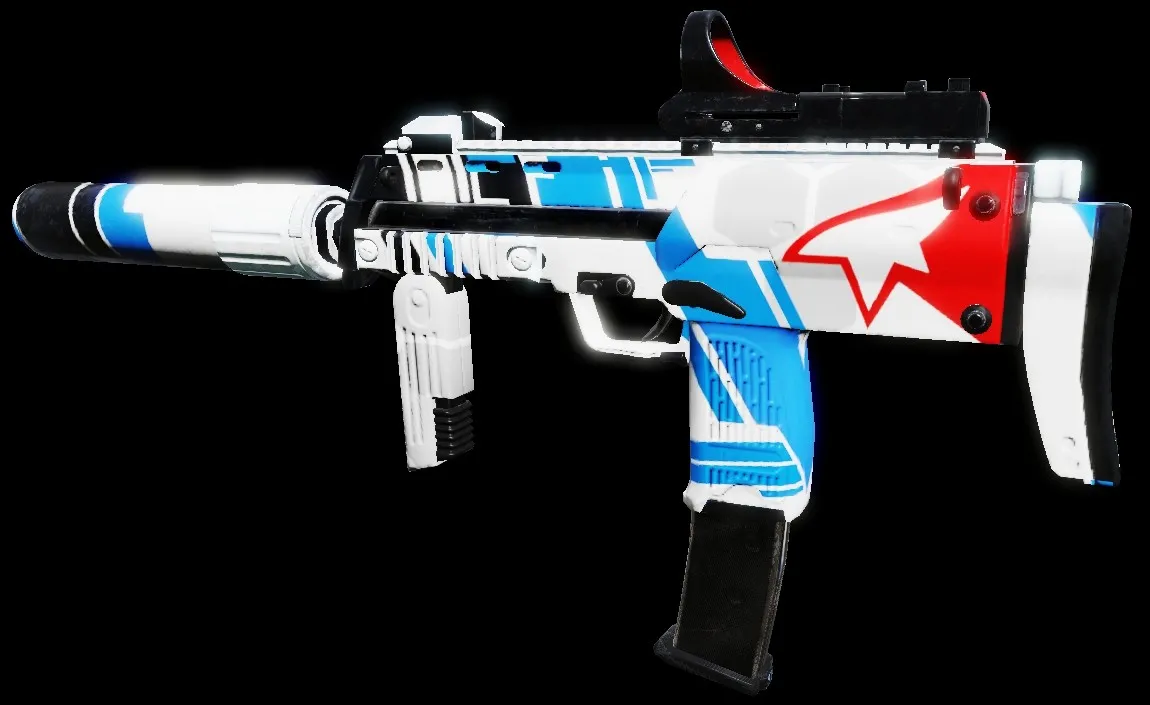 Blue Mirror MP7
MP5
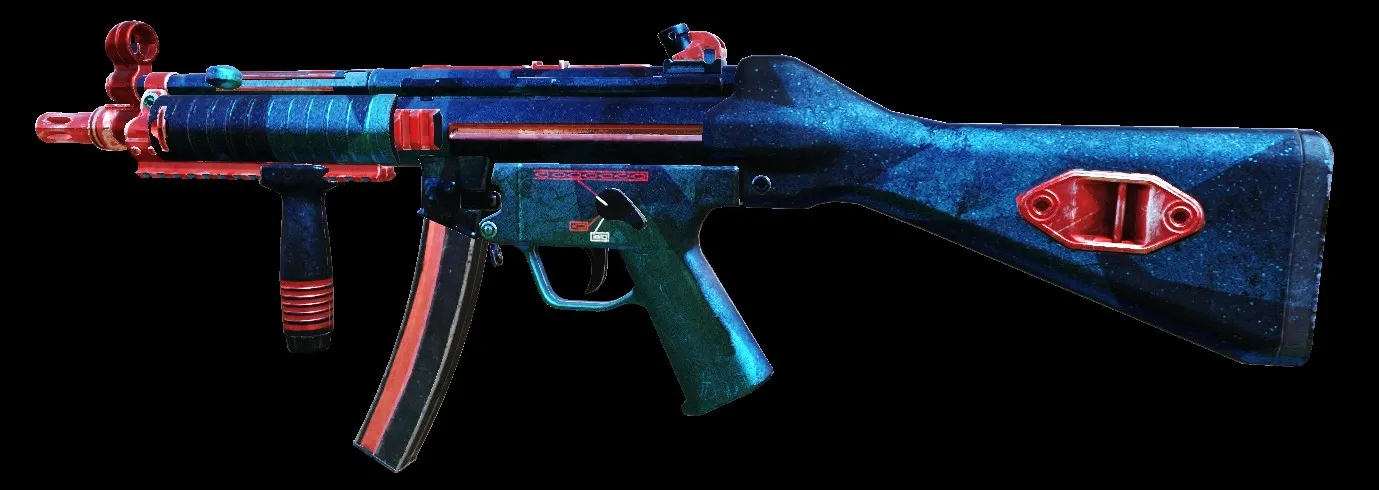 Red Saphire MP5
P90
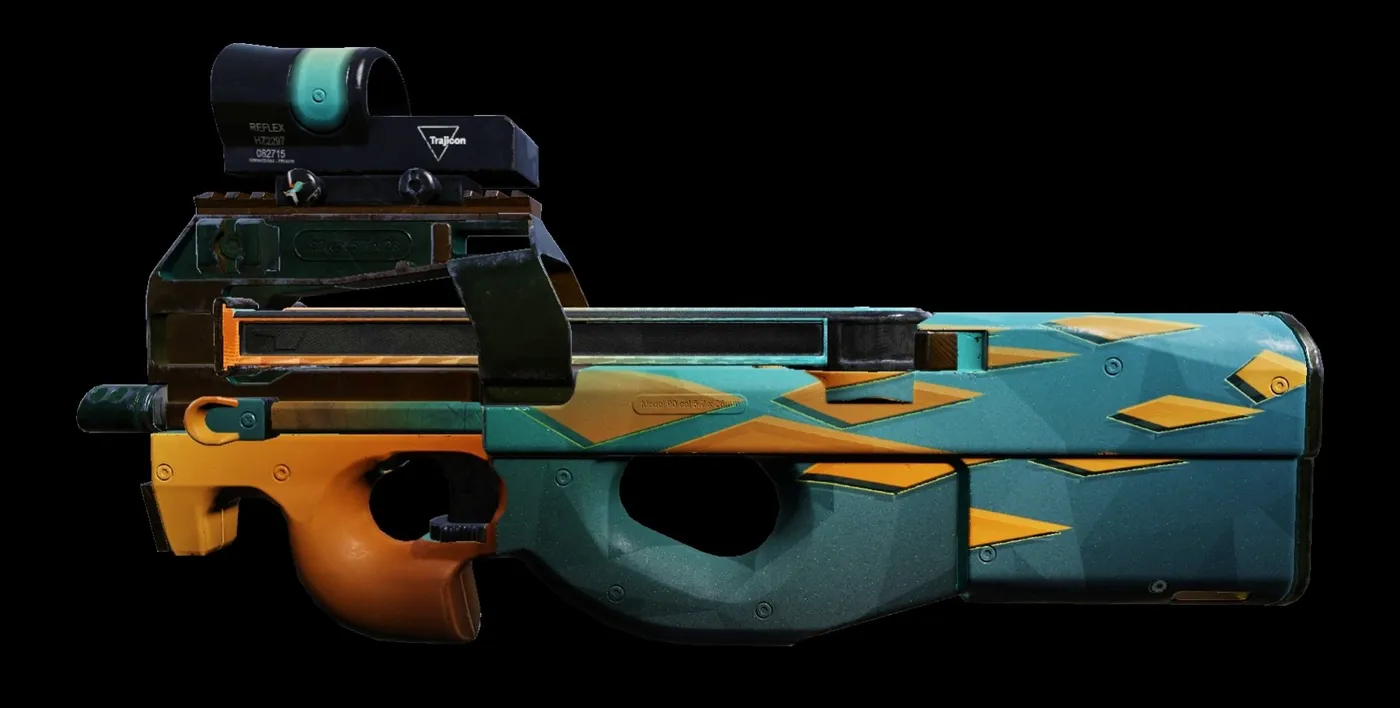 Burning Azur P90
Vector
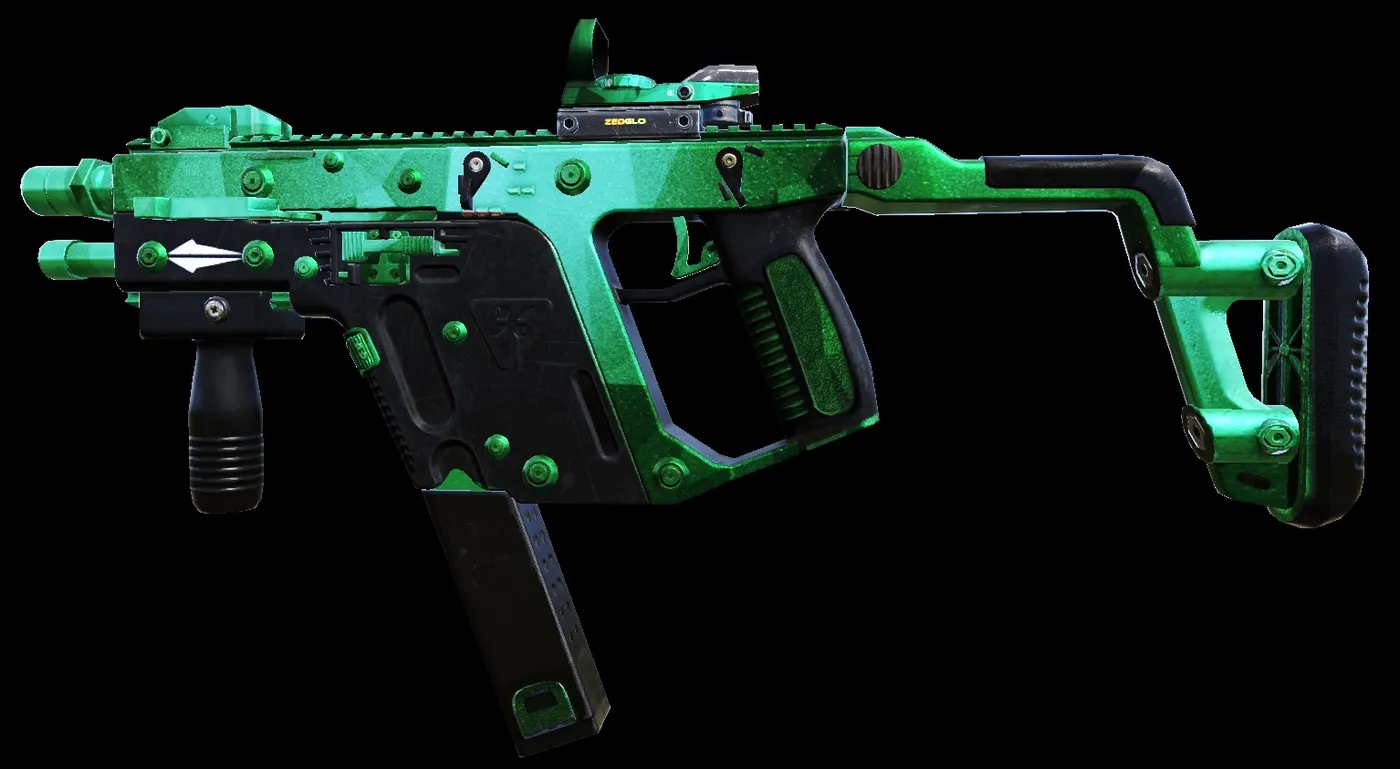 Emerald Vector
Thompson
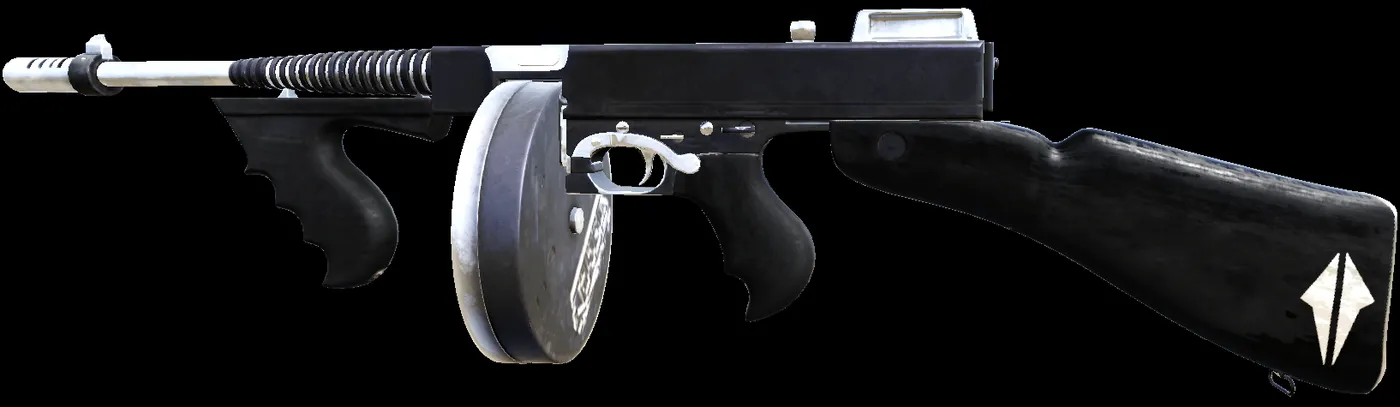 Bright Metal Thompson
Pack
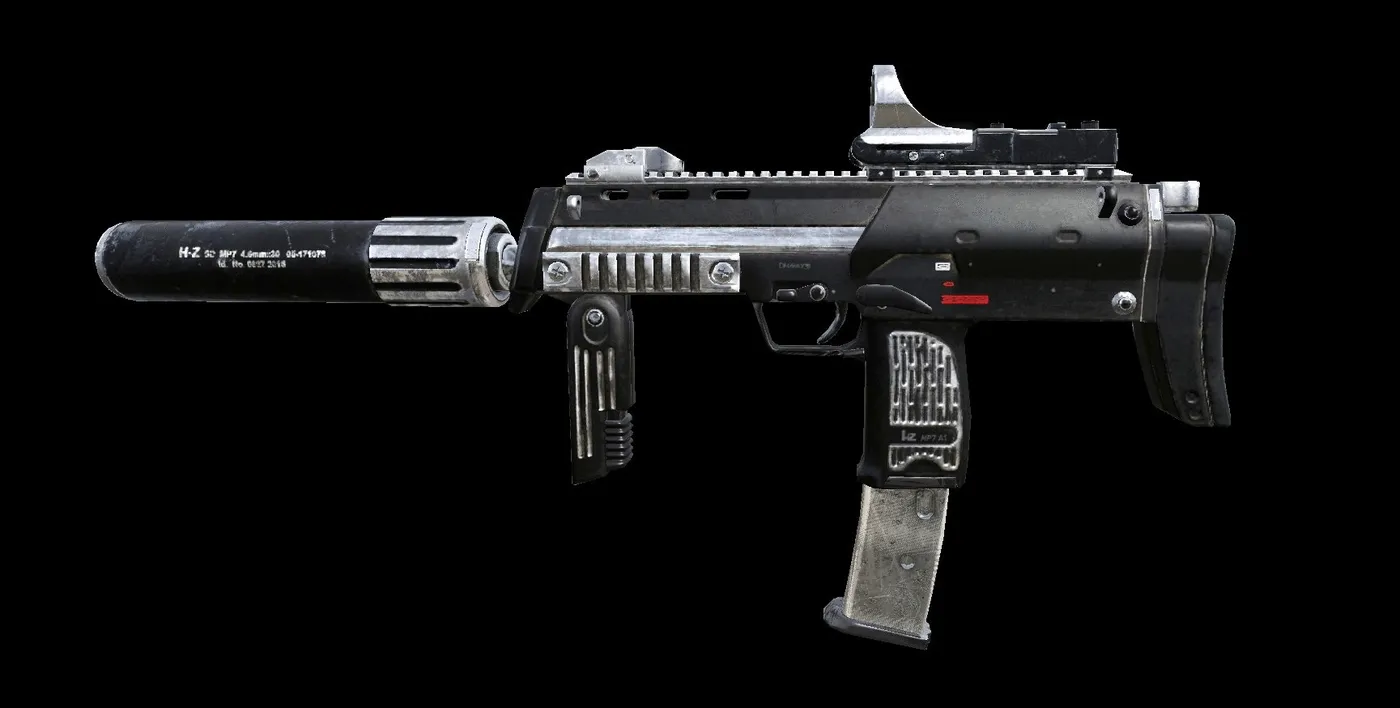 Bright Metal pack
Misc / other
Medic
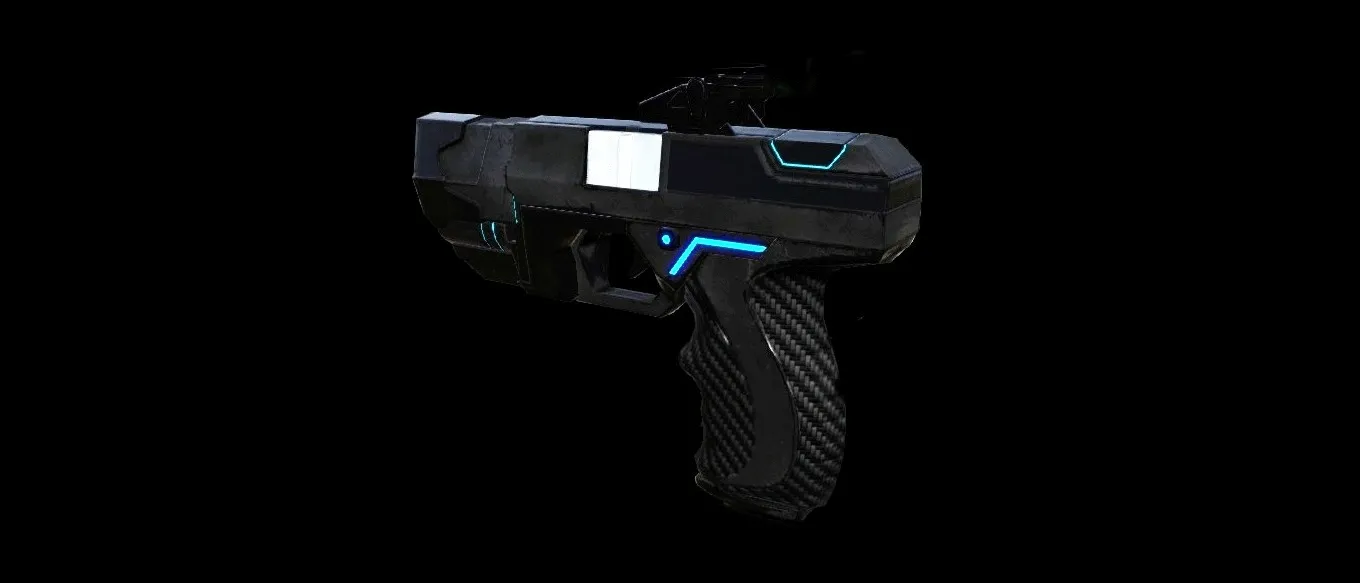 Black and Carbon Fiber Medic Pack
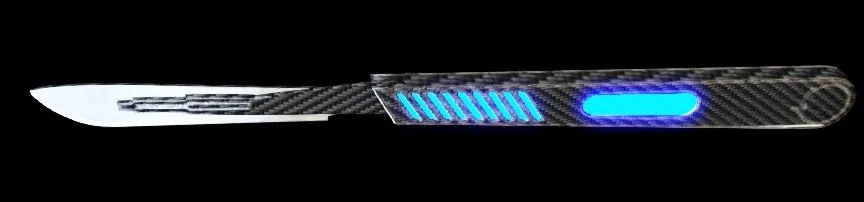 Black and Carbon Fiber Scalpel
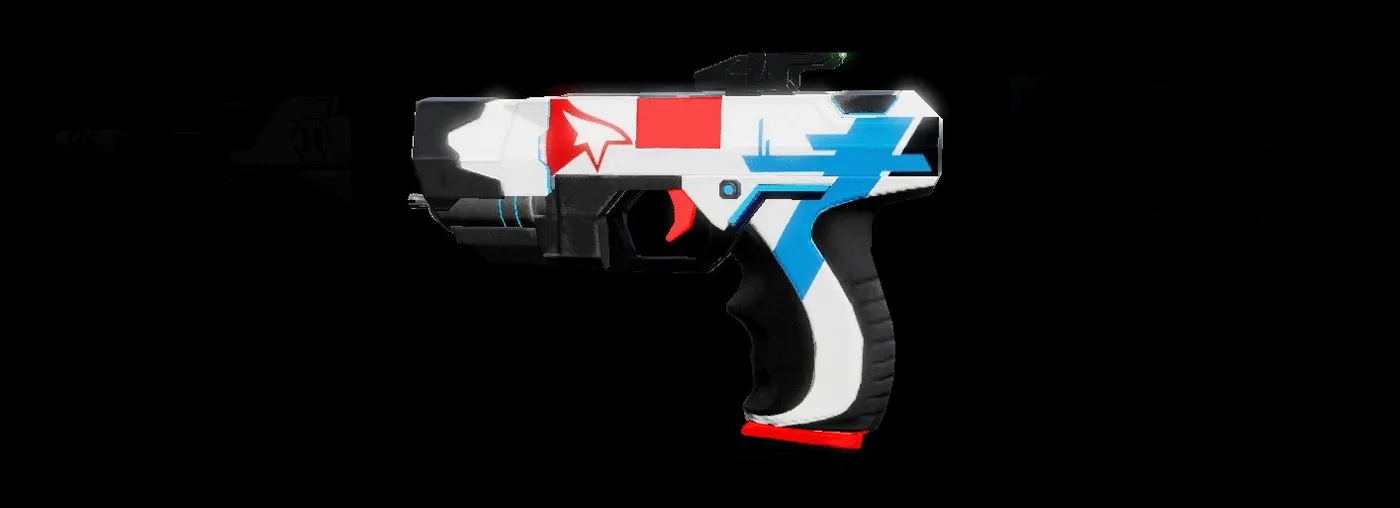 Blue Mirror Medic Pack
Beretta
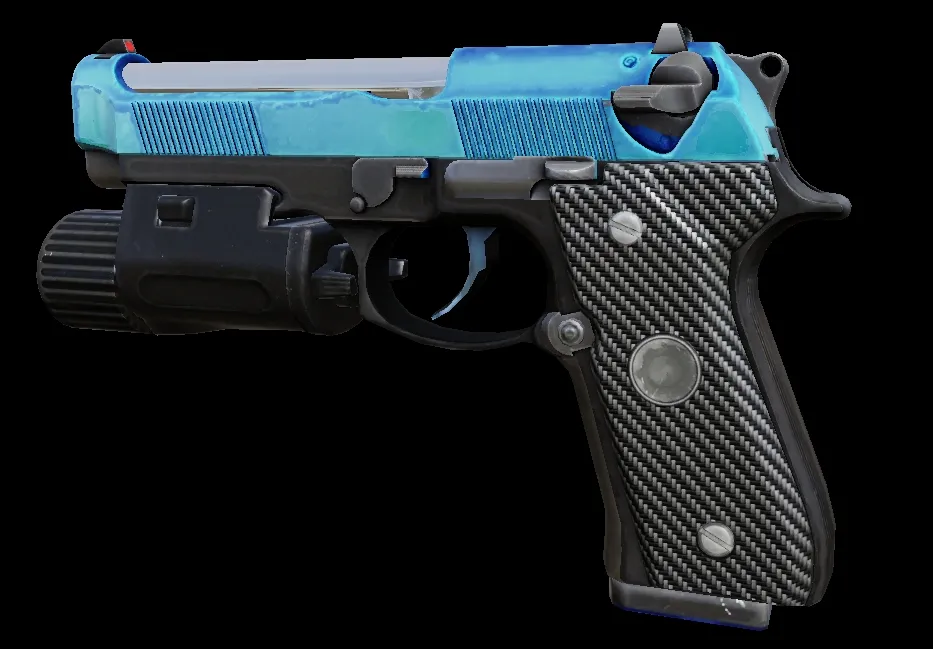 Light Blue 9mm
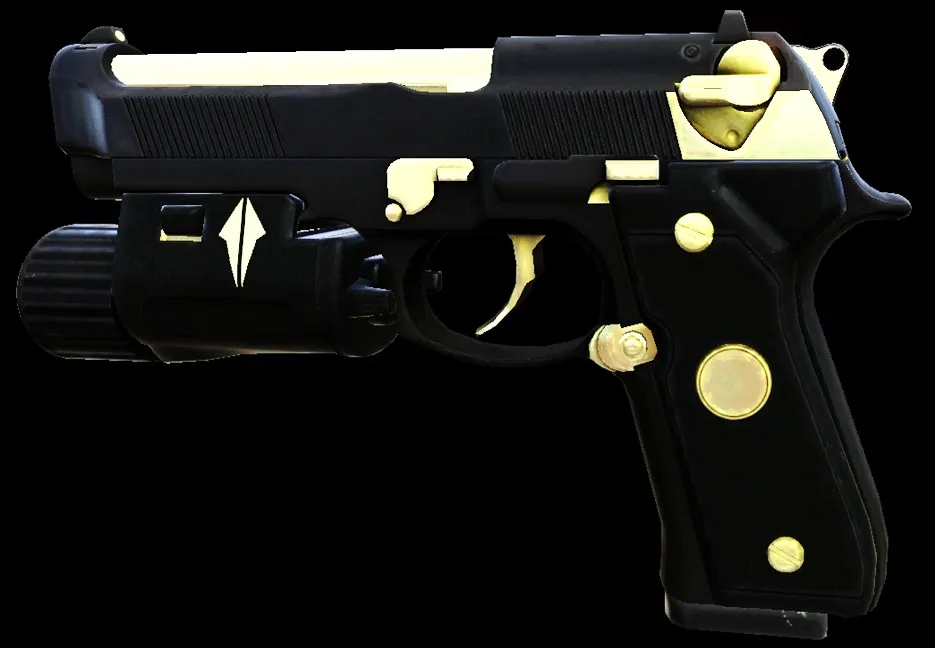 Black and Gold 9mm
Demolitionist
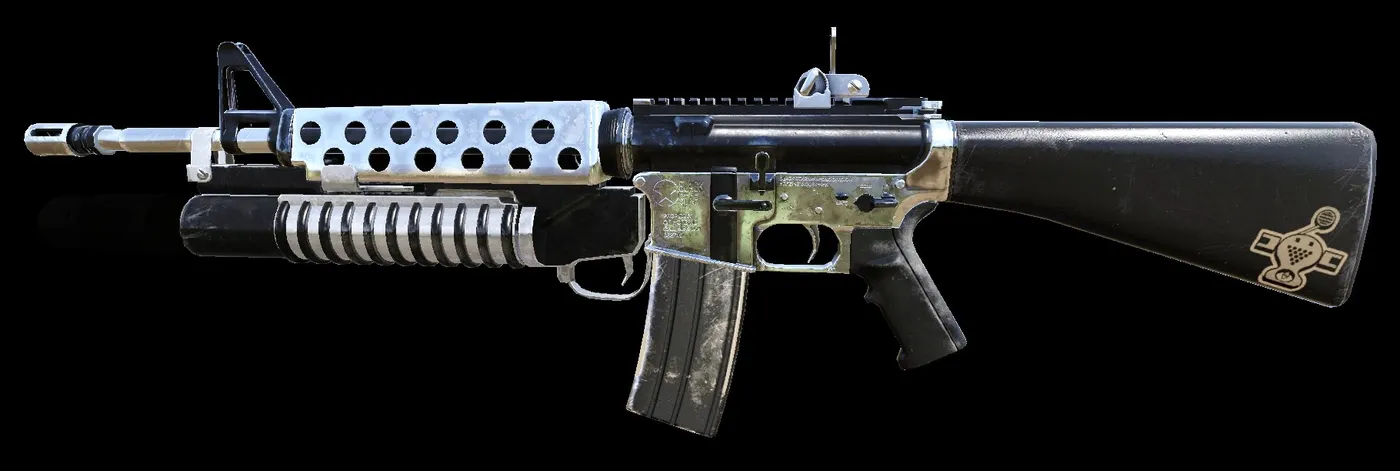 Bright Metal M16
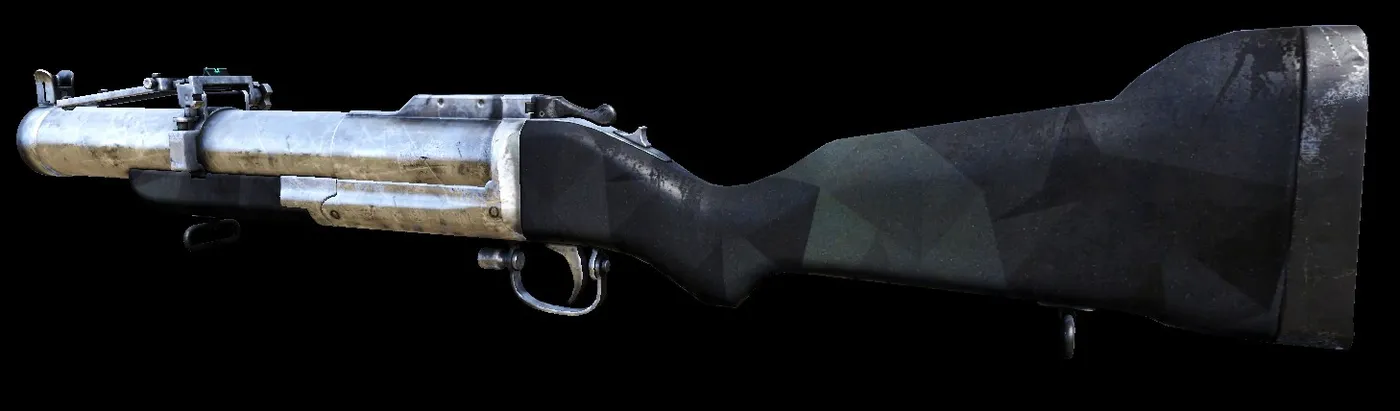 Bright Metal M79
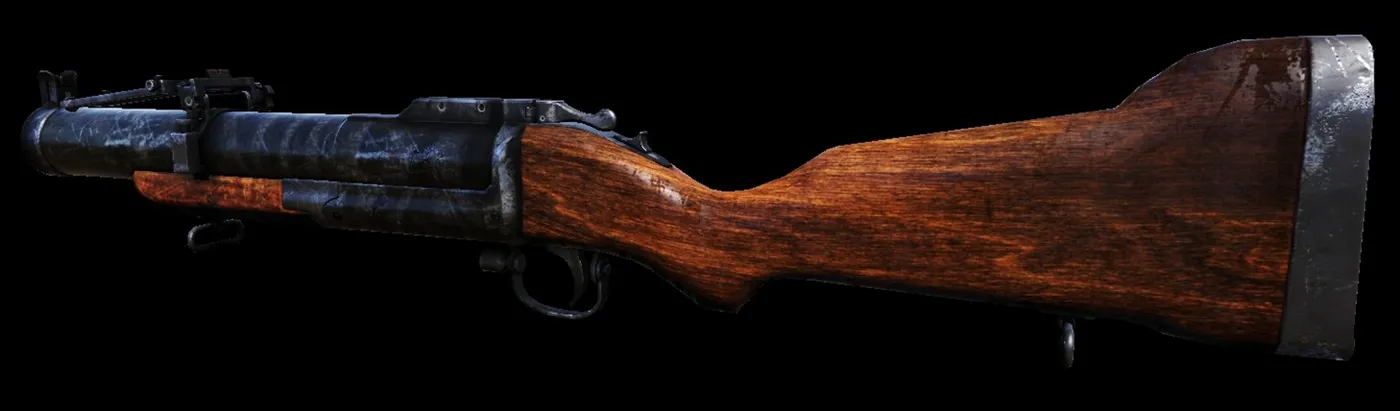 Black M79
Berserker
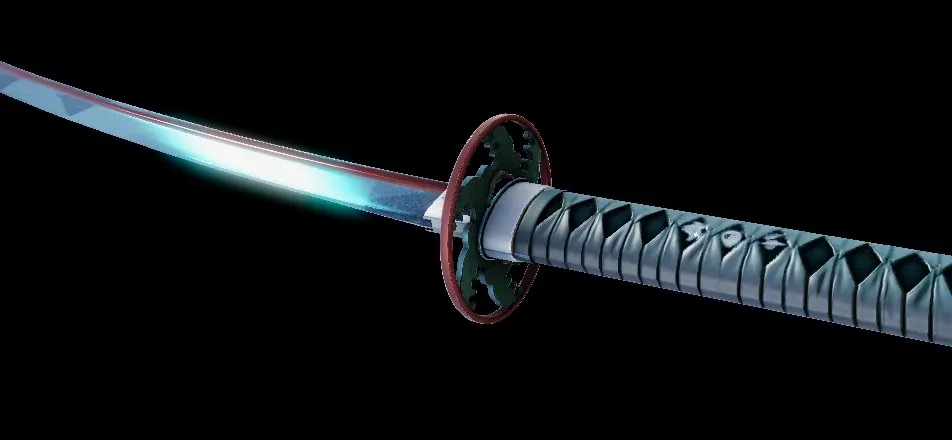 Saphire Katana
Installation
The author gives two ways to install. The recommended one is the first; the second is how he used to install skins until another player pointed out a better approach (the exact folder is shown in the screenshots below). In short: download the archive of the perk pack, unpack it and drag and drop the contained files into the game's folder shown in the guide, then the skin appears in game.
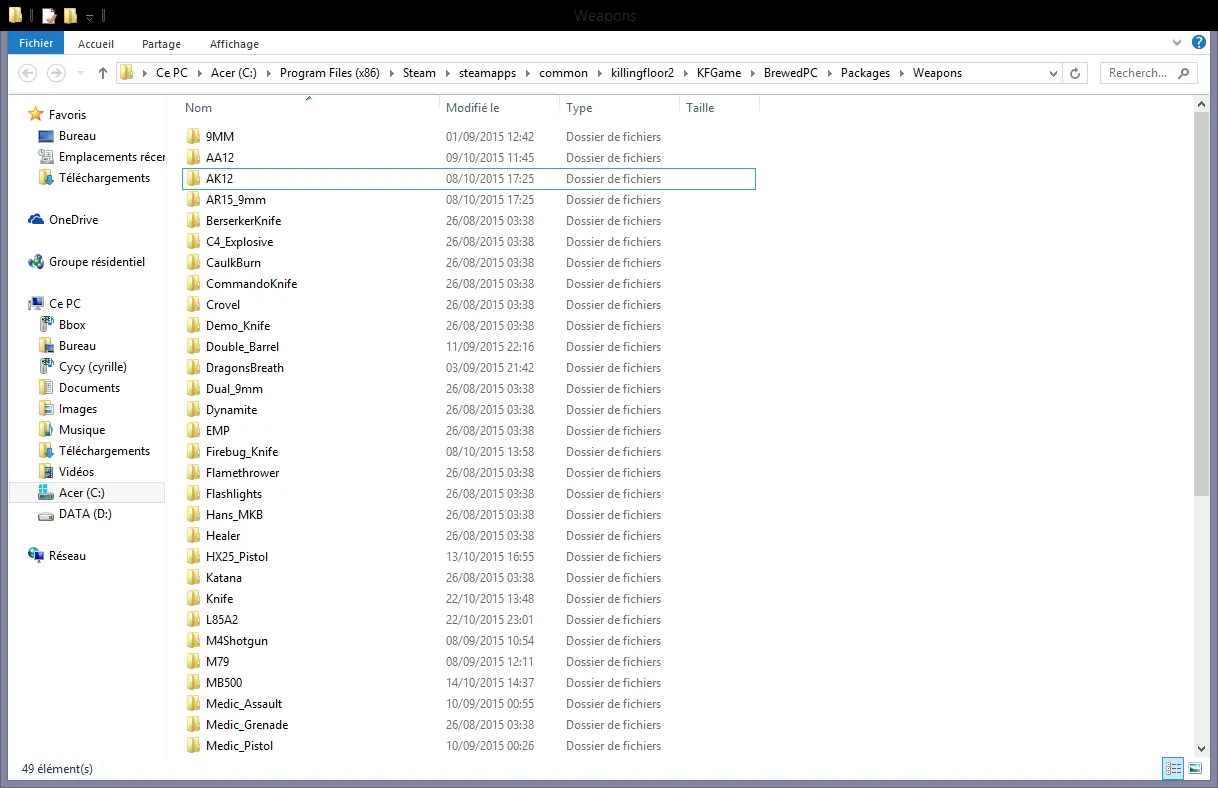 Installation, first screenshot.
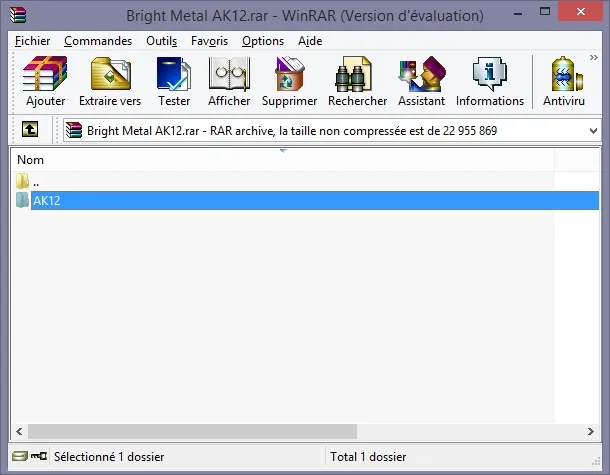 Installation: take the archive file.
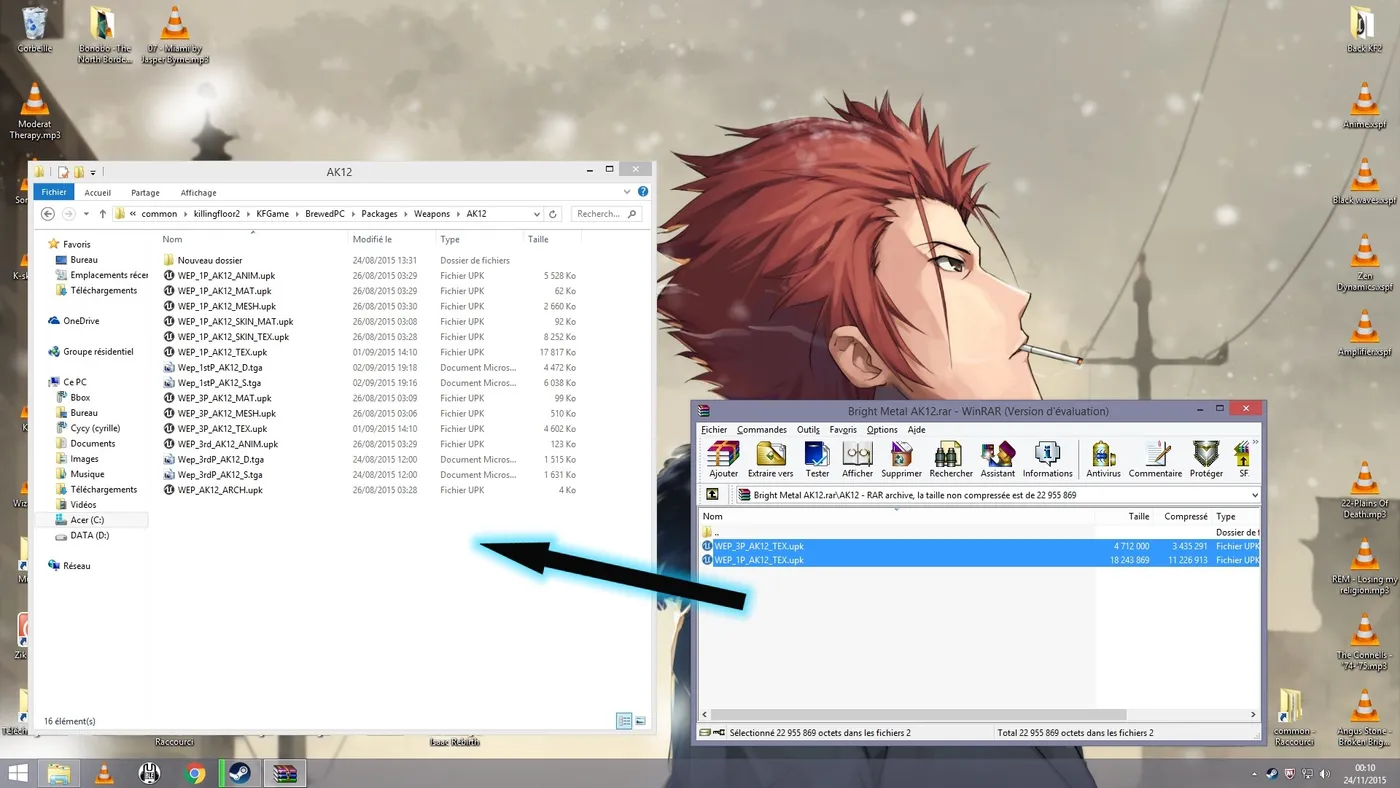 Installation: drag and drop the files into the folder.
