
KF2 Thai Localization Mod: Install Guide (-LANGUAGEFORCOOKING=THA)
The Killing Floor 2 Thai Localization Mod translates the game's interface and text into Thai. This guide, originally written in Thai, explains how to install it. The mod ships in two variants: one that translates perk names and one that leaves them in English. The screenshots in the guide use the translated-perk version.
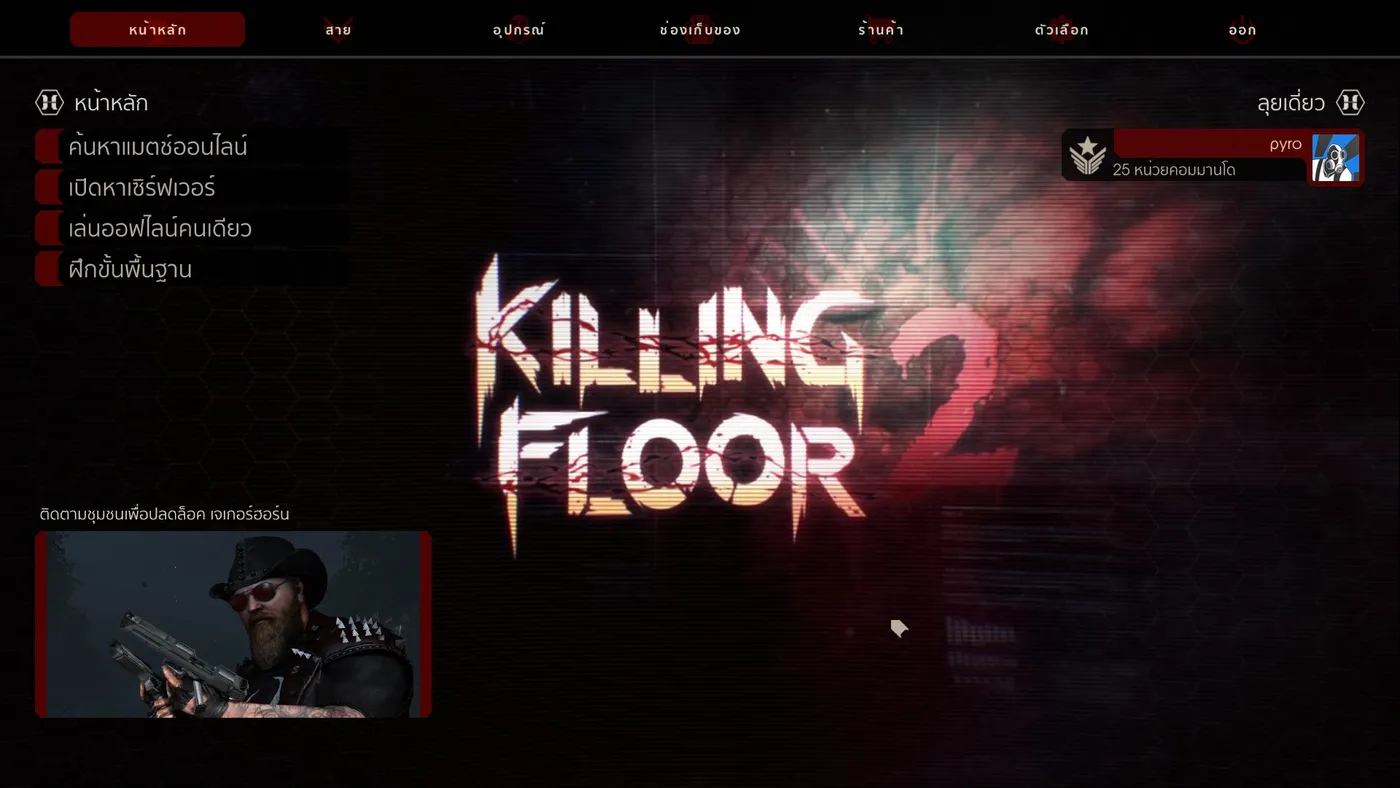 Preview of the Thai translation in game.
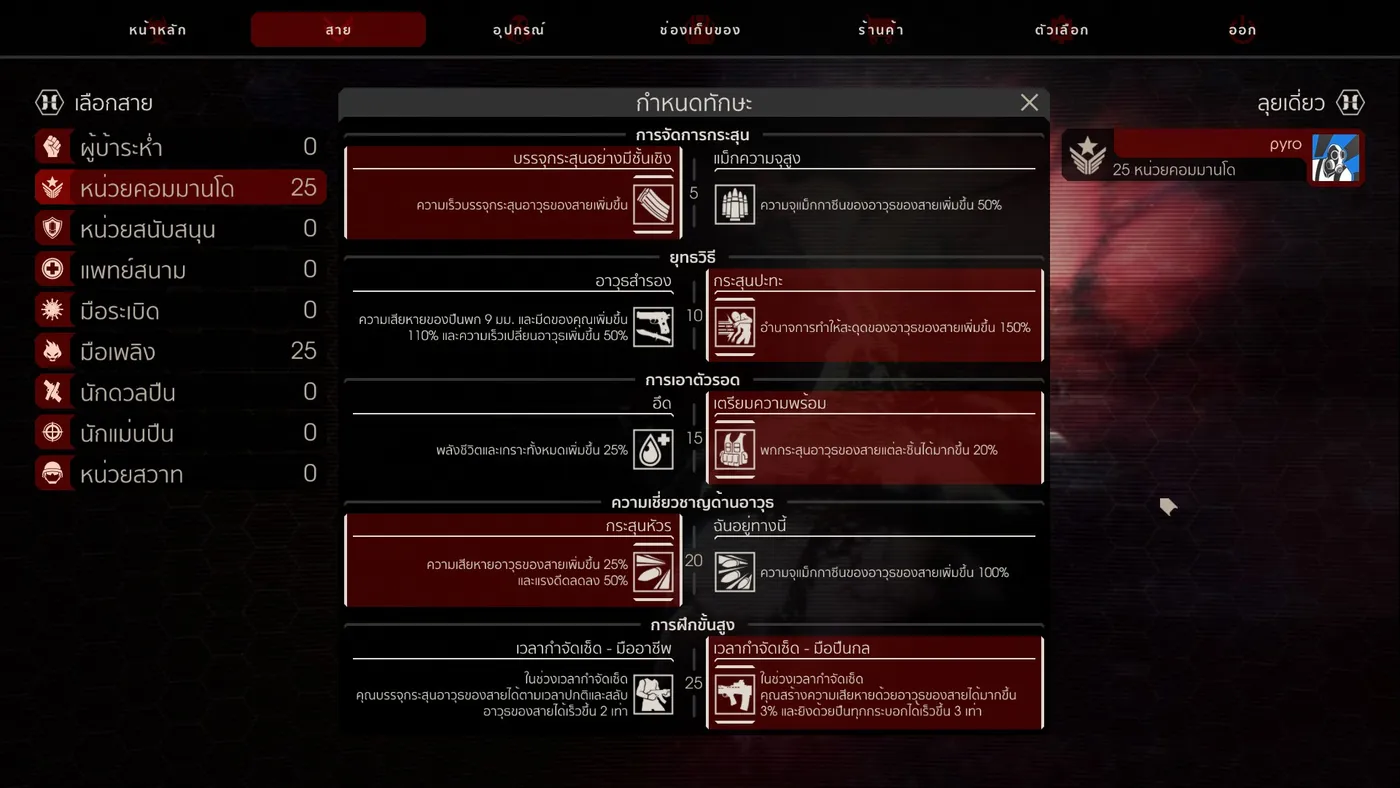 Thai text in the interface.
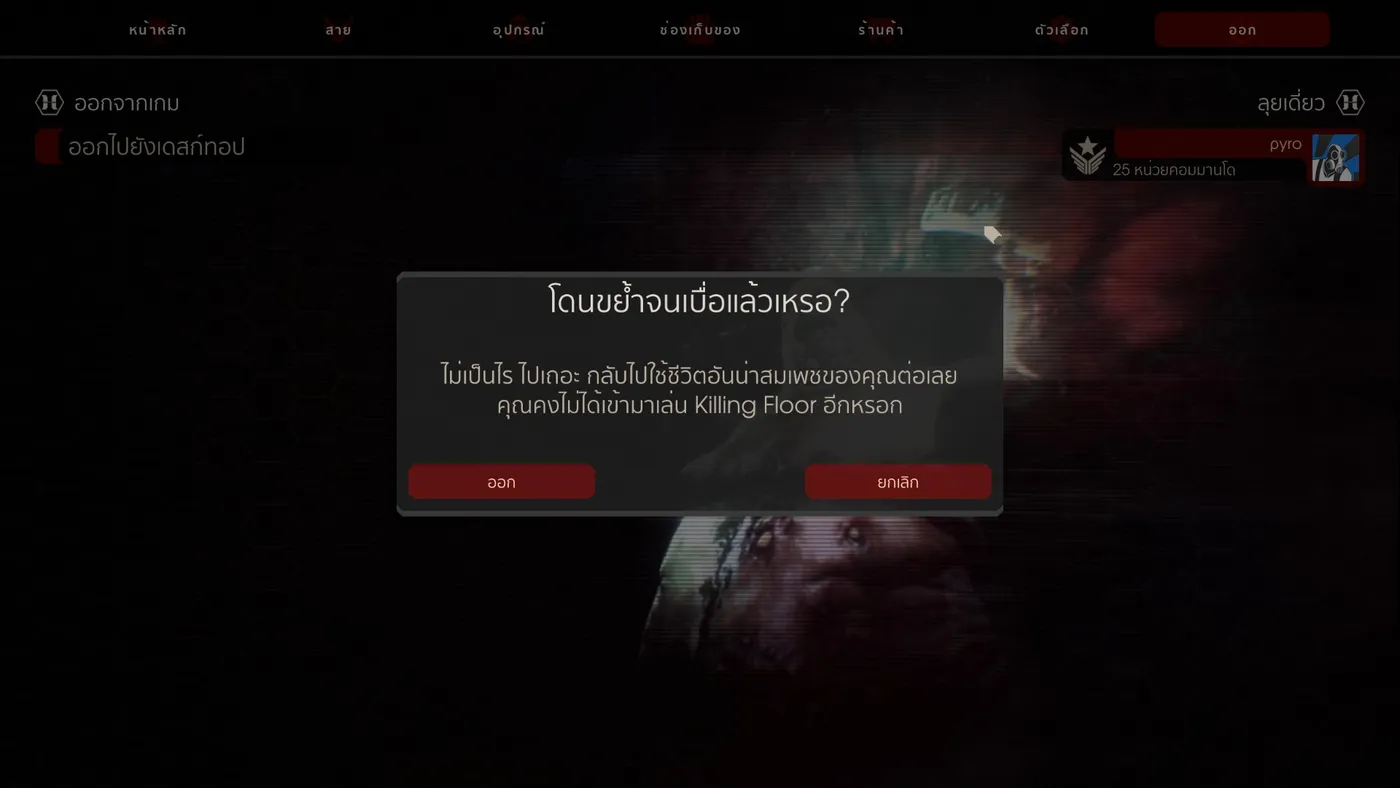 Another translated screen.
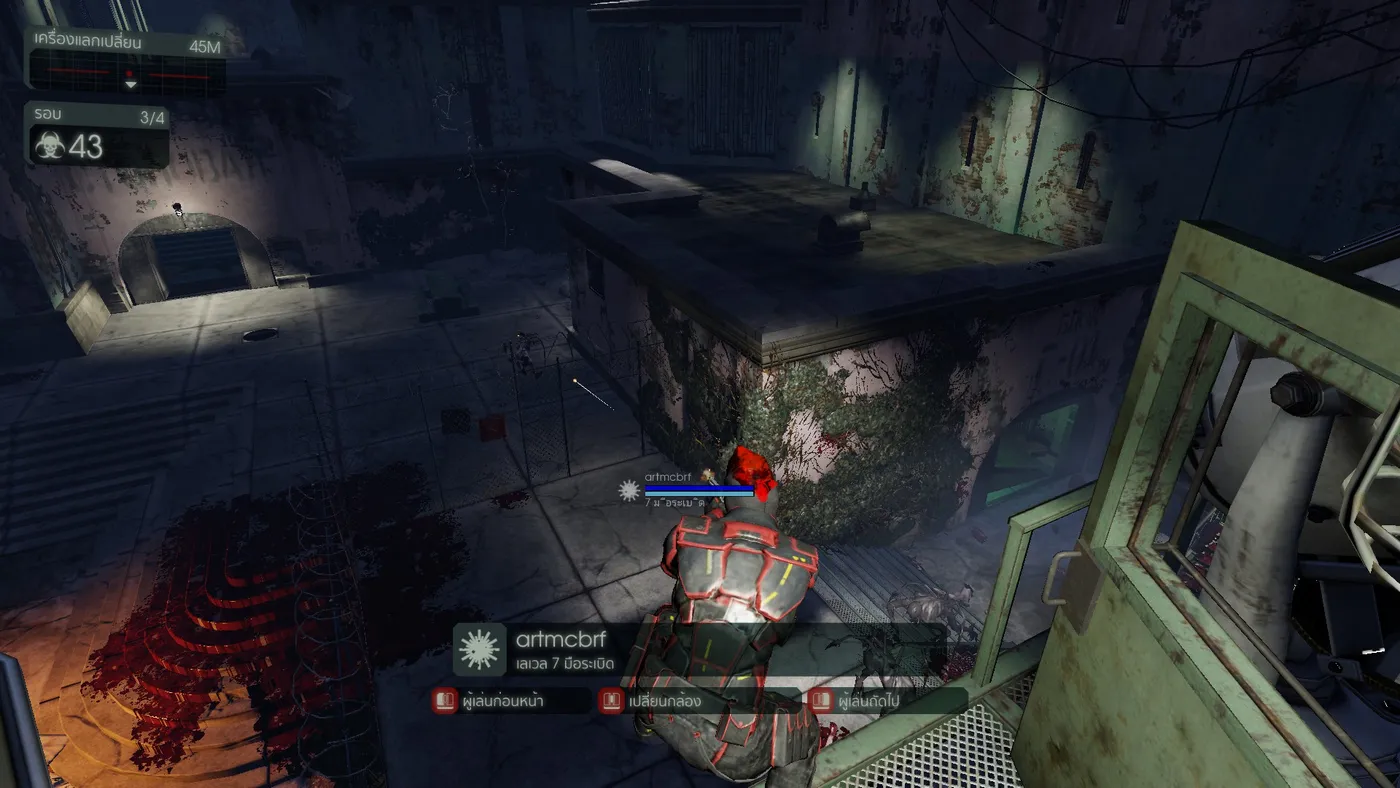 Translated perk and weapon names.
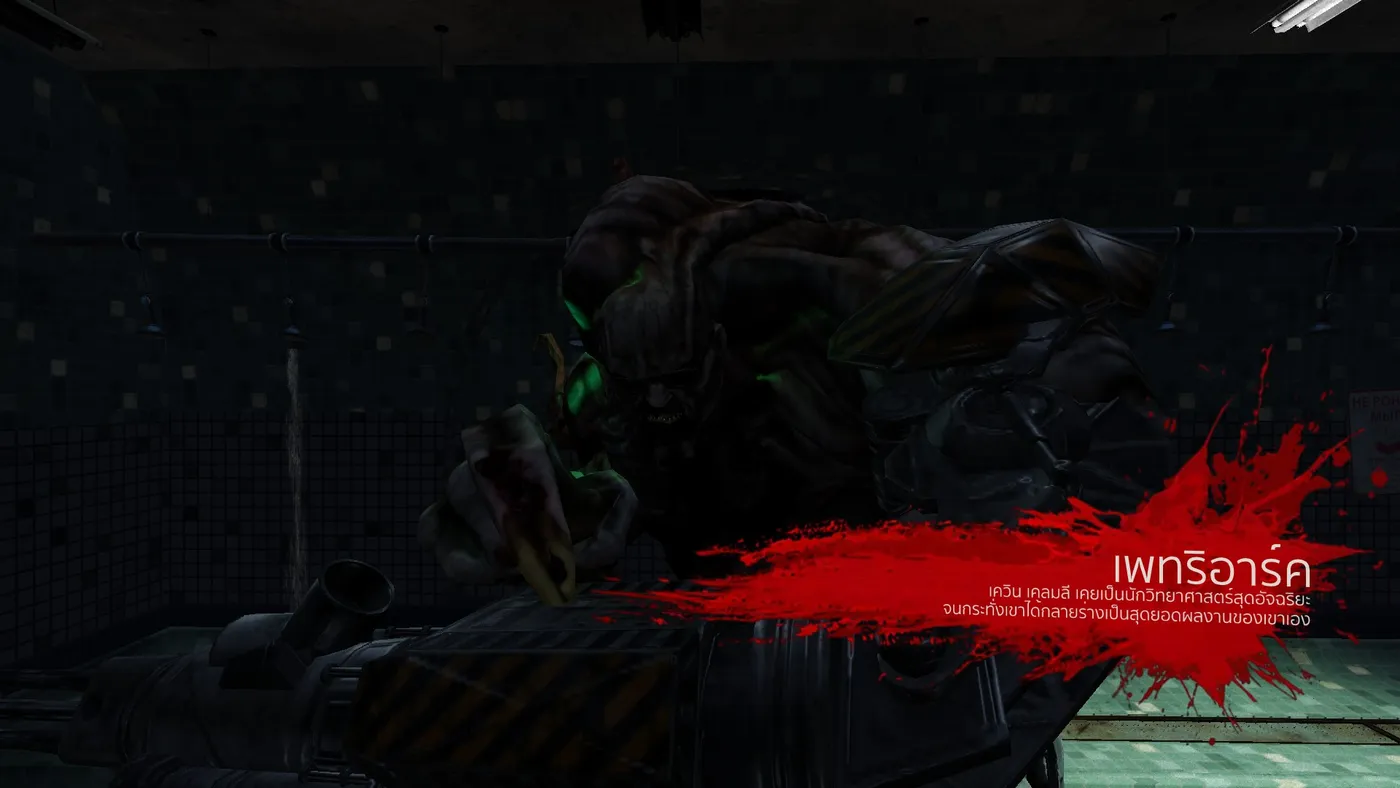 Translated menu text.
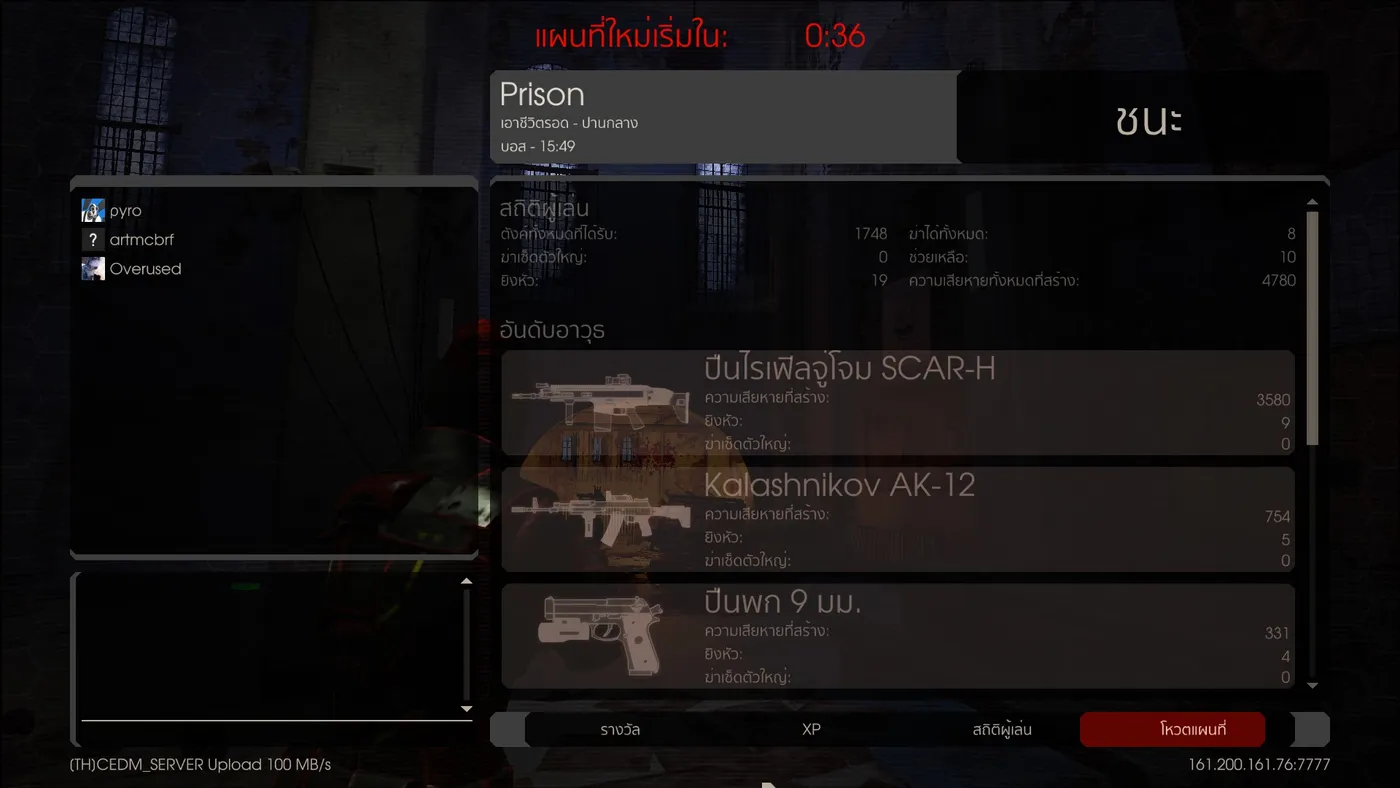 Translated in-game text.
Download
The latest version is published at kf2thl.github.io. Notes from the author:
- The mod's author does not accept responsibility for bans caused by using other mods on servers protected by VAC.
- The mod may display incorrectly after a game update, because it is tied to the game version.
Installation steps
-
In your Steam library, right-click Killing Floor 2 and choose Properties.
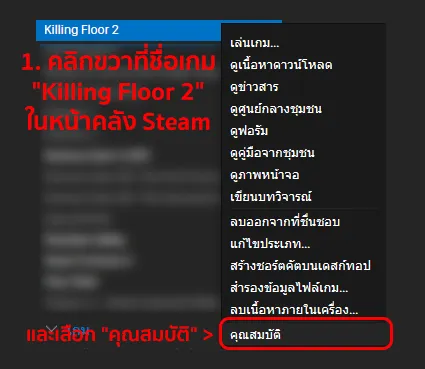 Step 1: Properties in the Steam library.
-
Open the Local Files tab and click Browse Local Files.
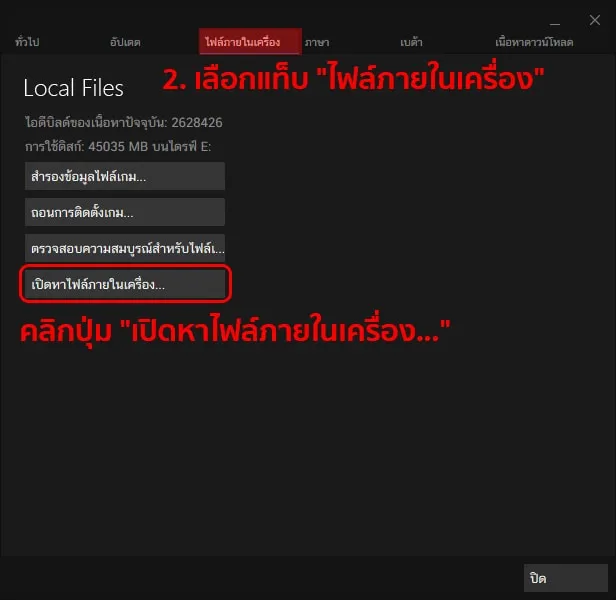 Step 2: Local Files, Browse.
-
Copy the KFGame and Engine folders from the downloaded ZIP into the folder that opened (usually the killingfloor2 folder under Steam, steamapps, common).
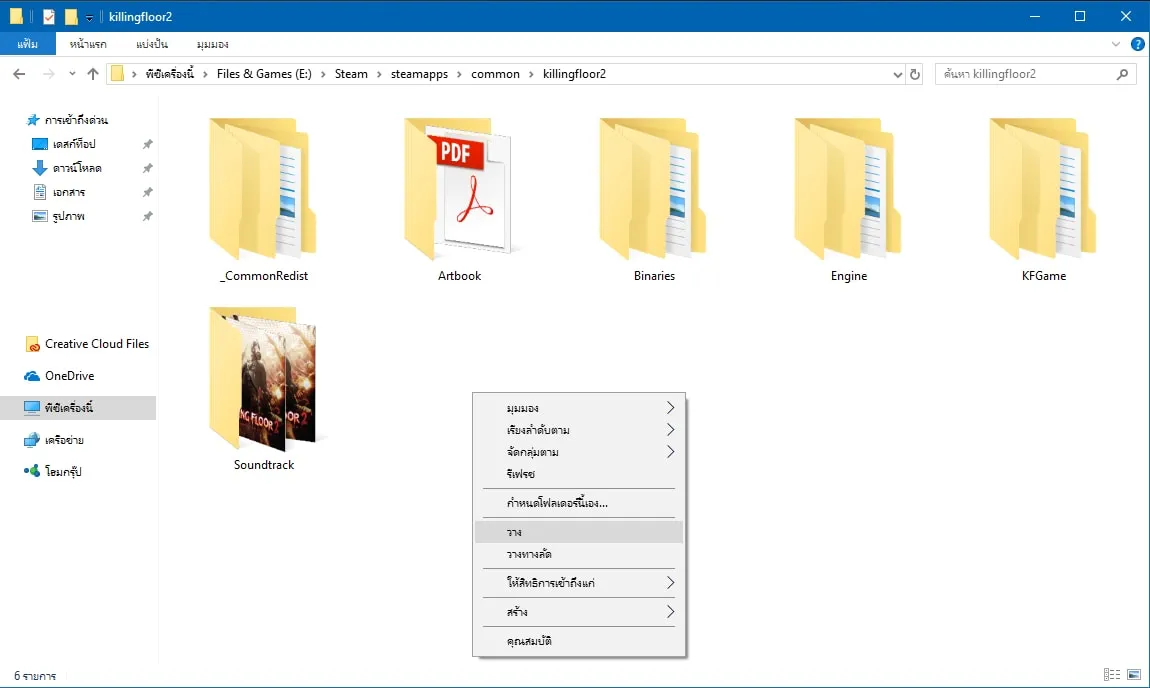 Step 3: Paste the two folders into the game directory.
-
Back in Steam Properties, open the General tab and click Set Launch Options.
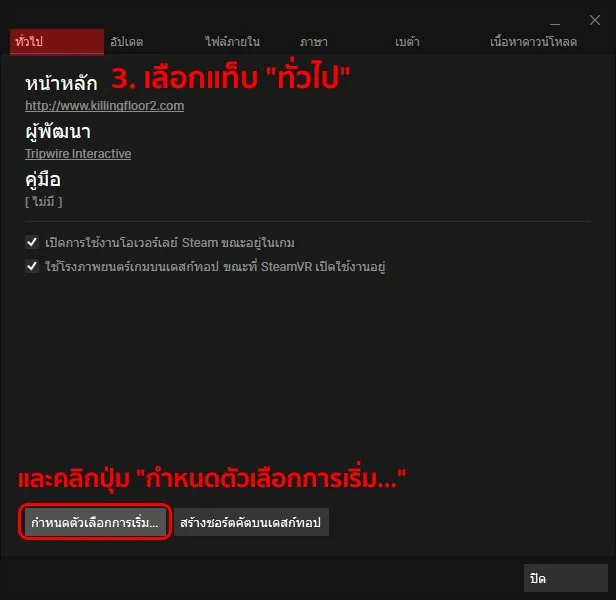 Step 4: General tab, Set Launch Options.
-
Enter
-LANGUAGEFORCOOKING=THAand press OK.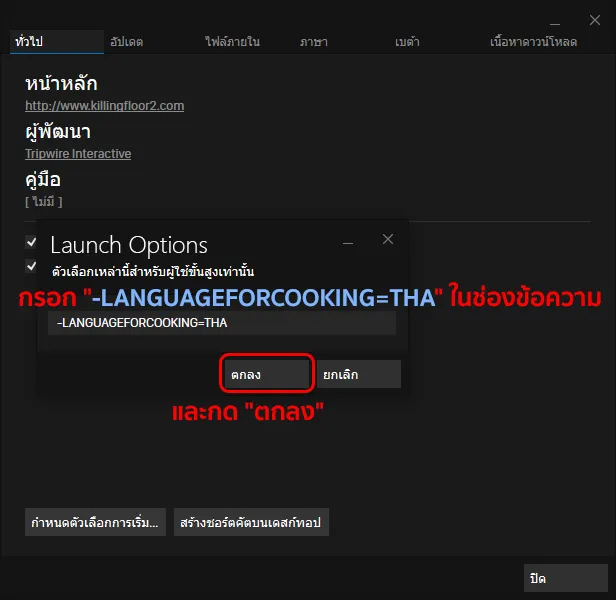 Step 5: The THA launch option.
-
Start the game normally.
About bans
Many players worry about getting banned. The author says it will not happen, because the mod changes none of the game's files or play data. It only adds the font for Thai text, the translation strings and an intro video.
Contact
Questions can be directed to the mod's author through Steam (pyro) or the Killing Floor 2 Thai Localization Facebook page.
See also the other localization projects: Thai perk skills translation, Ukrainian localization and Improved Russian localization.
FAQ
- Will I be banned for using the Thai Localization Mod?
- The author states no, because the mod does not change any game files or gameplay data. It only adds a font for Thai display, translated text and an intro video. The author also disclaims responsibility for bans from other mods on VAC-secured servers.
- Which launch option does the mod need?
- -LANGUAGEFORCOOKING=THA, entered in the game's Steam Set Launch Options.
- Where do I download the latest version?
- From the mod's website, kf2thl.github.io.
