
Improved Russian Localization for Killing Floor 2: Fixes and Install
This is a fan-made Russian localization of Killing Floor 2 that replaces the official translation by Buka, which the author finds incoherent and full of truncated words. He made it for himself and then decided to share it. The final version came out on 2 October 2024. It was built only from the English text and the official Russian translation; the author never looked at other localizations. For other languages see the Ukrainian translation 2024; for general background see Russian localization fonts.
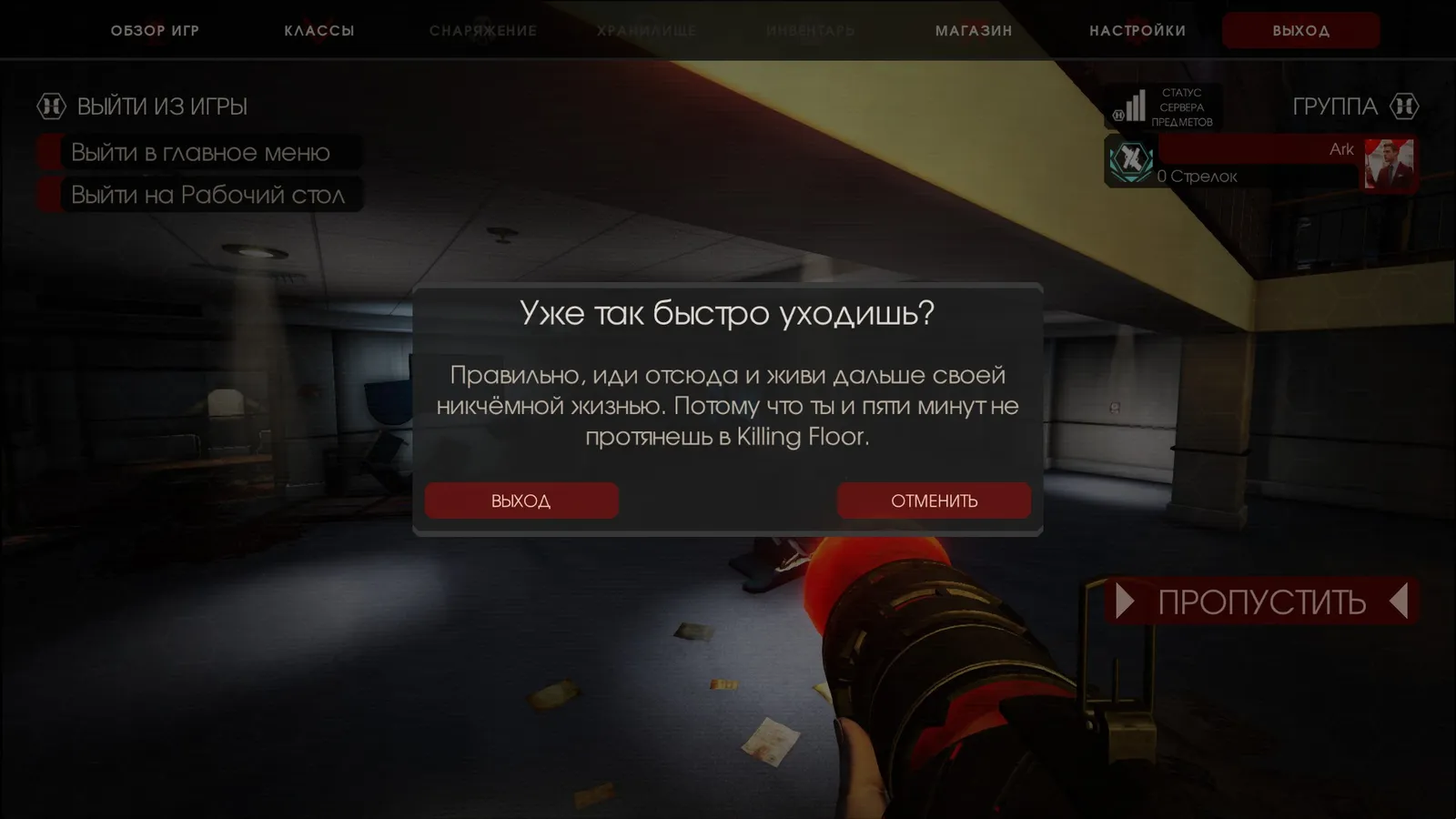 The Russian interface.
What makes it different
- Perk descriptions contain the author's personal advice and hidden details that exist in the game but are not stated by the developers. Some accessory names come from the game code, hence "improved".
- Original terms are restored: Zeds instead of "mutants", Clots instead of "zombies", and Zed Time instead of the awkward translations.
- Classes are renamed: Berserker, SWAT, Sharpshooter (Sniper) and Medic (later Support became "Supporter" and "profile weapon" became "class weapon").
- Clear descriptions of classes, passive abilities and perks instead of garbled phrases. Hidden details are added: for example the Commando has night vision, the Medic's potency and recharge cover darts as well as the syringe, and Support's maximum weight increase every 5 levels is spelled out.
- Money is called "tugriks" everywhere (the author notes "Dosh" would have been better).
- Consistent names for group, survivors, VIP, headshot, Escort and so on.
- Translation of Objective, Endless (outbreaks), Versus, settings, the server browser, daily and weekly challenges, the trader and his weapons.
- Strings and files missing from the official translation were restored, so map makers no longer see nameless errors or empty tabs.
- Boss and Zed names are aligned with the game code: Abomination is called "Bloat King" (as in the code), Crawler, Slasher and Gorefast use the English names.
- One update checked and fixed more than 7,500 lines: character biographies, personal items, clothing and accessory colors, emotes, and weapon skin, accessory and color names (100%).
- The last update (2 October 2024) restored "Horzine" from the earlier "Horizon"; only light fixes and separate versions with the original accessory, skin, weapon and map names are planned.
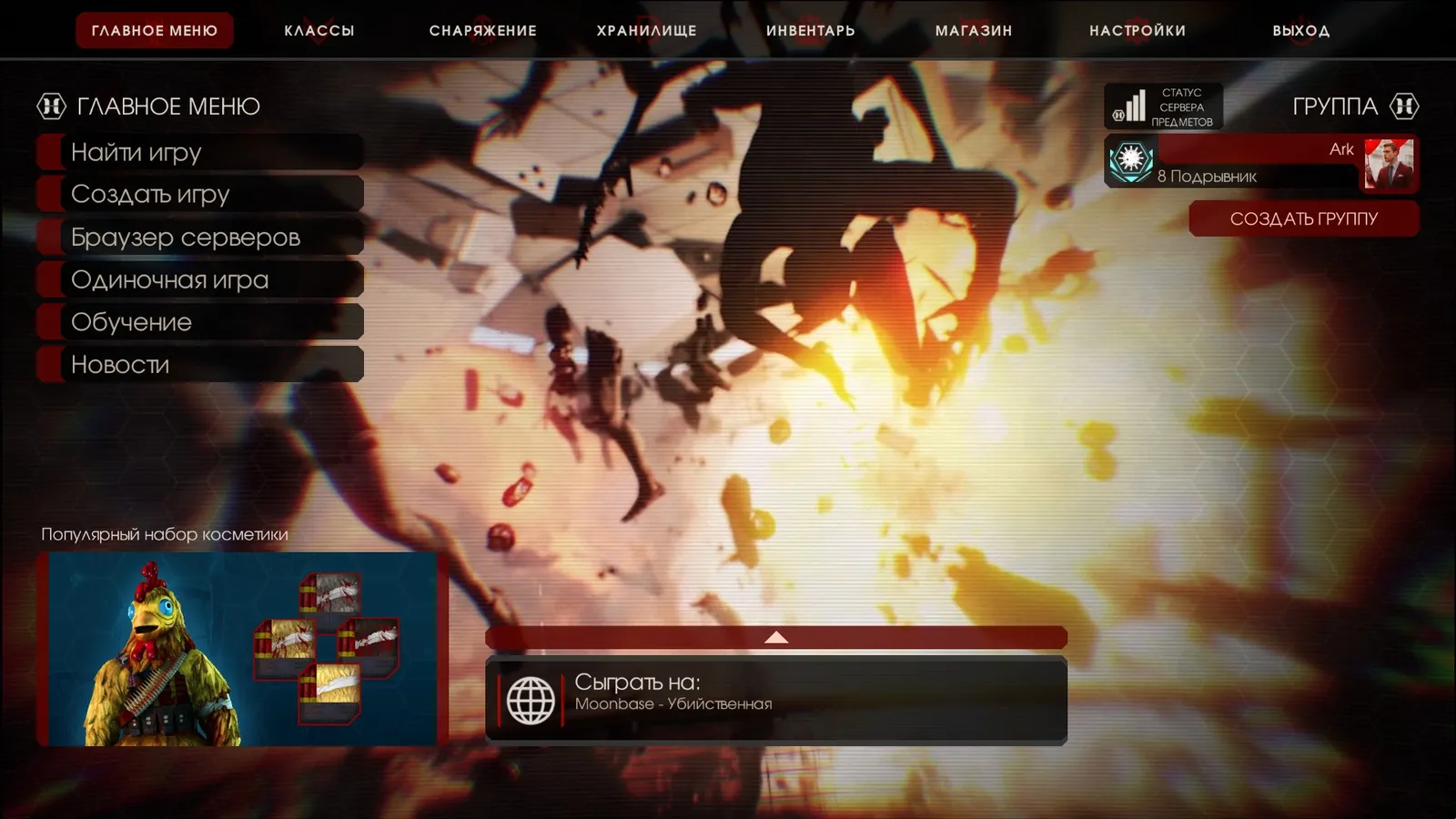 Class and perk descriptions.
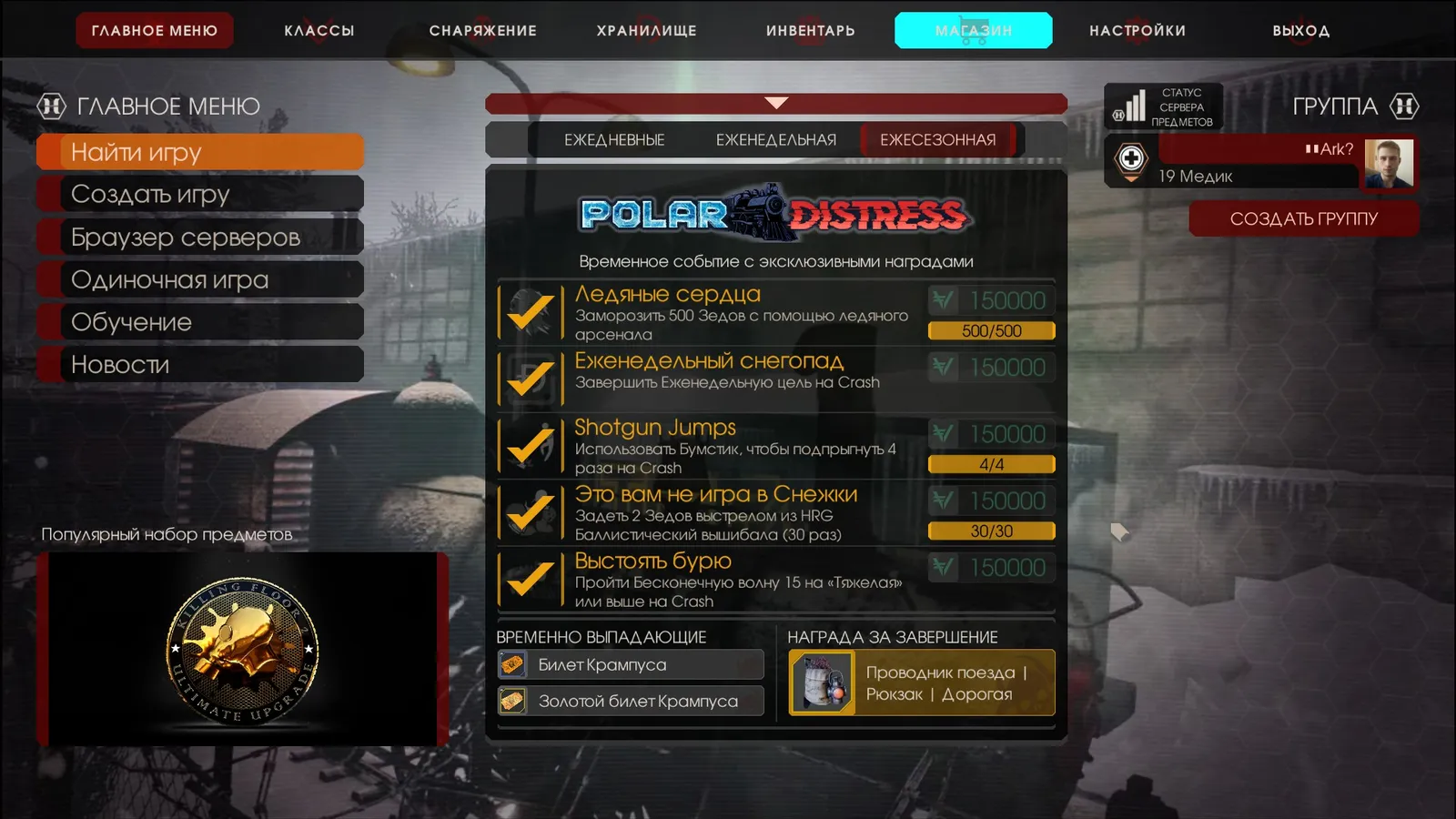 Menu and settings.
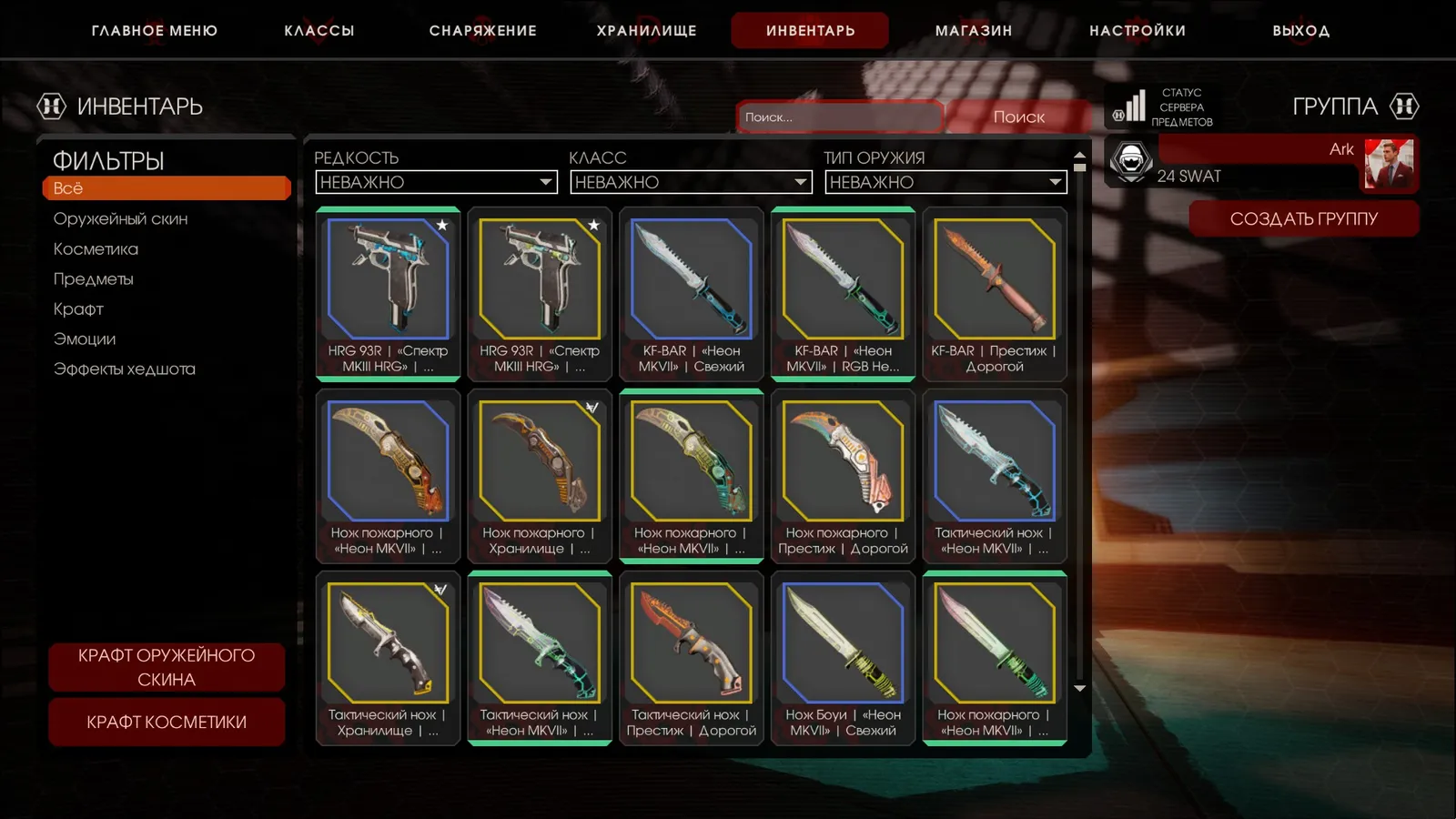 In-game interface.
The author's requests
No abusive comments: they are deleted. Constructive criticism with facts is welcome and typos should be pointed out. Please do not compare it with other localizations.
Installation
Russian voice and Russian text:
- Open the archive link (Google Drive) from the original guide.
- Download the archive.
- Extract and move the file(s) into the game folder, replacing existing ones.
- Play.
To go back to the official Russian language use the separate "original Russian translation" archive.
English voice and Russian text:
- Download the "English voice, Russian text" archive.
- Extract and move the file(s) into the game folder, replacing existing ones.
- In Steam: Library, right-click Killing Floor 2, Properties, General, Language: English.
- Play.
To restore the English text use the "English text" archive.
Why not the Workshop
The author wanted to publish it on the Workshop (from the 19 April 2023 version), but the Workshop is set up for revenue: it needs a W-9 form, tax details and a tax ID. He planned to deal with that later, possibly by the final version.
Version history
The author kept a detailed log from 4 November 2022 to 2 October 2024. Main milestones: November 2022, fixes to terms, classes, the Objective and outbreak modes and restoration of the original map names; December 2022, restoration of missing strings and files; March 2023, review and correction of more than 7,500 lines (biographies, personal items, colors); 2023-2024, regular fixes as game updates arrived, including new SWAT perk descriptions and seasonal events.
FAQ
- Is the translation compatible with the Epic Games version?
- Yes, the author reports compatibility with the Epic Games version (confirmed by a tester).
- How do I go back to the official Russian text?
- The author provides a separate archive with the original Russian translation; extract it into the game folder to replace the files.
- Can I keep the English voice acting?
- Yes: there is a version with English audio and Russian text; set the game language to English in Steam.
