
KF2: How to Skip the Trader Time in Killing Floor 2
Waiting for the whole trader countdown between waves can drag out a match, especially when everyone has already bought what they need. The solution is built into the game and takes one key press.
How to do it
- During trader time, press Esc on your keyboard.
- In the menu that opens you will see a Skip Trader button.
- Click it to end the shopping phase and move on to the next wave sooner.
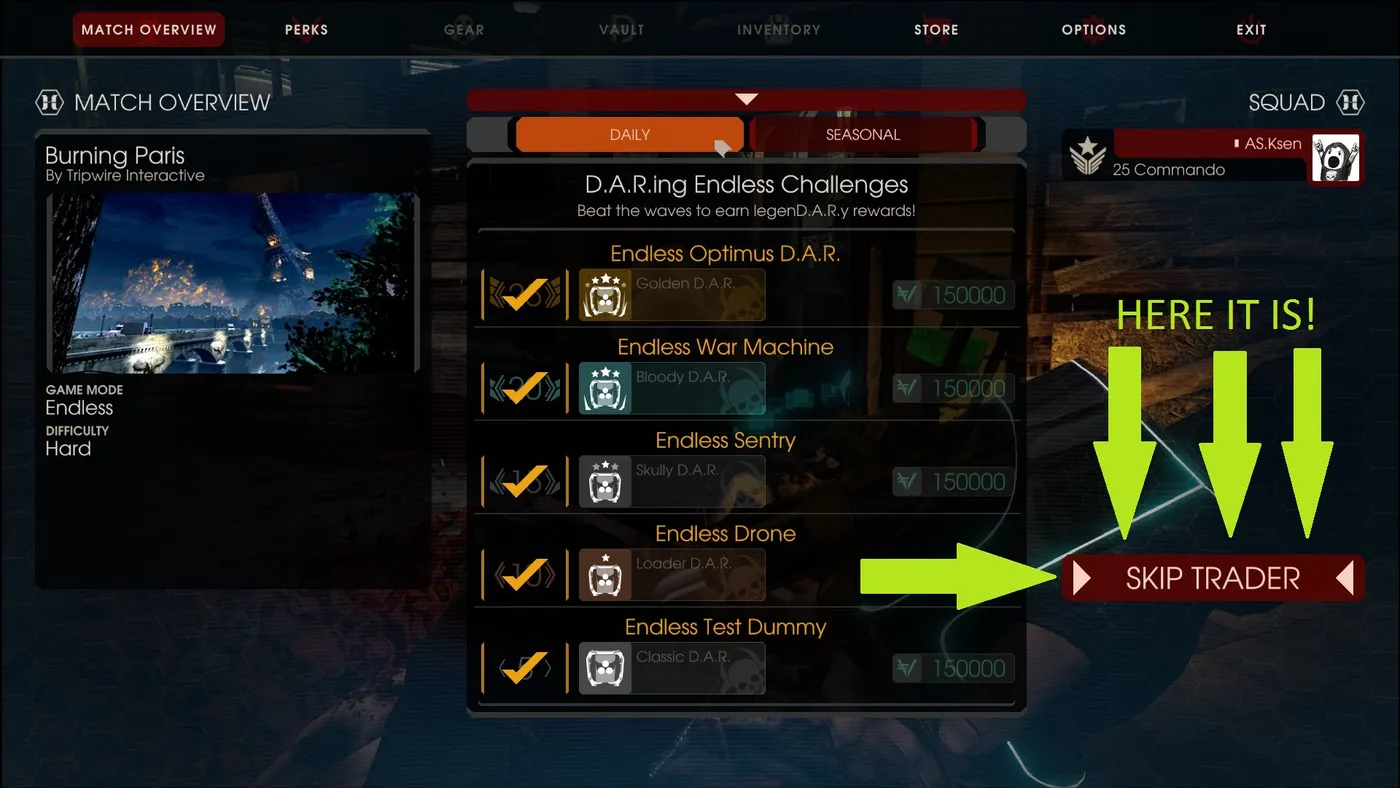 The Skip Trader button in the Esc menu.
The original guide was bilingual and shows the same step with the Russian interface as well.
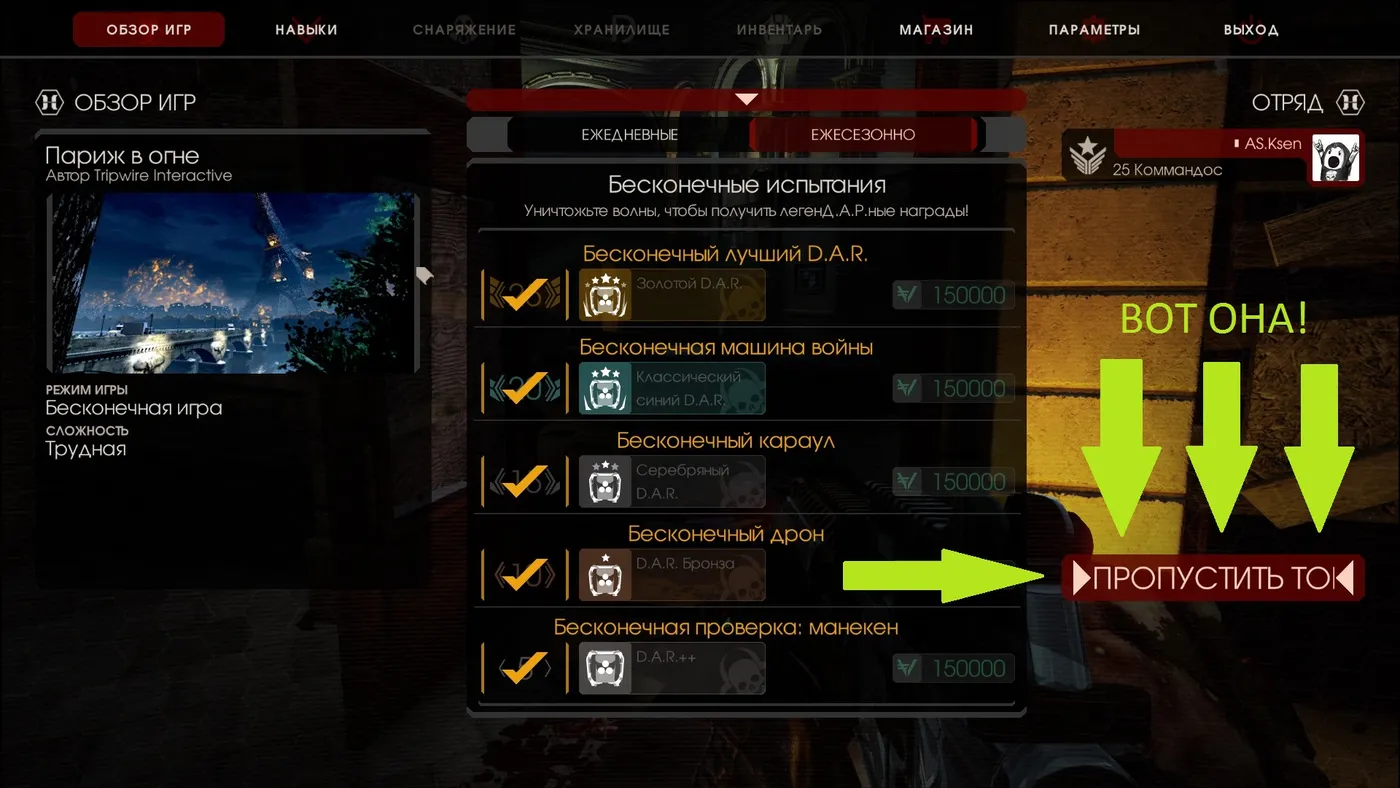 The same button in the Russian localisation.
Tips
- Make sure your teammates have finished buying and reloading before you skip, since the trader pod closes for everyone.
- Skipping is handy for shorter sessions and for runs where you are already fully equipped.
- For trader etiquette in public lobbies see trader time etiquette.
FAQ
- How do I skip the trader in Killing Floor 2?
- While the trader is open, press Esc. The pause menu contains a Skip Trader button that ends the shopping time early.
