
KF2 Dosh Crate Not Showing? Old Store-Overlay Trick (Outdated)
This is a short trick from 2017 for players who earned a Dosh (Vault) crate in Killing Floor 2 but could not see it. The guide is labeled "NOT WORKING" by its author, so read it as a historical note rather than a reliable fix. It is a different method from the Vault crate claim trick that uses the Steam overlay shortcut.
Condition
The trick only works if you have already earned your Dosh crate and have not restarted the game.
Steps
- Go to the in-game store.
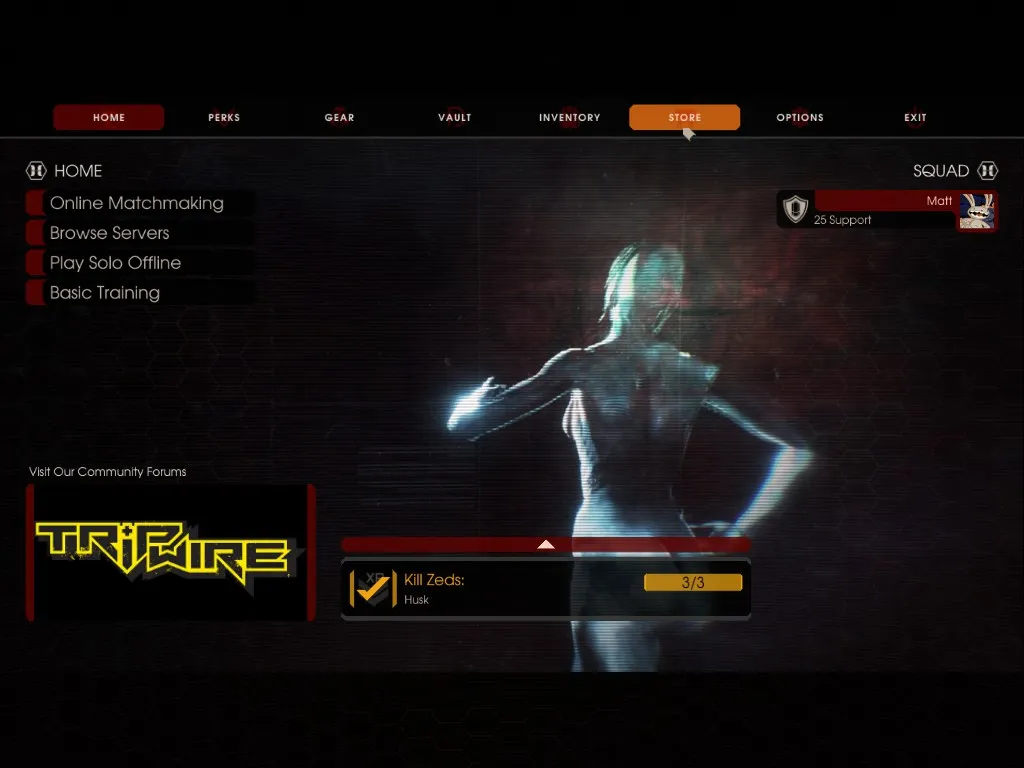 Open the store screen.
- Select any item and choose the Buy option. You do not need to spend any money.
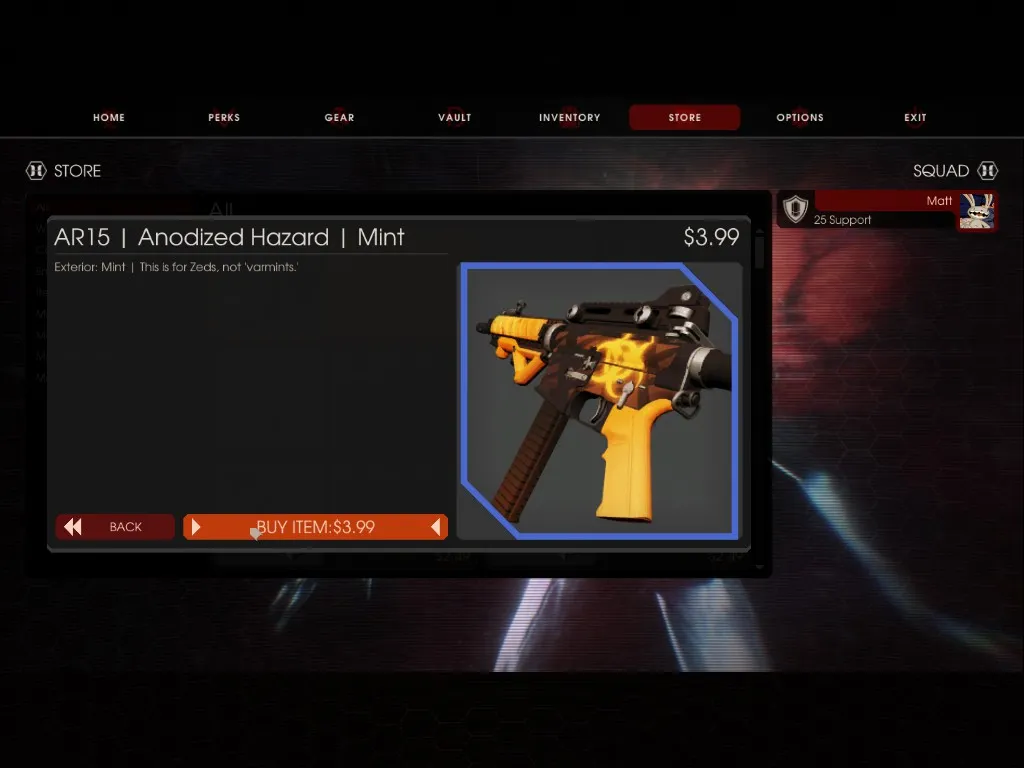 Choose buy on any item.
- When the purchase sends you to the Steam overlay, cancel the purchase.
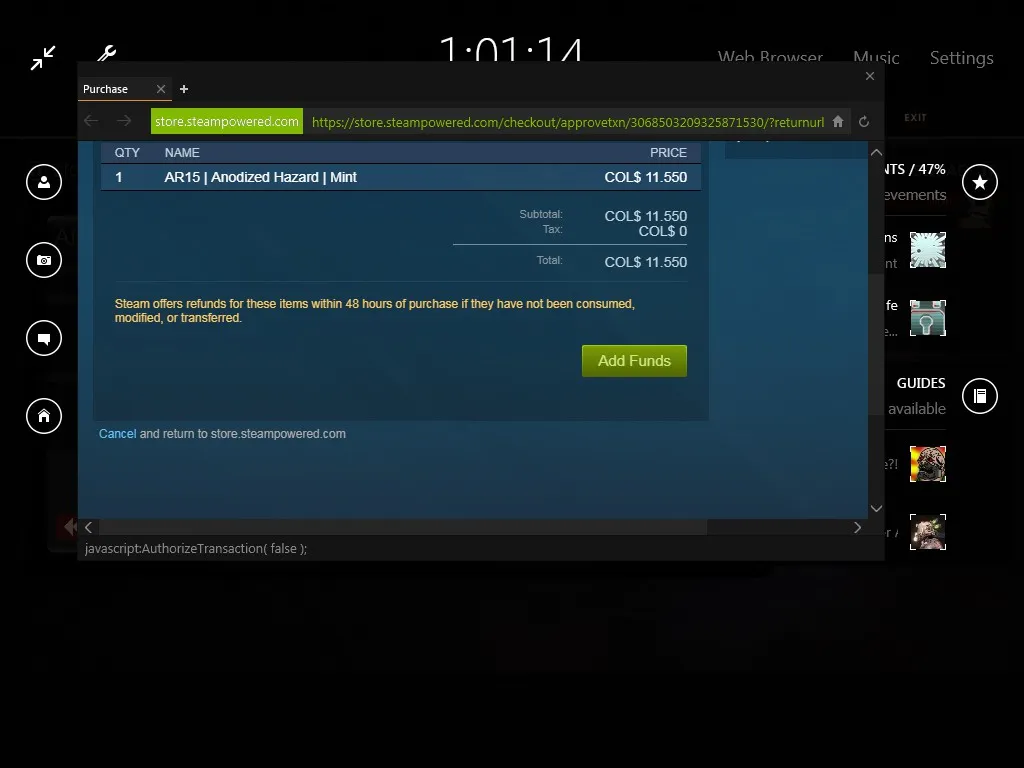 Cancel in the Steam overlay.
- Go to your inventory without closing the item you picked from the store. Your Dosh crate should now appear.
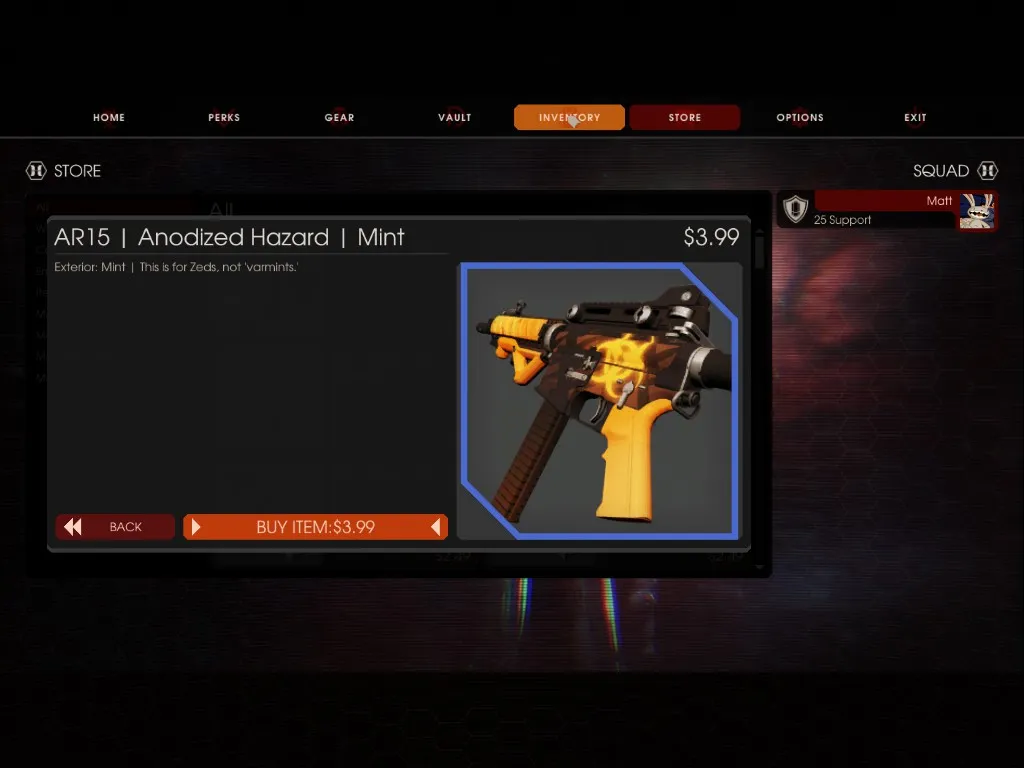 The crate in the inventory.
Notes
The author says getting the crate is not 100 percent guaranteed; it worked for him and he hoped it would for others. Since the title marks it as not working, expect it to fail in current versions. For how crates normally drop, see item drops and crafting.
FAQ
- Does this Dosh crate trick still work?
- The guide itself is titled NOT WORKING and the author says the trick is not guaranteed; treat it as historical.
- When could the trick apply?
- Only if you had already earned the Dosh crate and had not restarted the game.
