
KF2 Crafting Made Easy: Recycling Items Step by Step
A parody guide from September 2017, written in a joking tone, that still shows the actual recycling flow in Killing Floor 2: you turn spare inventory items into crafting materials. For the serious rules on rarity tiers and trading see item rarity tiers, crafting and trading.
Step 1: pick an item
Open your inventory and select any eligible item.
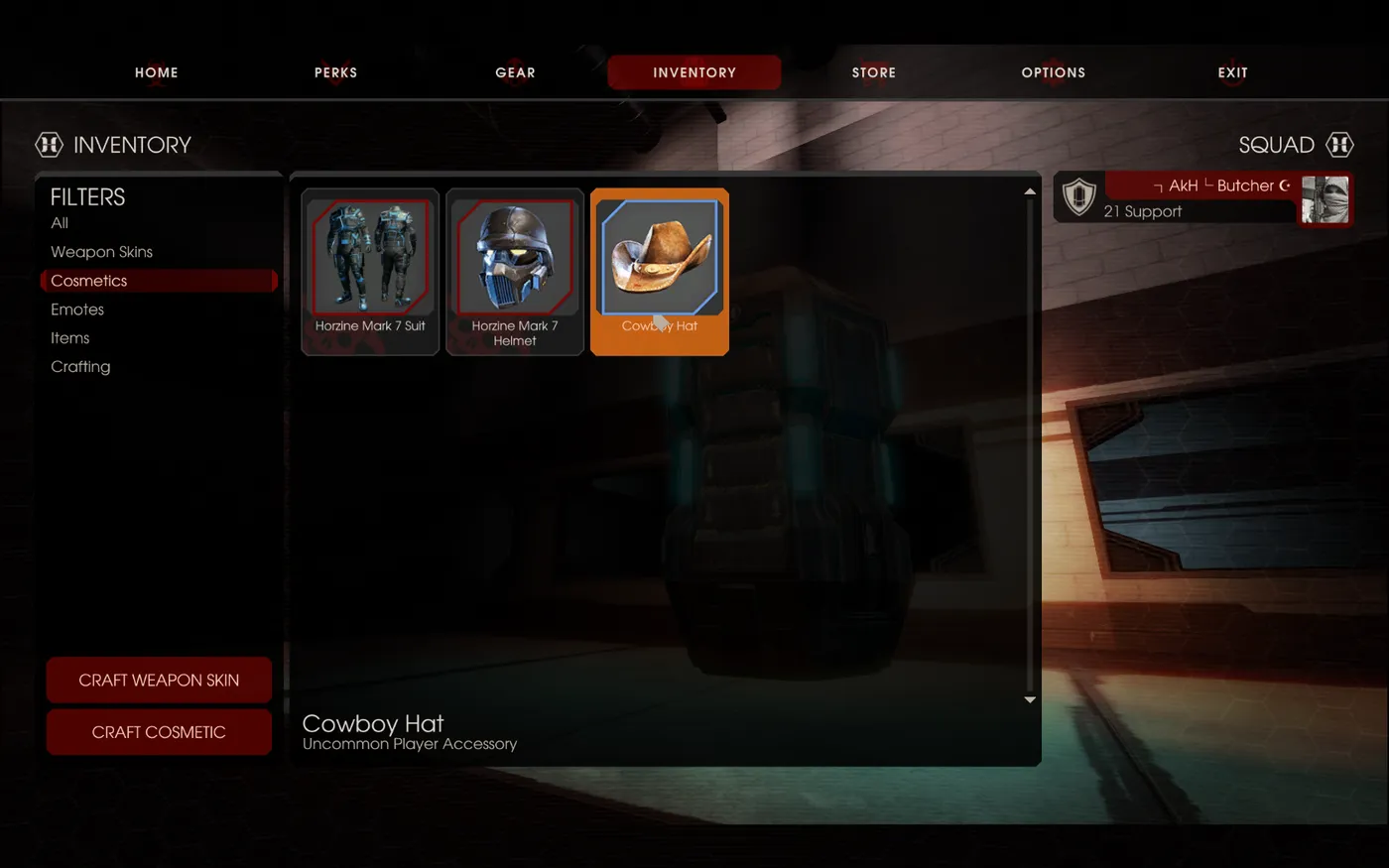 Select an eligible item.
Step 2: hit recycle
Press the recycle button.
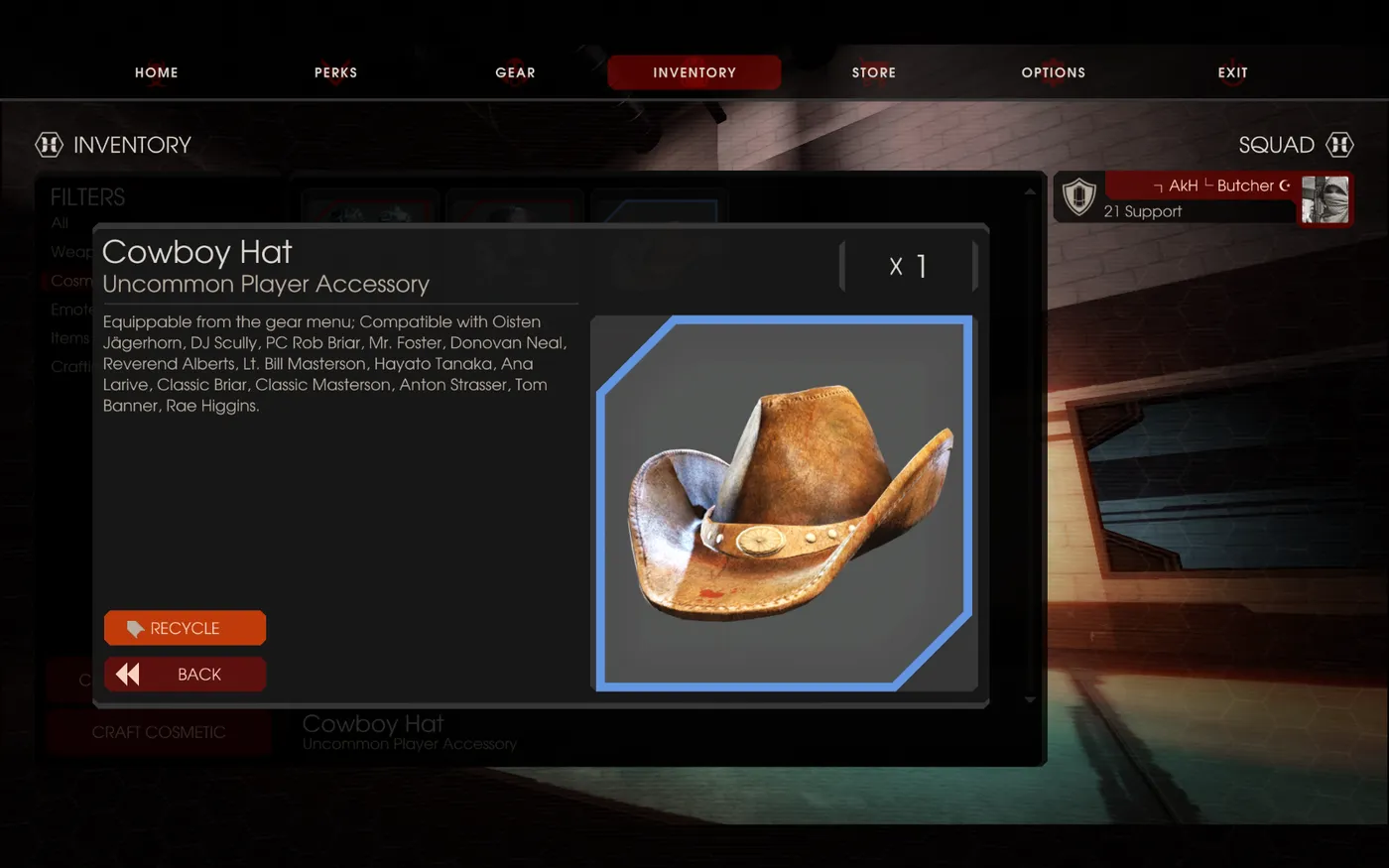 The recycle button.
Step 3: confirm
The game asks you to confirm. Press confirm.
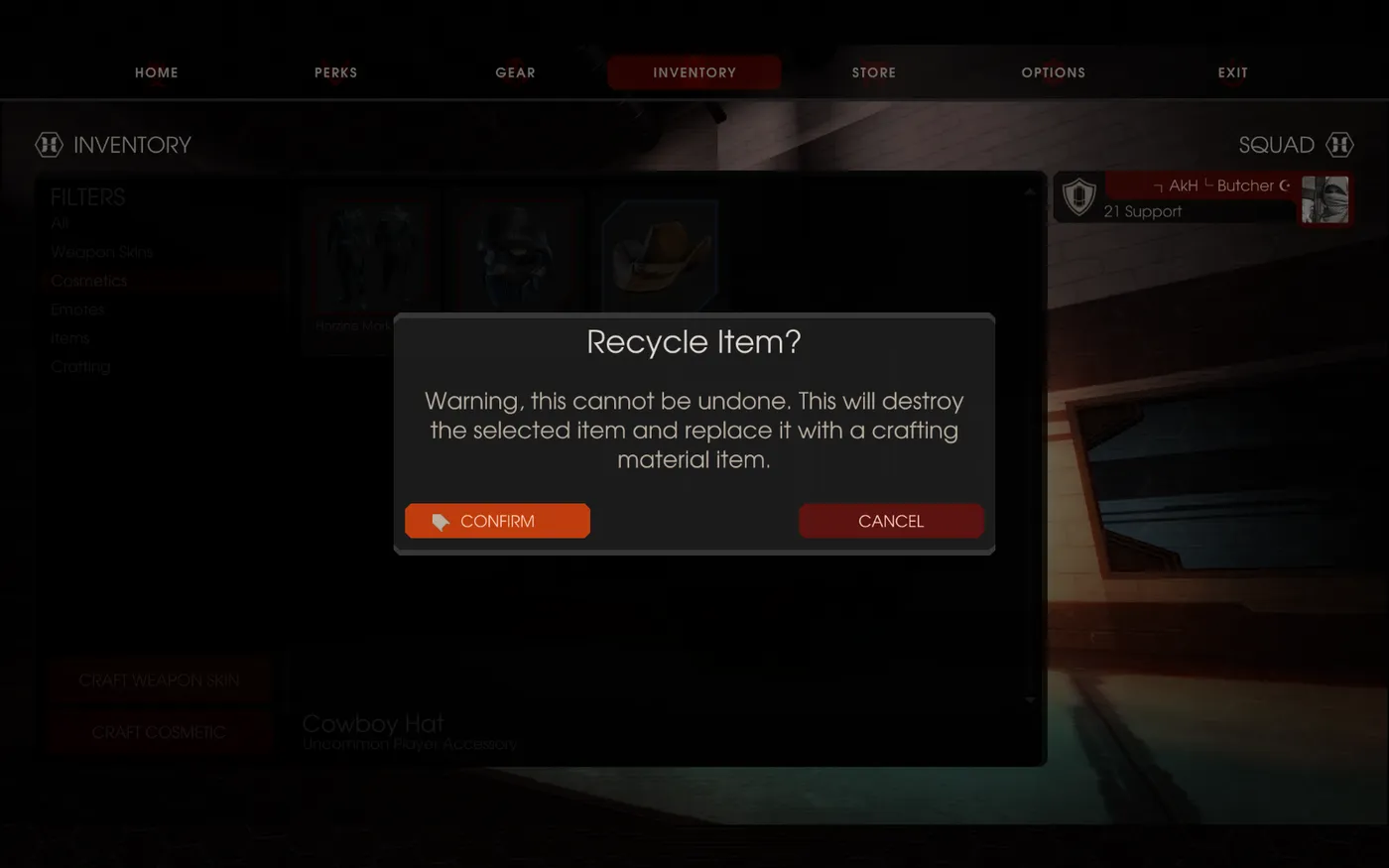 Confirm the recycle prompt.
Step 4: done
You did it. The guide notes you need only 10 more recycled items before you can craft another one.
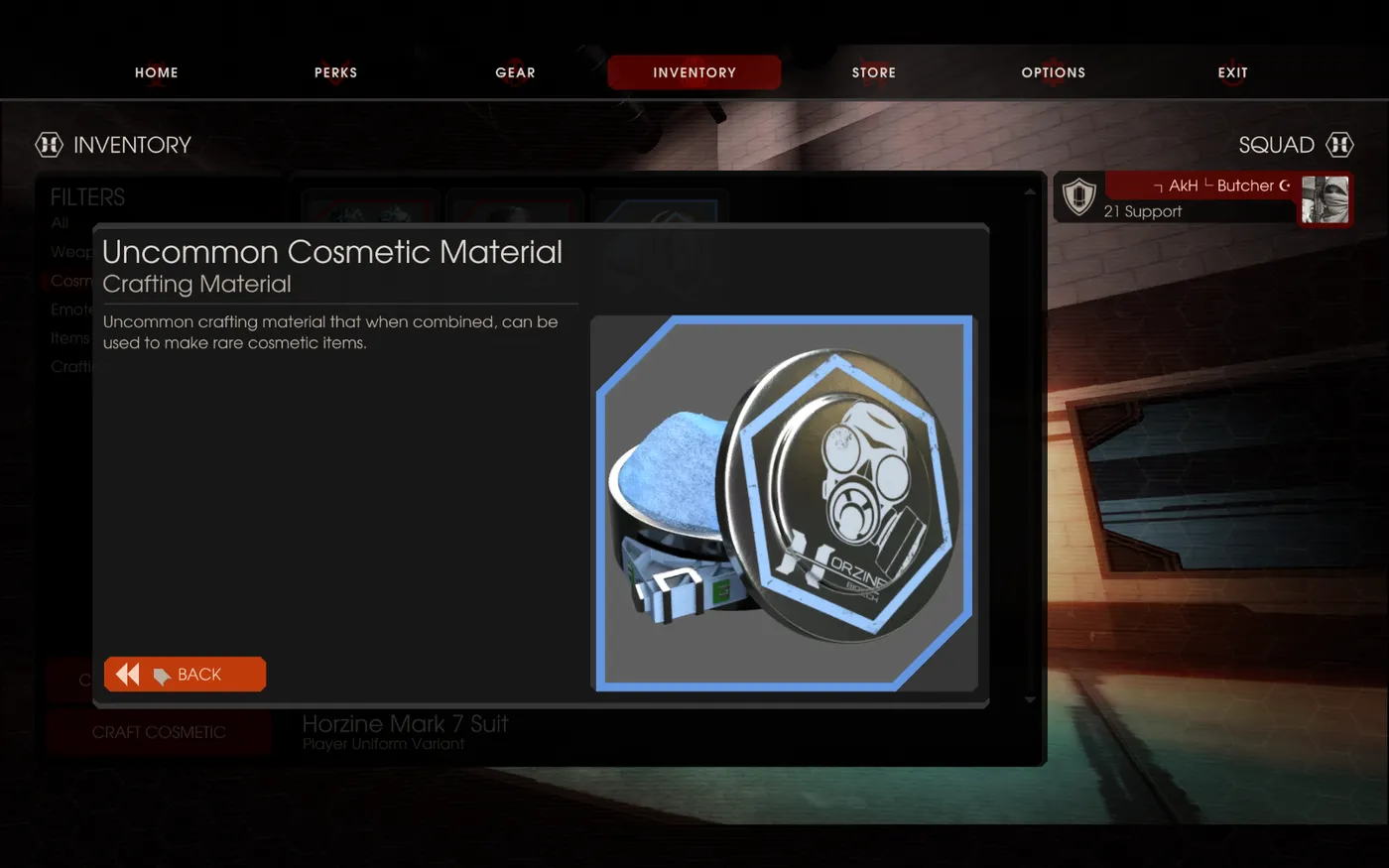 The result of recycling.
Can you make money off it?
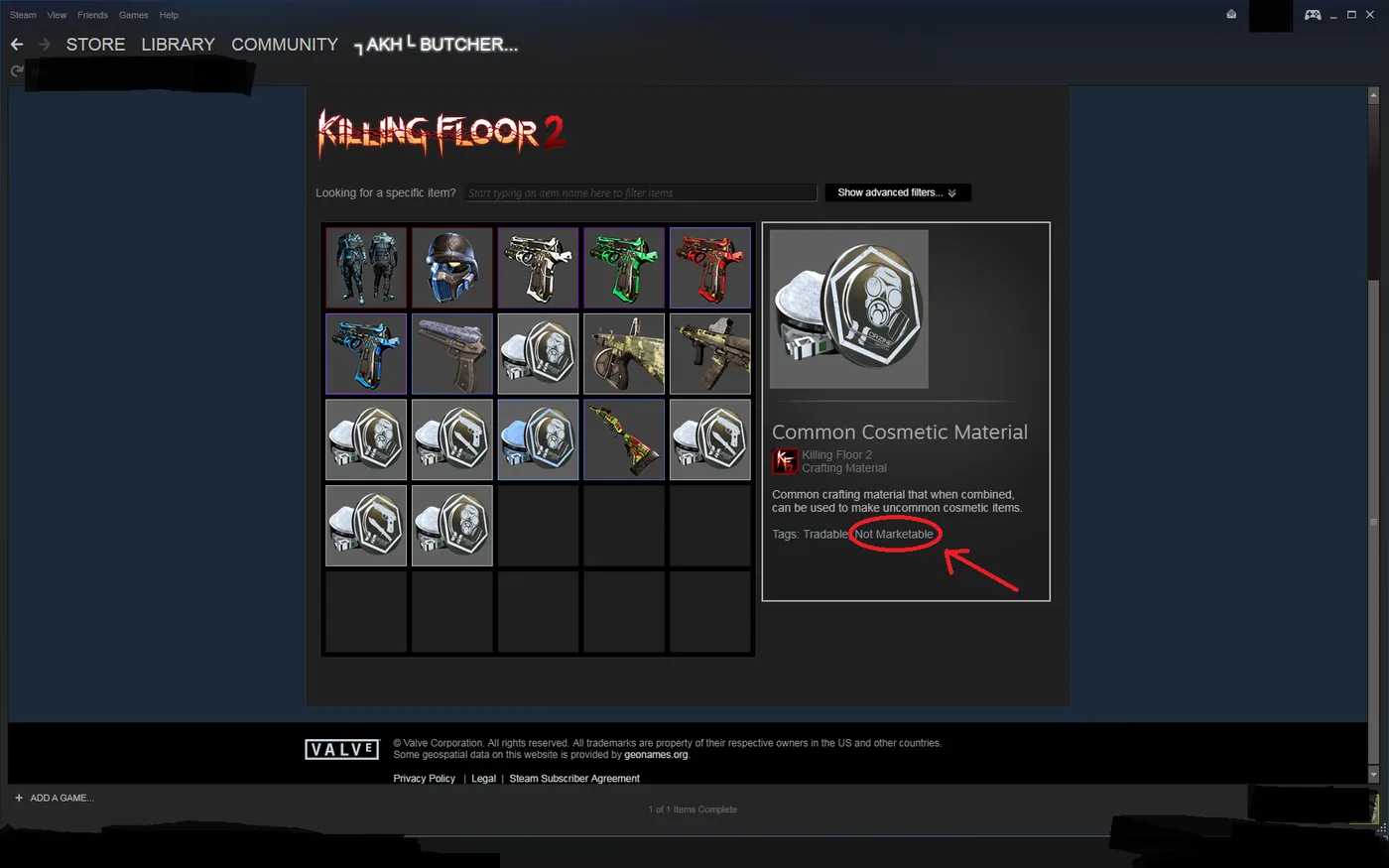
No. The author jokes that you cannot sell those materials for Steam wallet funds because market manipulation is for developers only, and that you can still put them toward crate gambling.
 Spending the materials on crates.
The guide ends by telling you to get back out and kill some floors, because the material collection will not build itself.
FAQ
- How do you recycle items in KF2?
- Open your inventory, select an eligible item, press the recycle button and confirm the prompt; you receive crafting materials.
- How many recycled items do you need for the next craft?
- The guide says you need 10 more to make another one.
- Can you sell crafting materials on the Steam market?
- No. The guide jokes that market manipulation is for developers only; materials cannot be sold for Steam wallet funds.
