
KF2: Apply Any Weapon Skin to Any Weapon via KFGame.ini
In multiplayer you sometimes meet players with expensive-looking skins that do not exist for that weapon at all, for example a Neon RGB Kriss SMG (the real Kriss Neon skin is lime green). The trick behind it is simple: a skin ID can be reused on another weapon through the config file. This guide, a repost of an earlier one that was removed by the developer, shows how. For a related approach see use all weapon skins without buying them.
Requirements
- You must own at least one skin of the type whose texture you want to spread (here, an RGB skin). Otherwise there is nothing to reuse.
- The author states the skins are visible to other players in multiplayer, and that this is just an engine feature rather than a hack. Treat that as the author's claim and use it at your own risk.
Finding the file
Open the folder Documents \ My Games \ KillingFloor2 \ KFGame \ Config and open KFGame.ini.
 The Config folder that contains KFGame.ini.
Scroll to the very end. You will see sections for each weapon with an applied skin:
[KFGameContent.KFWeap_Weapon_Name]
SkinItemId=XXXX
"Weapon_Name" is the internal weapon class name and XXXX is the four-digit skin ID. Internal weapon names are listed in the community weapon-name guides on this site.
Example: Tommy Gun Neon RGB (ID 6901)
The author recommends the Tommy Gun Neon RGB skin: it is not very expensive and its texture suits most weapons, even melee. Its ID is 6901.
Road Redeemer:
[KFGameContent.KFWeap_Blunt_ChainBat]
SkinItemId=6901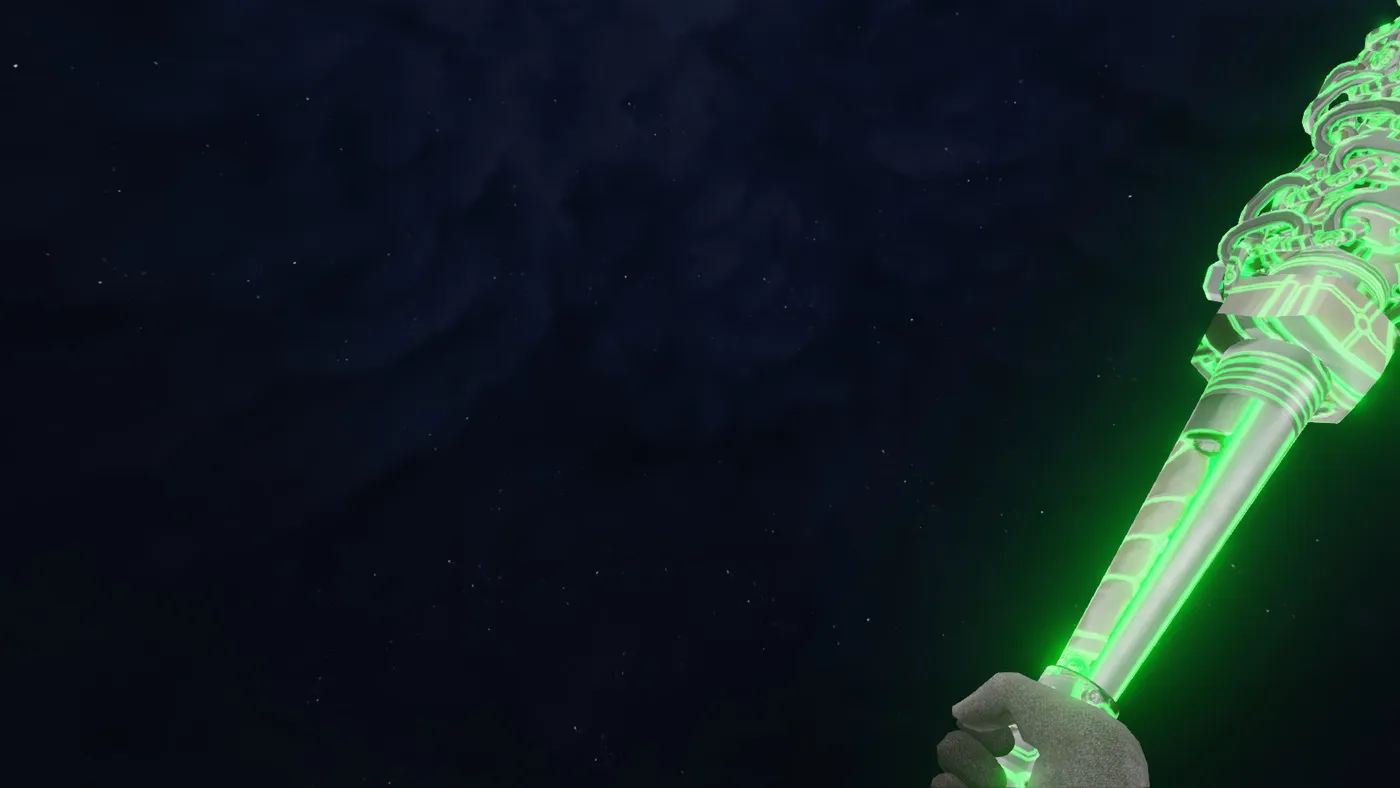 Road Redeemer wearing the Tommy Gun RGB texture.
MP5:
[KFGameContent.KFWeap_SMG_MP5RAS]
SkinItemId=6901
Static Strikers:
[KFGameContent.KFWeap_Blunt_PowerGloves]
SkinItemId=6901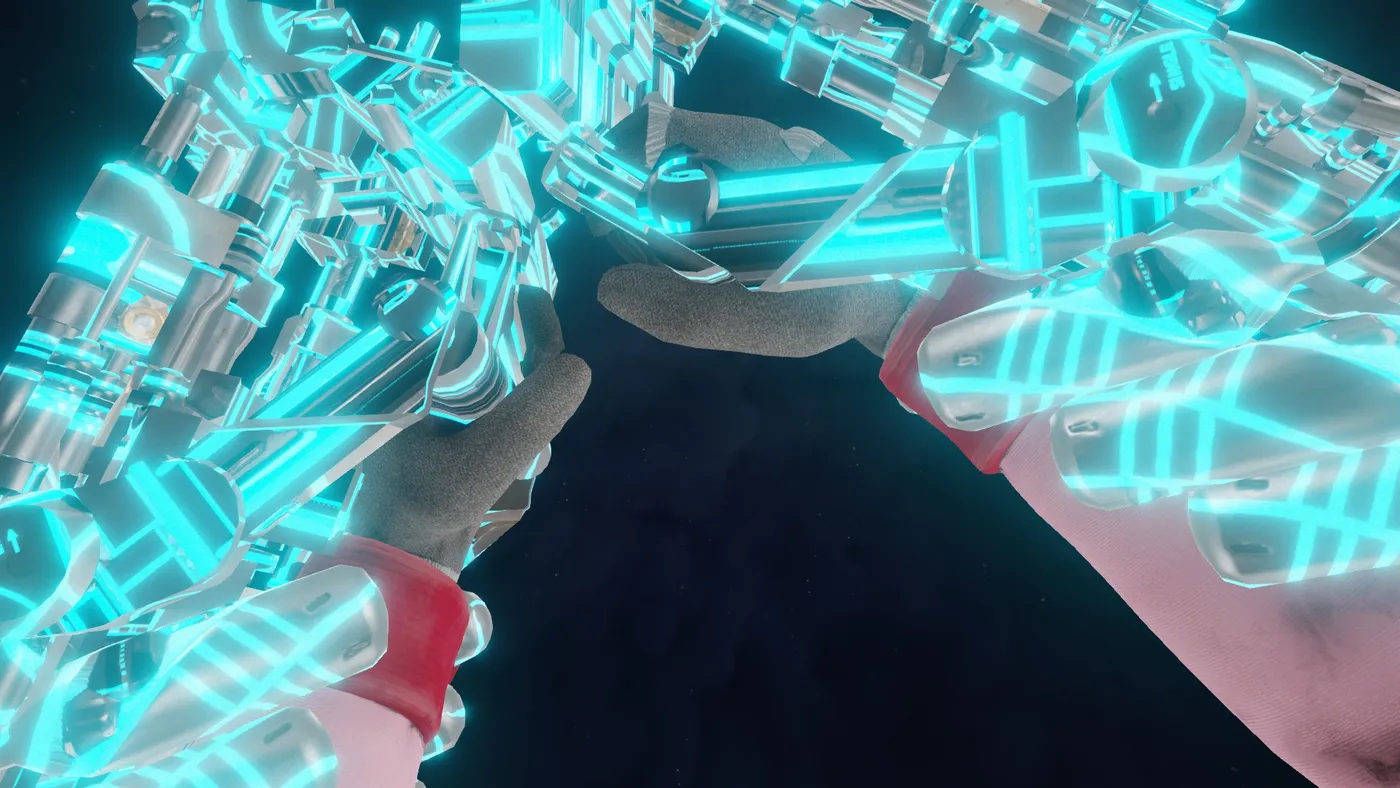 Static Strikers with the same ID.
Results and tips
A borrowed texture usually looks worse than a skin made for that exact weapon, but it is free once you own the source skin. The author suggests owning 3 to 5 different RGB skins (a pistol, a shotgun, an assault rifle and so on), because skins match best within the same weapon type. Experiment: some combinations look native, others look ugly.
Good matches shown in the guide:
- Kriss SMG with the MP7 RGB skin
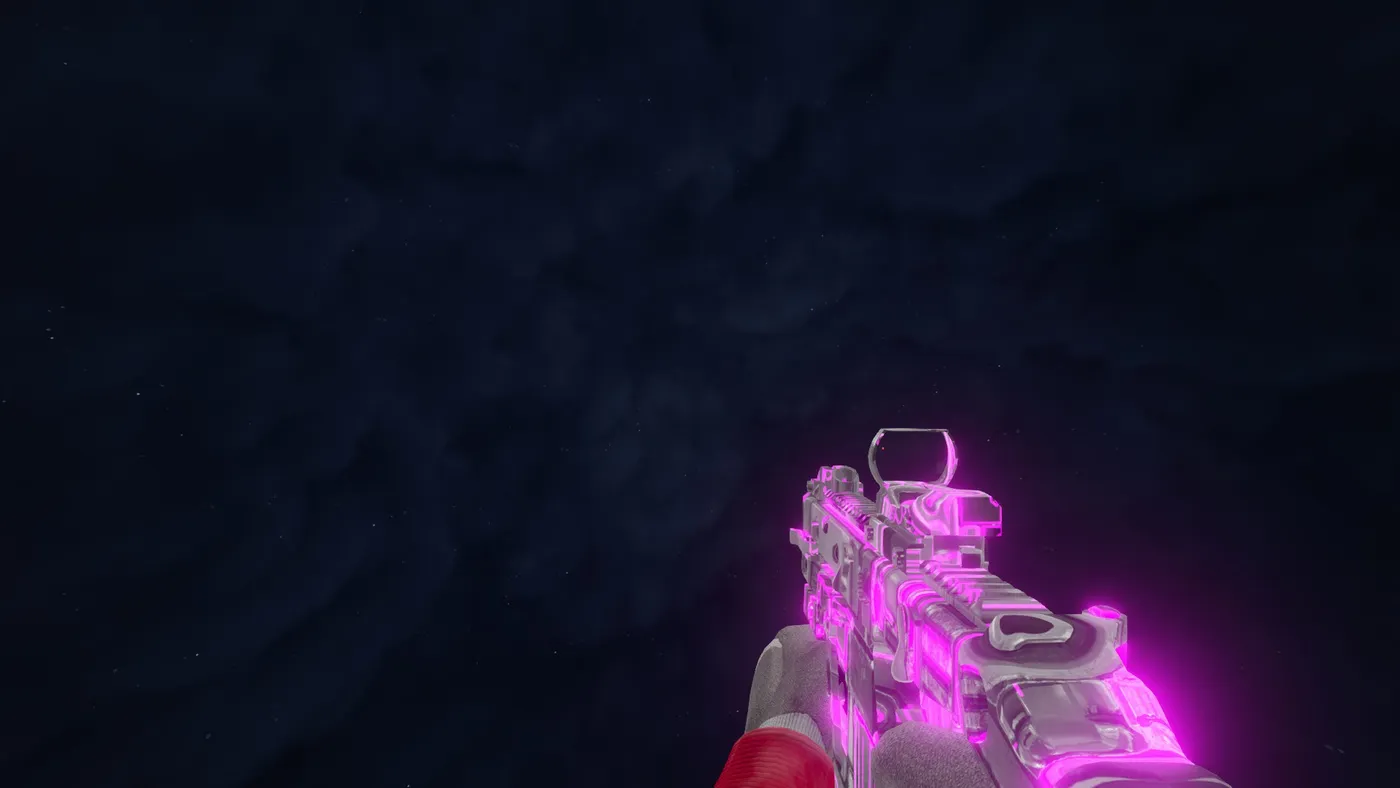 Kriss SMG with the MP7 RGB texture.
- HZ12 shotgun with the MKb42 RGB skin
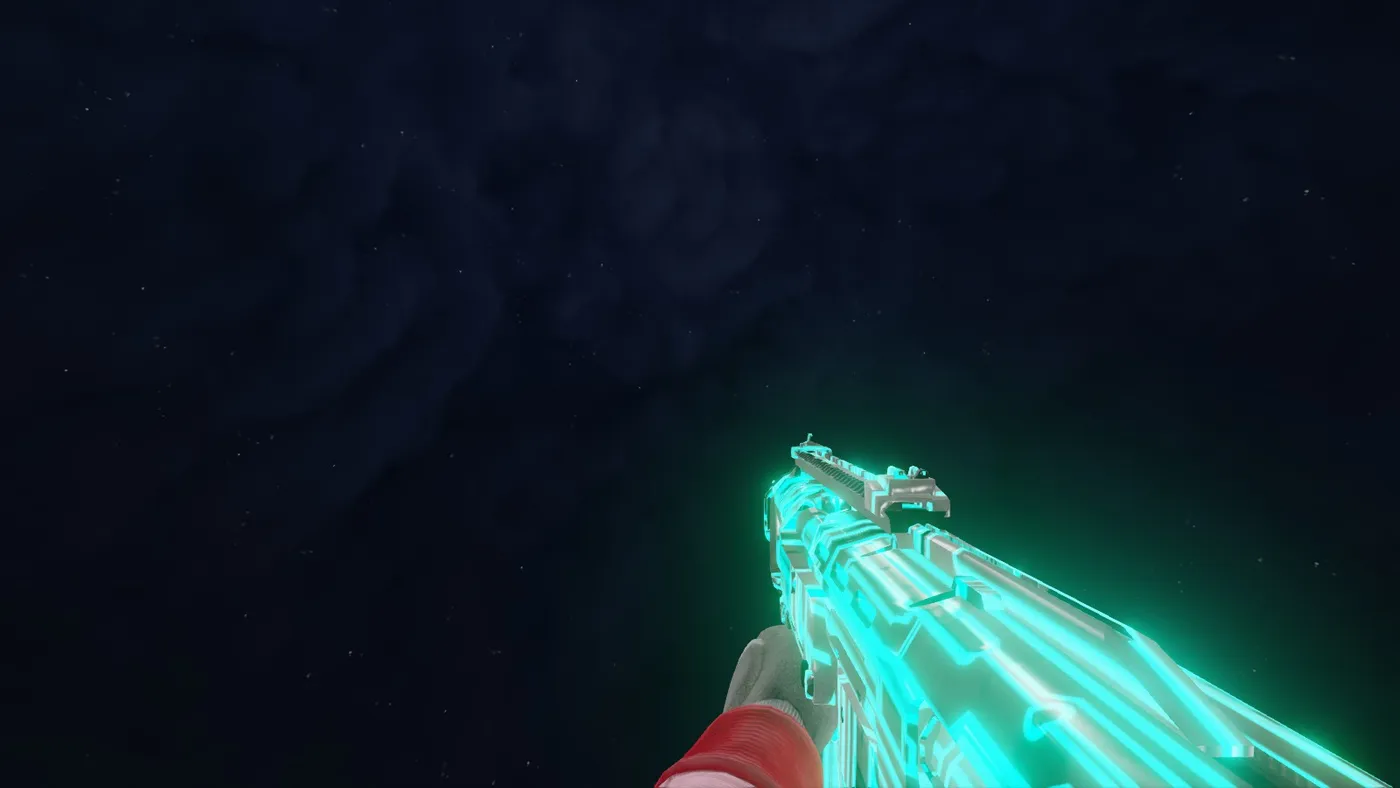 HZ12 with the MKb42 RGB texture.
- 1858 Revolvers with the Magnum Revolvers RGB skin
- 9mm Pistol with the HM-Tech Pistol RGB skin
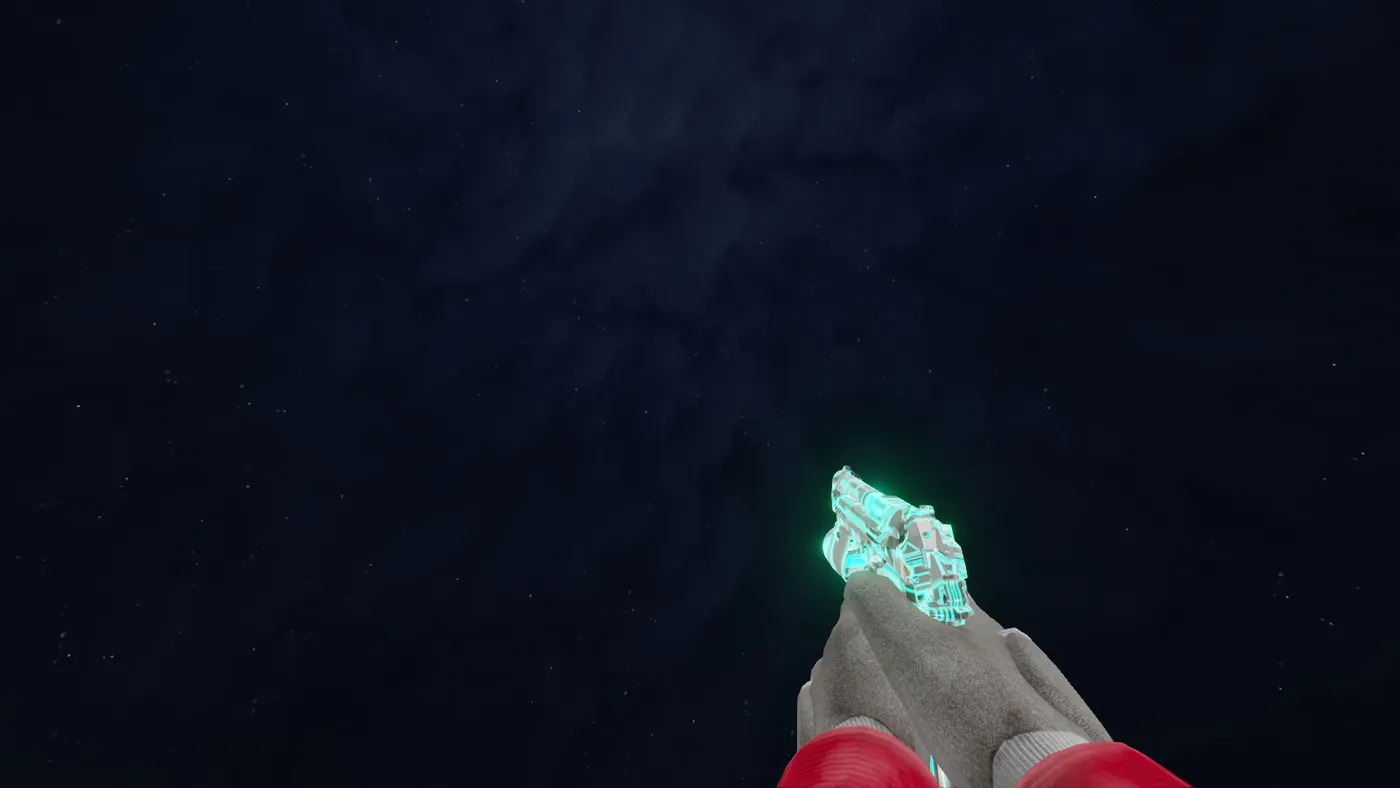 9mm Pistol with the HM-Tech Pistol RGB texture.
You can also try the Knife and Welder with the HM-Tech RGB skin, though it may be hard on the eyes.
FAQ
- Do I need to own a skin to use this trick?
- Yes. You must own at least one skin of the kind you want, for example an RGB skin, because you reuse its ID on other weapons.
- Will other players see the skin?
- According to the author, yes, the skins are visible to others in multiplayer.
- Where is the file?
- Documents\My Games\KillingFloor2\KFGame\Config\KFGame.ini, at the very end of the file.
