
KF2 Viewmodel Toggle: Hide Weapon Models with a Bind
Killing Floor 2 has no option to turn off first-person weapon models, but you can create a bind that does it. The trick uses the screenshot-mode toggle in KFInput.ini. It takes a few steps per weapon, but it becomes second nature quickly.
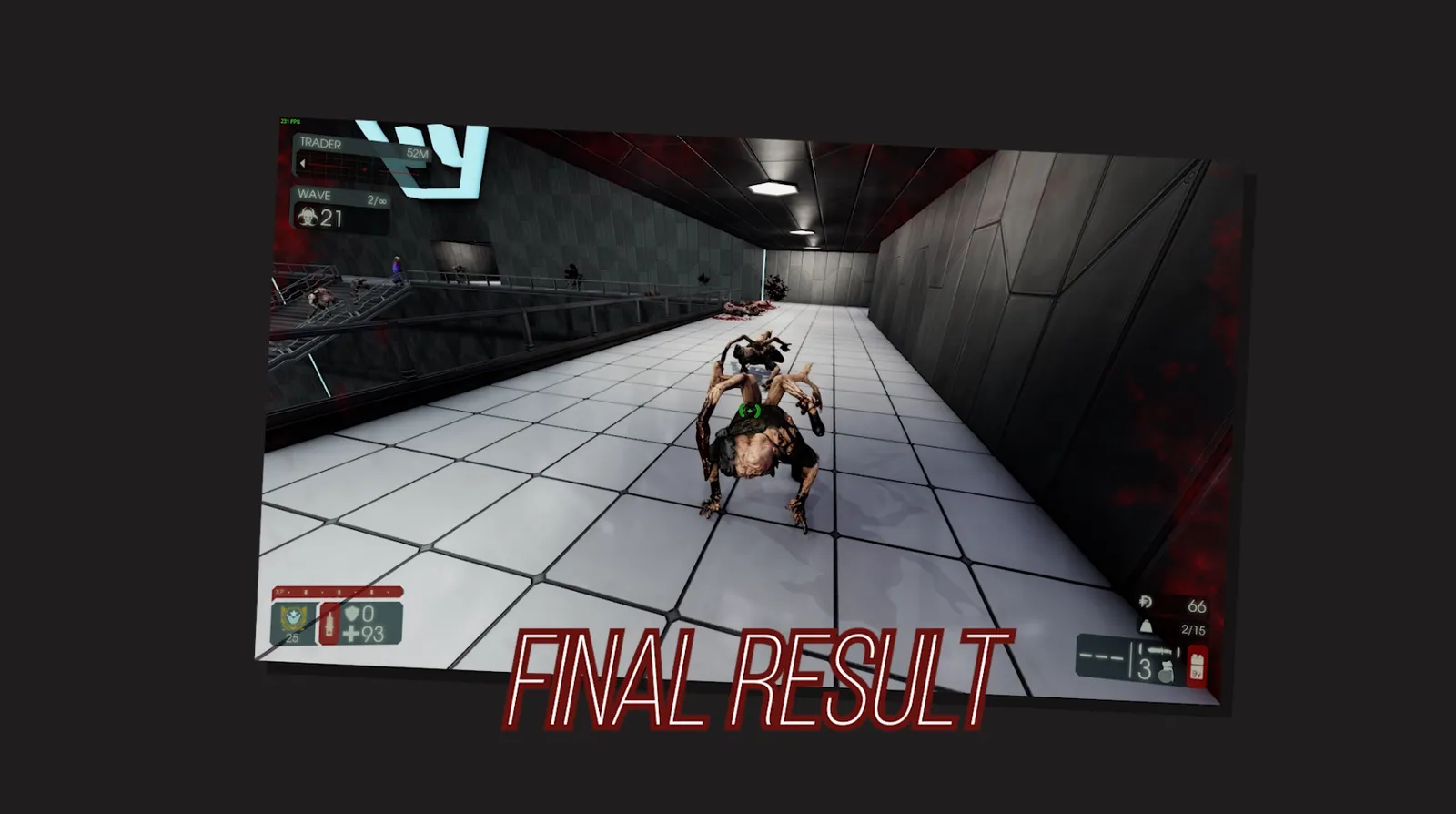 Result: no weapon model on screen.
Weapons that stop working
A few weapons deal ZERO damage when the model is hidden, mostly Firebug and Survivalist weapons:
- Flamethrower
- Caulk n' Burn
- Microwave Gun
- Freezethrower (only alt-fire works)
- Killerwatt (alt-fire does not work)
- Arc Generator (only alt-fire works)
- Shrink Ray
- Healthrower
- HRG Vampire
Editing KFInput.ini
- Download Notepad++ if you do not have it. It makes editing much easier.
- Go to
C:\Users\YOUR-NAME\Documents\My Games\KillingFloor2\KFGame\Config.
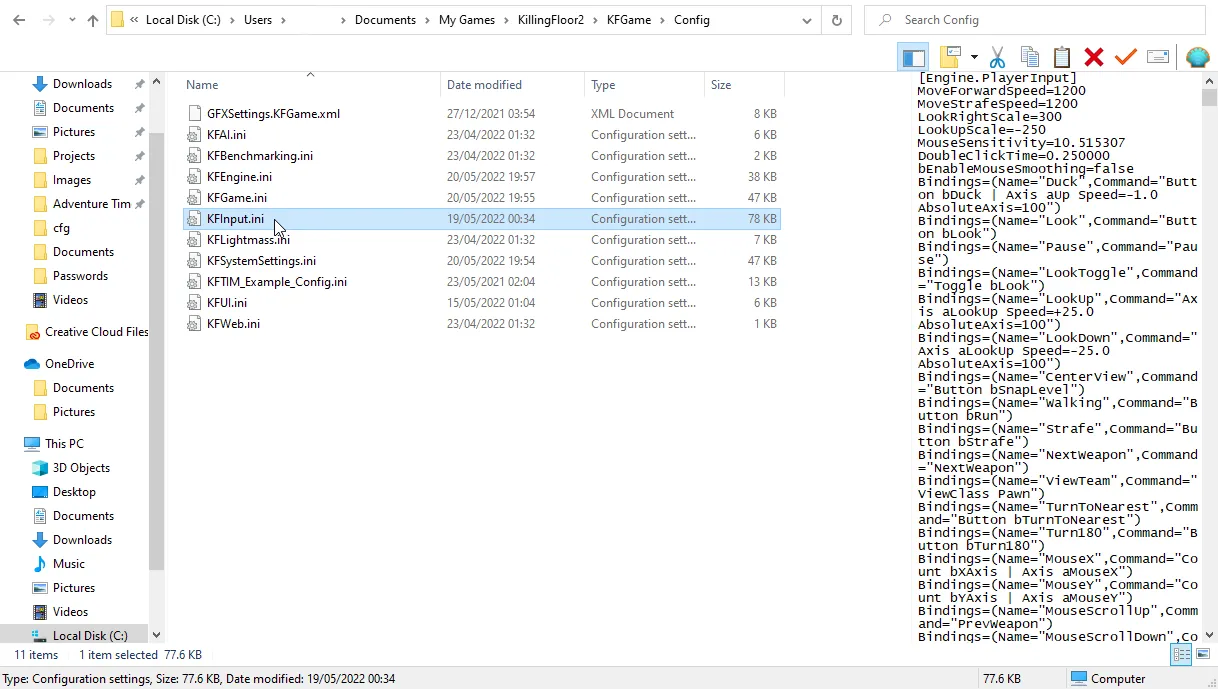 The Config folder.
- Right-click
KFInput.ini, open Properties, remove the Read-only attribute, and apply.
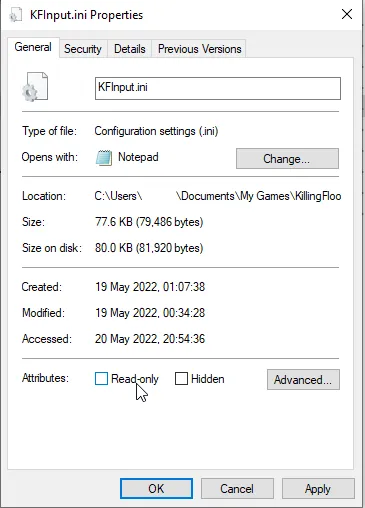 Disable Read-only before editing.
- Only if you want to use the B key (the author recommends a key that is easy to reach): press Ctrl+F, open the Replace tab, find
Band replace withN. This moves the default Throw Dosh bind from B to N. You can repeat this for any key you choose.
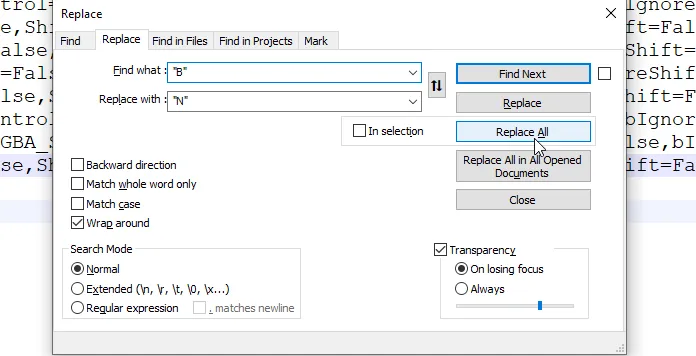 Rebinding B to N.
- Scroll to the very bottom of the file (around line 766), just after the latest
Bindingsline, press Enter and paste:
Bindings=(Name="B",Command="togglescreenshotmode",Control=False,Shift=False,Alt=False,bIgnoreCtrl=False,bIgnoreShift=False,bIgnoreAlt=False)
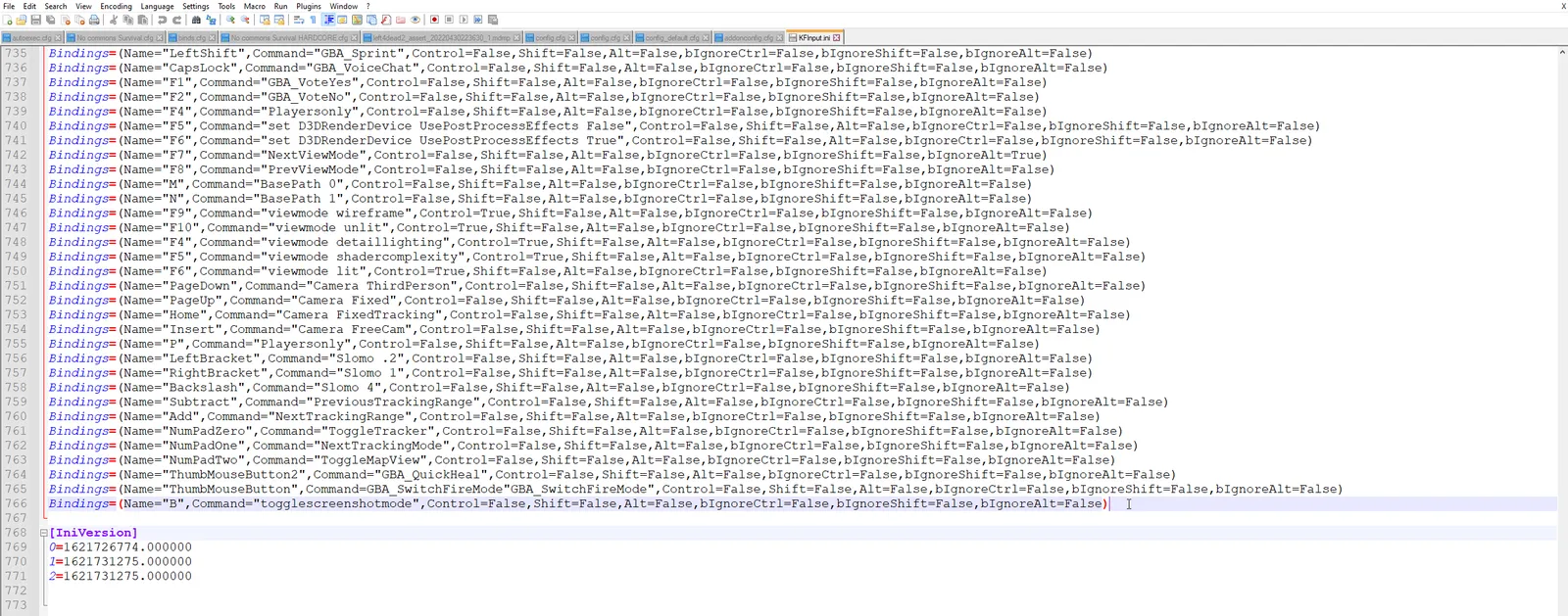 The new Bindings line at the bottom.
- Save with Ctrl+S, open Properties again and restore the Read-only attribute.
In-game use
Check the in-game key bindings first. If Throw Dosh shows the new key (N in the example), the file was loaded.
- Switch to the weapon you want to hide.
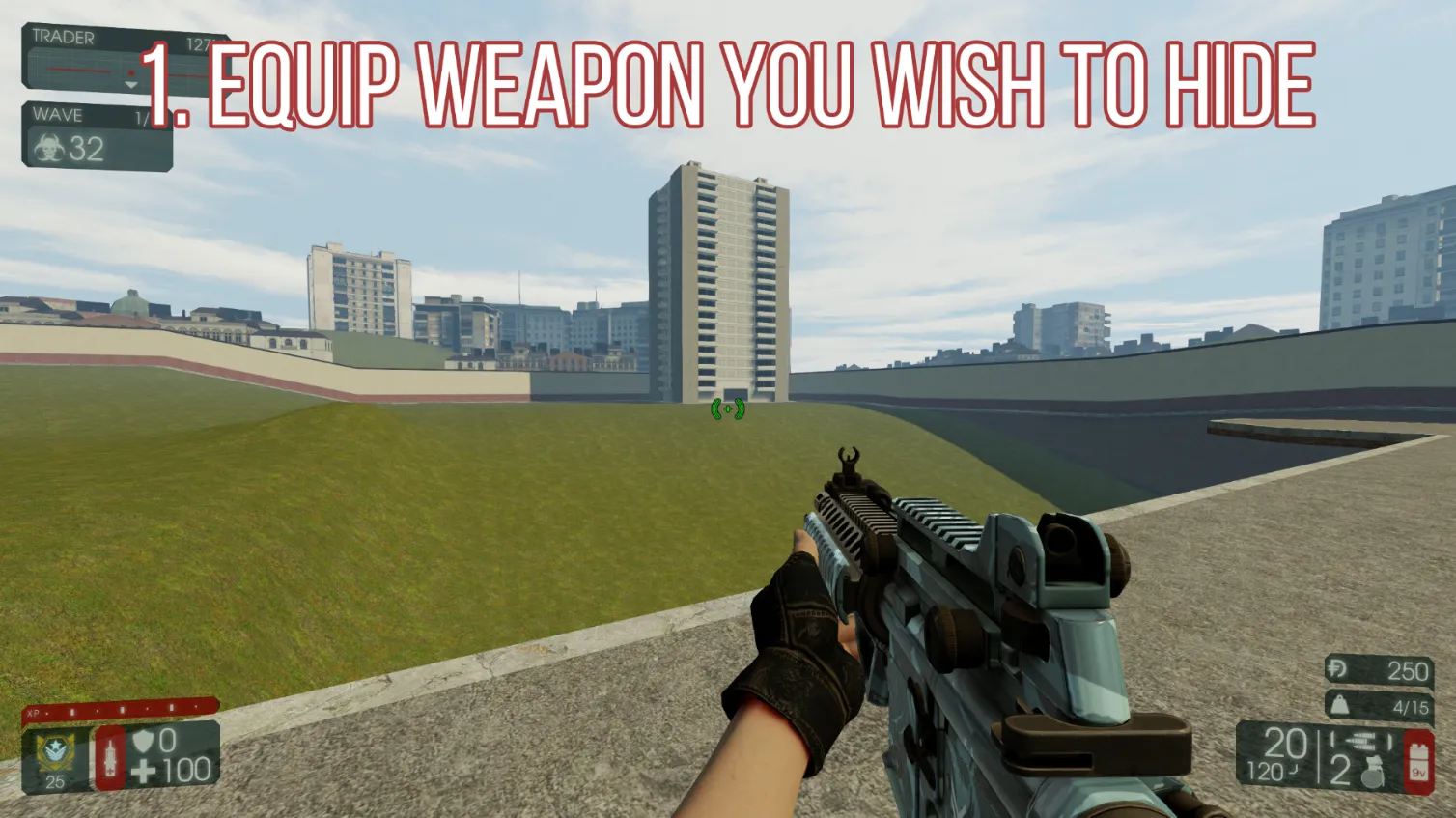 The weapon to hide is equipped.
- Press the new bind (B here). All HUD elements disappear.
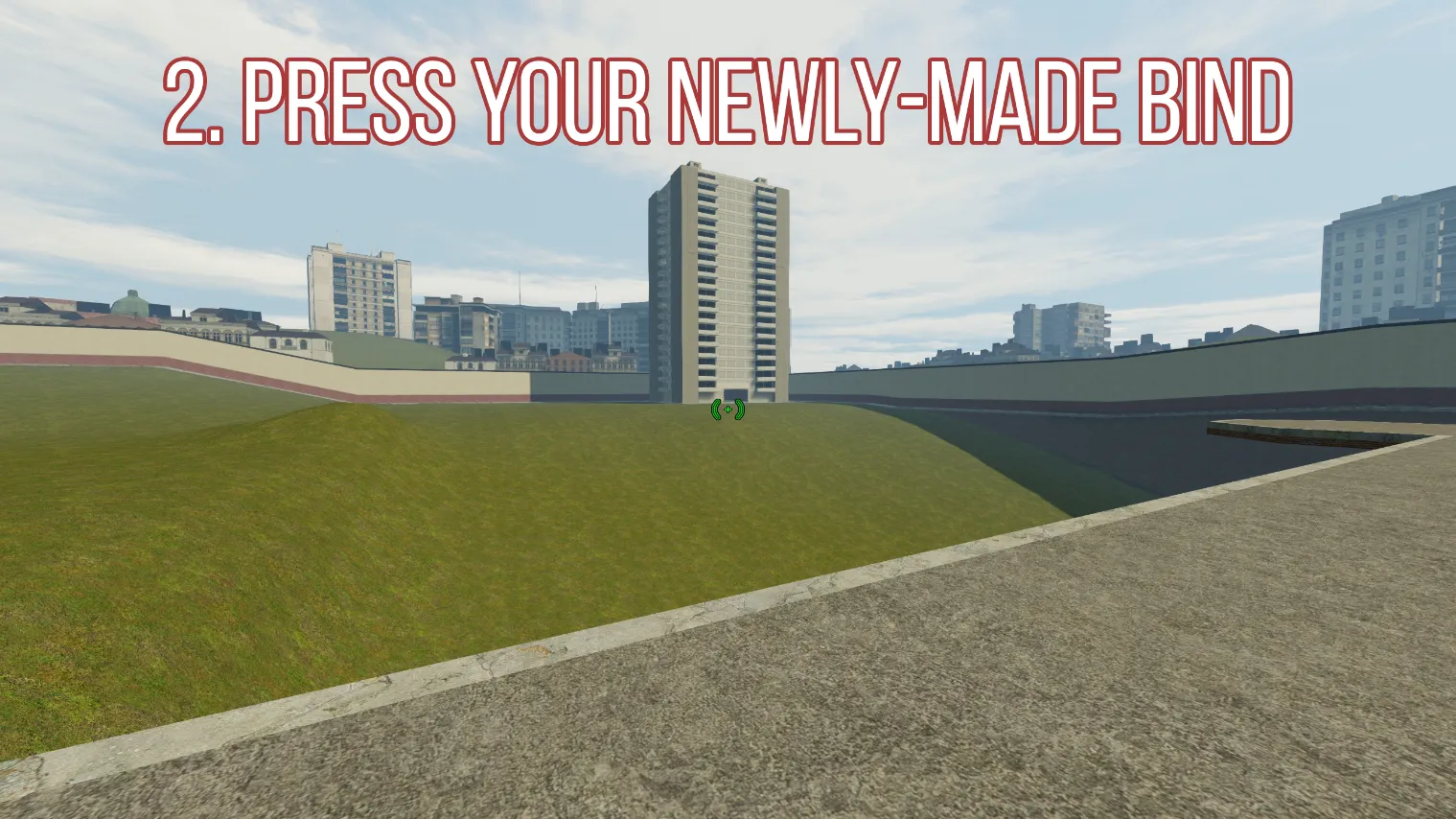 HUD hidden.
- Switch to a different weapon with a number key. The author recommends the healing syringe, the welder or the knife (default key 4).
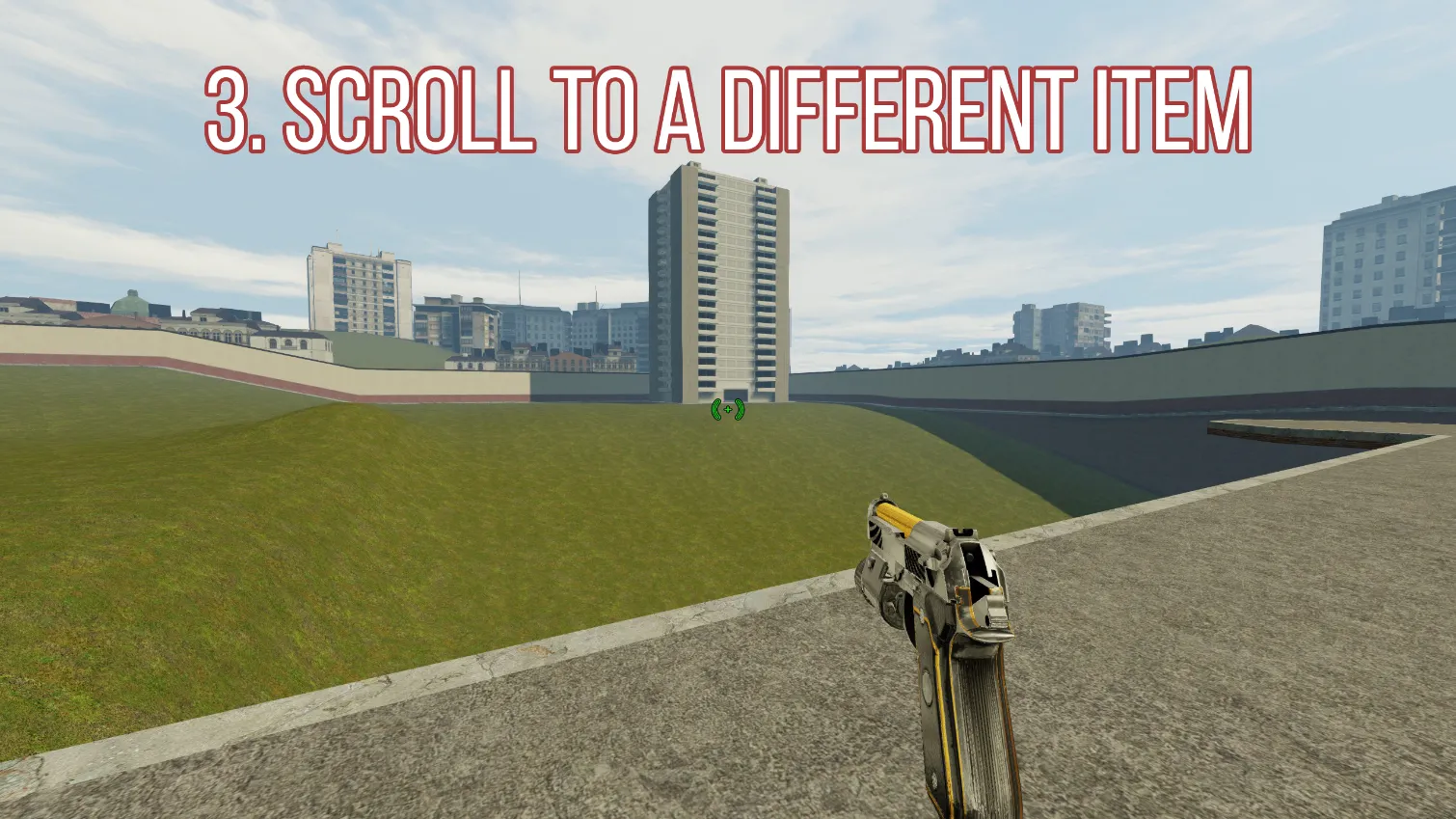 Switching to another weapon.
- Press the bind again to bring the HUD back while still holding the other weapon.
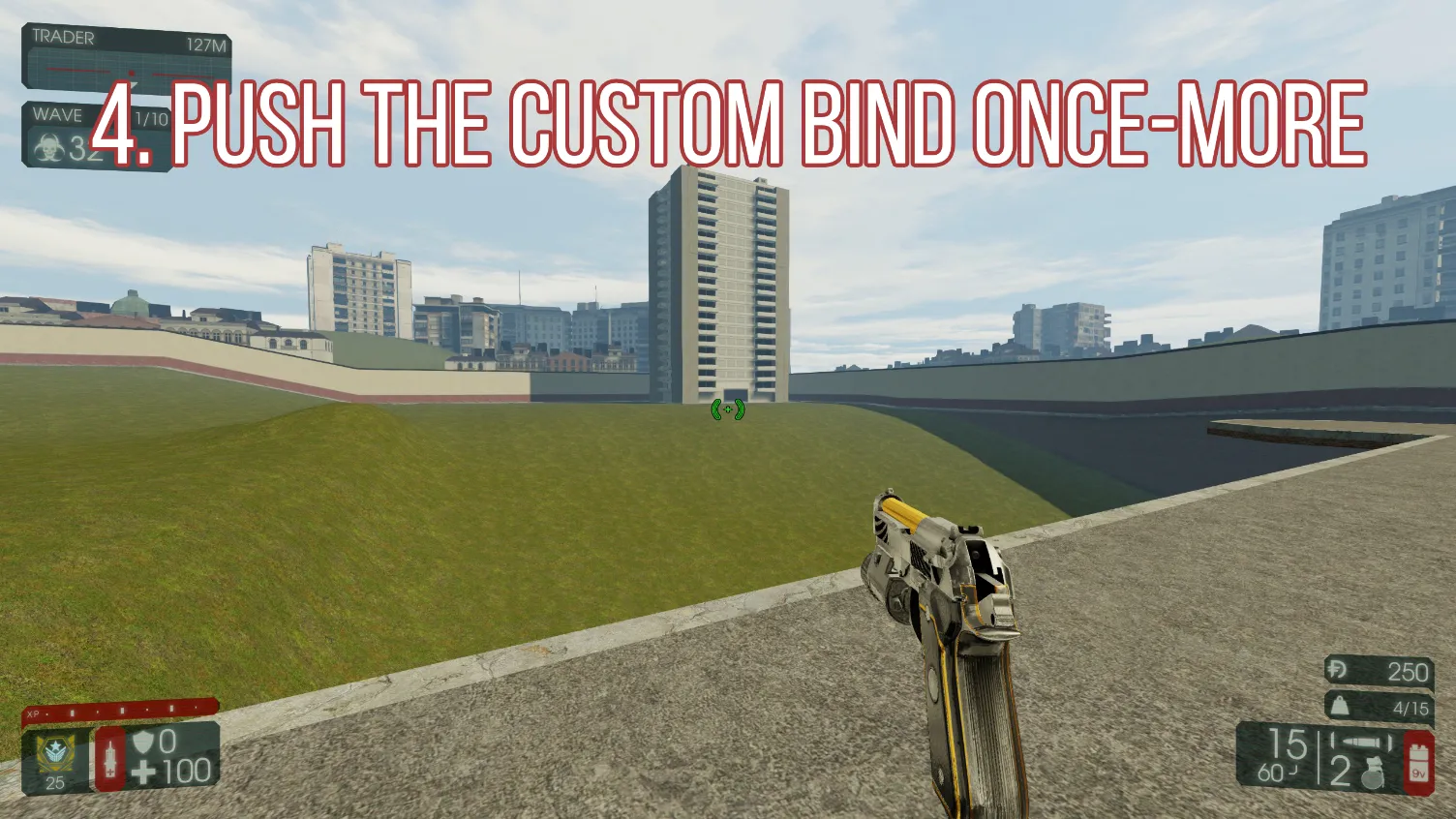 HUD back on.
- Re-equip the original weapon. Its model should now be gone.
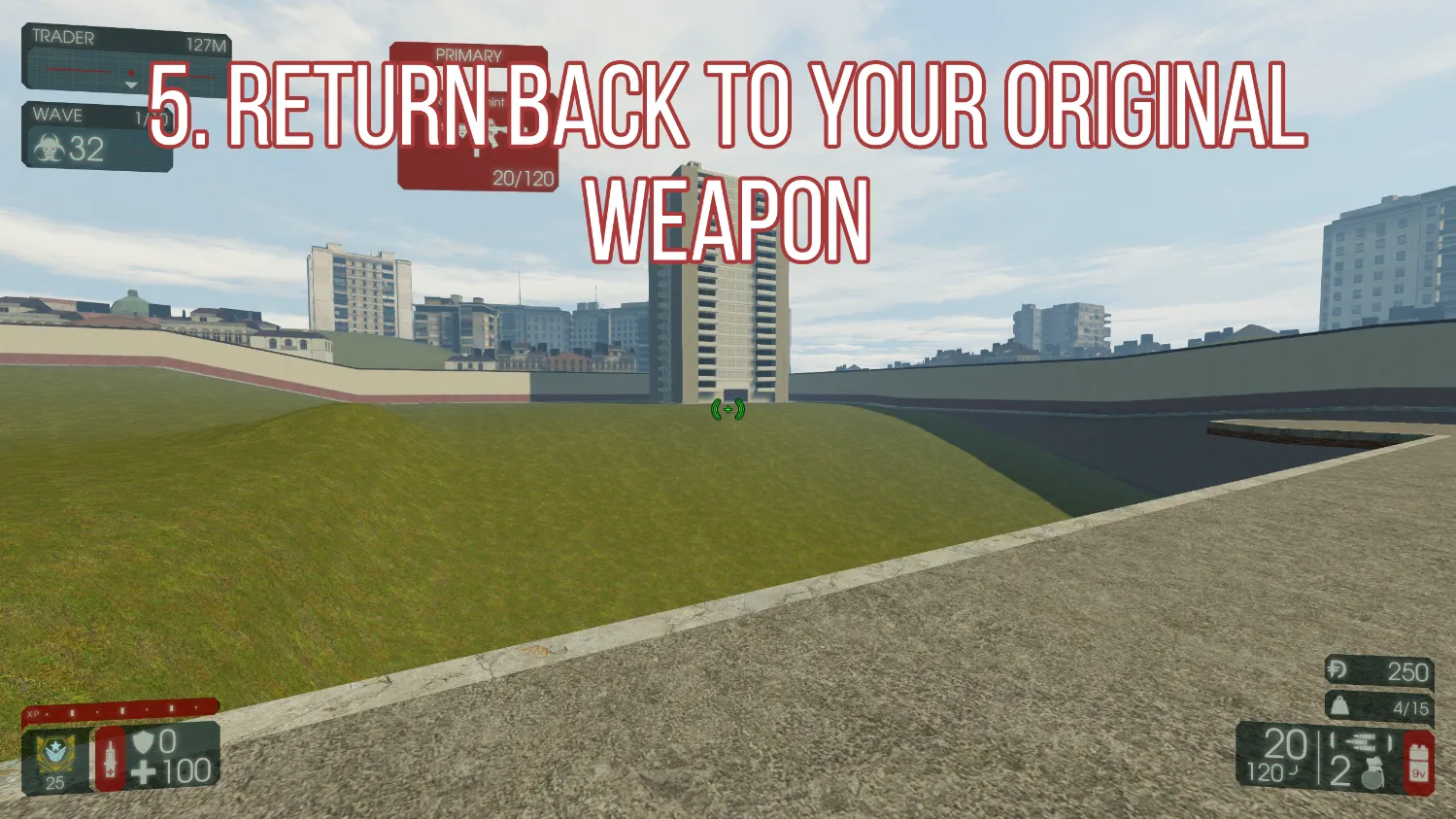 Original weapon with no model.
Repeat this for every weapon you pick up. That is why a near key such as B, or a side mouse button, is the best choice.
Multiplayer
At the time of writing it worked correctly in online matchmaking. The author came from Source engine games and wanted this feature in KF2, and also made a video version of the tutorial.
Related pages: hide HUD with setbind/showhud and graphics ini and key bindings.
FAQ
- Which command hides the weapon model?
- A bind to togglescreenshotmode in KFInput.ini. Pressing it hides the HUD, and you use it while holding a different weapon to hide the original.
- Do I need to repeat the steps for each weapon?
- Yes. Repeat the sequence for every new weapon you pick up, which is why a key close to the movement keys is recommended.
- Does it work online?
- At the time of writing it worked correctly in online matchmaking.
