
KF2 Custom Main Menu Background Video (DAR's Pack)
This short guide describes how to install a custom main menu background video for Killing Floor 2. The video itself is distributed as a downloadable pack, and the guide explains how to use it.
Retrieving and replacing the file
- Download the background video pack from the link given in the original guide (a cloud drive folder).
- Open the folder and follow the read-me text inside. In practice it tells you where to put the bik file; the game reads menu movies from
Documents\My Games\KillingFloor2\KFGame\Movies.
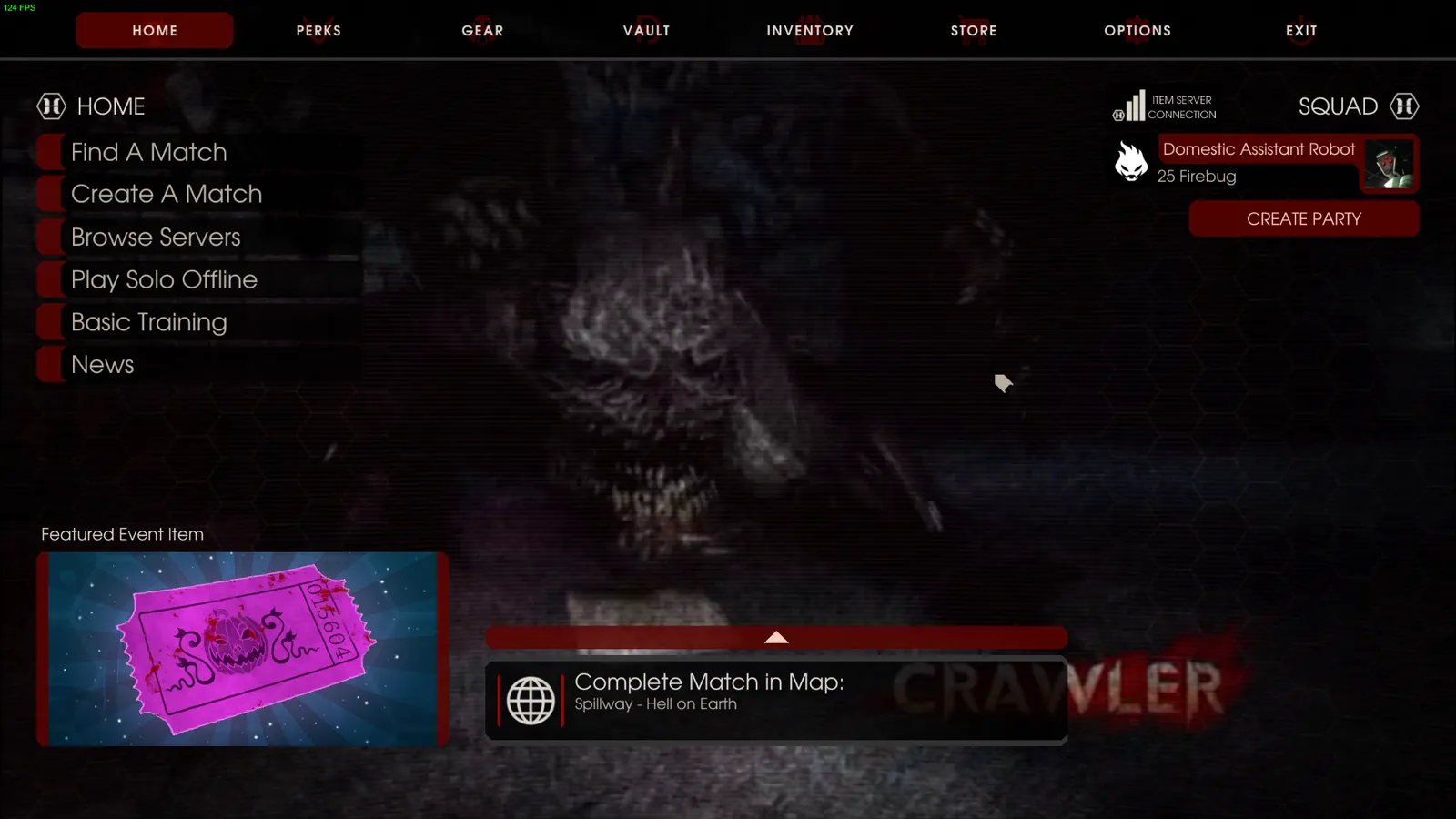 Contents of the downloaded folder.
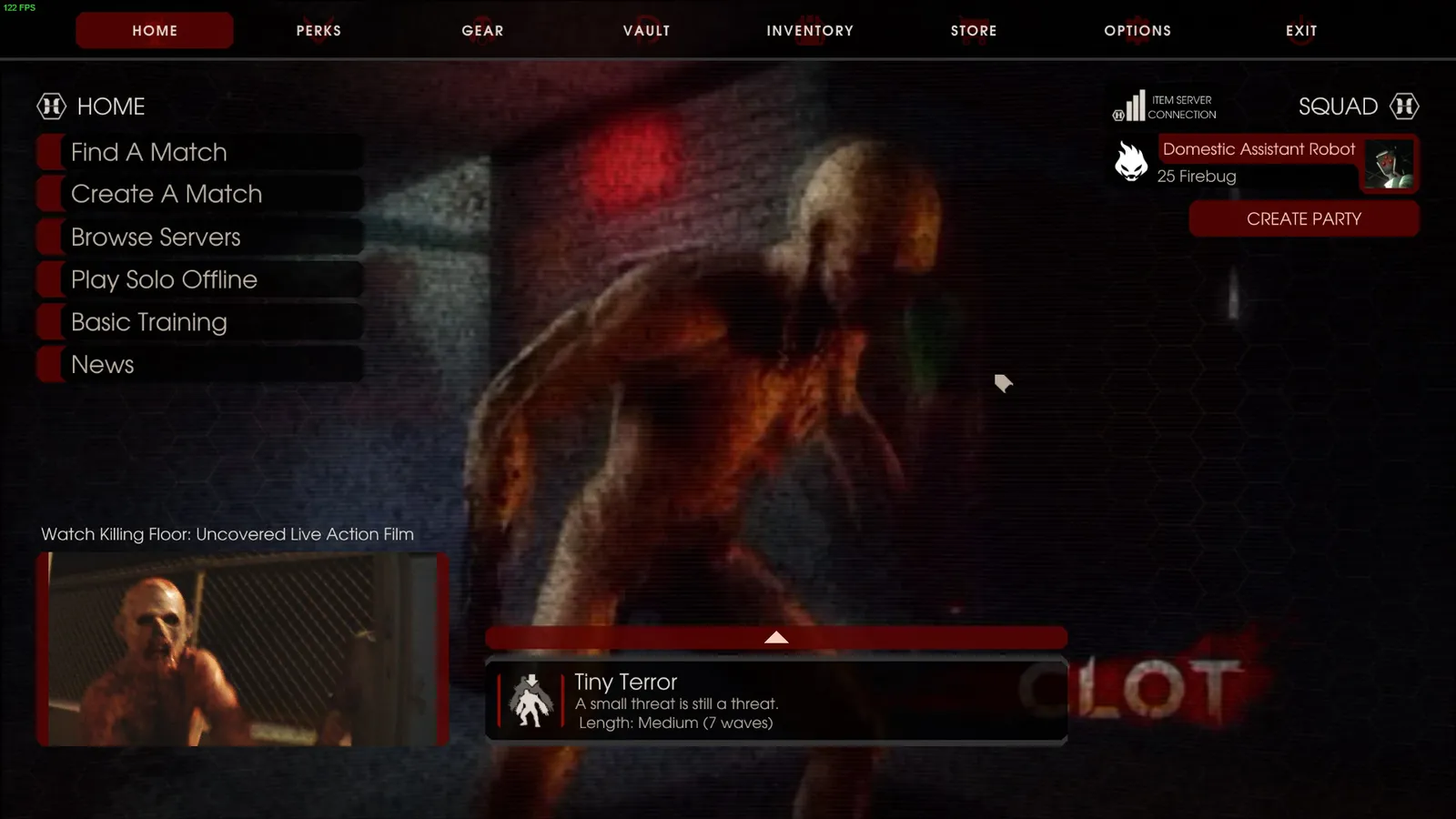 Replacing the file as described in the read-me.
Optional: original main menu music
If you want the original music, or different music that suits the new video, the author points to a separate guide on changing menu music. See also /en/gamedb/killingfloor2/config/restore-old-menu-background-bik/ for the old background, and /en/gamedb/killingfloor2/modding/customization-guide-jp-console-mods-skins/ for how custom movies work in general.
FAQ
- What format does the game use for menu videos?
- Bink (bik) files placed in Documents\My Games\KillingFloor2\KFGame\Movies.
- Can I change the menu music too?
- Yes, the author links a separate guide on swapping the original or other menu music.
